What This Guide Covers
AI image generation works best when you pick the model by workflow, not by hype. Use Flux 2 for photoreal products and skin texture, Google Imagen 4 for product fidelity, Ideogram v3 when readable text matters, and GPT Image 1.5 for OpenAI-style prompt following and image edits. This guide explains how those choices map to text-to-image, image-to-image, editing, enhancement, and cost-conscious production inside Cliprise.
If you need a broader overview covering video generation, audio, and the full platform alongside image generation, see our AI Content Creation: The Complete Guide 2026. For the companion deep-dive on video, see AI Video Generation: The Complete Guide 2026. This guide goes deep on images specifically.
What Is AI Image Generation?
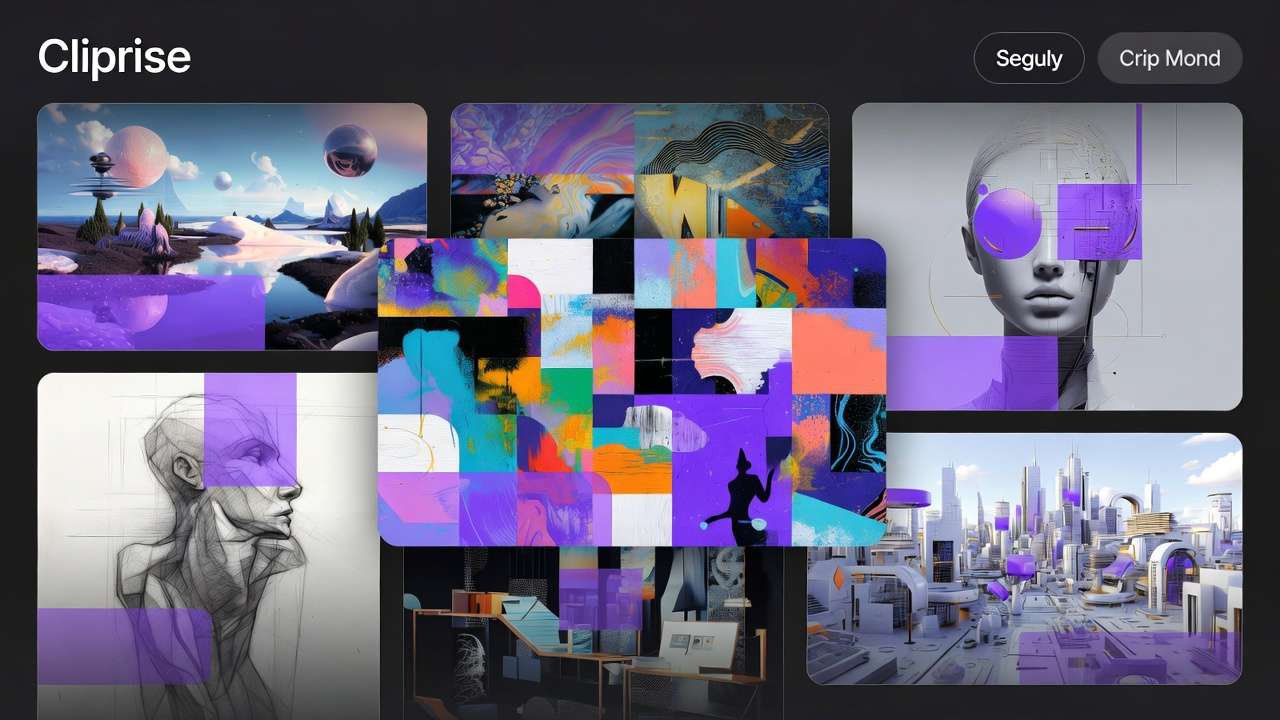
Whether you call it an ai picture generator or a creative design tool, AI image generation creates photorealistic photographs, artistic illustrations, logos, product shots, design assets, and concept art from text descriptions in seconds - without cameras, designers, or stock photo subscriptions.
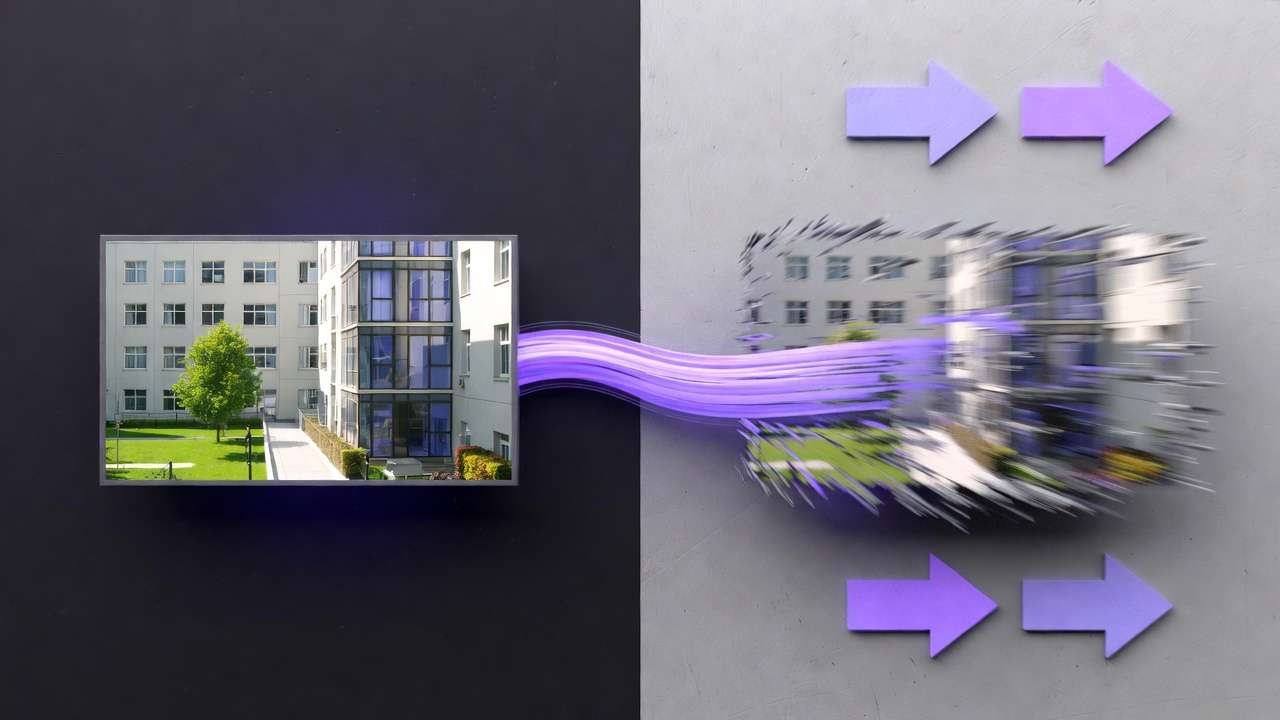
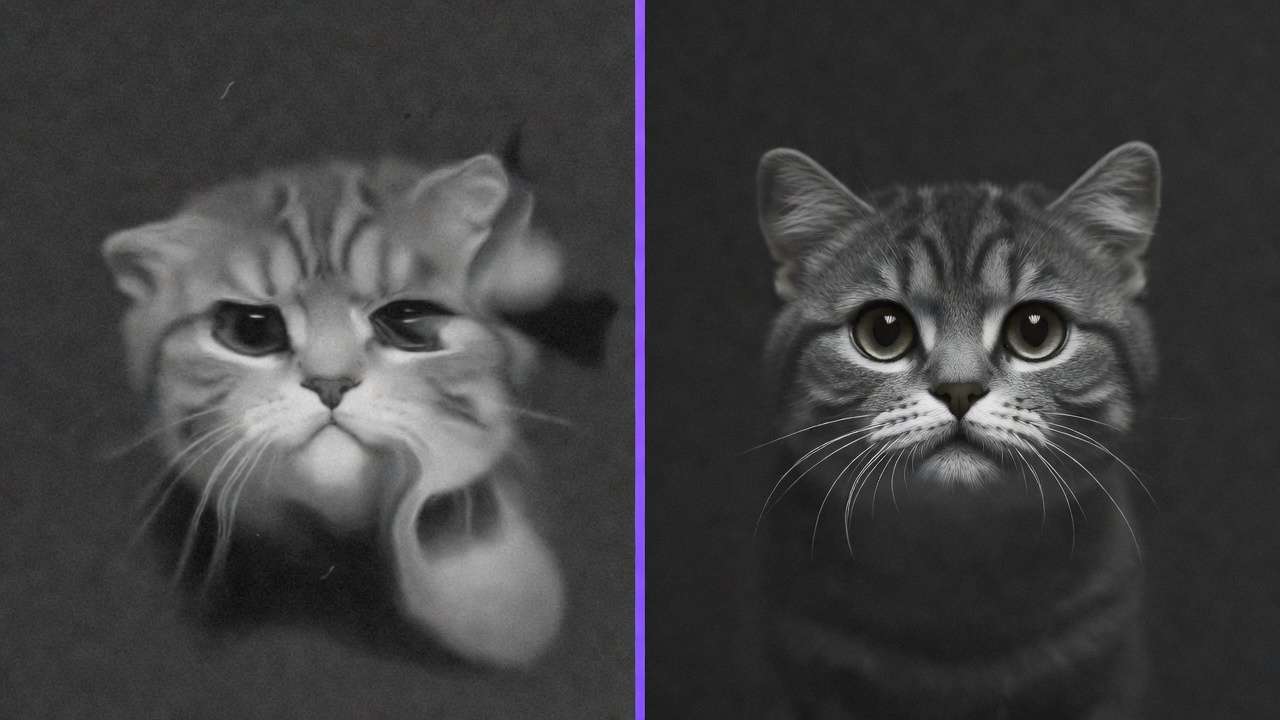
The technology works through diffusion models. These models start with random noise and progressively denoise it into a coherent image, guided by your text prompt. The model has learned visual patterns from millions of images during training, allowing it to understand concepts like "golden hour lighting," "shallow depth of field," or "watercolor illustration style."
In 2026, AI image generation has matured from a novelty to a core business tool. Marketers use an ai photo generator to produce campaign assets in minutes. E-commerce businesses create product photography without physical photoshoots. Designers generate mood boards and concept art at 10x their previous speed. Architects visualize spaces from sketches. And creators produce unique visual content at a scale that was economically impossible just two years ago.
Cliprise provides access to 14+ image generation models from Google, Black Forest Labs, OpenAI, Midjourney alternatives, ByteDance, Alibaba, xAI, and Ideogram - all through a single AI Image Generator platform with unified credits. For a comprehensive market comparison ranking Flux 2, Imagen 4, Midjourney alternatives, DALL-E 3, and more by category, see Best AI Image Generator 2026: Tested & Ranked.
If your deliverable needs motion (ads, story clips, B-roll, product demos), generate the first frame here, then move to the AI Video Generator for the animation layer. If you are weighing Cliprise against a Runway-first workflow, see Cliprise vs Runway.
Types of AI Image Generation
There are three primary approaches to AI image generation. Understanding which one to use for each task is the foundation of professional output.
Text-to-Image
You describe what you want in words, and the model creates it from scratch. This text to image ai workflow is the most common approach for original compositions, creative exploration, and generating content that doesn't exist as a reference photo.
Best for: Marketing assets, social media content, concept art, creative exploration, product mockups, illustrations.
Image-to-Image
You provide an existing image - a photograph, sketch, or previous AI generation - and the model transforms it while preserving the core structure. This gives you compositional control that text-to-image cannot match.
Best for: Architectural visualization (sketch to render), style transfer, iterating on compositions, brand-consistent variations, interior design visualization.
Inpainting and Editing
You modify specific regions of an existing image while the surrounding context remains unchanged. Essential for product photography retouching, removing unwanted elements, or adding details to an otherwise perfect composition.
Best for: Product photo retouching, fixing generation artifacts, selective style changes, background replacement, compositing.
For a strategic comparison of when image generation outperforms video generation for specific deliverables, see our Image vs Video Decision Framework.
All 14+ AI Image Models Compared
Cliprise provides access to 14+ image generation models. Each has distinct strengths - photorealism, artistic style, text rendering, speed, or cost efficiency. Choosing the right model for each task is the highest-leverage skill in AI image generation.
Photorealism Tier
These models produce images that are indistinguishable from professional photography at first glance. Use them for product shots, marketing photography, realistic portraits, and any deliverable where the viewer shouldn't know it's AI-generated.
| Model | Provider | Credits | Resolution | Strength |
|---|---|---|---|---|
| Imagen 4 | 8-22 | Up to 4K | Industry-leading photorealism, exceptional skin rendering, natural lighting fidelity | |
| Imagen 4 Ultra | 18-36 | 4K | Maximum detail, subsurface scattering, best for close-up subjects | |
| Flux 2 Pro | Black Forest Labs | 10-14 | Up to 2K | Complex multi-subject compositions, strong architectural rendering |
Google Imagen 4 is the photorealism benchmark in 2026 - skin textures, fabric draping, reflective surfaces, and environmental lighting all render with near-photographic accuracy. For a complete walkthrough, see our Imagen 4 Complete Guide. Compare it against Flux in our photorealism test.
For advanced techniques in pushing photorealistic models to their limits, read Photorealistic AI Image Models: Practical Workflow Guide.
Choose AI Image Generator when your goal is production-ready visuals that look like photography (product shots, marketing creatives, and thumbnail-ready assets). Choose AI Art Generator when your prompt is written like a medium or art brief (watercolor, oil painting, anime/manga, concept art, abstract styles). If you keep getting results that are "too literal" or "not stylized enough," switching to an art-first workflow usually gets you closer on the first render.
Artistic and Creative Tier
These models prioritize aesthetic quality, style interpretation, and artistic coherence over photographic realism. Use them for creative campaigns, social media visuals, concept art, and any project where distinctive visual style matters more than literal accuracy.
| Model | Provider | Credits | Resolution | Strength |
|---|---|---|---|---|
| Midjourney | Midjourney | 10-20 | Up to 2K | Gold standard for artistic imagery, exceptional stylization, community-refined aesthetics |
| Ideogram V3 | Ideogram | 14-28 | Up to 2K | Unmatched text rendering within images, strong typography integration |
| Ideogram Character | Ideogram | 14-28 | Up to 2K | Consistent character generation across multiple outputs |
| Grok Imagine | xAI | 10-15 | Up to 2K | Creative and unconventional compositions |
| 4o-Image | OpenAI | 6-15 | Up to 2K | Versatile generation plus built-in editing capabilities |
For a practical generate, review, and single-variable revision process, use the 4o-Image workflow guide alongside the live model page.
xAI opened the Grok Imagine API broadly in early 2026; Grok Imagine 1.0 summarizes the release framing and why throughput mattered for social-scale video pipelines.
Midjourney remains the gold standard for artistic AI imagery - its community-refined training produces consistently stunning aesthetics that other models struggle to match for creative work. Compare it against Flux for photorealism in our image quality showdown, against Imagen 4 in our style comparison, or compare Cliprise's broader model library against Midjourney in our platform comparison.
Ideogram V3 is unrivaled for any project requiring readable text within images - logos, promotional materials, social media graphics with headlines, or branded content. See how it compares to Midjourney for text rendering in our detailed comparison. For character consistency across campaign assets, read our Ideogram Character Consistency Tutorial.
Speed and Budget Tier
These models prioritize generation speed and credit efficiency over maximum quality. Use them for rapid prototyping, brainstorming sessions, high-volume content production, and testing prompt variations before committing to premium models.
| Model | Provider | Credits | Resolution | Strength |
|---|---|---|---|---|
| Seedream 4.5 | ByteDance | 8-12 | Up to 2K | Latest generation, strong value-to-quality ratio |
| Seedream 4.0 | ByteDance | 8-10 | Up to 4K | High-resolution output at budget pricing |
| Seedream 3.0 | ByteDance | 8 | Up to 2K | Reliable baseline at the lowest meaningful cost |
| Nano Banana Pro | 36 | Up to 2K | Premium quality from Google's fast architecture | |
| Nano Banana | 6 | Up to 1K | Ultra-fast drafts, lowest cost per generation | |
| Z Image | Various | 2 | Up to 1K | Absolute cheapest - 2 credits per image |
| Qwen Image | Alibaba | 8 | Up to 2K | Versatile output across styles |
Z Image at 2 credits and Nano Banana at 6 credits are the go-to choices for high-volume prototyping. Seedream 3.0 at 8 credits is the best "reliable budget" model - when you need consistent quality at scale without premium costs. See how Seedream compares to Midjourney in our budget showdown and against Nano Banana in our budget models analysis. For a broader comparison of premium vs budget approaches, read our premium vs budget model comparison.
Specialized Models
| Model | Provider | Credits | Capability |
|---|---|---|---|
| Flux Kontext | Black Forest Labs | 12 | Context-aware generation using reference images for style and composition control |
Browse the complete, always-updated model list on our Models page.
Choosing the Right Image Model
Model selection is the single highest-leverage decision in AI image generation. The wrong model wastes credits and produces output that doesn't match the brief. The right model delivers professional results on the first generation.
The Three-Step Decision Framework
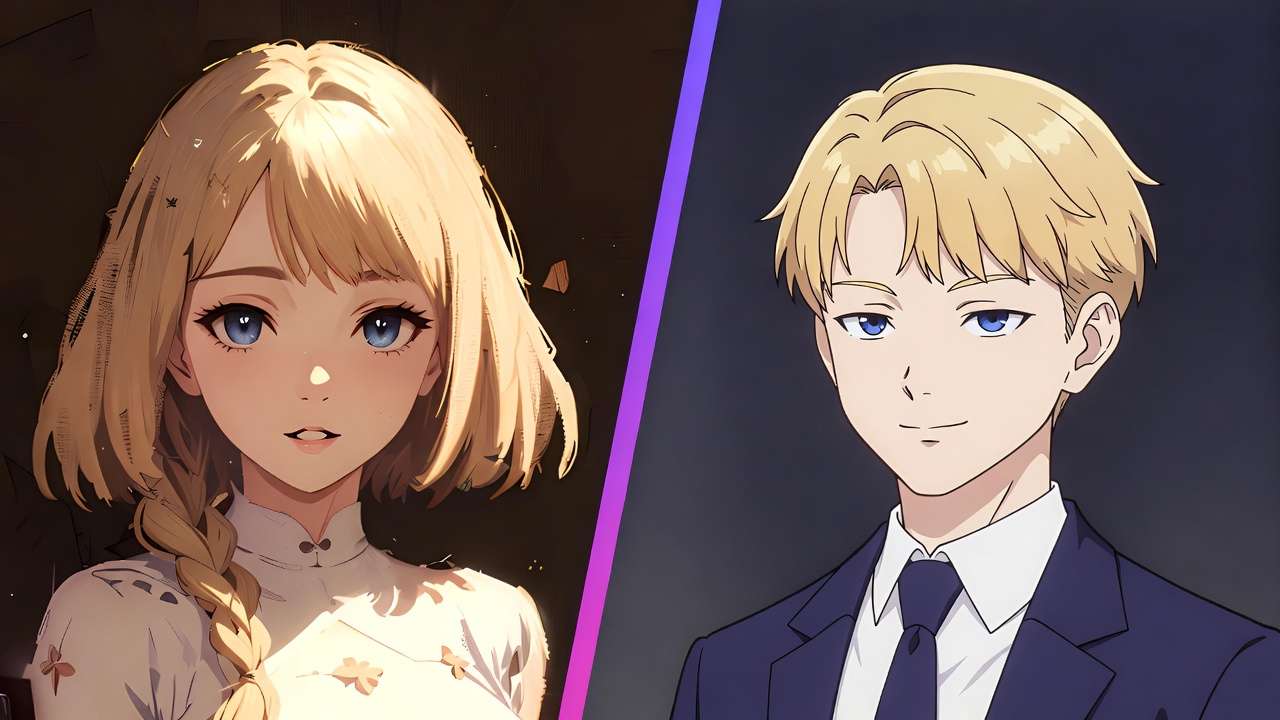
Step 1: Define the visual style your deliverable requires.
| Deliverable | Required Style | Best Models |
|---|---|---|
| Product photography | Photorealistic | Imagen 4, Imagen 4 Ultra, Flux 2 Pro |
| Social media creative | Artistic/stylized | Midjourney, Ideogram V3, 4o-Image |
| Logo or branded graphic | Typography-heavy | Ideogram V3, Ideogram Character |
| Concept art / mood board | Creative exploration | Midjourney, Grok Imagine |
| Architecture render | Photorealistic from sketch | Imagen 4, Flux 2 Pro (image-to-image) |
| High-volume content | Consistent at scale | Seedream 4.5, Seedream 3.0 |
| Quick prototyping | Speed over polish | Z Image, Nano Banana |
Step 2: Match your quality tier to the deliverable's value.
| Deliverable Value | Recommended Tier | Budget |
|---|---|---|
| Internal draft or brainstorm | Budget (Z Image, Nano Banana) | 2-8 credits |
| Social media post | Mid-range (Seedream 4.5, Qwen) | 8-12 credits |
| Client presentation | Premium (Midjourney, Ideogram V3) | 10-28 credits |
| Hero campaign asset | Top-tier (Imagen 4 Ultra, Flux 2 Pro) | 14-36 credits |
Step 3: Prototype cheap, finalize premium.
Generate 5-10 variations with a budget model (Seedream 3.0 at 8 credits each = 80 credits). Select the best composition. Regenerate the final version with a premium model (Imagen 4 Ultra at 36 credits). Total: 116 credits for a professional result with multiple explored directions - instead of 360 credits for 10 blind attempts with the premium model.
For more on common model selection pitfalls, see Model Selection Mistakes That Waste Credits. For an overview of all available models, read Best Image Generators on Cliprise: Complete Guide. Billing and usage topics are summarized in the frequently asked questions.
Image Prompt Engineering
A great prompt is the difference between a professional asset and a forgettable generation. Image prompts that follow a systematic structure consistently outperform improvised descriptions.
The Image Prompt Structure
Every effective image prompt includes these components, in order:
- Subject: What is in the image (be specific about the primary focus)
- Action or pose: What the subject is doing or how it's positioned
- Setting: Where the scene takes place
- Style: The visual aesthetic (photorealistic, illustration, watercolor, etc.)
- Lighting: How the scene is lit (golden hour, studio, dramatic, ambient)
- Camera/technical: Lens, depth of field, angle, perspective
- Mood/atmosphere: Emotional quality (warm, dramatic, serene, energetic)
Example: Weak vs Strong Image Prompt
Weak prompt:
A woman in a coffee shop
This produces a generic, flat, forgettable image.
Strong prompt:
Portrait of a young woman reading a leather-bound book at a wooden table in an artisan coffee shop, steam rising from a ceramic latte cup, morning sunlight streaming through vintage glass windows casting warm golden light across her face, shot on Sony A7IV, 85mm f/1.4, shallow depth of field, warm amber tones, editorial photography style, highly detailed
This produces a professional-quality image with intentional lighting, composition, depth, and mood.
Style-Specific Prompt Strategies
Different visual styles require different prompt approaches:

| Style | Key Prompt Elements | Example Additions |
|---|---|---|
| Photorealistic | Camera model, lens, lighting setup, film stock | "shot on Canon R5, 50mm f/1.2, natural window light" |
| Editorial | Composition direction, mood, publication reference | "Vogue editorial style, muted earth tones, dramatic shadows" |
| Product photography | Background, surface, reflections, studio setup | "white studio backdrop, soft diffused lighting, product centered" |
| Illustration | Art medium, line quality, color palette | "watercolor illustration, delicate linework, pastel color palette" |
| Concept art | Atmosphere, scale, narrative hint | "epic scale, atmospheric perspective, dramatic cloudscape" |
| Logo/branding | Simplicity, typography, negative space | "minimal vector style, clean lines, centered on white background" |
For the complete prompt engineering framework, read our Perfect Prompts Guide. For advanced multi-model prompting strategies, see Advanced Prompt Engineering for Multi-Model Workflows. For the full masterclass on prompt structure, see Prompt Engineering Masterclass: Write Prompts That Actually Work.
Negative Prompts
Negative prompts tell the model what to avoid generating. They are essential for eliminating common AI artifacts and steering output quality.
Standard negative prompt for photorealism:
blurry, low quality, distorted, watermark, overexposed, artificial, plastic skin, extra fingers, deformed hands, cropped, out of frame
Standard negative prompt for illustrations:
photorealistic, 3D render, blurry, low quality, text artifacts, watermark, noisy
For complete negative prompt strategies organized by model and style, read our Negative Prompts Guide: Fixing Common AI Generation Mistakes.
Seeds for Reproducible Results
When you find a composition you love, lock the seed value to reproduce the same base structure. This is critical for:
- Brand campaigns: Maintaining consistent visual style across dozens of assets
- Product lines: Generating consistent product shots with the same lighting and angle
- Character consistency: Keeping the same character appearance across multiple scenes
- Iterative refinement: Changing prompt details while preserving the overall composition
Learn seed control in depth in our Seeds & Consistency Guide. For brand-specific character consistency techniques, see our Ideogram V3 Character Consistency Tutorial.
The Prompt Enhancer
Cliprise's built-in Prompt Enhancer uses AI to expand short ideas into detailed, optimized prompts. Input "sunset beach" and receive a cinematic description with lighting, camera angles, mood, and technical details. Particularly powerful for beginners and for rapid prompt variation testing. Learn more in our Prompt Enhancer Guide.
Resolution and Aspect Ratio Strategy
Generating at the wrong resolution wastes credits. Generating at the wrong aspect ratio wastes the entire generation. Get these right before you click generate.
Resolution: Match Output to Purpose
| Resolution | Best For | Credit Impact |
|---|---|---|
| 512x512 - 1024x1024 | Social media, web thumbnails, prototyping | Lowest cost |
| 1024x1024 - 2048x2048 | Social media high-quality, web banners, presentations | Standard cost |
| 2K-4K | Print materials, large displays, hero images, detailed product shots | Premium cost (1.5-3x) |
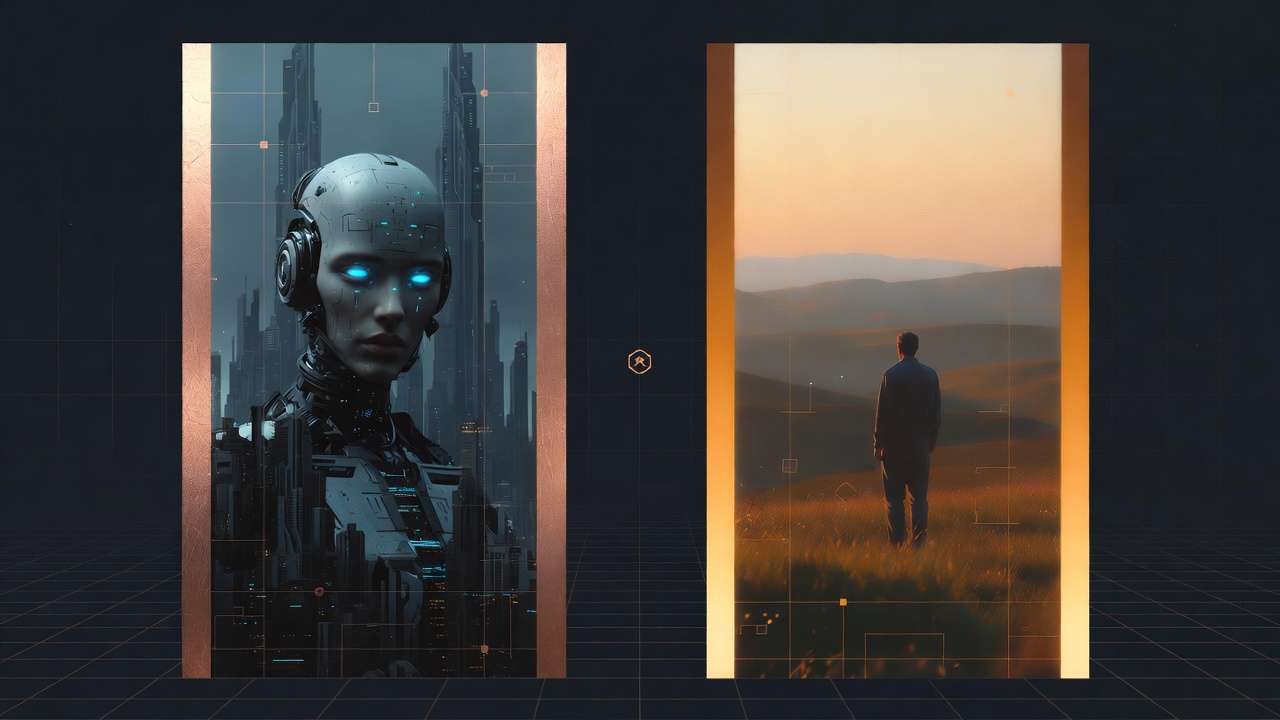
For web and social media use, 1024x1024 is the sweet spot - high enough quality for any digital platform while keeping credits reasonable. For print or large-format display, generate at maximum resolution or use the Universal Upscaler to enhance after generation.
For the complete technical breakdown, read AI image upscaling: 4K, 8K, and quality enhancement.
Aspect Ratio: Match Output to Platform
| Platform/Use | Recommended Ratio | Orientation |
|---|---|---|
| Instagram Feed | 1:1 (square) or 4:5 (portrait) | Square or portrait |
| Instagram Story | 9:16 | Vertical |
| Facebook Post | 1.91:1 or 1:1 | Landscape or square |
| Twitter/X Post | 16:9 or 2:1 | Landscape |
| 1.91:1 | Landscape | |
| YouTube Thumbnail | 16:9 | Landscape |
| 2:3 | Vertical | |
| Print (A4/Letter) | ~1.41:1 | Portrait or landscape |
| Presentation Slide | 16:9 | Landscape |
| Website Hero Banner | 21:9 or 3:1 | Ultra-wide |
Always set your aspect ratio BEFORE generating. Cropping after generation means losing composition, wasting detail, and potentially cutting off the subject. For a comprehensive guide to aspect ratio optimization, see Aspect Ratios: The Complete Guide.
Professional Image Production Workflows
Professional creators don't generate single images. They build systematic workflows that leverage multiple models, editing tools, and enhancement pipelines to produce consistent, high-quality output at scale.
The Generate-Edit-Enhance Pipeline
The most widely used professional pipeline for image assets:
Step 1: Generate the base image (4-36 credits) Choose the model based on your style requirements. Generate 3-5 variations and select the best composition.
Step 2: Edit and refine (6-15 credits) Use Qwen Image Edit for inpainting corrections, Ideogram Reframe for recomposition, or Recraft Remove Background for transparent PNGs. Fix any artifacts, adjust composition, remove unwanted elements. For the full Qwen Image generation workflow (bilingual text rendering + model behaviors), see Qwen Image on Cliprise: Complete Guide to Alibaba's Open-Source Image Model →.
Step 3: Upscale and enhance (8-15 credits) Run the final image through Recraft Crisp Upscale for resolution enhancement. This step is essential for print-ready or large-format deliverables.
Total pipeline cost: 18-66 credits for a polished, professional image asset.
The Image-to-Video Bridge
One of the most powerful applications of AI image generation is as the first step in a video production pipeline. Generate a perfect still frame, validate the composition, then animate it with a video model - saving 60-80% compared to pure text-to-video approaches.
This workflow is covered in detail in our Image-to-Video Workflow Guide and Chaining Image, Video & Upscaling Models. Also see One Image, Multiple Videos for maximizing output from a single base generation.
Batch Production at Scale
For high-volume image production (100+ images per session):
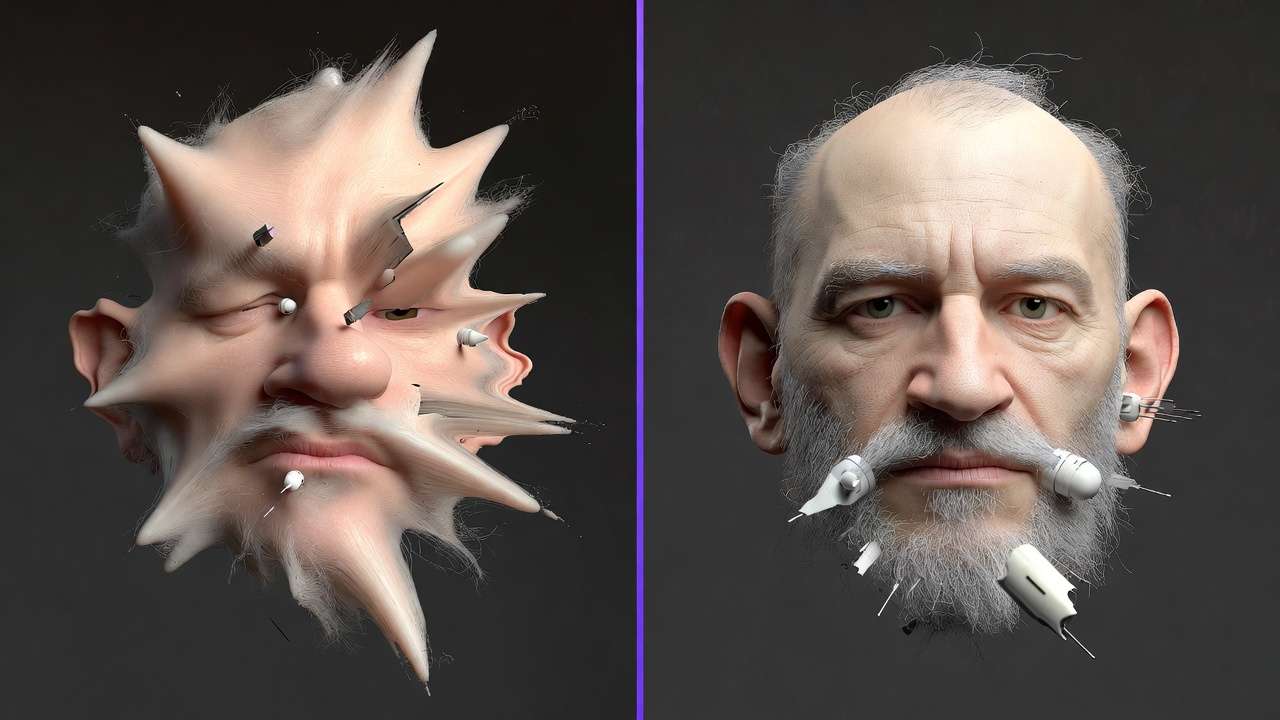
- Build prompt templates with variable slots for subject, style, and technical parameters
- Use budget models for exploration (Z Image at 2 credits, Seedream 3.0 at 8 credits)
- Batch by visual style - group similar generations for consistent output
- Reserve premium models for finals - only use Imagen 4 Ultra or Midjourney for the selected final compositions
For batch processing strategies, read Batch Processing AI Image Generation and Efficiency with Batch AI Generation.
For the strategic evolution from single prompts to systematic production, see From Prompt Optimization to System Optimization and High-Output Creator Systems.
Image Editing and Enhancement Tools
Raw AI generations are rarely the final deliverable. Professional output requires editing, enhancement, and post-processing - all available within Cliprise.
AI Background Remover
Create transparent PNGs with 99% precision using Recraft Remove Background. Essential for product photography, design assets, composite work, and any image that needs to be placed on a custom background. Costs just 6 credits per image. Use the AI background remover when you need a clean product or design cutout.
Universal Upscaler
Scale any image up to 8K resolution with AI-powered detail enhancement using Recraft Crisp Upscale. Works on AI-generated images, photographs, screenshots, and artwork. Use the Universal Upscaler for print-ready deliverables and large-format displays.
Pro Image Editor
Full-featured image editor with 11+ AI-powered tools: background removal, retouching, filters, layers, masking, and adjustment controls - all processed locally for privacy. Use the Pro Image Editor when the generated image needs manual polish before export.
AI Logo Generator
For brand workflows that need typography-first visuals, use the dedicated AI Logo Generator to create and iterate logo concepts, then refine finals in your image pipeline.
Inpainting and Selective Editing
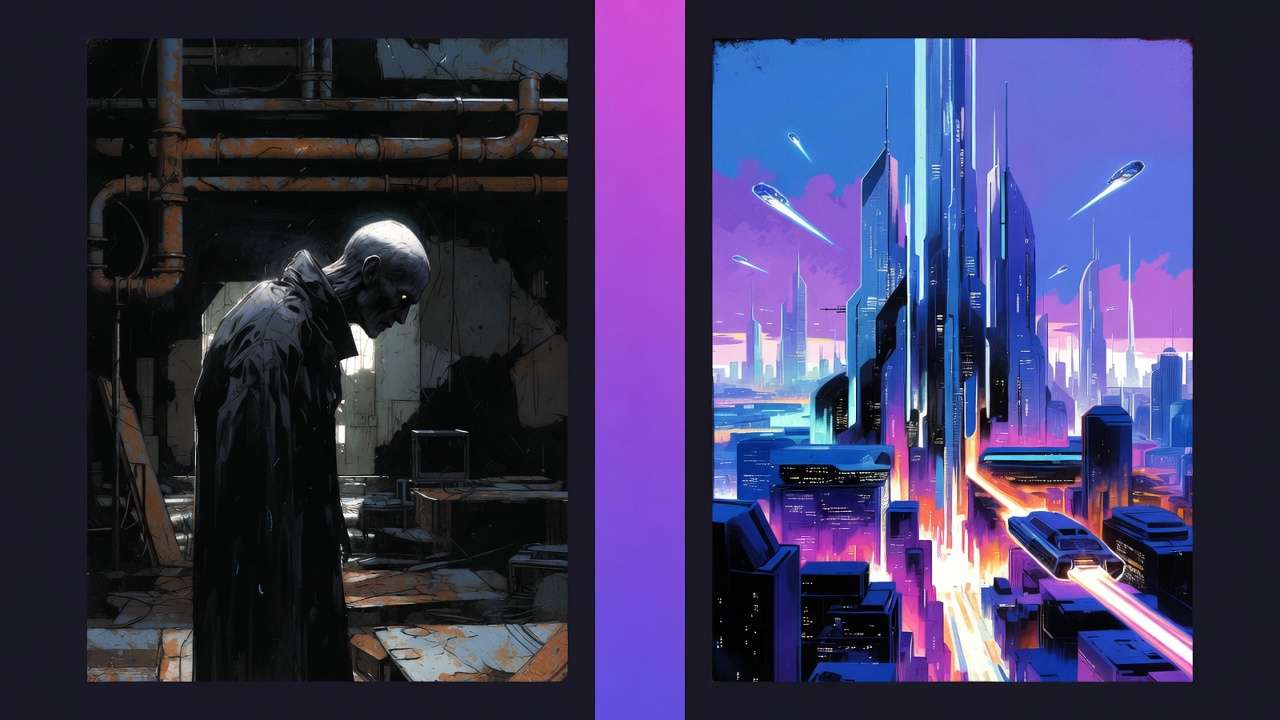
Use Qwen Image Edit to modify specific regions of an image while preserving the surrounding context. Fix hands, adjust facial expressions, change clothing, add or remove objects - all without regenerating from scratch (8-12 credits).
Reframing and Recomposition
Ideogram Reframe extends an image beyond its original boundaries, effectively expanding the canvas while maintaining visual coherence. Use it to convert a square image to landscape, add more headroom, or create wider compositions (10 credits). For a full walkthrough, see Ideogram Reframe: Complete Guide to AI Image Reframing on Cliprise →.
Image Generation Pricing and Cost Optimization
Image generation is far more credit-efficient than video, but costs still add up during high-volume production. Understanding the cost structure lets you allocate budget strategically.
Credit Cost by Model
| Model | Credits Per Image | Cost on Pro Plan ($29.99/mo) | Quality Level |
|---|---|---|---|
| Z Image | 2 | ~$0.02 | Draft quality |
| Nano Banana | 6 | ~$0.05 | Fast draft |
| 4o-Image | 6-15 | ~$0.05-0.13 | Versatile |
| Seedream 3.0 | 8 | ~$0.07 | Reliable budget |
| Qwen Image | 8 | ~$0.07 | Versatile |
| Imagen 4 | 8-22 | ~$0.07-0.19 | Photorealistic |
| Seedream 4.0 | 8-10 | ~$0.07-0.09 | High-res budget |
| Seedream 4.5 | 8-12 | ~$0.07-0.10 | Latest budget |
| Midjourney | 10-20 | ~$0.09-0.17 | Artistic |
| Flux 2 Pro | 10-14 | ~$0.09-0.12 | Complex compositions |
| Flux Kontext | 12 | ~$0.10 | Context-aware |
| Ideogram V3 | 14-28 | ~$0.12-0.24 | Text rendering |
| Grok Imagine | 10-15 | ~$0.09-0.13 | Creative |
| Imagen 4 Ultra | 18-36 | ~$0.15-0.31 | Maximum photorealism |
| Nano Banana Pro | 36 | ~$0.31 | Premium fast |
Costs estimated based on Pro Plan rate of ~$0.0086 per credit (3,500 credits for $29.99).
On the Pro Plan ($29.99/month, 3,500 credits), you can generate approximately:
| Model | Images Per Month | Use Case |
|---|---|---|
| Z Image (2 cr) | ~1,750 images | High-volume prototyping |
| Seedream 3.0 (8 cr) | ~437 images | Reliable daily production |
| Imagen 4 Standard (15 cr) | ~233 images | Professional photorealism |
| Midjourney (15 cr) | ~233 images | Artistic content |
| Ideogram V3 (20 cr) | ~175 images | Typography-heavy graphics |
| Imagen 4 Ultra (36 cr) | ~97 images | Premium hero assets |
Five Rules for Image Cost Optimization
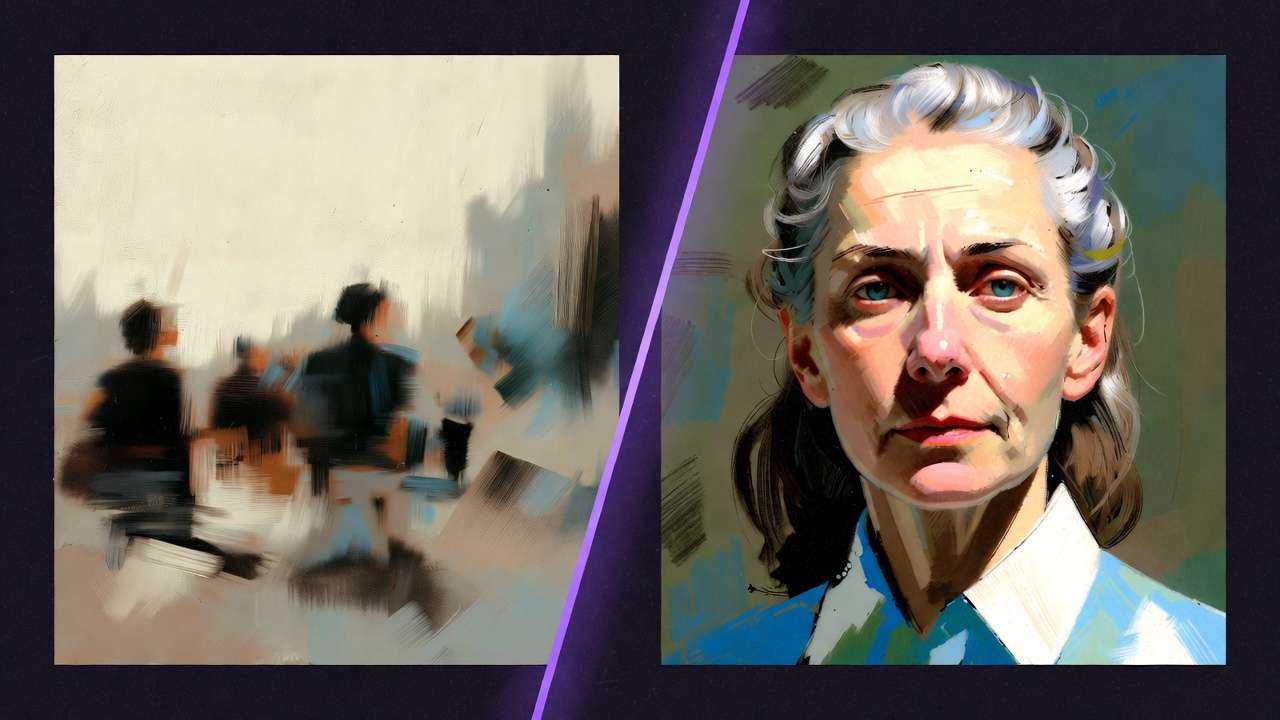
- Never use premium models for brainstorming. Generate 10 variations with Seedream 3.0 (80 credits total) before spending 36 credits on one Imagen 4 Ultra generation.
-
Match model cost to deliverable value. A social media post doesn't need Imagen 4 Ultra. Seedream 4.5 at 10 credits produces excellent social content.
-
Use the right resolution. Don't generate 4K for Instagram - the platform compresses to ~1080px anyway. Save premium resolution for print and large displays.
-
Batch similar generations. When producing a product photo series, use the same model, style, and lighting parameters. Consistency reduces failed generations.
-
Edit, don't regenerate. If 90% of an image is perfect but one element is wrong, use inpainting (8-12 credits) instead of regenerating the entire image (15-36 credits).
For the complete credit optimization strategy, read Cost Optimization: Maximize Credits on Multi-Model Platforms. See all plans on our Pricing page.
Industry-Specific Image Applications
AI image generation serves fundamentally different purposes across industries. The model choices, prompt strategies, and output requirements vary significantly by vertical.
Marketing and Social Media
Marketing teams use AI image generation to scale visual content production across campaigns. Key applications include social media posts at volume, ad creatives for A/B testing, blog post imagery, email marketing visuals, and brand-consistent campaign assets. See our Marketing Solutions for a complete capability overview.
- YouTube Thumbnails and Visual Content Workflow
- YouTube Thumbnail Workflow
- From One Prompt to Full Campaign
E-Commerce and Product Photography
AI product photography eliminates physical photoshoots while enabling rapid iteration across product lines, seasonal campaigns, and marketplace requirements. Cliprise offers dedicated Photography Solutions and Print-on-Demand Solutions for these workflows.
- AI Product Photography: Creator Workflows
- AI Fashion Photography Workflows
- Fashion Brand Lookbooks: AI Image Pipeline
- Print on Demand: AI Generation for Etsy Sellers
- Restaurant Menu Photography: AI Food Images That Sell
Architecture and Interior Design
AI transforms rough sketches into photorealistic renders, enabling architects and designers to present concepts with stunning visual fidelity in minutes rather than days. See our Architecture Solutions and Interior Design Solutions for industry-specific capabilities.
- Architecture Visualization: Sketch to Photorealistic Render
- Interior Design AI Workflow: Transform Spaces in Minutes
Freelancers and Agencies
Solo creators and design agencies use AI image generation to compete with larger studios and increase output capacity without increasing headcount. Our Graphic Design Solutions showcase specialized tools for design professionals.
Mobile Image Generation
Creating professional AI images on your smartphone is not a compromise. Cliprise supports full model access on both iOS and Android, enabling professional image generation from anywhere.
The ability to create images with ai on the go is ideal for capturing inspiration in the moment, social media creators producing and posting on the same device, quick iterations between meetings, and remote or on-location creative work.
- AI Image Generation on Mobile - Complete mobile image workflow
- Android AI Art: Complete Guide for Samsung & Pixel - Android-specific optimization
- Mobile App Tutorial: Generate Videos on iPhone - iOS walkthrough
- Mobile Prompting Mastery - Touch-optimized techniques
- AI Models on Mobile: Selection Guide - Best models for mobile connections
- Mobile Credits & Subscriptions Guide - Manage credits on mobile
Common AI Image Generation Mistakes
These errors waste the most credits and produce the weakest output. Avoid them and you'll consistently generate better images than 90% of AI users.
Mistake 1: Vague Prompts
"A beautiful landscape" produces generic output every time. Specificity drives quality. Describe the exact subject, lighting, camera angle, mood, and style. Compare the weak vs strong prompt examples in the prompt engineering section above.
Mistake 2: Wrong Model for the Task
Using Midjourney (artistic) for a photorealistic product shot, or using Imagen 4 (photorealistic) for a whimsical illustration. Each model has a strength - matching it to the task is the highest-leverage decision.
Mistake 3: Ignoring Aspect Ratio
Generating in 1:1 square when the deliverable is a 16:9 YouTube thumbnail. You cannot meaningfully crop a square image into widescreen without losing the subject. Set the correct aspect ratio before generating.
Mistake 4: Premium Models for Exploration
Running Imagen 4 Ultra (36 credits) 10 times to explore variations burns 360 credits. Running Seedream 3.0 (8 credits) 10 times costs 80 credits. Explore cheap, finalize premium.
Mistake 5: Regenerating Instead of Editing
If an image is mostly correct but has one local defect, repair the specific area instead of regenerating the entire composition. Use the common AI image artifacts guide to decide when to crop, edit, or regenerate.
Mistake 6: Skipping Negative Prompts
Without negative prompts, common artifacts appear: extra fingers, blurry backgrounds, watermarks, distorted faces. A standard set of negative prompts eliminates most of these with zero downside. See our Negative Prompts Guide.
Frequently Asked Questions
What is the best AI image generation model in 2026? It depends on your use case. Imagen 4 leads for photorealism. Midjourney leads for artistic style. Ideogram V3 leads for text rendering. Seedream 3.0 is the best budget option. See our complete model comparison above.
How much does AI image generation cost? On Cliprise, image generation costs 4-36 credits per image depending on the model. On the Pro Plan ($29.99/month, 3,500 credits), you can generate approximately 97-875 images per month. See our pricing breakdown above.
Can I use ai generated images commercially? Yes. All paid Cliprise plans include full commercial usage rights for ai generated images, subject to model provider terms and our Terms of Service. For detailed copyright guidance, see Safety & Copyright in Learn → Best practices (linked from the step-by-step image guide’s related list).
Which model is best for product photography? Imagen 4 and Imagen 4 Ultra produce the most photorealistic results for product shots. For food photography specifically, the restaurant menu workflow is linked from the step-by-step image guide’s related list.
Can I maintain a consistent character across multiple images? Yes. Use seed locking, Ideogram Character for character consistency, and Flux Kontext for reference-image-guided generation. Seeds & Consistency plus the Ideogram character tutorial are linked from the step-by-step image guide’s related list.
What's the maximum resolution for AI images? Most models support up to 2K resolution natively. Imagen 4 Ultra and Seedream 4.0 support up to 4K. For higher resolution, use the Universal Upscaler (feature page) and the 4K/8K upscaling guide - both linked from the step-by-step image guide’s related list.
Can I generate images on my phone? Yes. Cliprise supports full image generation on iOS and Android with access to all 14+ image models. The mobile image guide is linked from the step-by-step image guide’s related list.
How do I make AI images look more realistic? Use photorealism-optimized models (Imagen 4, Flux 2 Pro), include camera and lens specifications in your prompt, specify natural lighting conditions, use negative prompts to exclude common artifacts, and generate at maximum resolution. The photorealistic-models workflow guide is linked from the step-by-step image guide’s related list.
Is Cliprise cheaper than Midjourney? Cliprise Pro ($29.99/month) provides access to Flux 2, Imagen 4, Ideogram v3, and 46 other models including video, voice, and editing. Direct Midjourney access costs $30-60/month for images only. The platform comparison is linked from the step-by-step image guide and the best-models-on-Cliprise related list.
What to Read Next
Based on your experience level, here's what to explore next:
If you're new to AI image generation: Open Best Image Generators on Cliprise and use its Related list for quick start, Perfect Prompts, and the ranked generator index.
If you're ready for professional workflows: The same hub chains to Imagen 4 deep dives, image-to-video, and Ideogram character consistency without repeating links here.
If you're scaling production: Batch processing, credit optimization, and high-output systems are listed there too.
Browse the rest of Learn from the site navigation.
More reading (off this page): How to create AI images (step-by-step) centralizes copyright, mobile, upscaling, food/product workflows, photorealism, and Midjourney alternatives comparison follow-ups. How to make AI art and Best image generators on Cliprise remain the sibling hubs in Learn → Getting started (linked from that step-by-step page).