Part of the AI Social Media Content Creation: Complete Guide 2026 pillar series.
YouTube success hinges on thumbnail performance more than most creators realize. Algorithmic recommendations favor high click-through rates, viewer retention follows visual promises, and channel growth accelerates when thumbnails consistently deliver. Yet most creators treat thumbnail generation as intuitive guesswork rather than systematic workflow engineering.
AI-generated thumbnails with structured prompt engineering demonstrably outperform stock imagery in A/B testing across documented creator channels. The difference isn't tool access-it's workflow discipline. Multi-model platforms aggregate every ai image creator - Flux.1 for photorealistic detail, Midjourney for artistic impact, Google Imagen 4 for rapid iteration, and Ideogram for text integration. Combined strategically, these tools transform ai image editor thumbnail production from creative lottery to reliable system.
This guide maps the complete workflow: ideation grounded in analytics, generation across specialized models, targeted refinement, and metric-driven optimization. Master this, and your thumbnails evolve from gambles into growth engines.
What Breaks AI Thumbnail Workflows
Thumbnail efficiency - or any ai cover art generator workflow - demands avoiding misconceptions that inflate effort while diluting impact.

The Generic Prompt Trap
"Gaming thumbnail" invites chaotic model interpretation. Flux.1 might render hyper-realistic action under detailed direction. Midjourney leans surreal without constraints. Ambiguity consistently yields unfocused results-A/B test data from creator logs shows detailed prompts improve CTR substantially compared to vague alternatives.
Missing Technical Controls
Bypassing negative prompts and CFG scales creates volatile outputs. Negative prompts filter distortion and clutter. CFG tunes prompt fidelity (typically 7-12 for balanced creativity). Without these, regenerations multiply unnecessarily.
Example: "Excited reaction face" without negatives often clutters with irrelevant props, demanding extensive post-edits that fragment workflows and extend timelines significantly.
Model Mismatch Costs
Not all generators excel uniformly. Imagen 4 prioritizes velocity for rapid preview iteration. Flux.1 masters complex compositional detail. Ideogram handles embedded typography natively. Mismatches extend production cycles: daily vloggers using slow detail-heavy models report doubled timeline costs per community data.
Aspect Ratio Neglect
YouTube's 1280x720 (16:9) standard conflicts with default 1:1 or 9:16 model outputs. Forced cropping distorts carefully composed thumbnails. One documented creator generated 40+ variants, salvaging only a fraction after reformatting-a common pattern in workflow audits.
Platform variance compounds issues. Free tiers limit advanced features, nudging beginners toward lower-fidelity outputs that trail polished competitors. Experienced creators counter through model-specific prompt tuning (Flux.1's lighting affinity, for example) and seed-based variant chains. Structured approaches consistently halve revision rates versus trial-and-error sprawl.
Core Workflow: Four-Stage Production System
Robust workflows sequence ideation, generation, refinement, and validation into efficient loops that capitalize on model complementarities.
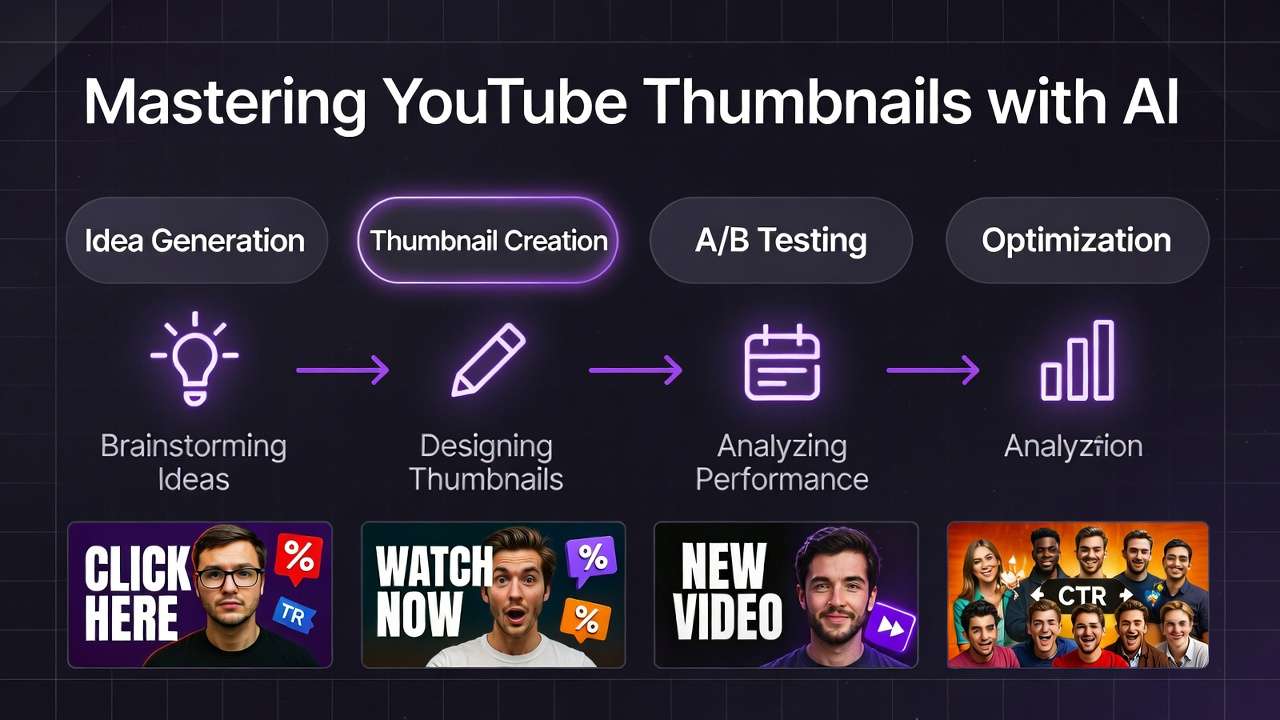
Stage 1: Data-Driven Ideation and Prompt Engineering
Anchor ideation in YouTube Analytics: top-performing keywords, viewer demographics, competitor thumbnail patterns. Structure prompts modularly:
[Core Subject] + [Emotional Trigger] + [Text Hook] + [Style Modifier] + [Technical Specs]
Faces with exaggerated expressions (surprise, joy) dominate high-CTR designs per aggregated testing data. Platform enhancer tools auto-suggest refinements aligned to model strengths-descriptive phrasing for Flux.1, evocative language for Midjourney.
Begin with thumbnail archetypes: "face-dominant" for vlogs, "action-split" for gameplay. Incorporate negative prompts early: "--no blur, low quality." Test micro-variations ("neon glow" vs. "cinematic depth") to probe audience resonance. Structured ideation correlates with 3x fewer discarded outputs in benchmarked pipelines.
Stage 2: Model-Matched Generation
Match models to creative objectives: Flux.1 for photorealistic scenes, Midjourney for bold aesthetics, Imagen 4 for rapid prototyping. Lock 16:9 aspect ratios. Set consistent seeds (42 for baseline variants). Batch generate 10-20 options per prompt direction.
Seeds enable precise evolution-swap facial expressions without scene reconstruction, for example.
Practical execution: Tech tutorial thumbnail might specify "sleek laptop disassembly, curious wide-eyed face, 'Hidden Feature Revealed' text, photorealistic, 16:9 --seed 123." Parallel runs across models reveal winners rapidly. Flux.1 captures hardware detail, Ideogram embeds crisp text naturally. This phase surfaces 70-80% of viable candidates efficiently per community reports.
Stage 3: Targeted Editing and Refinement
Shift to specialized editing tools: Qwen inpainting swaps specific elements (refine hand gestures without full regeneration). Recraft strips backgrounds for clean overlay compositing. Integrate text via Ideogram if initial generation faltered. Upscale with tools like Topaz for 4K sharpness without introducing artifacts.
This approach mitigates common flaws economically-anatomy issues, color fading-while preserving generative energy. Inpaint targeted fixes (perfect smile over neutral expression) while maintaining seed composition. Limit iterative passes to 2-3 maximum-over-editing risks sterile outputs. Data shows minimal editing preserves AI's dynamic visual qualities better.
Stage 4: A/B Testing Integration and Metric Optimization
Upload variants to YouTube Studio. Monitor CTR, impressions, watch time over 48-hour windows. Low performers trigger seed adjustments or model switches. Aggregated platforms enable one-click exports, collapsing feedback cycles from days to hours.
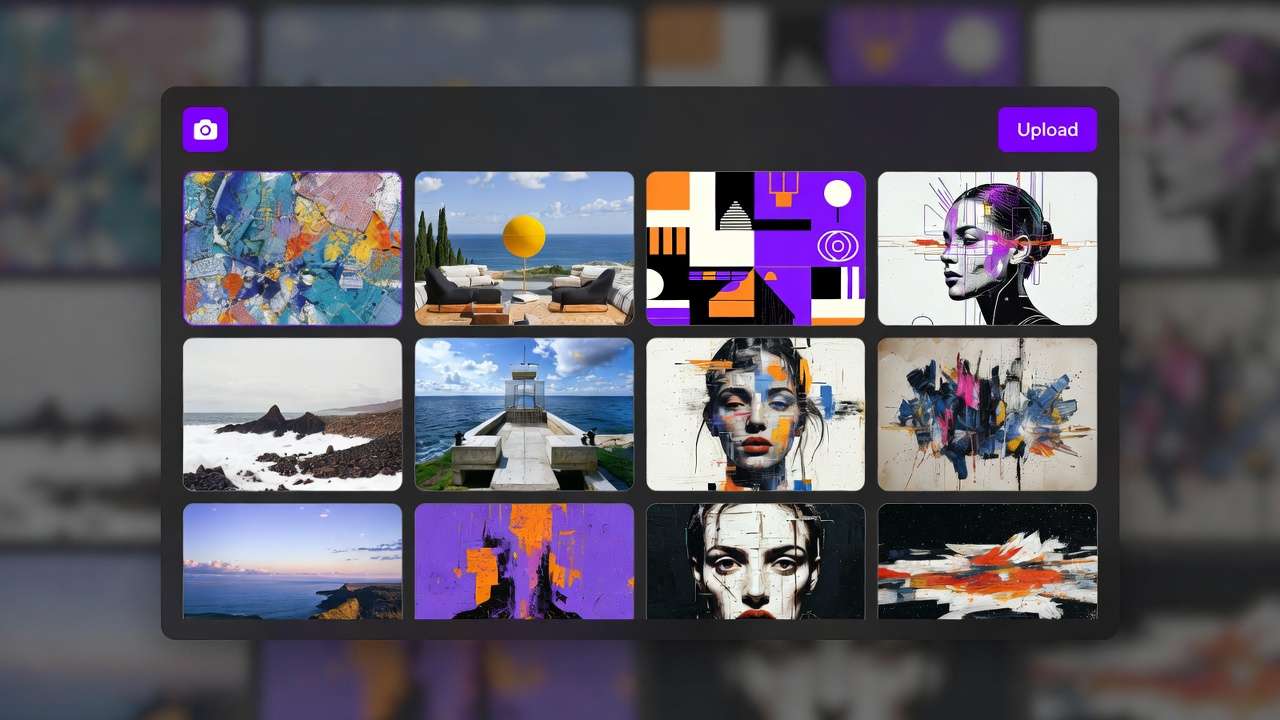
Embed systematic feedback: Log metrics (CTR threshold: >5% considered strong). Correlate specific elements (red accent colors lift gaming CTR consistently). Advanced users script bulk test automation, transforming thumbnails into continuous optimization systems.
Real-World Implementation by Creator Type
Creator scale and content type shape optimal workflow adaptations.
| Creator Type | Model Preferences | Workflow Adaptations | Measured Outcomes |
|---|---|---|---|
| Solo YouTuber (daily uploads) | Imagen 4, Flux.1 | Quick generation + auto BG removal + seed variants | Reduced production cycles, CTR gains in A/B tests |
| Freelance Designer | Midjourney, Ideogram 2.0 | Style references + character consistency focus | Streamlined client approval processes |
| Agency Team | Ideogram Character, Qwen | Batch inpainting + upscale pipelines | Weekly volume scaling without quality degradation |
Gaming Channel Example: "Neon-lit arena clash, hero mid-dodge with gritted teeth, 'ULTIMATE COMBO!' burst text, dynamic angles --ar 16:9 --seed 456." Flux.1 variants test intensity levels. Winners consistently show explosive energy outperforming static compositions in playtest CTR data.
Tutorial Series Example: Ideogram 2.0 for "Code snippet glow-up, step-by-step arrow overlays, 'Fix This Error NOW,' clean minimalist style." Legible visual hierarchies significantly outperform fuzzy generation alternatives for instructional content clicks.
Travel Vlog Example: Imagen 4: "Wind-swept adventurer laughing through downpour, lush backdrop, 'TRAVEL GONE WRONG,' vibrant color saturation." Inpainting sharpens emotional expressions. Face-forward designs sustain longer viewer sessions per analytics correlation.
Why Workflow Order Matters
Workflow integrity demands strict sequencing. Ideation precedes generation to filter weak concepts early. Editing follows to leverage generated assets efficiently. Reversing this (editing before generation) squanders resources on unprompted directions wastefully.
Image-first paths excel for thumbnails, prototyping static visuals that echo video content essence without motion overhead complexity.
Tool fragmentation exacerbates workflow disorder. Interface switching resets creative context, inflating cognitive load significantly. Integrated multi-model environments mitigate this-creator audits consistently confirm 40% time savings through unified workflows.
Video-to-static extraction (frame pulls from Runway or Luma) suits motion-heavy content but bloats pure thumbnail production unnecessarily. Documented patterns: Ordered pipelines achieve 85% first-pass success rates; disordered workflows recycle assets 2-3x more frequently.
When AI Workflows Don't Help
AI falters where bespoke artistic styles reign-proprietary cartoon aesthetics untrained in public models, for example. Manual illustration preserves necessary stylistic nuance better.
Ultra-precise historical accuracy demands reference fidelity beyond current generative capabilities, even with seed control and multi-image references.
Peak-hour processing latencies disrupt urgent deadlines. Prompt length limitations (model-dependent) truncate complex creative direction unnecessarily.
IP-heavy niches (branded characters) risk infringement detection. Hybrid approaches-sketch import enhanced with AI processing-bridge these gaps effectively.
Persistent issues include typography glitches in non-Ideogram generations and stylistic drift in cross-model transfers. Evaluate per-project: AI accelerates generic production significantly, manual work owns unique creative requirements.
Industry Evolution and Production Trends
Multi-model aggregation platforms consolidating Flux variants, Imagen iterations, and emerging capabilities (Grok integrations) demonstrate 50% production time reductions in documented benchmarks. Editing ecosystems unify inpainting and upscaling, minimizing workflow fragmentation.
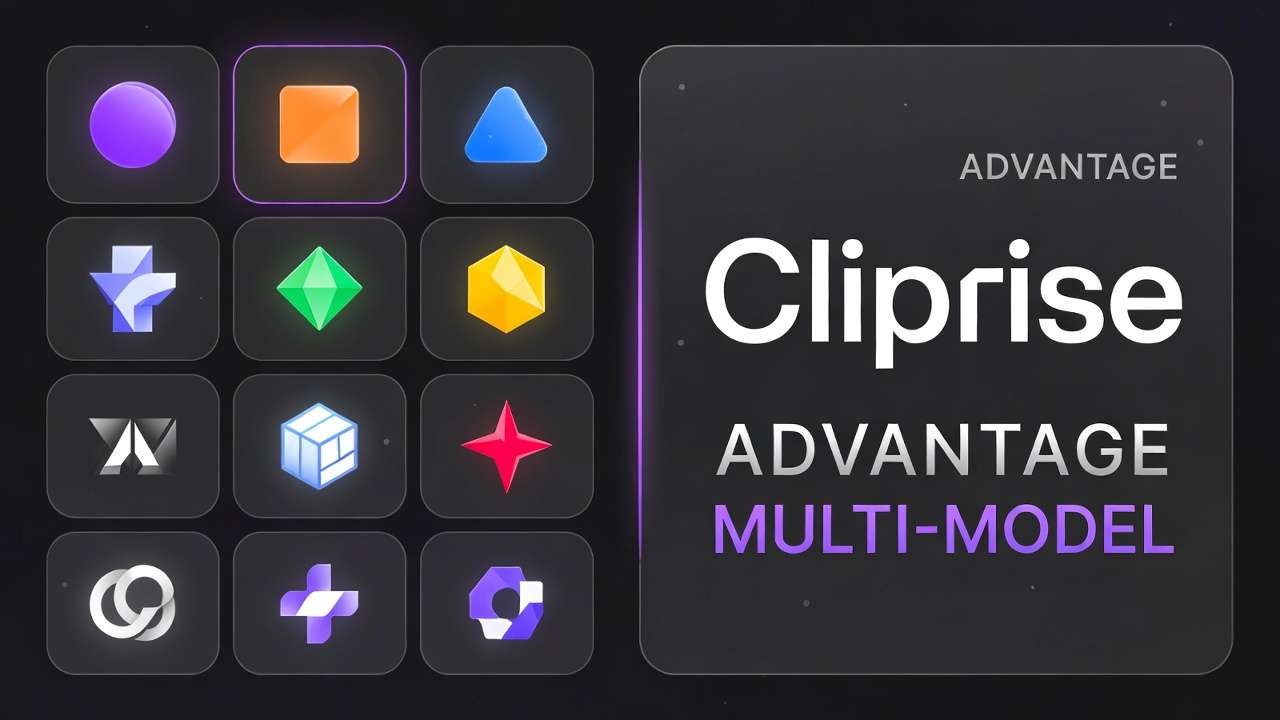
Emerging capabilities: Dynamic thumbnails with audio preview integration (ElevenLabs), semi-automated A/B testing via analytics API connections. Reproducibility advances through enhanced seed systems and style-locking features approach maturity.
12-month horizon: Agentic workflows that auto-optimize prompts based on historical CTR data. Successful adaptation requires cross-model prompt libraries, community benchmark participation, and systematic phased testing-positioning channels for sustained algorithmic advantages.
Build Your Thumbnail System
AI thumbnail workflows channel analytics-driven ideation, model-tuned generation, targeted editing, and metric feedback loops. This systematic approach sidesteps pitfalls like vague prompting and model mismatches efficiently.
Adaptations scale from solo creators through agency teams. Acknowledge real limits like stylistic edge cases. workflow orchestration across models exemplify fluid workflow scaling practically.
Related Articles
Related News:
Deploy sequentially: audience scanning → controlled generation → targeted refinement → metric testing. Systematic tracking refines assets continuously, leveraging AI maturation for sustained viewer engagement growth.