This is the starting point for multi-model workflows. For platform comparison, see Single vs Multi-Model Platforms: Complete Guide. For scaling strategies, read How Creators Use Multiple AI Models to Scale Output.
Single AI models promise simplicity, but real creative work demands flexibility. Every model has strengths-some excel at photorealistic rendering, others at dynamic motion, still others at audio synchronization. Sticking to one ai photo generator or video model means accepting its weaknesses alongside its strengths, and in 2026, that compromise costs you quality, speed, or both.
Multi-model AI workflows solve this by combining outputs from specialized models like Veo 3.1 Quality, Sora 2, Flux 2, and Kling 2.5 Turbo within unified platforms. Task-specific switching improves both fidelity and efficiency-Kling for rapid iterations, Veo for cinematic detail, Flux for photorealistic stills. When the fork is narrative Sora-style motion versus ByteDance multimodal audio-and-reference workflows, Seedance 2.0 vs Sora 2 is the honest comparison; the full Seedance 2.0 guide walks @tags and sequencing on Cliprise. As models grow more specialized, particularly in human motion capture and real-time upscaling, knowing how to chain them transforms from optional to essential.
For marketing teams, HappyHorse 1.0 is a useful new model to test when a campaign needs short product motion, app promo clips, e-commerce visuals, or image-to-video from existing assets. The strongest workflow is not to generate one random video and publish it. It is to test HappyHorse AI video workflows against another model such as Seedance or Kling, then polish only the strongest result before spending more credits on final polish.
The Myth of the "One True Model"
Models vary wildly in performance across tasks. Some handle realistic video motion beautifully in narrative scenes but struggle with character consistency. Others nail photorealistic image detail but falter when extended to video. Audio synchronization requires yet another specialized toolset entirely.
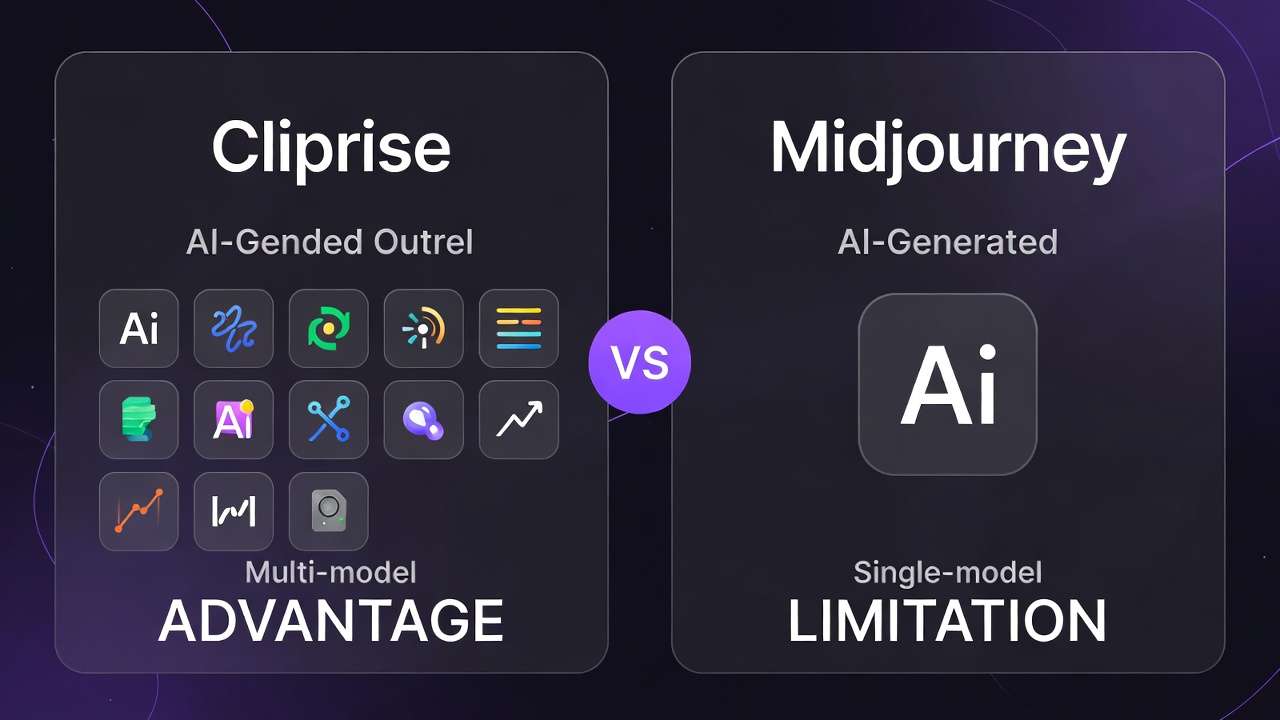
The contrarian truth: single-model allegiance often yields suboptimal outputs. Creator data confirms that task-specific model switches consistently improve results. Platforms like Cliprise exemplify this approach, integrating dozens of models without proprietary lock-in, enabling you to choose the right tool for each step rather than forcing everything through one pipeline. Understanding when to choose single versus multi-model platforms helps optimize this decision for your specific workflow.
This guide examines the mechanics, pitfalls, and applications of multi-model workflows. You'll learn why random model choices waste resources, how sequencing affects quality, and when simpler approaches actually work better.
What Most Creators Get Wrong About Multi-Model Workflows
Multi-model platforms aren't buffets where you randomly sample until something works. That approach burns time and credits without direction.
The Universal Model Trap
The most common error: applying one popular model to every task. Models specialize. Sora 2 excels at narrative motion in certain scenarios. Flux 2 handles photorealistic rendering more effectively. Using Kling 2.5 Turbo for portrait images introduces artifacts that require cleanup. A freelancer choosing Veo 3.1 Fast for speed might miss Hailuo 02's superior human motion, resulting in weaker character dynamics.
The "More Is Better" Fallacy
Another pitfall assumes more models automatically accelerate workflows. Reality differs. Evaluating options without clear categorization extends selection time. Uneven prompt optimization across models disrupts flow and increases output inconsistency.
Repeatability Challenges
Seed controls in models like Veo 3 help manage variation, but many models diverge dramatically from identical prompts. Negative prompts and CFG scales apply inconsistently. Multi-image reference support remains limited. These factors inject unpredictability into chained workflows.
The Strategy Gap
These issues stem from treating multi-model setups as automatic solutions rather than strategic toolkits. Experts audit tasks first-aligning video realism needs to Veo variants, image fidelity to Flux 2, editing refinements to Runway Aleph. Precision beats volume. In social media production, mismatched model selection extends iteration cycles; targeted mapping shortens them dramatically. A clear decision-making framework helps avoid these common pitfalls.
Real-World Comparisons: Who Wins With Multi-Model Workflows
Freelancers often favor single-model simplicity. Agencies leverage variety for scale. Multi-model workflows shine in complex scenarios, with advantages tied directly to creator type and use case.
| Creator Type | Single-Model Approach | Multi-Model Approach | When Multi Wins |
|---|---|---|---|
| Freelancer (social clips) | Kling 2.5 Turbo for speed | Sora 2 for dramatic motion, Flux 2 for thumbnails | Diverse assets in high-variety gigs |
| Agency (campaigns) | Veo 3 across tasks | Veo for base images → Runway Aleph edit → ElevenLabs voice | Layered refinement pipelines |
| Solo YouTuber | Midjourney for visuals | Flux 2 images → Wan 2.5 animation → Topaz Video Upscaler | Long-form content avoiding generation delays |
Product Ad Workflows
Chains begin with ImageGen via Seedream 4.5 for character consistency, shift to VideoGen with ByteDance Omni Human for lifelike actions, then refine through VideoEdit tools like Luma Modify. Single-model approaches lack this nuance. Motion models amplify static flaws; image-first prototyping stabilizes inputs before animation.
Logo-to-Video Pipelines
Generate base assets with Flux 2 for accuracy, animate via Kling 2.5 Turbo, add ElevenLabs TTS narration. This maintains brand fidelity that single models often compromise through overgeneralization.
Social Media Reels
Use ImageEdit tools like Recraft Remove BG for clean subjects, upscale with Topaz Video Upscaler, finalize in Hailuo 02 for dynamic motion. Polished outputs drive measurably higher engagement by eliminating visual clutter. Start the image stage in the AI image generator and hand off to the AI video generator for the motion layer.
Community data consistently supports image-first strategies, reducing video generation failures through stable visual references. Agencies leverage model efficiencies-Qwen Edit for targeted tweaks, for example. Solo creators chain ImageGen to VideoGen to Voice for cohesion. Video-first approaches risk prompt sensitivity issues; image prototyping provides stability.
Multi-model workflows excel in pipelines requiring three or more distinct steps, where task-specific matching reveals overlooked efficiencies. Creators build task-model matrices-listing needs like motion fidelity, aligning them to model strengths like Runway Gen4 Turbo's speed, then testing chains that favor depth over breadth.
When Multi-Model Workflows Don't Help
Multi-model setups aid complex tasks but falter where simplicity outperforms variety.
Static Image Work
For static outputs like abstract illustrations, a single model such as Midjourney often suffices. Additional tool switches add friction without quality gains.

Tight Deadlines
Queue times for premium models like Veo 3.1 Quality compound across pipeline steps, converting theoretical efficiency into practical bottlenecks.
Hobbyist Projects
Creators with consistent styles-abstract art, for example-face excessive overhead. Choice paralysis slows production without quality improvements. Beginners overwhelmed by options often abandon workflows entirely.
Technical Limitations
Persistent constraints include non-repeatable outputs on some models, experimental audio sync that isn't universal (Veo 3.1), and partial multi-image reference support causing chain inconsistencies. Desktop access varies, often requiring web interfaces that limit offline capabilities.
The hype around multi-model workflows overlooks inefficient pairings that drain resources on unnecessary fixes. When your tasks genuinely fit one model well, expansion adds complexity without benefit.
Multi-model workflows demand expertise. Novices struggle. Benchmark single versus multi approaches on representative projects, measuring time-to-output objectively before committing to workflow complexity.
Why Order and Sequencing Matter More Than Model Count
Many creators start with video generation, converting prompt ambiguities directly into motion errors. Video-first approaches raise failure rates-Sora 2, for instance, produces significant variation without visual references.
Better sequences prototype images first with Google Imagen 4, refine through Ideogram Character, animate with Runway Gen4 Turbo, then add voice via ElevenLabs. Images establish visual stability, minimizing jarring transitions. Multi-image reference support helps where available.
Frequent model switches cause cognitive fatigue. Experienced creators streamline paths. Freelancers report that image-first sequencing cuts regenerations substantially by clarifying creative intent before video production.
Patterns confirm: random ordering wastes resources; image-to-video-to-edit sequences preserve coherence. Video-first suits projects with precise scripts; otherwise, extensive rework follows.
Sequence outweighs model quantity. Image → video → edit maintains creative momentum, guides dynamics with stable references, reduces inconsistencies despite varying control precision across models.
Industry Patterns and the 2026 Horizon
Multi-model adoption accelerates as creators blend Western and Chinese models-Veo with Kling, for example-balancing cinematic realism with iteration speed. ElevenLabs voice integration expands pipeline capabilities.
Top creators master core model sets, tracking effective chains: Wan 2.5 for animation, Qwen Edit for refinements. Mobile and Progressive Web App interfaces dominate as desktop implementations remain inconsistent.
By 2026, specialization advances further-Speech2Video iterations, enhanced motion capture, real-time feedback loops. APIs increasingly target enterprise users. Platforms prioritize aggregation strategies to eliminate tool silos.
Solutions like Cliprise demonstrate this accessibility focus. Success requires curating small, tested model stacks, defining reliable sequences, and tracking updates to key models like Veo 3.1 variants.
Build Your Workflow, Not Your Hopes
Multi-model workflows leverage specialization: match specific tasks to model strengths, sequence operations for visual coherence, iterate methodically.
Reject the search for one perfect model. Curate focused stacks instead. Adopt image-first approaches to mitigate risk, acknowledging real limitations like queue times and partial control precision.
In 2026, deliberate sequencers outperform tool silos. Audit your actual needs, test workflow chains on real projects, iterate toward sustainable output patterns.
Multi-model mastery isn't about using every available tool-it's about knowing which tools solve which problems, and in what order.
Related Articles
- AI Art Generator →
- Scaling Multi-Model AI Platforms →
- Death of Stock Footage: AI Video Impact →
- Creator Patterns: Image & Video Workflows →
- Efficiency with Batch AI Generation
- Single vs Multi-Model Platforms Complete Guide
- Multi-Model Platforms vs Single Tools: The Industry Shift →
- Professional Video Production on Cliprise
- Real Estate Video Marketing with Cliprise
- Cliprise vs Stable Diffusion →