Introduction
Image generation quality fluctuates dramatically between specialized AI models, where identical prompts yield photorealistic product renders in one ai image creator yet artistic abstractions in another. Training data variations across model families create predictable output divergence, demanding strategic model selection to create an ai image rather than trial-based discovery.
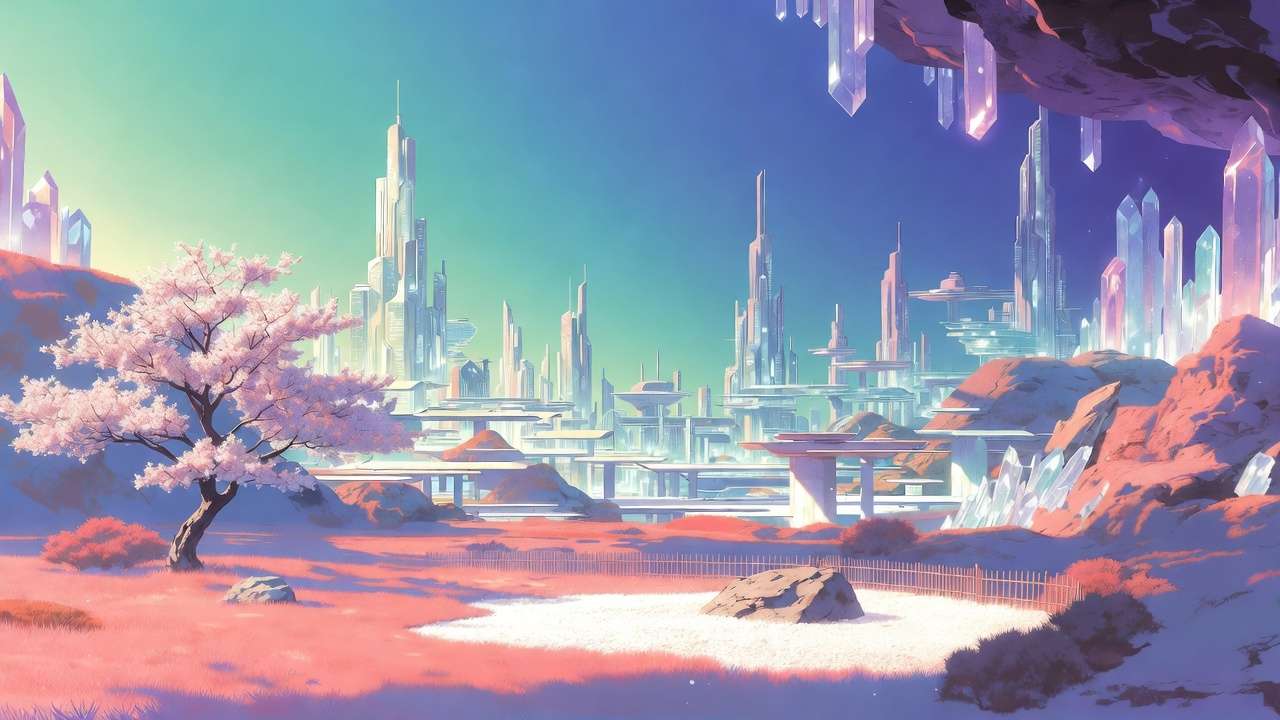
Multi-model platforms aggregate dozens of image generators, including series like Flux from Black Forest Labs, Google Imagen variants, Midjourney alternatives integrations, Ideogram updates, Seedream iterations, Qwen tools, and Nano Banana options, into unified interfaces. These solutions, such as those seen in platforms like Cliprise, enable access to over 47 AI models without multiple logins, streamlining workflows for creators handling diverse needs from photorealistic visuals to ai generated art. The practical value lies in reducing context-switching costs; instead of silos, users browse categories, evaluate specs, and launch generations in sequence. For freelancers prototyping social graphics or agencies building campaign assets, this aggregation supports consistent experimentation, where one platform's model index reveals strengths like Imagen 4's detail in landscapes or Ideogram V3's text handling in posters.
This matters now as image generation shifts from novelty to production staple, with significant time savings reported in creator communities when leveraging multiple models strategically. Readers missing these insights risk suboptimal outputs, wasting cycles on mismatched models-Flux for complex scenes, Midjourney for concepts-while those grasping variability achieve targeted results faster. Platforms like Cliprise exemplify this by organizing models into browsable pages, allowing quick shifts from photorealistic Flux 2 Flex to creative Seedream 4.0 without workflow resets.
Consider a graphic designer preparing a brand launch: starting with Qwen as an image ai generator for simple logos, then refining in Recraft for background removal, all within one ecosystem. Such sequencing, observed in tools including Cliprise, minimizes upload friction and preserves prompt context. Yet, the stakes extend beyond efficiency; poor model choice amplifies artifacts in high-stakes deliverables, like distorted compositions from ignored aspect ratios. This guide dissects patterns from hundreds of creator sessions, revealing how prerequisites like seed control and prompt structure drive reliability.
When using multi-model environments like Cliprise, creators gain visibility into variant differences-Imagen 4 Standard for balance, Ultra for depth-fostering informed decisions. The overview ahead covers misconceptions, step-by-step selection, comparisons across scenarios, and optimization sequences, equipping readers to extract maximum value from these platforms. By understanding why Flux excels in realism while Ideogram handles text, users transform variability from challenge to asset, aligning generations with real-world pipelines such as social media or e-commerce visuals.
Campaigns that mix catalog-grade stills with poster illustration should pair the photoreal stack above with Cliprise’s AI art generator so stylized explorations do not fight your literal product lane.
Prerequisites for Effective Image Generation
Setting up for image generation on multi-model platforms begins with account creation, typically involving email verification to unlock basic access. Platforms like Cliprise require this step to enable model browsing and initial generations, ensuring secure workflows from the outset. Beginners might complete this in under 10 minutes via web or mobile PWA, while verified accounts access full model lists without interruptions.
Key controls form the foundation: prompts define subject, style, and details; aspect ratios dictate composition (e.g., 1:1 squares for profiles, 16:9 for banners); seeds enable reproducibility where supported, like in Veo or Flux variants; negative prompts exclude unwanted elements such as "blurry" or "distorted"; and CFG scale (often 1-20 range) tunes prompt adherence, lower for creativity, higher for precision. These parameters, available across models in solutions like Cliprise, vary in implementation-some Flux options fully support seeds, while Midjourney's may differ-necessitating per-model checks.
Tools required remain minimal: a modern web browser for desktop PWA access or native iOS/Android apps where available, plus reference images for advanced features like multi-image inputs in certain Seedream or Flux tools. No specialized hardware suffices, as processing occurs server-side, though stable internet prevents queue drops. For experts, integrating browser extensions for prompt libraries accelerates setup, observed in creator reports as cutting initial time by half.
Time investment varies: account setup clocks 5-10 minutes, familiarization with controls another 10-15 via platform learn hubs, and first generations 2-10 minutes each, factoring queues. Platforms such as Cliprise provide model landing pages detailing these, like Imagen 4's resolution support or Ideogram's style strengths, aiding quick onboarding. Intermediate users preload prompts from text files, while solos batch parameters for campaigns.
Why these prerequisites matter: skipping seed understanding leads to non-repeatable batches, critical for marketing consistency; ignoring aspect ratios yields cropped failures in layouts. In practice, a creator using Cliprise might verify email, browse /models, note Flux 2 Pro's photorealism specs, and test a 1024x1024 prompt-all within 20 minutes. Perspectives differ: beginners focus basics, agencies script parameter sets for teams, experts layer negatives for refinement. This preparation shifts generation from gamble to controlled process, with observed patterns showing prepared users iterating significantly faster.
To deepen: consider mobile access via apps with Firebase integration, allowing on-the-go generations. Reference images, supported in some Qwen or Ideogram edits, enable style transfers, expanding use cases. Timeframes extend for batches-10 images at 5 minutes each total 50 minutes-but concurrency (varying by plan) mitigates. Platforms like Cliprise organize this via categories, reducing search time.
What Most Creators Get Wrong About Image Generators on Multi-Model Platforms
Many creators assume identical prompts yield uniform results across models, overlooking training divergences: Flux 2 series, tuned for photorealism, renders product shots with sharp textures, while Midjourney favors artistic flair, producing stylized characters from the same "cyberpunk cityscape" input. For comprehensive model comparisons, see our Midjourney vs Google Imagen 4 analysis. This misconception fails in campaigns needing consistency, as batch outputs diverge, forcing regenerations. In one scenario, a freelancer's social series mismatched because Imagen 4 Ultra prioritized detail over mood, unlike Seedream's abstract lean-commonly reported in creator forums. Experts select upfront, saving hours.
Another pitfall: neglecting seed reproducibility, assuming all models support it equally. Seeds lock variations for batches, vital for marketing where "variant A/B" tests demand parity; Flux and some Imagen variants enable this, but Midjourney's partial support introduces drift. Hidden nuance: platform implementation varies-tools like Cliprise expose seeds per model page, yet platform implementations vary. Scenario: agency preps 20 thumbnails; unseeded runs yield inconsistencies, delaying approval by days. Beginners rerun prompts blindly; intermediates log seeds; experts chain with upscalers like Grok Imagine: Complete Guide →.
Aspect ratio oversight distorts compositions-non-standard like 9:16 for stories warps figures in tight models, while 16:9 suits landscapes in Flux. Failures manifest as cropped limbs or empty spaces, common in initial generations, per creator reports. Why? Models train on dominant ratios; forcing others stretches grids. Using Cliprise, creators preview ratios on model specs, avoiding this.
Treating generators as editors expects post-fixes for artifacts, but platforms focus creation-basic tools like Recraft Remove BG exist, yet complex masks need external software. For practical applications, explore our product photography workflows and photorealistic image generation guide. Pitfall: endless iterations on flawed bases, versus prompt refinement. Aha: model choice significantly influences outcome variance, based on creator experiences; prompts tune the rest. Platforms like Cliprise highlight this via use cases, guiding selection.
These errors compound for solos juggling roles, while agencies mitigate via templates. Correcting yields reliable pipelines, as seen when switching to Ideogram V3 for text-heavy work post-misstep.
Step-by-Step Guide: Selecting and Using Image Generators
Step 1: Browsing and Selecting a Model
Access the model index on multi-model platforms, often at paths like /models, filtering by categories such as photorealistic (Flux 2 Pro, Flux Max), creative (Midjourney alternatives), or text-focused (Ideogram V3). Evaluate specs: resolution (up to 4K in Imagen 4 Ultra), style strengths (Nano Banana for simplicity), use cases listed. Platforms like Cliprise organize 26+ landing pages, detailing variants like Seedream 3.0, 4.0, and 4.5. Choose per need-Flux for products, Qwen for edits; ~3 minutes. Notice dropdowns for Imagen Standard/Fast/Ultra. Troubleshooting: unavailable models show status; check queues or alternatives like switching to Flux Flex.
Why deliberate? Random picks amplify variability; targeted model selection often reduces iterations. Freelancers scan for speed, agencies for quality.
Step 2: Crafting Effective Prompts
Structure as subject + style + details + negatives: "Vintage car on rainy street, photorealistic, volumetric fog, high detail --no blur, deformed." CFG scale 7-12 balances adherence/creativity. Examples: Flux 2 Flex "corporate logo, minimalist, blue tones" vs Ideogram "poster with 'Sale 50%', bold fonts, negative: pixelated." Vague prompts ("nice image") yield randomness; test 2-3 iterations, ~5 minutes. In Cliprise workflows, model pages suggest optimizations. Beginners copy templates; experts layer descriptors for nuance.
Common mistake: overlong prompts exceed limits, truncating key details-vary by model.
Step 3: Configuring Generation Parameters
Set aspect (16:9 banners, 1:1 icons), seed for repeats, negatives/CFG. Advanced: multi-refs in Flux/Seedream. Preview costs/times. Queues form in peaks; concurrency varies. Tools like Cliprise display these pre-launch. Notice processing estimates. Troubleshooting: reset seed for variety, adjust ratio if distorted.
Perspectives: solos prioritize seeds for batches, experts CFG for precision.
Step 4: Generating and Reviewing Outputs
Launch; monitor queue/progress. Review artifacts (e.g., hands in Flux), alignment. Iterate prompt/seed. Download/share; free tiers may publicize. ~5-15 minutes/batch. Using Cliprise, seamless to app.cliprise.app.
Step 5: Integrating into Workflows (Image-First Pipelines)
Export PNG/JPG for Photoshop; pair upscale (Recraft, Topaz paths). Batch campaigns: 50 images via seeds. Cliprise users chain to video extensions.
Real-World Comparisons: How Image Generators Perform Across Scenarios
Freelancers lean toward fast models like Imagen 4 Fast for daily posts, agencies high-quality Flux 2 Pro for client proofs, solos Midjourney for ideation. Use case 1: product mockups-Flux 2 Pro renders 1024x1024 realism, textures matching photos, ideal for e-commerce (80 words detail: prompt "sneaker on urban pavement, studio light"; outputs consistent via seed). Use case 2: social art-Ideogram V3 integrates text seamlessly in posters, "Event Tonight" legible at scale. Use case 3: logos - any ai logo maker like Qwen/Nano Banana simplifies vectors, clean lines for branding. Flux vs Imagen: Flux complex scenes (crowds), Imagen speed/single subjects.
| Model/Variant | Strength Scenario | Parameter Support (e.g., Seed/CFG) | Processing Characteristics (Queue-Dependent) | Trade-offs & Considerations |
|---|---|---|---|---|
| Flux 2 Pro | Photorealistic products (e.g., 1024x1024 mockups for e-commerce listings) | Full (seed for batch repeats, CFG 1-20, aspect 1:1 to 16:9, negatives effective) | Varies by load: rapid for standard resolutions, extended during peak queues (creator-reported) | Excels in realism but struggles with abstract art-pair with Seedream for stylized content |
| Imagen 4 Ultra | Detailed landscapes (e.g., 4K mountain scenes with foliage layers) | Full (negative prompts refine details, seed reproducibility, multi-aspect) | Varies by load: moderate for high-res, influenced by queue conditions (creator-reported) | High-res demands 3-4x credits vs Fast variant-prototype with Fast, finalize with Ultra |
| Midjourney | Artistic illustrations (e.g., fantasy characters for book covers) | Partial (seed varies by run, CFG limited, strong style transfer) | Varies by load: quicker for conceptual prompts, subject to queue variability (creator-reported) | Seed inconsistency limits batch workflows-use Flux or Imagen for reproducible outputs |
| Ideogram V3 | Text-heavy graphics (e.g., posters with overlaid slogans) | Full (style transfer, seed/CFG for text sharpness, character focus) | Varies by load: efficient for graphic elements, affected by current queue status (creator-reported) | Text focus sacrifices photorealism-supplement with Flux for product imagery |
| Seedream 4.0 | Abstract concepts (e.g., branding visuals like fluid patterns) | Full (multi-ref images, seed/CFG, negative for clarity) | Varies by load: suitable for creative modes, with processing influenced by queues (creator-reported) | Abstract strength limits literal prompt adherence-clarify with ref images for brand work |
As table shows, Flux suits realism (batches viable for freelancers under typical conditions), Imagen depth. Analysis from creator reports shows Flux reliable in product tests; Ideogram strong for text versus Midjourney. Platforms like Cliprise enable these switches, revealing patterns-e.g., Ideogram text handling effective compared to Midjourney. Agencies report improved efficiency pairing Flux with upscalers; solos Flux for volume.
When Image Generators on Multi-Model Platforms Don't Help
Edge case 1: proprietary styles demand exact brand replication-models like Flux approximate but fail pixel-perfect matches due to training generality, leading to legal rework (e.g., logo variants drift). Platforms expose this via seeds, yet non-repeatable runs compound issues.
Edge 2: real-time deadlines-queues (varying concurrency) delay urgent needs, 5-15min waits unacceptable for live events. Free tiers exacerbate with limits.
Avoid if: photographers seek edits-generation creates anew, not refines; pixel editors like Photoshop suit better.
Limitations: seed-absent non-repeatability; free public visibility risks IP. Variability unspoken by competitors.
Unsolved: full control over internals.
Cliprise users report similar in high-volume.
Optimizing Workflow: Why Order and Sequencing Matters
Starting video-first for images incurs overhead-motion models like Sora overlook static comps. Image-first prototypes fast.
Mental load: switching platforms resets context, 5-10min lost.
Image→video when concepts static; reverse for motion-primary.
Data: sequencing improves efficiency.
Image ideation rapid.
Industry Patterns and Future Directions in Image Generation
Adoption: freelancers increasing, multi-model rise.
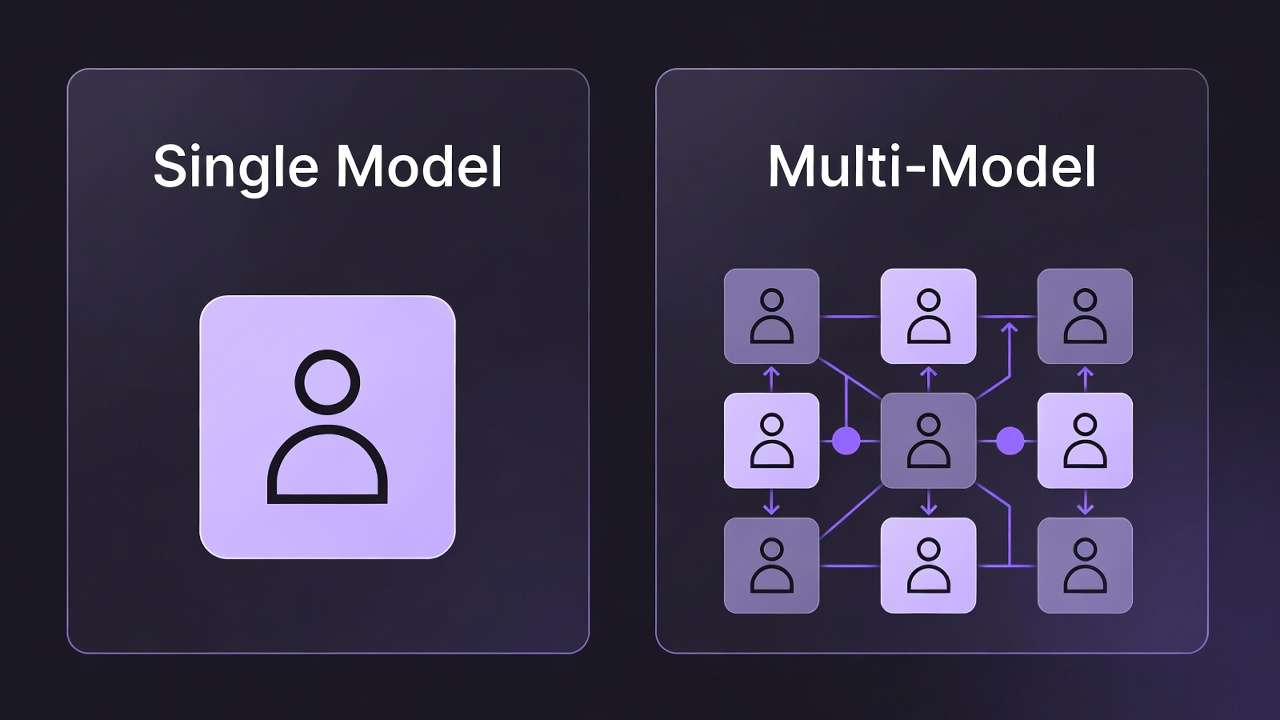
Changing: 47+ integrations.
Next: seed enhancements, previews.
Prepare: master 3-5 models.
Flux updates exemplify.
Conclusion
Recap steps, insights.
Experiment models.
Cliprise example.
Related Articles
Leveled paths (moved off the pillar footer):
-
Stable Diffusion Alternative 2026: Hosted AI Image Generation →
-
AI Portrait & Headshot Generator 2026: Professional Photos Without a Photographer →
-
Recraft Remove Background: Complete Guide to AI Background Removal →
Evolving tools.