Flux 2 vs Midjourney is a quality and control decision: Midjourney is strong for artistic mood and fast concept direction, while Flux 2 is often the better fit when the final image needs crisp texture, product realism, and repeatable prompt control.
This page owns the narrower Flux 2 vs Midjourney comparison. If you are comparing Grok Imagine, DALL-E, Imagen, Flux, and Midjourney as a broad image-generator field, use the best AI image generator 2026 comparison instead. Midjourney remains an external benchmark here, not a Cliprise-native generation model.
For Cliprise workflows, use the AI image generator to test Flux 2 and other available image models, then use the AI art generator for more stylized Cliprise-native exploration. The practical question is not which model is universally better. It is whether the brief needs artistic vibe, commercial realism, text reliability, or controlled revisions.
Chapter 1: The Setup - What Creators Expect from AI Image Generators in 2026
Alex, a motion graphics specialist with a decade in Photoshop-heavy pipelines, expected AI to streamline concept art. He anticipated Midjourney's renowned style transfer for dreamy sci-fi aesthetics and Flux 2's precision from Black Forest Labs for photoreal elements. Yet reality diverged: Midjourney delivered mood quickly but faltered on consistent anatomy; Flux 2 Pro held details across iterations via seed parameters.
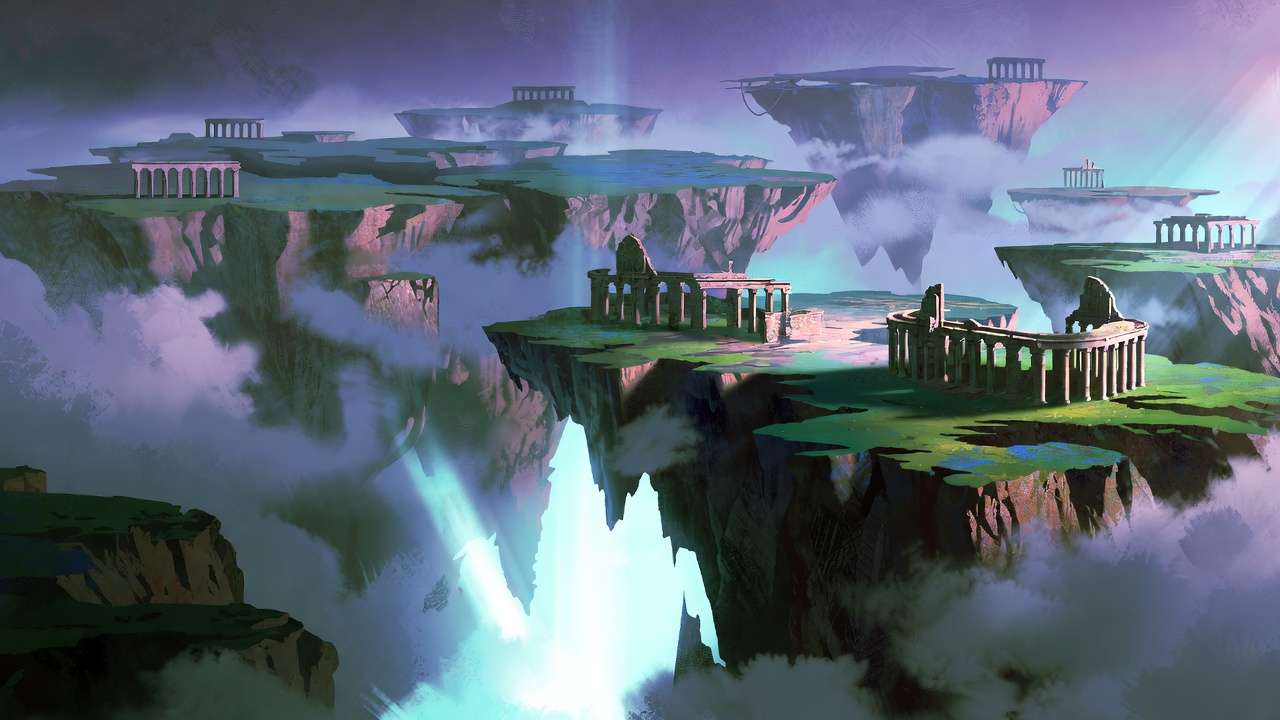
Key players include Midjourney as an external artistic benchmark and Flux 2 variants for photorealistic, commercial, and control-heavy image workflows. Cliprise helps with the available side of that comparison by letting users browse model specs before launching workflows. Creators expect coherence in complex scenes, prompt adherence beyond literal reads, and controls like aspect ratios, seeds for reproducibility, and negative prompts for rejection.
In practice, quality emerges from prompt-model fit. Midjourney leans on training for vibe, introducing variability; Flux 2 uses controls such as CFG scale for tighter adherence. In Cliprise, a creator can evaluate Flux 2 and adjacent available models without implying Midjourney is part of the Cliprise model library. Expectations center on reproducibility: seeds enable Flux iterations, while Midjourney reproducibility is more limited.
This setup matters as agencies scale to 50+ assets weekly, freelancers iterate daily, and solos experiment for NFTs. Mismatches lead to frustration, like Alex's initial Midjourney alternatives runs where nebula glows dazzled but ship hulls warped. Modern solutions, including Cliprise, expose these via unified interfaces, but understanding specs prevents blind switches. For instance, Cliprise's model landing pages detail features like seed support and CFG scale for Flux 2, contrasting Midjourney's artistic leanings, helping users anticipate outcomes before generation.
Creators also anticipate integration with editing tools, such as basic upscaling or background removal available in some platforms. In Cliprise workflows, users can chain image generations from Flux 2 into tools like Recraft Remove BG or Topaz Video Upscaler for videos derived from stills. These expectations evolve with industry demands: social media requires quick, vibe-driven assets from Midjourney alternatives, while e-commerce needs precise product visuals from Flux 2 Pro. Freelancers like Alex balance both, using aggregators to avoid siloed limitations.
What Most Creators Get Wrong About Image Quality in Midjourney and Flux 2
Creators frequently assume higher resolution guarantees superior quality, overlooking artifacts in Midjourney's outputs for intricate scenes like Alex's nebulae, where blurs demand upscaling fixes. Flux 2 variants mitigate this with native crispness, but pushing Imagen 4 Ultra alongside reveals similar pitfalls without CFG tuning. Platforms like Cliprise, with access to Imagen 4 and Flux models, allow side-by-side comparisons to spot these issues early.
Another error: over-relying on lengthy prompts sans seed control. Midjourney yields mixed results across runs, frustrating iterative tweaks; Flux 2's full seed support allows exact recreations, as seen in character sheets where anatomy holds steady across seeds in tests on platforms like Cliprise. A creator using Cliprise might lock a Flux 2 Flex seed for campaign variants, avoiding Midjourney's partial reproducibility.
Negative prompts vary too-many ignore efficacy differences. Flux 2 handles CFG scale for precise rejection of elements like "blurry edges," reducing artifacts; Midjourney's moderate filtering leaves remnants, per model docs. In agency renders, this means Flux 2 Pro cuts cleanup time noticeably.
Treating models interchangeably ignores strengths: Midjourney for surreal branding, Flux 2 Max for textures preserving fabric folds or skin pores. Real scenario: product mockups where Flux Kontext Pro retains details post-upscale, unlike Midjourney's softening. When browsing Cliprise's model index, users see these distinctions in use cases, such as Flux 2 Pro for high-fidelity realism versus Midjourney for stylized art.
Hidden nuance: quality metrics favor coherence over pixels-prompt adherence in dynamic lighting or anatomy. Platforms aggregating like Cliprise highlight this via side-by-side model pages, yet beginners chase "vibes" without measuring outputs against briefs. Experts prioritize seed-locked tests first, spotting Flux 2's edge in controlled environments. Casual users miss how queue variances on certain tools amplify inconsistencies, turning "good enough" into rework traps. When experimenting in Cliprise's environment, starting with simple prompts reveals these gaps early, saving hours. Cliprise's learn hub offers guides on prompting for models like Flux 2, emphasizing seed and CFG for consistent quality.
This section underscores a deeper truth: consider cultural motifs where Midjourney alternatives hallucinates due to biases, Flux 2 literalizes better with context. Or low-stakes sketches favoring Midjourney alternatives speed over Flux precision. The contrarian truth: quality isn't model magic-it's prompt-model alignment most overlook. In multi-model setups like Cliprise, users experiment with 47+ options, including ElevenLabs for audio complements or Qwen Edit for refinements, building layered workflows that amplify image quality.
Real-World Showdown: Head-to-Head in Creator Workflows
Freelancers like Alex favor Midjourney for rapid ideation, generating concept sketches in vibe-heavy phases; agencies prefer Flux 2 Pro for deliverables with layer-compatible exports. Solos blend both via aggregators.
Use case 1: product mockups. Midjourney shines in surreal branding like glowing logos; Flux 2 excels in photoreal materials, rendering fabric folds accurately.
Use case 2: character design. Flux Kontext Pro maintains anatomy via seeds; Midjourney offers flair but risks distortions.
Use case 3: environmental art. Midjourney captures mood in misty forests; Flux 2 Flex simulates lighting physics realistically.
| Aspect | Midjourney | Flux 2 Pro | Flux 2 Flex/Max | Scenario Impact |
|---|---|---|---|---|
| Texture Detail (e.g., fur/skin) | Strong in stylized renders, fur stylized but softens at scale | High fidelity in realism, skin pores visible at higher resolutions | Ultra-sharp at scale, holds fur strands in extended outputs | Product viz: Flux variants reduce post-edits in agency apparel render scenarios |
| Prompt Adherence (5-10 word prompts) | Artistic interpretation, adds flair to "cyberpunk city" | Literal with CFG tuning, matches scene descriptions closely | Enhanced context retention across multi-element scenes | Character sheets: Flux supports full seed reproducibility for iterative tweaks vs Midjourney's partial support |
| Aspect Ratio Flexibility (1:1 to 16:9) | Broad support, minor distortions in extremes | Precise control via params, no warping in banners | Extended w/o distortion up to panoramic | Social banners: Midjourney for ideation, Flux finalizes without crop losses in extended formats |
| Seed Reproducibility (iterative tweaks) | Partial/mixed support | Full support, exact matches on same seed+prompt | Optimized for variations, reliable branching for tweaks | Campaign series: Flux enables consistent revisions for asset sets |
| Negative Prompt Efficacy | Moderate rejection, "no blur" softens some issues | Strong w/ scale param, rejects artifacts effectively | Advanced filtering, handles complex negs in detailed scenes | Background cleanup: Flux minimizes time in Photoshop sessions |
| Upscale Compatibility (to 8K) | Basic integration via external tools, details fade post upscale | Native crisp upscaling steady | Enhanced to higher resolutions, retains fidelity | Print-ready: Flux Max workflows hold details for large formats vs Midjourney softening |
As the table illustrates, Flux variants edge in control-heavy scenarios, with scenario impacts drawing from observed creator reports on model controls like seeds and CFG scale. Surprising insight: Midjourney's speed aids ideation, but Flux's seeds support steady revisions in series work-agencies report notable efficiency gains.
Platforms like Cliprise facilitate the available side of these tests by making Flux 2 and related image models easy to compare from a unified model index. Freelancers report time savings iterating Flux in multi-model flows; agencies batch Flux variants for ecommerce. In Cliprise, users can read specs on controls like aspect ratios and negative prompts before selecting a model.
Case Study 1: Alex's Sci-Fi Campaign Pivot
Alex kicked off with Midjourney for nebula bursts-vibrant hues in quick generations, perfect for mood boards. But client review flagged fuzzy ship edges and inconsistent glows, wasting hours on variants.
Switching mid-project via a platform like Cliprise, he launched Flux 2 Pro. Seed-locking the base nebula preserved lighting; CFG scale tuning rejected "blurry outlines," yielding sharp hulls. Iterations for ship angles maintained anatomy, unlike Midjourney's drifts.
Finals impressed: pro-grade composites ready for motion extensions. The lesson is that quality stems from control, not initial flair. Alex now treats Midjourney as an external ideation benchmark and moves control-heavy work into Flux refinement. In Cliprise workflows, model pages detail available controls upfront, which helps creators decide when Flux 2, Imagen, Ideogram, or another available model is the right next step.
This pivot underscores contrarian wisdom: don't marry first outputs-prototype across models. Extending to video, Alex chained Flux images into Veo 3 workflows on Cliprise, maintaining quality across media types.
When Midjourney or Flux 2 Doesn't Deliver the Quality Win
Hyper-specific cultural motifs trip Midjourney alternatives, hallucinating inaccurate patterns from training biases; Flux 2 literalizes but may lack nuance without extended context. Platforms like Cliprise, with diverse models including Ideogram V3 for character focus, offer alternatives.
Low-credit quick tests expose Flux 2's prompt sensitivity-casual sketches falter without tuning, favoring Midjourney's forgiving style. Print designers chasing exact colors hit raster limits in both, needing vector post-processing.
Honest limits: queue variances on platforms delay turnarounds; non-seed reliance unpredictably varies brands. When using Cliprise, free-tier constraints amplify this for casuals. Edge case: abstract surrealism where Midjourney vibes win, Flux over-literalizes.
Who skips: beginners daunted by CFG, or high-volume social posters prioritizing volume over fidelity. Remains unsolved: perfect anatomy in dynamic poses across runs. Certain tools mitigate via upscalers like Topaz, available in Cliprise for video extensions, but core generation variability persists. Users turn to Qwen Edit or Recraft Remove BG for fixes, as detailed in Cliprise's features.
Chapter 2: The Order Matters - Prompting Pipelines That Amplify Quality
Jumping complex scenes sans bases wastes time-Alex's unanchored Midjourney nebula runs spanned hours before viable seeds.
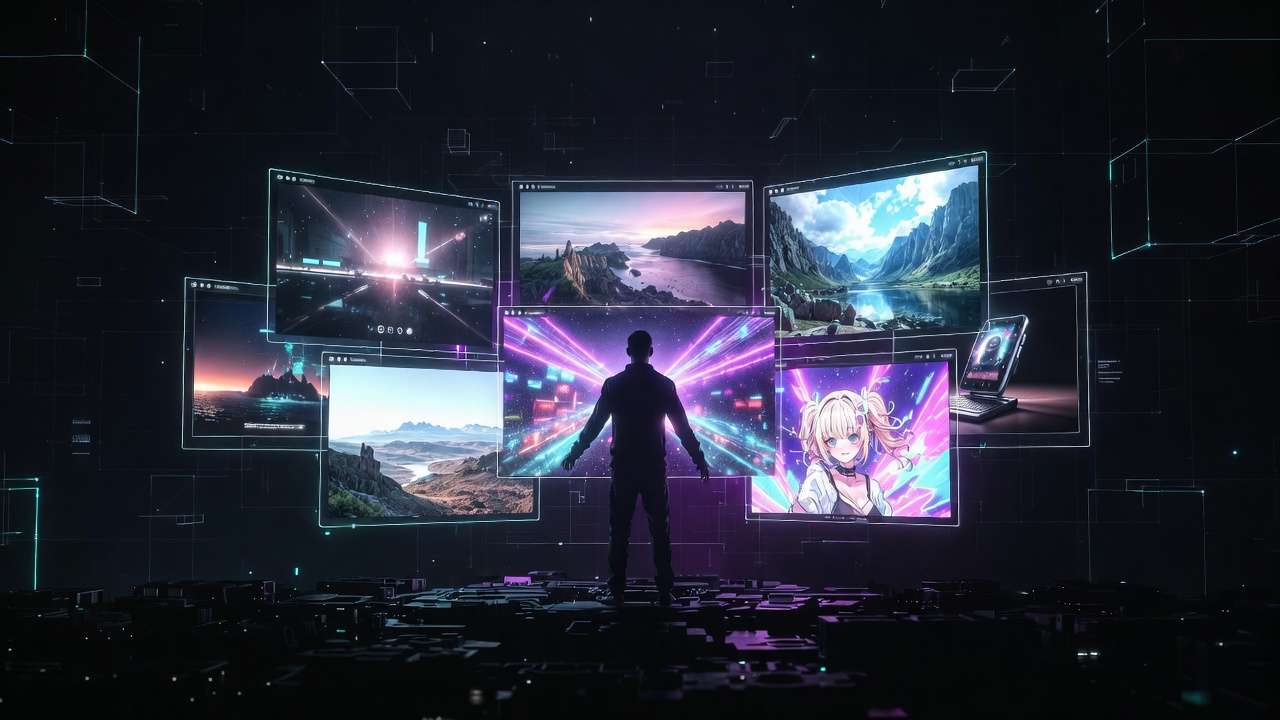
Image-first pipelines suit extensions: Flux 2 seeds feed Imagen or Veo video paths; Midjourney standalone limits chaining. Context switching increases errors in sessions, per creator patterns.
Reports show quality improvements from simple-to-refined sequencing. Platforms like Cliprise enable this, browsing Flux for images before video models like Sora 2 or Kling.
Start bases at 1:1, refine ratios; neg prompts layer last. Mental model: pyramid-broad ideation (Midjourney), precise sculpt (Flux). In Cliprise, prompt enhancer workflows guide this, drawing from n8n integrations for refined inputs.
Expand pipelines: use ElevenLabs TTS for narrated concepts post-image gen, or Luma Modify for video edits. Freelancers sequence Midjourney to Flux 2 Flex, then upscale via Grok or Topaz paths in aggregators.
Case Study 2: Agency Battle for E-Commerce Renders
Agency team raced Q1 launch: Midjourney flooded surreal product options, but lighting inconsistencies mismatched reality-"shadows float."
PM pivoted to Flux 2 Max batches with neg "harsh shadows," nailing photoreal folds. Negative prompts + seeds produced coherent assets for site.
"Assets ship sans fixes," PM noted. Ties to upscalers in solutions like Cliprise, where Flux outputs upscale seamlessly. Workflow: Midjourney alternatives mood to Flux finals, streamlining revisions. Cliprise's unified credit system across 47+ models supports such batching without tool hops.
Deeper dive: agency integrated Flux with Qwen Image Edit for tweaks, maintaining fidelity. This mirrors patterns in Cliprise's learn guides, emphasizing model chaining.
Industry Patterns: What's Shifting in AI Image Quality by 2026
Flux-like precision gains traction in commercial workflows via Black Forest integrations. CFG/seed upticks across 47+ model platforms, including Cliprise.
Trends: hybrid editors post-Flux (Qwen Edit). Prep seeds for Veo/Sora videos. Observed: agencies sequence image-first for video extensions.
6-12 months: deeper multi-image refs. Creators adapt via aggregators testing workflows. Cliprise's model list, fetched dynamically, reflects these shifts with toggles for availability.
Rise of voice integration: ElevenLabs TTS complements Flux visuals for ads. Platforms evolve with Firebase analytics tracking usage patterns, informing refinements.
Case Study 3: Solo Creator's NFT Revival Attempt
Indie artist revived collection post-dip with Midjourney vibes-buyers panned anatomy glitches in poses.
Flux 2 Flex iterations, aspect tweaks (9:16 portraits), cohesive series emerged. "Consistency sells." In Cliprise, unified access sped experiments: Midjourney alternatives concepts to Flux polishes. Artist extended to ByteDance Omni Human for animated variants, leveraging Cliprise's aggregation.
Post-launch, public profiles on Cliprise showcased outputs, drawing community feedback. Lessons: seed control scales solos to pro levels.
Additional Insights: Layering Controls for Peak Quality
Beyond basics, CFG scale in Flux 2 tunes prompt strength-higher values enforce literal adherence, lower allow creativity. Midjourney's implicit tuning favors art. In Cliprise demos, users adjust via interfaces mirroring model docs.
Negative prompts evolve: Flux rejects "deformed hands" reliably; Midjourney softens stylistically. Combine with aspect ratios for banners-16:9 Flux holds edges, Midjourney warps subtly.
Reproducibility deepens workflows: Flux seeds enable A/B tests, vital for NFTs or ads. Platforms like Cliprise log seeds for revisits, unlike siloed tools.
Upscaling chains: Flux to Topaz 8K paths preserve details; Midjourney needs external fixes. Cliprise bundles these, from Recraft to Grok Upscale.
Edge Cases and Mitigations in Multi-Model Environments
Surreal abstracts: Midjourney's training shines; Flux risks sterility. Mitigate via Cliprise's Seedream variants for balanced dreams.

Anatomy challenges: Flux Kontext Pro contexts multi-refs; Midjourney flair distorts. Test in Cliprise's community feed for peer validations.
Queue dynamics: Paid plans on aggregators handle concurrency better-free tiers queue singly. Cliprise's n8n workflows manage this transparently.
Related Articles
- AI Image Generation: The Complete Guide 2026
- Flux 2 vs Google Imagen 4 Photorealism Test
- DALL-E 3 vs Midjourney 2026 Comparison
- Best Image Generators on Cliprise Complete Guide
- AI Model Selection Guide
Alex's chaos-to-control arc recaps: Midjourney inspires, Flux 2 delivers precision. Match to needs-ideation vs fidelity.
Test personally inside Cliprise by browsing AI models for specs and running controlled prompts through available image models. Evolving platforms demand workflow mastery: Flux 2 for controlled realism, Ideogram v3 for text, Imagen for photoreal tests, and Midjourney as an external artistic benchmark when that style is the point. What matters most is your next project's model sequence.