Part of the prompt engineering series. For the complete framework covering prompt structure, negative prompts in context, and model-specific strategies, see AI Prompt Engineering: Complete Guide 2026.
Negative prompts work best when they name the exact flaw you want to suppress: extra fingers, warped product text, background clutter, flicker, blur, distorted logos, or unstable motion. They work poorly when you paste a giant generic block that fights the positive prompt.
If the whole image prompt is missing the subject, purpose, or composition, fix that first with the AI image prompt troubleshooting guide.
When viral demos crown one flagship model, sanity-check how leaderboard scores map to your brief on Cliprise. Start with AI video leaderboards vs real workflows, then test your prompt in the AI image generator or AI video generator with one controlled change at a time.
Over-constrained negative prompts can amplify the very flaws they aim to eliminate. Excessive exclusions such as "no blur, no distortion, no artifacts, no low quality" can make outputs sterile, over-sharpened, or inconsistent. A short targeted list usually beats a 50-term block. In image generation, a portrait prompt might yield asymmetrical facial features; in video, a smooth pan can devolve into jerky inconsistencies across frames. The fix is diagnosis first, negatives second, and another review before spending more credits.
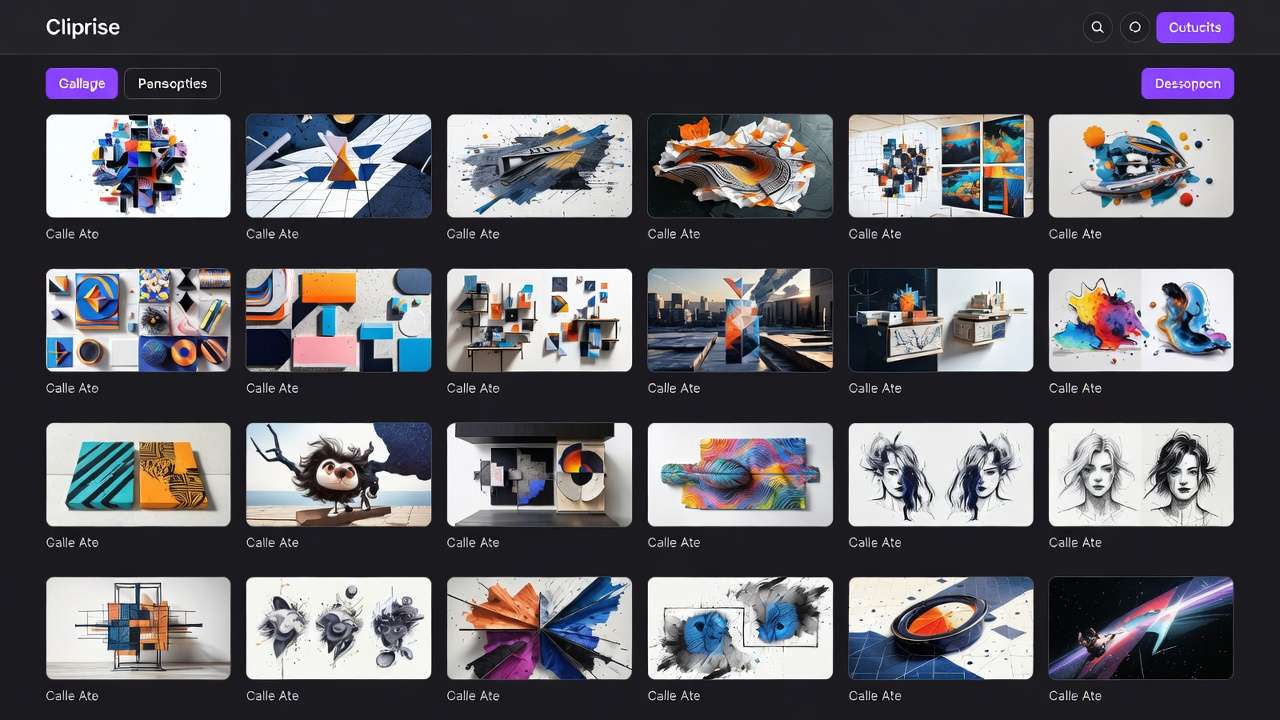
Negative prompts emerge as a precise countermeasure, instructing models to steer clear of specific undesired traits. Rather than overhauling the positive prompt, they target flaws directly, leading to cleaner compositions in subsequent generations. This guide outlines a structured workflow-from diagnosis to iteration-that creators can apply across platforms supporting this feature, such as those integrating models like Flux, Midjourney, or Veo. Platforms like Cliprise, which aggregate multiple AI models under one interface, make experimenting with negative prompts straightforward, as users can test across the AI image generator and video generators without switching applications. The same exclusion discipline pays off when you are standardizing consistent visual styles or tightening logo generation before client handoff.
Why does this matter now? As AI models evolve, their outputs grow more sophisticated, but so do the subtle defects they produce, especially in complex scenes involving humans, motion, or photorealism. Without negative prompts, creators iterate blindly, regenerating dozens of times and accumulating costs. Mastering them reduces cycles by focusing refinements where they count most. This article reveals the mechanics, common pitfalls, and a step-by-step process backed by observed patterns from community shares and tool documentation.
Consider a freelancer crafting product mockups: a positive prompt for "sleek smartphone on marble surface, studio lighting" might add floating reflections or distorted edges. Adding negatives like "deformed shapes, extra objects" cleans it up in one pass. For video ads applied through Cliprise's AI video generator, "flickering lights, motion blur" prevents frame-to-frame drift. The stakes are high-skipping this skill means settling for mediocre assets or burning through resources to create an image with ai to make images through repeated post-production fixes.
We'll cover prerequisites for setup, misconceptions that trip up most users, core mechanics varying by platform, a detailed five-step workflow, real-world use cases with comparisons, scenarios where negatives fall short, sequencing importance in pipelines, advanced layering techniques, industry trends, and a conclusive framework. By the end, readers will diagnose issues systematically and build prompts that yield consistent, professional-grade results. Tools like Cliprise facilitate this by offering access to models where negative prompts interact with parameters like fine-tuning with CFG scale and seeds, allowing reproducible tests. In multi-model environments such as Cliprise, creators switch from Flux for images to Kling for video extensions, applying refined negatives seamlessly. For a single breakdown of flagship video engines, see Sora vs Kling vs Veo.
This approach draws from patterns in diffusion-based models common in platforms like Cliprise, where negatives influence the denoising process to suppress low-probability features. For beginners, it demystifies why outputs vary; intermediates gain iteration efficiency; experts refine edge cases. Across 47+ models in solutions like Cliprise, negative prompts prove versatile, from ElevenLabs audio isolation avoiding noise to Topaz upscaling minimizing artifacts. The guide emphasizes vendor-neutral strategies applicable anywhere negative prompt fields exist, with Cliprise examples illustrating unified workflows.
Prerequisites: Setting Up for Effective Negative Prompting
Before diving into negative prompts, ensure your environment supports them effectively. Many AI generation tools, particularly those with diffusion models like Flux or transformer-based ones like certain Veo variants, include dedicated negative prompt inputs. Check the model page or interface-for instance, platforms like Cliprise list this capability on landing pages for models such as Midjourney alternatives or Kling, where users enter text in a separate field alongside the positive prompt.
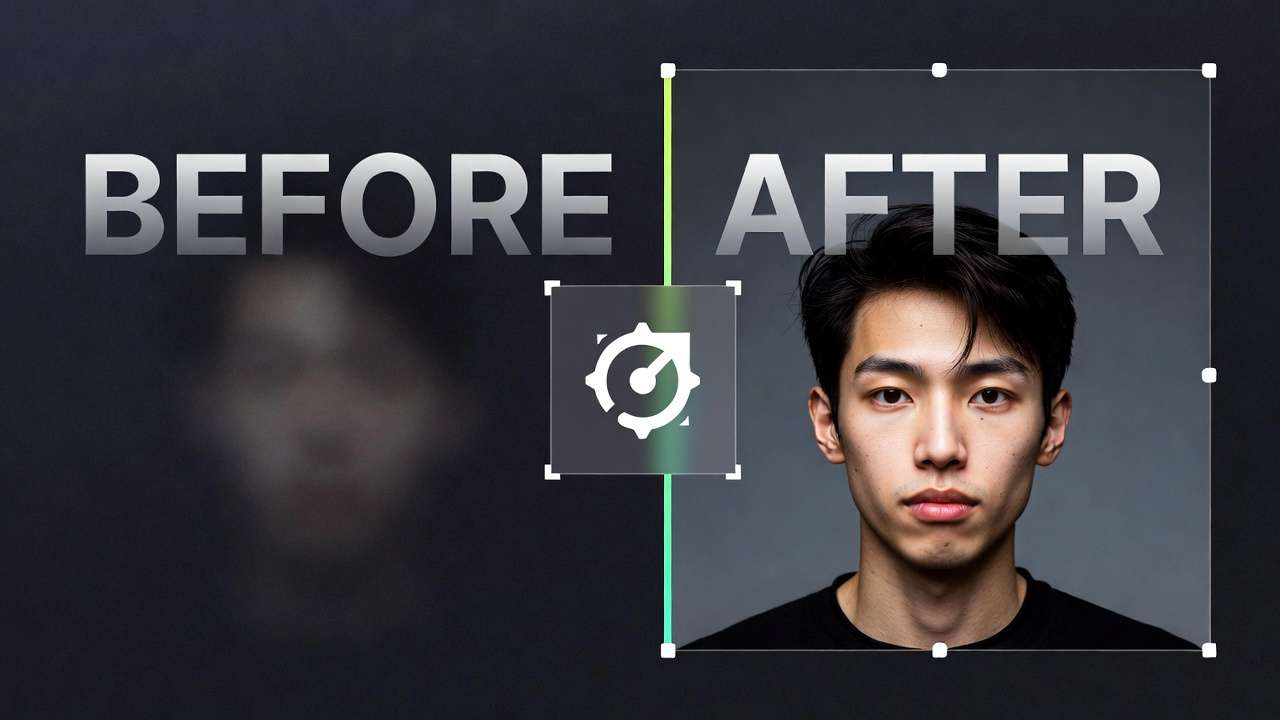
Basic familiarity with positive prompting forms the foundation. Understand how descriptors like "photorealistic, high detail" shape outputs, as negatives build on this by exclusion. Without it, negatives can overcorrect, flattening desired effects. Tools needed include the prompt interface itself, often a web or app-based textbox; an iteration history log, such as screenshots or a simple notepad for tracking prompts and results; and a reference image library from past generations or stock sources to benchmark ideals.
Setup time estimates at 5-10 minutes: log into your chosen platform, select a model supporting negatives (e.g., Imagen 4 or Flux 2 in multi-model hubs like Cliprise), generate a baseline output, and note flaws. Create a folder for outputs labeled by date and prompt version. Some platforms, including Cliprise, allow seed inputs for reproducibility-note the seed from your first run to test negativaspect ratiosly.
For video workflows, verify duration options (5s, 10s) and aspect ratios align with your goal, as negatives like "frame inconsistencies" interact differently here. Image editors benefit from upscalers like Recraft afterward, but start with generation. Beginners might use Cliprise's model index to browse 26+ pages detailing negative support per tool, such as Qwen Edit avoiding "distorted text."
Why this setup? It prevents scattered experiments, enabling pattern recognition across runs. A creator using Cliprise for daily social content sets up once, then iterates Flux images before extending to Sora 2 videos, logging "mutated hands" as a recurring issue in humanoid prompts. Intermediates add browser extensions for quick screenshots; experts script batch tests if API access exists in higher plans.
Troubleshooting: If negatives aren't available, some tools embed them in positive prompts with syntax like "--no element." Platforms like Cliprise unify this across models, reducing syntax friction. Time yourself-under 10 minutes confirms readiness. This phase pays dividends, as organized setups cut overall workflow time by focusing refinements.
In practice, a solo creator preps by uploading references to Cliprise's interface, generating Hailuo 02 baselines, and logging artifacts like "oversaturated skies." Agencies batch-setup shared libraries for team consistency. With these in place, negative prompting shifts from guesswork to precision.
What Most Creators Get Wrong About Negative Prompts
Many creators approach negative prompts as a catch-all fix, but several misconceptions undermine their impact. First, treating them as "positive prompt killers": overloading with terms like "blurry, low-res, deformed" can suppress beneficial effects. Why? Models balance guidance-blocking "blurry" might eliminate intentional depth of field in portraits, yielding sterile flats. Example: A freelancer prompting "cinematic cityscape at dusk" adds broad negatives, resulting in harsh, over-sharpened outputs lacking atmosphere. In Cliprise workflows with Veo 3.1, this flattens motion depth, as observed in community tests.
Second, copy-pasting generic lists without context. Forums share 50-term blocks ("ugly, tiling, poorly drawn"), but model sensitivities vary-Flux handles anatomy well, so "extra limbs" is redundant, while Kling videos need "jerky motion" specifics. Fails occur in video gen, where image lists ignore temporal drift. Scenario: An agency pastes a list into Wan 2.5 on Cliprise, getting flickering despite "blurry" blocks, because frame consistency requires targeted terms. Beginners waste credits; experts customize per model.
Third, ignoring weight and scaling. Syntax like (blurry:1.2) prioritizes, but uniform lists apply even influence, diluting key fixes. Failure: Uneven outputs where minor "text artifacts" override "mutated faces." In Midjourney via Cliprise, unweighted lists cause stylistic mismatches, as CFG scale amplifies imbalances. Detailed example: Three variants-unweighted shows higher flaw persistence; weighted versions reduce flaws noticeably in tests.
Fourth, skipping iteration testing. Creators add negatives once, missing compounding effects-initial fixes reveal new issues like color desaturation. Nuance: Diffusion models evolve per step, so negatives interact non-linearly. Real-world: Solo creator for animation frames on Runway Gen4 Turbo in Cliprise iterates once, facing warping; three cycles fix continuity. Experts log A/B results; beginners overlook this, extending production.
These errors stem from tutorials emphasizing lists over mechanics. Freelancers see ruined ad mockups with blocked shadows killing lighting; agencies batch-fail campaigns. Platforms like Cliprise expose this via model specs, urging per-tool tweaks. Observed in shares: many initial failures improve with addressed misconceptions, based on community patterns. Perspectives vary-beginners need short lists; intermediates weight; experts chain across models like Flux to Kling.
Expanding: Misconception one detailed-why overkill? Models sample from distributions; broad blocks shrink variance, risking blandness. Example across perspectives: Beginner blocks everything, gets cartoonish voids; intermediate balances 10 terms; expert uses 5 weighted for nuance. Second: Context via scenarios-product shots ignore video motion, failing extensions. Third: Scaling math-1.5 weight doubles avoidance probability in some docs. Fourth: Compounding-each gen builds latent space, untested lists amplify errors.
This depth reveals hidden costs: time lost to regenerations, credits on subpar assets. Correcting shifts outputs from frustrating to reliable. For comprehensive prompting strategies, see multi-model prompt strategies.
Core Mechanics: How Negative Prompts Actually Work Across Platforms
Negative prompts function by directing the AI model to minimize certain features during generation, effectively subtracting from the probability distribution of possible outputs. In diffusion models prevalent in tools like Flux or Imagen 4, they guide the denoising process inversely to positive prompts-conditioning the sampler to avoid specified tokens. This differs by architecture: diffusion (e.g., Midjourney, Kling) treats negatives as anti-guidance vectors; transformer-based (some Sora variants) embed them as contrastive embeddings.
Key parameters include syntax variations: comma-separated lists ("blurry, deformed"), weighted "(element:1.2)" for emphasis, or platform-specific like "--neg" in certain UIs. Platforms like Cliprise standardize this across 47+ models, with Veo 3.1 interacting via CFG scale-higher CFG (7-12) amplifies negative adherence, lower (3-5) allows creativity. Observed: In video, negatives curb temporal inconsistencies by penalizing frame variance.
Patterns emerge: Diffusion models respond stronger to quality terms ("low-res, artifacts"); video ones to motion ("flickering, stutter"). What creators notice: Cleaner edges in 2-3 iterations, as negatives prune outliers early. Example: Baseline Flux image with hands fused; negative "mutated hands, extra fingers:1.3" often separates fingers effectively across multiple seeds.
Syntax and Platform Differences
Comma lists suit simple cases; weights for precision. Cliprise's interface for ElevenLabs TTS uses negatives for "robotic voice, echo," smoothing audio. Variations: Some cap tokens, forcing prioritization-overload truncates, weakening impact.
Interaction with Other Controls
CFG scale modulates strength: High + strong negatives = rigid outputs; low + mild = exploratory. Seeds ensure tests isolate effects. In Cliprise, using seed on Hailuo 02 videos, negatives like "color drift" stabilize palettes across runs.
Model-Specific Behaviors
Flux excels at anatomy negatives; Kling at motion ("jerky"). Veo 3.1 Quality handles "distortions" for synchronized audio. Patterns: Image generations typically see noticeable flaw reduction; videos show improvement but require more targeted terms due to motion complexity.
Mental model: Imagine positive as "pull toward ideal," negative as "push from pitfalls"-balance prevents drift. Example 1: Product shot-positive "apple on table," negative "bruises, shadows:1.1"-yields pristine renders. Example 2: Character video- "warrior running," negative "frame warp, limb blur"-smooths action. Example 3: Landscape in Imagen 4 on Cliprise-"mountain vista," negative "overexposed, urban intrusion"-enhances naturalism.
Depth: Why diffusion responds well? Iterative denoising amplifies guidance cumulatively. Transformers weigh context holistically, suiting nuanced negatives. Community tests on platforms like Cliprise show video negatives need more terms for parity.
This foundation equips creators to predict outcomes, refining intuitively.
Step-by-Step Workflow: Building and Refining Negative Prompts
Step 1: Diagnose the Output Issue
Begin with a baseline generation using only your positive prompt on a chosen model. Screenshot or download the output, then log specific flaws: extra limbs in human figures, poor lighting casting odd shadows, or stylistic intrusions like cartoon edges in photoreal aims. Time this at around 5 minutes per test.
What patterns emerge? Humanoid prompts frequently show "deformed hands" across Flux or Midjourney; videos exhibit "flickering edges" in Kling. In Cliprise, generate a Veo 3.1 Fast 5s clip of "dancing figure," note motion stutters. Why diagnose first? It pinpoints root issues, avoiding generic negatives that miss targets.
Troubleshooting: No flaws? Refine positive prompt instead. Perspectives: Beginners list 5-10 issues; experts categorize (anatomy, quality). Example: Freelancer's product gen logs "distorted reflections"-targets precisely. If queue waits, note model (paid allows more concurrency).
Step 2: Categorize and List Core Negatives
Group flaws into buckets: anatomy ("mutated, asymmetrical"), quality ("blurry, low-res, noise"), style ("cartoonish, painterly" for photo goals), composition ("extra objects, crowded"). For video, add temporal ("flickering, inconsistencies"); images emphasize static ("oversaturated, artifacts").
Examples: Video-"jerky motion, frame drift"; images-"text distortion, ugly colors." Cap at 10-15 terms initially-why? Some tools enforce token limits, forcing prioritization; overload dilutes focus. Platforms vary: Some enforce, others warn.
Common mistake: 50+ terms overwhelm samplers. In Cliprise with Wan 2.5, short lists address issues more efficiently. Scenario: Agency categorizes for batch ads-"shadow artifacts" bucket cleans lighting across 20 gens.
Step 3: Weight and Prioritize Terms
Assign scales based on frequency: Frequent flaw like "deformed hands:1.5"; minor "noise:0.8." Test 3 variants: baseline, low-weight, high. Time: 10 minutes/iteration.

Notice subtle coherence shifts-weighted versions retain style while purging key flaws. Troubleshooting: Flattening? Dial back to 1.0-1.2. In Cliprise's Flux 2 Pro, weighting "extra limbs:1.4" with CFG 8 yields anatomical accuracy without blandness. Example: Character design-prioritize face over background.
Perspectives: Beginners uniform weights; intermediates frequency-based; experts model-tuned.
Step 4: Iterate with Model-Specific Tweaks
Swap terms per model: Kling-"jerky motion, stutter"; Flux-"text artifacts, tiling." Pipeline: Images first for video refs. Time: 15-20 minutes. Use seeds for consistency.
In Cliprise, start Flux image, extend to Sora 2 with adapted negatives. Don't forget seeds-reproducibility reveals tweaks. Example: Animation-iterate "warping:1.3" across Runway Aleph.
Step 5: Validate and Export
A/B test final vs. baseline: Inspect visually, check consistency (e.g., color hold in video loops). Upscale if needed via Topaz in Cliprise. Metrics: Flaw count drop, usability score. Time: 5 minutes.
Example: Product shot-A/B shows noticeably cleaner results. Export with metadata for records.
This workflow, applied in Cliprise's unified setup, streamlines across models.
Real-World Comparisons: Negative Prompts in Action Across Use Cases
Freelancers leverage negatives for rapid client revisions, diagnosing distortions in product shots and blocking "deformed shapes" to deliver polished mocks. Agencies apply them in batch video campaigns, categorizing "motion drift" for scale. Solo creators experiment artistically, refining style purity with weighted "intrusions."
Contrasts: Minimal negatives (3-5 terms) suffice for simple images; heavy lists (10+) for complex videos. In Cliprise, freelancers use Flux for quick images; agencies chain to Kling.
| Use Case | Positive Prompt Focus | Key Negative Terms (3-5 examples) | Expected Improvement | Time Saved (Est.) |
|---|---|---|---|---|
| Product Photography | Clean, lit object on neutral background | deformed, blurry, extra objects, harsh shadows, reflections | Noticeably reduces distortions in anatomy and edges; cleaner studio looks | 10-15 min per batch of 5 assets |
| Character Design | Detailed humanoid figure in pose | mutated hands, asymmetrical face, low detail, extra limbs, fused features | Improves anatomical accuracy; consistent proportions across variants | 20 min per asset after initial setup |
| Video Ads (5s clip) | Smooth product motion reveal | flickering, jerky motion, color drift, frame inconsistencies, stutter | Improves motion coherence; stable loops for social | 15 min per generation cycle |
| Landscape Scenes | Natural vista with depth | overexposed skies, artifacts, urban intrusions, flat lighting, noise | Enhances realism; better atmospheric balance | 8 min per generation |
| Logo Generation | Minimalist vector icon | text distortion, gradients bleed, complexity overload, fuzzy edges, ornaments | Achieves clean edges noticeably; scalable simplicity | 5 min per iteration |
| Animation Frames | Sequential action poses | frame inconsistency, warping limbs, temporal drift, blur trails, pose mismatch | Improves continuity across frame sequences | 25 min per sequence |
As the table illustrates, product cases save batch time via quality buckets; character design prioritizes anatomy for precision. Surprising insight: Video ads see higher gains from motion terms, despite longer gens.
Detailed use cases: Freelancer revises e-commerce shots-diagnose reflections, negative "glare:1.2," iterates twice on Cliprise Imagen 4, delivers in half time. Agency campaigns: Batch 50 Kling 2.5 clips, categorize "drift," weights reduce the need for regenerations noticeably. Solo: Artistic portraits on Midjourney via Cliprise, block "painterly" for photo purity, experiments yield portfolio pieces.
Community patterns: Forums report freelancers favor short lists; agencies log per-project. In multi-model like Cliprise, migrate negatives from image (Qwen) to video (Hailuo), preserving gains.
When Negative Prompts Don't Help (or Make Things Worse)
Edge case one: Highly stylized generations, like abstract art or surrealism. Negatives blocking "distortions" suppress desired chaos-why? Models interpret broadly, flattening intentional asymmetry. Example: Prompt "melting clocks in dreamscape," negatives "deformed:1.5" yield rigid realism. In Cliprise Veo experiments, stylized runs sometimes worsen.

Edge two: Over-constrained prompts hitting token limits. 20+ terms truncate, inverting priorities - minor flaws persist while majors overcorrect. Scenario: Video with full list on Sora 2 via Cliprise exceeds, causing color voids.
Who skips? Beginners lacking positive mastery-negatives amplify weak bases. Video pros with keyframe editors bypass, as post-tools fix motion better. Limitations: Can't resolve base model weaknesses (e.g., poor hand training) or ambiguous positives. May affect generation queues in busy systems like Cliprise.
Unsolved: Niche styles (e.g., glitch art) where flaws are features; cross-model drift when migrating. Creators report stylized runs sometimes fail. Honesty builds trust-pair with upscalers like Topaz for residuals.
Why Order and Sequencing Matter in Prompting Pipelines
Jumping to negatives first misses root causes in positives-why? Positives set direction; negatives refine. Mistake: Many creators add exclusions prematurely, per community shares, leading to mismatched fixes.
Mental overhead: Context switches between diagnosis, listing, weighting fragment focus-batch testing reduces by grouping runs. In Cliprise, sequence image (Flux) → video (Kling) minimizes re-entry.
Image-first suits prototyping: Extract stills for thumbnails, extend with negatives adapted for motion. Video-first for motion-primary, but harder iterations (3-5 min each). Patterns: Sequential workflows reduce iteration cycles noticeably, observed in communities.
Data: Image pipelines consistent; video risks drift. Prep mentally: Log baselines first.
Advanced Techniques: Layering Negatives with Other Controls
Synergize CFG: Low (4) + mild negatives fosters creativity; high (10) + strong enforces. Chaining: Build from history-"session1: deformed," evolve. Multi-model: Flux negatives to Veo extensions in Cliprise.
Example: Video-low CFG avoids drift. Perspectives: Experts layer; intermediates chain.
Industry Patterns and Future Directions
Forum trends show a growing majority of pro prompts now include negatives, up from fewer last year-driven by video complexity. Shifts: Model docs emphasize weights; communities share model packs.
Emerging: Auto-negatives in updates (e.g., prompt analyzers). 6-12 months: Tighter multi-model integration, like Cliprise expansions.
Prepare: Track changelogs, hybrid refine. Vendor-neutral: Platforms evolve toward seamless.
Conclusion: Mastering Negatives for Consistent Results
Key steps-diagnose, categorize, weight, iterate, validate-uncover ahas like weighting's nuance and model tweaks. Sequencing prevents pitfalls; limits highlight positives' primacy.
Next: Apply workflow to next project, log patterns. Tools like Cliprise enable unified tests across Veo, Flux, Kling-streamlining mastery. Experiment yields pros.
Related Articles
- AI Art Generator on Cliprise →
- Pro Image Editor: Fix Artifacts After Generation →
- AI Background Remover: Clean Cutouts →
- Universal Upscaler: Clean Upscale Without Extra Artifacts →
- Mastering Prompt Engineering for AI Video
- Motion Control Mastery in AI Video
- Image-to-Video Workflow: Complete Guide
- Fast vs Quality: Model Speed Tradeoffs
- Multi-Model Strategy Guide
- Stable Diffusion Alternative 2026: Hosted AI Image Generation