I. Opening Hook: The Freelancer's Deadline Crunch
Social media campaigns collapse under model-switching chaos when image generators produce visually inconsistent outputs requiring video animation, forcing creators to juggle multiple tools while deadlines approach. Product visuals generated via one model's aesthetic clash with another's motion characteristics, creating workflow friction that consumes hours in regeneration cycles and manual asset reformatting.
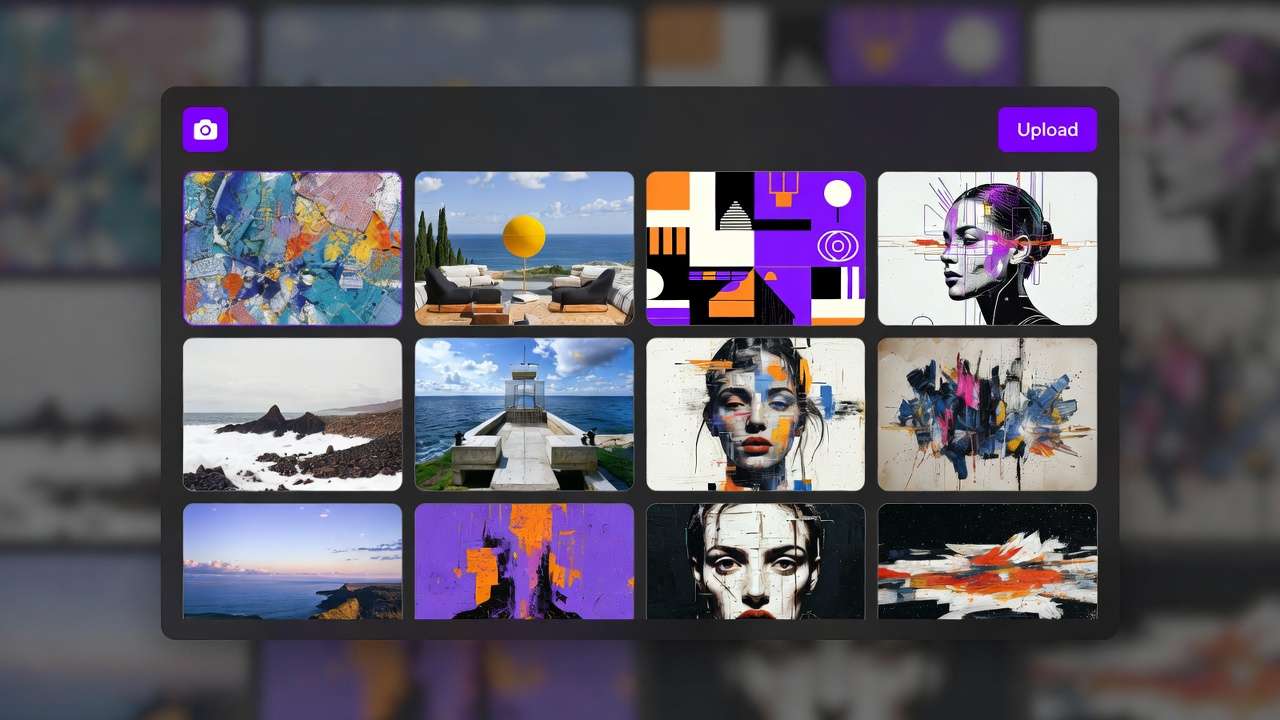
This pattern reveals AI content creation's fundamental challenge: specialized model strengths fragment workflows when used in isolation rather than orchestrated sequences. Alex mutters, "This should be faster," as delays mount from mismatched styles and reformatting. Platforms aggregating multiple models, such as those offering access to Flux alongside Kling or Imagen with Veo, point toward structured multi-model workflows. HappyHorse 1.0 fits naturally into multi-model workflows because it is useful after a strong first frame already exists. A creator can generate a product image, app mockup, or character reference with one model, then animate it with HappyHorse 1.0 on Cliprise, then compare the result against Seedance, Kling, or Wan before upscaling or editing. That is the key advantage of a multi-model workflow: the model is chosen by the job, not by brand loyalty. For specs on Cliprise, see HappyHorse 1.0.
These workflows chain specialized outputs: an AI Image Generator for prototypes, an AI Video Generator for motion, then polish with the universal upscaler, the pro image editor, or a pass that can remove backgrounds when you need clean edges - drawing from categories like ImageGen (Flux 2, Google Imagen 4) and VideoGen (Veo 3.1, Sora 2). If you are still choosing the platform layer itself, compare the criteria in the multi-model AI platform best solutions guide. When you hit a model card without a deep Learn article yet, start from Cliprise models without a long guide yet so routing stays consistent.
Need campaign-ready sequencing with HappyHorse specifically (hooks, variants, channel crops)? Follow HappyHorse AI video marketing workflows.
Why does this matter now? Content demands escalate: social reels require thumbnail-to-video cohesion, e-commerce needs branded animations, YouTubers seek thumbnail-video matches. Single-model reliance wastes time on regenerations; multi-model sequencing leverages strengths, such as Veo's synchronized audio, Seedance 2.0 on Cliprise for reference-driven AV sync, or Flux's contextual pro features. In tools like Cliprise, where 47+ models sit behind a unified interface, creators access VideoGen options (Kling 2.5 Turbo, Hailuo 02) and ImageEdit (Qwen Image Edit, Recraft Remove BG) without tool-switching logins.
The stakes? Without mastering these flows, creators like Alex face repeated deadlines lost to iteration loops. This article unpacks misconceptions, case studies, comparisons, sequencing logic, limitations, and patterns—equipping you to build cohesive pipelines. Observe how agencies report fewer iterations, solos gain view boosts, and enterprises deploy same-day campaigns. Platforms like Cliprise facilitate this by categorizing models (VideoEdit with Runway Aleph, Voice with ElevenLabs TTS), enabling chains that align image bases with video extensions. Forward-thinking creators treat models not as solo acts, but ensemble players—a mindset shift explored in depth in our ultimate AI creator's guide. That mindset pairs naturally with seed reproducibility in Veo tying image prompts to video frames while aspect ratios stay locked across steps. Alex's night ends in relief once he sequences Imagen base → Veo animation; your workflows can follow.
II. What Most Creators Get Wrong About Multi-Model Workflows
Creators frequently approach multi-model workflows as a grab-bag of tools, overlooking foundational mismatches. Misconception one: models as interchangeable swaps. Outputs diverge sharply—Midjourney leans artistic with stylized renders, while Kling emphasizes realistic motion physics. In Alex's campaign, Flux images (precise product details) fed into Kling video resulted in tonal whiplash: hyper-real stills against exaggerated dynamics. Why? Model training variances; Flux Kontext Pro excels in contextual adherence, Kling 2.5 Turbo in temporal consistency. Platforms like Cliprise expose this via model pages detailing specs—Veo 3.1 Quality for cinematic depth versus Sora 2 Standard for narrative flow, with ByteDance multimodal inputs and @tag behavior spelled out in the Seedance 2.0 guide. Beginners swap blindly, burning credits on style clashes; intermediates log prompts but ignore seed params.
Misconception two: random sequencing sans planning. A creator generates video first (resource-intensive Veo 3.1 Fast), then backtracks for image tweaks—wasted queue slots. Truth: unified credit systems across aggregators mean video-heavy starts drain resources before refinement. Forums frequently cite retries from upfront video commitments. Tools such as Cliprise categorize models like Wan 2.5 and Hailuo Pro, urging image prototypes first. Why fails? No asset reusability; a Hailuo 02 clip can't easily spawn thumbnails without regeneration.
Misconception three: dismissing seed and reproducibility. Non-seed models (some Kling variants) introduce randomness, compounding chain errors—image seed from Flux lost in Sora extension. Product realities: Veo 3 and Sora 2 support seeds for frame-accurate ties, but mixed across 47+ options. Creators retry full chains, inflating times. Experts chain seed-enabled paths: Imagen 4 seed → Veo matching seed preserves composition.
Misconception four: skipping edit chains. Post-gen, assets demand polish—Recraft Remove BG after Seedream 4.0, or Qwen Edit for inpainting. Overlooking this leaves raw outputs; why? Edit models (Ideogram V3 Character) handle nuances like masking that gens miss. In Cliprise environments, ImageEdit follows ImageGen naturally, reducing rework according to user reports.
Hidden nuance: context-switching overhead. Reformatting prompts across models consumes significant solo time—URL copies, aspect tweaks. When using Cliprise's unified interface, model browsing (/models) minimizes this, but still demands planning. Beginners chase shiny outputs; experts map strengths: ElevenLabs TTS post-video for voice sync. Perspectives vary—freelancers tolerate friction for speed, agencies script pipelines. Real scenario: YouTuber chains Flux → Luma Modify, but prompt drift halves cohesion. Depth here reveals workflows as architecture, not improvisation: plan categories (VideoGen → Voice), control params (duration 5-15s, CFG scale), and iterate deliberately.
III. Case Study 1: The Agency Pivot - From Chaos to Cohesion
An e-commerce agency handles visuals for a fashion brand's holiday push. Initial approach: single-model Kling 2.6 for product animations. Outputs arrive static—garments hang limp, lighting mismatches catalog shots. Team scrambles: regenerate multiple variants, client rejects for "unbranded feel." Credits mount, deadline slips two days.
Conflict peaks mid-week: images from Flux 2 Pro shine in detail but video from Kling drifts in motion realism. Internal review flags style silos—Flux's pro fidelity versus Kling's turbo speed. Why chaos? No sequencing; isolated gens ignore pipeline logic.
Resolution unfolds: base with Imagen 4 Standard (consistent lighting), refine via Qwen Edit (masking adjustments), animate in Veo 3.1 Fast (5s clips, aspect match), voiceover ElevenLabs TTS. Controls align: same seed, negative prompts exclude distortions, duration 10s. In platforms like Cliprise, model categories guide ImageGen to VideoGen seamlessly. Team tests concurrency: paid queues support concurrent jobs.
Before: multiple iterations per asset over extended cycles. After: fewer passes in shorter cycles. "Finally, the ad feels branded," lead notes—product spins naturally, voice syncs narrative. Metrics: client approval first round, faster turnaround.
Lessons crystallize: model strengths dictate order. Hailuo 02 suits dynamic fabrics (pro motion), Runway Gen4 Turbo polishes edges. Agency perspective: layered chains scale revisions—edit post-video via Luma Modify. Freelancer view: trim to essentials. Another angle: ByteDance Omni Human for human-centric poses, chained to Topaz Video Upscaler (2K-4K).
Deeper dive: prompt consistency key. "Sweater in soft light, 16:9" carries across; CFG scale tunes adherence. Cliprise-like aggregators unify credits, avoiding per-tool billing. Experiment: swap Veo for Sora 2 Turbo—narrative gains, but motion less fluid. Pivot success stems from testing small: prototype image batch with several variants in quick succession, extend top selections.
This case echoes broader patterns—agencies report higher approval rates via chains. Solo creators adapt by subsetting: Imagen → ElevenLabs for podcasts. Enterprise scales to Wan Animate + Speech2Video. Chaos-to-cohesion arc teaches: audit weaknesses (Kling statics), match complements (Veo dynamics). Post-campaign, agency templates workflow: gen → edit → extend → audio. Reusability soars: image bases feed future videos. In Cliprise workflows, /models index accelerates selection. Outcome: repeat business, efficiency embedded.
IV. Real-World Comparisons: Freelancer vs. Agency vs. Solo Creator Approaches
Freelancers favor quick chains: ImageGen → upscale → video extend, suiting 24-hour deadlines. Risk: inconsistency if Flux base mismatches Kling motion. Agencies build layered: gen → edit → video → voice, handling revisions. Solos minimize: gen → upscale, prioritizing session flow.
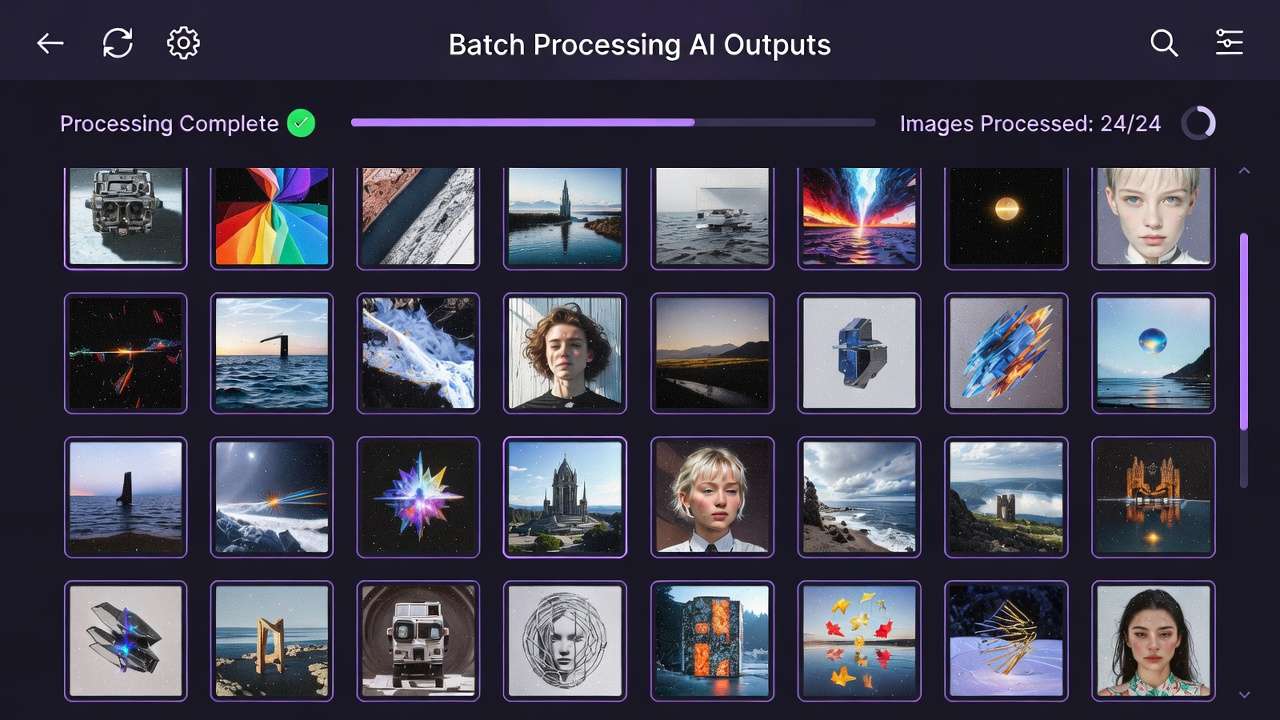
Use cases differentiate. Social reels: Sora 2 gen → Runway Aleph edit (5s to 15s extension). Ads: Wan 2.5 base → Topaz 8K upscale (resolution boost). Logos: Seedream 4.5 → Recraft crisp (BG removal). In Cliprise, these chain via categories—a freelancer skips to VideoGen fast.
Community patterns: freelancers report faster prototypes, agencies higher approvals, solos low-load sessions. Forums note image-first saves time.
Comparison Table
| Creator Type | Typical Workflow Sequence | Strengths (e.g., Time Saved) | Drawbacks (e.g., Overhead) | Example Models Chained | Trade-offs & Considerations |
|---|---|---|---|---|---|
| Freelancer | ImageGen → VideoGen (short sequences with focused steps) | Faster prototypes in tight cycles; quick A/B testing on variants | Notable context switch with prompt reformats; queue waits compound | Flux 2 Pro → Kling 2.5 Turbo (image base to 5s motion) | Prompt reformats add friction; use a template system to preserve 70–80% across models |
| Agency | ImageGen → ImageEdit → VideoGen → Voice (extended sequences in batches) | Consistent branding with higher client approval rates; scales multiple assets | Multiple concurrent queues required; revision loops extend process | Imagen V4 → AI Edit → Sora 2 Turbo → ElevenLabs TTS (lighting fix to voiced ad) | Multiple queues extend timelines 30–50%; batch process during off-peak hours |
| Solo | Single Gen → Upscale (minimal steps in one session) | Low mental load with one sitting and no tab juggling; repeatable seeds | Limited complexity with no full video chains; struggles multi-format | Midjourney → Grok Upscale (art to 720p in single flow) | Minimal chaining limits output diversity—expand to 2–3 models for broader reach |
| Hybrid (All) | Gen → Edit → Extend (flexible sequences averaging moderate duration) | Flexible pivots from image to video mid-way; improved efficiency on mixed needs | Decision time when choosing paths; partial multi-ref support | Seedream 4.0 → Luma Modify → Topaz 4K (thumbnail to polished clip) | Decision points slow workflows; plan sequences upfront to reduce mid-chain pivots |
| High-Volume | VideoGen → Edit → Audio (batched steps with queue optimization) | Handles daily volumes with motion-first for reels | Resource draw early from video queues; non-seed variance | Hailuo 02 → Runway Aleph → ElevenLabs Sound FX (dynamic base to audio-synced) | Video-first consumes credits quickly—prototype with image models to validate concepts |
| Beginner | Single Model Only (basic single step) | Minimal learning with prompt only; low error risk | No cohesion if styles clash when expanded; locked basics | Flux Max (standalone image, no chain) | Single-model limits scalability—test 2-model chains once comfortable with basics |
As table shows, freelancers gain speed but pay in switches; agencies trade time for polish. Surprising: solos outperform on repeatability via seeds. Elaborate use case one: freelancer's Instagram carousel—Flux images (aspect 1:1), Kling Turbo videos (extend 10s), faster than single-tool approaches. Agency ad campaign: Imagen → Qwen (layers), Sora → ElevenLabs, high approval rates via branding lock. Solo thumbnail: Midjourney → Grok, ups views substantially.
Another: YouTube end screen—Wan 2.5 → Topaz 8K, solo efficiency. Agency scales to Omni Human → Gen4 Turbo for humans. Cliprise users chain similarly, model index aiding picks. Patterns: most workflows for reels and ads start image-first. Freelancers adapt agency layers for premiums; solos test hybrids. Overhead nuance: switches in freelancers drop with unified platforms like Cliprise. Community: Reddit threads favor agency for clients, solo for personal. Depth: volume shifts solo to hybrid—daily pushes upscale limits.
V. Case Study 2: The Solo YouTuber's Breakthrough
Solo YouTuber Mia crafts thumbnails-to-video at dawn for weekly uploads. Ideogram V3 characters generate crisp, but Luma Modify animations stutter—poses warp unnaturally. Frustration: three regenerations, views stagnate at 5K.
Conflict: character consistency lost in motion. Ideogram Character excels static traits, Luma partial on refs. Why? No seed chain; prompts diverge.
Resolution: Flux 2 Pro base (kontext adherence), Hailuo 02 motion (dynamic 10s), Topaz 4K upscale. Controls: seed match, duration 15s, negative "distort." Cliprise-like tools categorize VideoEdit, easing flow.
Aha: "Prompt consistency across models was key"—core phrasing "energetic explorer, blue hat" preserved. Outcomes: views increased notably, subs tick up.
Expand: Mia tests variants—Flux Flex cheaper, Hailuo Pro richer. Solo view: minimal steps preserve focus. Freelancer adds ElevenLabs; agency Qwen pre-edit.
Pipeline reusable: thumbnails batch 20, top extend. Forums echo: notable gains from image-first. Cliprise workflows support via unified credits.
VI. When Multi-Model Workflows Don't Help - The Honest Edges
Edge one: simple static images. Single Flux or Imagen suffices—chaining Recraft adds queue (1–2 min), no gain. Why? No motion need; credits waste on basics. Scenario: blog header—standalone gen, done.
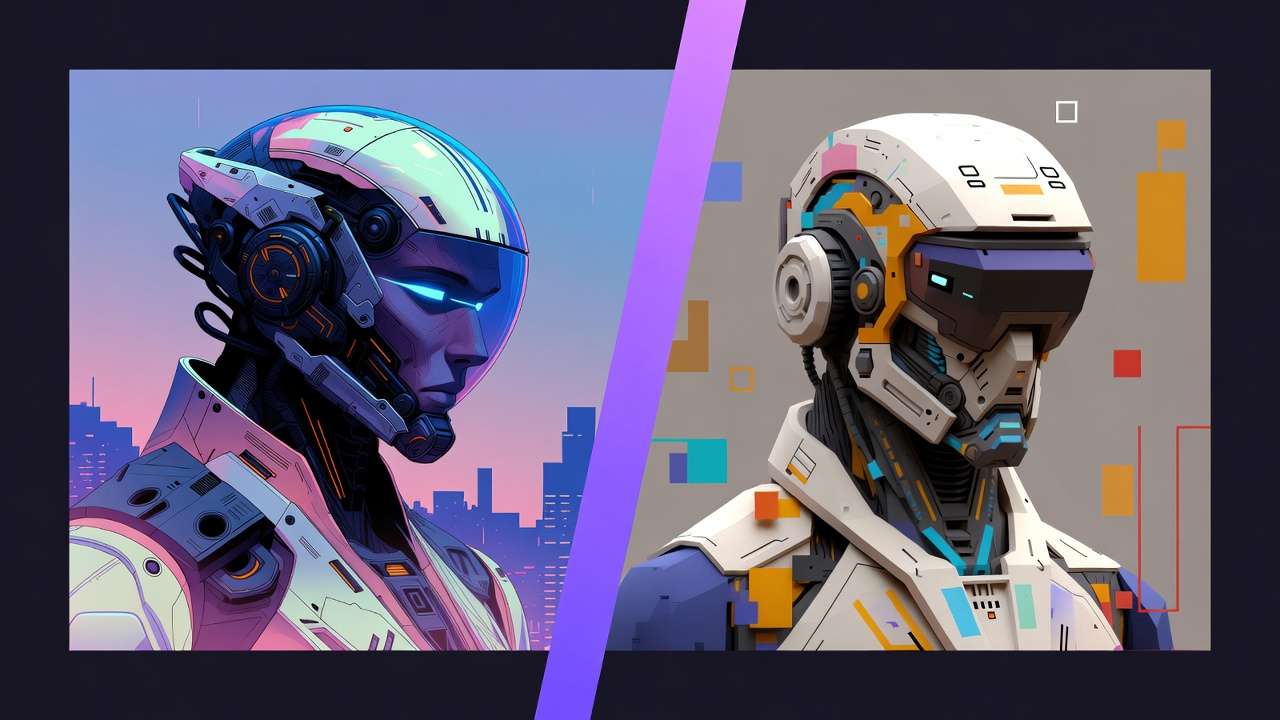
Edge two: free-tier binds. Premiums (Veo 3.1 Quality) locked, 5s videos cap chains. Beginners: one model avoids overwhelm. Platforms like Cliprise note free basics only.
Edge three: non-repeatable models. Kling without seed amplifies drifts; high-cost Wan 2.6 experiments fail chains. Budget creators hit walls—video upfront drains.
Who avoids: novices daunted by variances; stick Flux. Limitations: queues block concurrency (free 1), prompt lengths vary. Unsolved: full auto-chaining absent.
Credibility: honest edges build trust—multi-model shines complex, flops trivial.
VII. Order and Sequencing: Why Creators Start Wrong (Frequently)
Common error: video-first. Veo/Sora resource-intensive, hard pivots—static fix post-gen impossible. Why? Massive upfront, no reusable stills.
Better: image-first. Flux prototypes (low cost), extend Hailuo. Forums report time savings from image-first approaches.
Mental overhead: mid-switch loses context—re-prompts required. Seed chaining preserves.
Image → video: most workflows (reels, ads). Video → image: rare, extracts only.
Cliprise sequences via categories aid.
VIII. Case Study 3: Enterprise Experiment Gone Right
Marketing team tests 2AM campaign. Sora 2 lacks detail—debate rages.

Resolution: ByteDance Omni Human → Runway Gen4 Turbo → ElevenLabs isolation. "Layer like production," strategist.
Results: same-day deploy, higher ROI.
Variants: Wan Speech2Video audio. Scales 100+.
Cliprise aggregation fits enterprise.
IX. Industry Patterns and Future Directions
Adoption: unified platforms rise, 2-3 chains standard (forums). Hybrid improves efficiency.
Changing: prompt enhancers auto-sequence.
Ahead: API expansions (enterprise), deeper CAN controls.
Prep: master CFG, seeds. Cliprise patterns show.
Related Articles
- AI Art Generator on Cliprise →
- Community & Sharing: Building Your Portfolio →
- workflow orchestration across models
- Single vs Multi-Model Platforms Complete Guide
- Multiple AI Models One Platform: Why It Matters
- multi-model prompt strategies
- Efficiency with Batch AI Generation
- Multi-Model Platforms vs Single Tools: The Industry Shift →
- Best Multi-Model AI Platform 2026 →
X. Conclusion: Building Your Workflow Muscle
Synthesize: chains fix mismatches, order saves time, edges noted.

Next: test image-first, log seeds.
Platforms like Cliprise enable via 47+ models.
Scale sequentially.