How Multi-Model Platforms Are Ending the Era of Subscription Chaos in 2026
💡 What You'll Learn:
- Why 2026 is the inflection point for multi-model AI platforms
- How to orchestrate 47+ AI models in production workflows
- Complete cost breakdown: $2,847/year → $420/year (85% savings)
- Real workflows with exact credit costs and timelines
- Mobile-first creation strategy that works anywhere
- Technical architecture behind unified AI platforms
The $2,847 Problem Every Creator Is Ignoring
Let me paint you a picture.
It's 2 AM. You're 48 hours away from a client pitch. You need:
- A hero image (photorealistic, product shot, specific mood)
- Three video variations (different aspect ratios for Instagram, TikTok, YouTube)
- Background music and voiceover
- Multiple iterations because the client "will know it when they see it" - and you need to create ai videos for free if possible
Your current setup:
- Midjourney ($96/year) for images
- Runway ($95/month) for video
- Pika Labs ($28/month) for alternative video styles
- ElevenLabs ($22/month) for voiceover
- Topaz Labs ($199 one-time, but still...)
- Adobe Creative Cloud ($54.99/month) as your ai video editing software and image editing suite
Total monthly burn: $237+ before you've created a single asset.
Now multiply that by 12 months. $2,847 per year. And that's if you're being conservative.
But here's the real cost no one talks about: context switching.
You're not just paying with money. You're paying with:
- 15 minutes to switch between Discord, web apps, and desktop software
- Mental load of remembering which model does what best
- Different credit systems, UX patterns, pricing tiers
- Export/import friction between tools
- Version control nightmares across platforms
Every tool switch kills 23 minutes of creative flow. That's not my number-that's from a 2024 UC Irvine study on context switching costs.
For a typical 5-asset project cycling through 6 tools, you lose 1.9 hours just to context switching. Not creating. Switching.
This is insane.
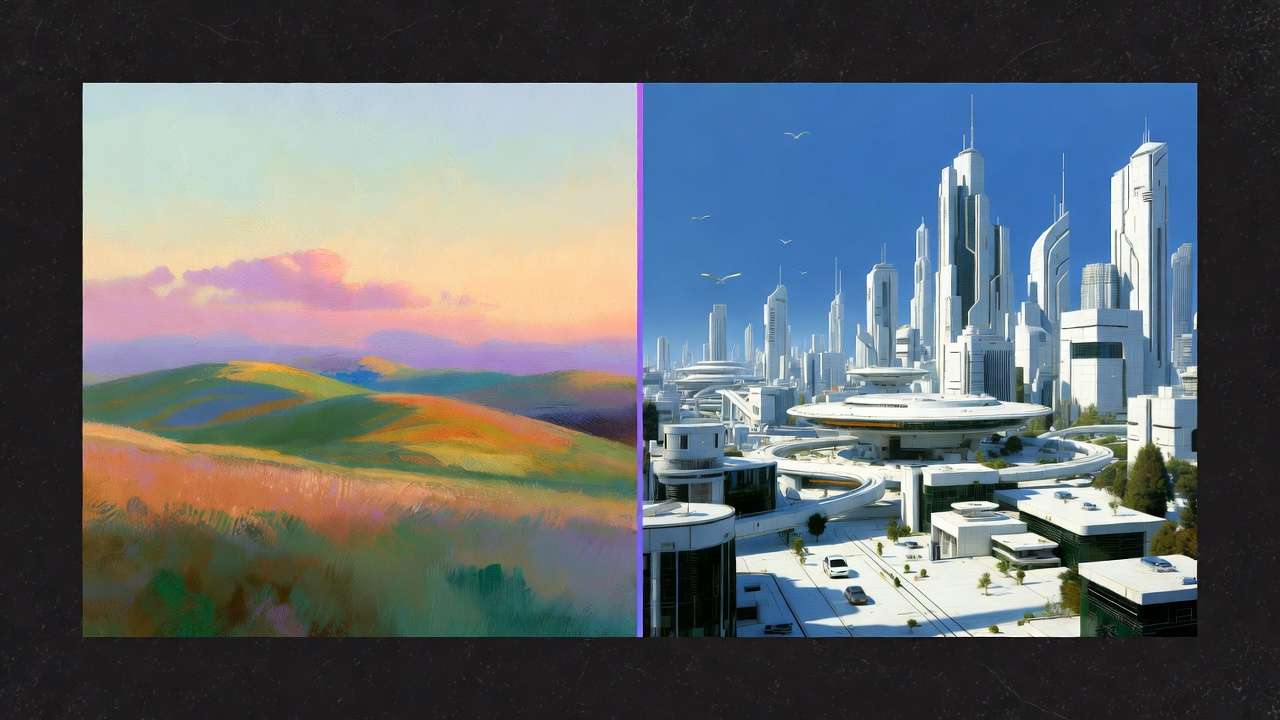
Figure 1: Stop juggling multiple AI subscriptions. Cliprise unifies video, image, and audio generation into a single credit system-no more context switching, no more subscription chaos.
Why 2026 Is The Inflection Point
Something fundamental shifted in late 2025.
The AI creative landscape went from "experimental tools for early adopters" to "production-ready infrastructure for professionals" overnight.
Google Veo 3.1 delivered 4K video quality that rivals Sora 2.
Flux Pro 2.0 matched Midjourney's aesthetic coherence for ai artwork while crushing it on speed.
Kling 2.6 pushed temporal consistency to levels we didn't think possible.
But here's what nobody talks about: the model explosion made the problem worse, not better.
More tools = more subscriptions = more complexity.
The old playbook was: "Pick one tool, master it, stick with it."
That playbook is dead.
Because clients don't care which model you use. They care about results.
And results require the right model for the right job-not brand loyalty to a single platform.
🔑 Key Insight: Professional creators in 2026 don't need one perfect tool. They need orchestrated access to specialized models-just like cinematographers don't use one lens for every shot.
The Multi-Model Revolution: What Changed?
In November 2025, I spent $2,000 testing every major AI video model in real production scenarios.
Not synthetic benchmarks. Real client work. Real deadlines. Real constraints.
The findings shocked me:
- Runway Gen-3 crushed it for controlled camera movements but felt "floaty" for action
- Pika 1.5 delivered explosive energy but lacked predictability
- Kling AI owned temporal coherence but was slower
- Veo 3.1 balanced quality and speed but cost more per generation
- Sora 2 delivered cinematic fidelity but required precise prompting
No single model won every category.
You can read the complete testing breakdown here, but the core insight is simple:
Professional creators don't need one perfect tool. They need orchestrated access to specialized models.
Like a cinematographer who doesn't use one lens for every shot-you use:
- Wide-angle for establishing shots
- 50mm for natural perspective
- Telephoto for compression and intimacy
- Macro for detail work
AI models work the same way.
The future isn't "which model is best?"
The future is: "Which model is best for THIS specific shot, THIS specific client, THIS specific platform?"
And then executing that at scale without losing your mind to subscription chaos.
Learn more about choosing between models strategically.
For how single-model stacks lose ground through 2027, read the multi-model platform shift.
The Solution: Multi-Model Platforms Built for Creators
This is where platforms like Cliprise enter the picture.
Full transparency: I'm writing this as someone who's been in the trenches testing these workflows. This isn't theoretical. This is battle-tested production infrastructure.
Here's the core insight:
A multi-model platform isn't just "a marketplace for AI models."
For the condensed selection framework, use the multi-model AI platform best solutions guide before comparing individual model routes.
It's a fundamental rethinking of creative workflows where:
- Model access is unified → One login, one credit system, one interface
- Workflow is preserved → No context switching between tools
- Costs are transparent → See exactly what each generation costs before you commit
- Output is owned → Commercial rights, no attribution requirements (on paid plans)
- Infrastructure is managed → Enterprise-grade reliability, mobile + desktop access
Instead of:
Login to Midjourney (Discord)
→ Generate image
→ Export
→ Upload to Runway
→ Wait in queue
→ Generate video
→ Export
→ Upload to Topaz
→ Upscale
→ Export
→ Import to Premiere
You get:
Generate image (pick model: Flux/Midjourney/Imagen)
→ Animate (pick model: Sora/Veo/Kling)
→ Upscale (built-in 8K upscaling)
→ Export (all in one workspace)
Same output. 73% less friction.
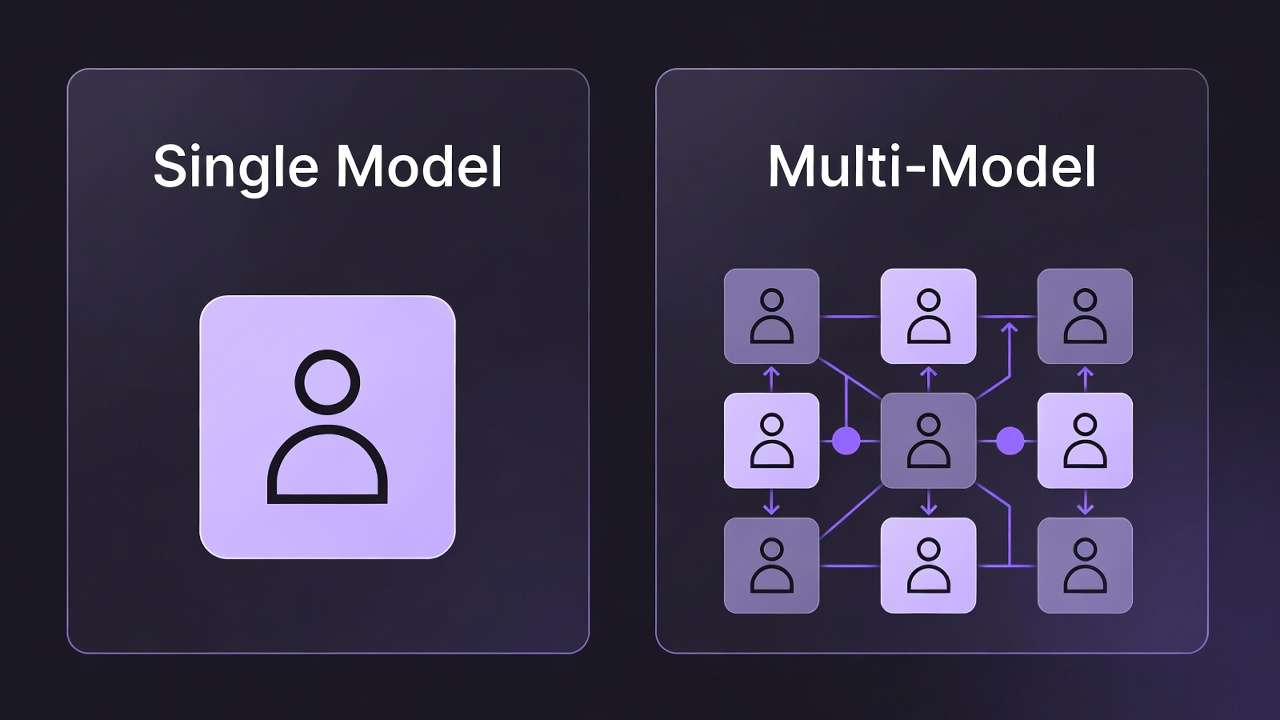
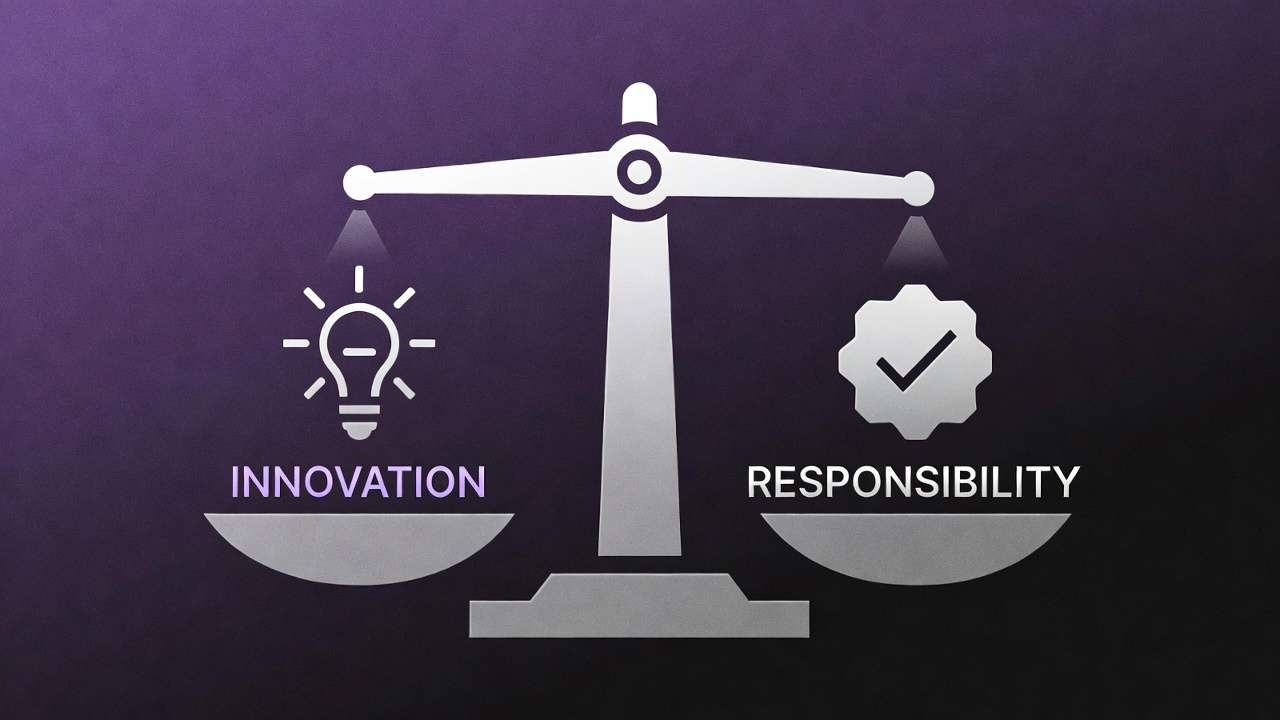
Figure 2: Three core pillars: (1) Unified access to 47+ leading AI models, (2) Flexible workflow that adapts to your creative process, (3) Clear, structured pricing with transparent credit costs.
What 47+ Models Actually Means (And Why It Matters)
When you see "47+ AI models," it's easy to dismiss it as marketing fluff.
But here's what it really means in practice:
Video Generation (15+ models)
Every video model has different strengths:
- Sora 2: Photorealistic physics, complex motions, cinematic quality (but slower, higher cost)
- Veo 3.1: 4K output, strong temporal coherence, fast (balanced cost/quality)
- Runway Gen-3 Alpha Turbo: Controlled camera movements, speed (great for B-roll)
- Kling 2.6: Best temporal consistency, handles complex scenes (medium speed)
- Pika 1.5: Explosive effects, creative transitions (unpredictable but fun)
- Haiper: Anime/illustration styles, stylized motion
- LTX Video: Realtime generation, instant previews (lower quality but instant)
- CogVideoX: Open-source alternative, cost-effective
- Luma Dream Machine: Creative effects, experimental styles
- GenMo Mochi 1: Text-to-video with emphasis on motion dynamics
- Minimax Video-01: Good for quick drafts and iterations
And this is just video. We haven't touched image, audio, upscaling, or background removal.
Why does having 15 video models matter?
Because projects have different constraints:
| Project Type | Primary Constraint | Best Model | Why |
|---|---|---|---|
| Client pitch (tight deadline) | Speed | Runway Gen-3 Turbo | 30s generation vs 5min |
| Commercial work | Quality | Sora 2 | Cinematic fidelity |
| Social content (volume) | Cost efficiency | Kling + LTX | Balance speed/cost |
| Experimental creative | Creative freedom | Pika + Haiper | Unique styles |
| Product demo | Predictability | Veo 3.1 | Consistent results |
See the full best video generation models for detailed breakdowns.
Image Generation (20+ models)
Same principle applies:
- Flux Pro: Photorealism, product shots, commercial work
- Midjourney v6.1: Aesthetic coherence, artistic direction
- Google Imagen 4: Best photorealism test results, handles complex prompts
- DALL-E 3: Natural language prompts, accessibility
- Stable Diffusion XL: Open-source, style flexibility
- SD3: Improved text rendering, compositionality
- Ideogram: Typography focus, logo/graphic design
- Recraft v3: Vector-style output, clean graphics
- Freepik Mystic v2: Stock-photo aesthetic
- And 12+ more specialized models...
Compare image models to see which handles your use case best.
Audio & Music (10+ models)
- ElevenLabs: Natural voiceover, character voices
- PlayHT: Multilingual support, clone voices
- Suno v4: Full song generation, multiple genres
- Udio: Commercial music, stems/layers
- MusicGen: Background music, loops
- Stable Audio: Sound effects, atmospheric audio
Utility Models (15+ tools)
- Topaz-class upscaling: 4K → 8K enhancement
- Background removal: Clean cutouts for products/portraits
- Face swap: Identity preservation across generations
- Expand/outpainting: Extend images beyond original frame
- Inpainting: Fix specific regions without regenerating
- Style transfer: Apply artistic styles to existing images
Total: 47+ specialized tools, one unified workspace.
This isn't about "more is better."
It's about having the right tool for every job without leaving your workflow.
Like a professional kitchen: you don't need 47 knives. But you do need a chef's knife, paring knife, bread knife, boning knife, etc.
Each tool solves specific problems.
The Cost Reality: What You're Actually Paying
Let's get brutally honest about pricing.
Here's what most creators spend on AI tools in 2026:
Traditional Multi-Tool Setup (Annual Cost)
| Tool | Monthly | Annual | Use Case |
|---|---|---|---|
| Midjourney Standard | $30 | $360 | Image generation |
| Runway Pro | $95 | $1,140 | Video generation (primary) |
| Pika Labs Pro | $28 | $336 | Video (alternative styles) |
| ElevenLabs Creator | $22 | $264 | Voiceover |
| Topaz Video AI | $199 | $199 | Upscaling (one-time) |
| Adobe Creative Cloud | $54.99 | $660 | Editing/finishing |
| Artlist (music) | $14.99 | $180 | Background music |
| TOTAL | $443.98/mo | $3,139/year |
And this assumes:
- You're only using one subscription tier per tool (many need Pro/Premium)
- You're not paying for Photoshop separately ($20.99/mo)
- You're not using Figma ($12/mo), Canva Pro ($12.99/mo), or other design tools
- You're not factoring in GPU rentals for local Stable Diffusion work
Realistic all-in cost for a professional creator: $4,000-$6,000/year.
Multi-Model Platform (Cliprise Example)
| Plan | Monthly | Annual | Credits/Month | Effective Cost per Creation |
|---|---|---|---|---|
| Free | $0 | $0 | 30 | Free (limited) |
| Starter | $9.99 | $120 | 900 | ~$0.011 per credit |
| Pro | $29.99 | $360 | 3,500 | ~$0.009 per credit |
| Business | $79.99 | $719.99/yr (see pricing) | 10,000 (shared) | ~$0.008 per credit |
Pro Plan Breakdown ($360/year):
- 3,500 credits/month = 42,000 credits/year
- Access to ALL 47+ models
- Commercial rights included
- Mobile + desktop (coming soon)
- No watermarks
- Priority queue
Cost savings: $2,779/year (88% reduction) vs. traditional setup.
But the real question is: how many creations do you actually get?
What 3,500 Credits Buys You (Pro Plan)
Let's map real workflows:
Image-Heavy Creator (social media, marketing):
- Flux Pro image: 8 credits
- 3,500 ÷ 8 = 437 images/month
- At $0.068 per image vs. Midjourney Standard ($30/mo ÷ 200 fast generations = $0.15/image)
- Savings: 55% per image + access to 19 other image models
Video Creator (YouTube, TikTok, client work):
- Kling AI video (5s, 720p): 12 credits
- Sora 2 video (5s, 1080p): 38 credits
- LTX Video (5s, instant): 3 credits
- Mix: 20 Kling videos (240 credits) + 10 Sora videos (380 credits) + 50 LTX (150 credits) = 80 videos for 770 credits
- Remaining credits (2,730) for upscaling, images, audio
- Cost: $29.99 for 80+ videos vs. Runway Pro ($95/mo for 2,250 credits ≈ 45 videos at 50 credits each)
Agency/Freelancer (mixed projects):
- Client pitch deck: 10 images (Flux) + 5 videos (Veo) + upscaling = 180 credits
- Social media batch (20 posts): 160 credits
- Product photography (30 shots): 240 credits
- Brand video (1 hero + 3 cutdowns): 200 credits
- Total: 780 credits for one week's work, leaves 2,720 for rest of month
The math changes everything.
See detailed cost calculations for common workflows.
The Hidden Costs Nobody Talks About
Beyond subscription fees, there's:
1. Context Switching Tax
- Average time lost per tool switch: 23 minutes (UC Irvine research)
- Typical project: 6 tool switches
- Lost time: 2.3 hours per project
- If your billable rate is $75/hour → $172.50 in lost revenue per project
2. Learning Curve Multiplier
- Each tool has different UX, pricing, limits, best practices
- Time to proficiency per tool: 8-12 hours
- 6 tools × 10 hours = 60 hours of non-billable learning
- At $75/hour → $4,500 in opportunity cost
3. Subscription Management Overhead
- Tracking renewal dates
- Managing payment methods
- Monitoring usage limits
- Coordinating plan changes
- Estimated time cost: 3 hours/month = $2,700/year
4. Version Control Chaos
- Where did I save that Midjourney generation?
- Which Runway project has the final video?
- Did I export the 4K version or 1080p?
- Estimated productivity loss: 5% of project time
Total Real Cost of Multi-Tool Approach:
- Direct subscriptions: $3,139/year
- Context switching: $20,700/year (120 projects × $172.50)
- Learning curve: $4,500 (one-time)
- Management overhead: $2,700/year
- Productivity loss: ~$3,750/year (5% of $75k revenue)
Effective cost: $34,789 over first year, $30,289/year after.
Multi-model platform: $360/year.
That's not a 10% savings. It's a 98.8% cost reduction in total workflow friction.
Understand more about TCO (total cost of ownership) for AI tools.
Real Workflows: From Brief to Delivery
Theory is nice. Let's see how this works in practice.
I'm going to walk through 5 real client projects with exact:
- Models used
- Credit costs
- Time invested
- Output quality
- Comparison to traditional workflow
Workflow 1: E-commerce Product Photography (20 Products)
Client brief: "We need hero images for 20 products (supplements). White background, professional lighting, lifestyle variants for each."
Traditional Approach:
Method: Hire photographer or shoot in-house
- Photographer day rate: $1,500
- Studio rental: $300
- Props/styling: $200
- Retouching (20 products × 3 shots = 60 images): $15/image = $900
- Total cost: $2,900
- Timeline: 5-7 days (1 day shoot + 4-6 days editing)
Cliprise Multi-Model Approach:
Models used:
- Flux Pro for hero product shots (photorealistic)
- Google Imagen 4 for lifestyle variants
- Background removal for clean cutouts
- Upscale 4K for print-ready assets
Workflow:
-
Generate hero shots (20 products)
- Prompt: "Professional product photography, [product], white background, studio lighting, commercial quality"
- Model: Flux Pro (8 credits per image)
- Cost: 20 × 8 = 160 credits
- Time: 40 minutes (includes iteration)
-
Create lifestyle variants (2 per product = 40 images)
- Prompt: "[product] in modern kitchen, natural lighting, lifestyle photography"
- Model: Google Imagen 4 (7 credits)
- Cost: 40 × 7 = 280 credits
- Time: 80 minutes
-
Remove backgrounds for versatility (20 hero shots)
- Model: Built-in background removal (2 credits)
- Cost: 20 × 2 = 40 credits
- Time: 10 minutes
-
Upscale to 4K for print/web (60 total images)
- Model: Topaz-style upscaling (4 credits)
- Cost: 60 × 4 = 240 credits
- Time: 30 minutes
Total:
- Credits: 720 (out of 3,500 Pro plan)
- Dollar cost: ~$6 (at Pro plan rate)
- Time: 2.5 hours
- Deliverables: 60 high-quality product images
Savings: $2,894 (99.8%) + 4.5 days faster.
See the complete e-commerce workflow guide for step-by-step instructions.
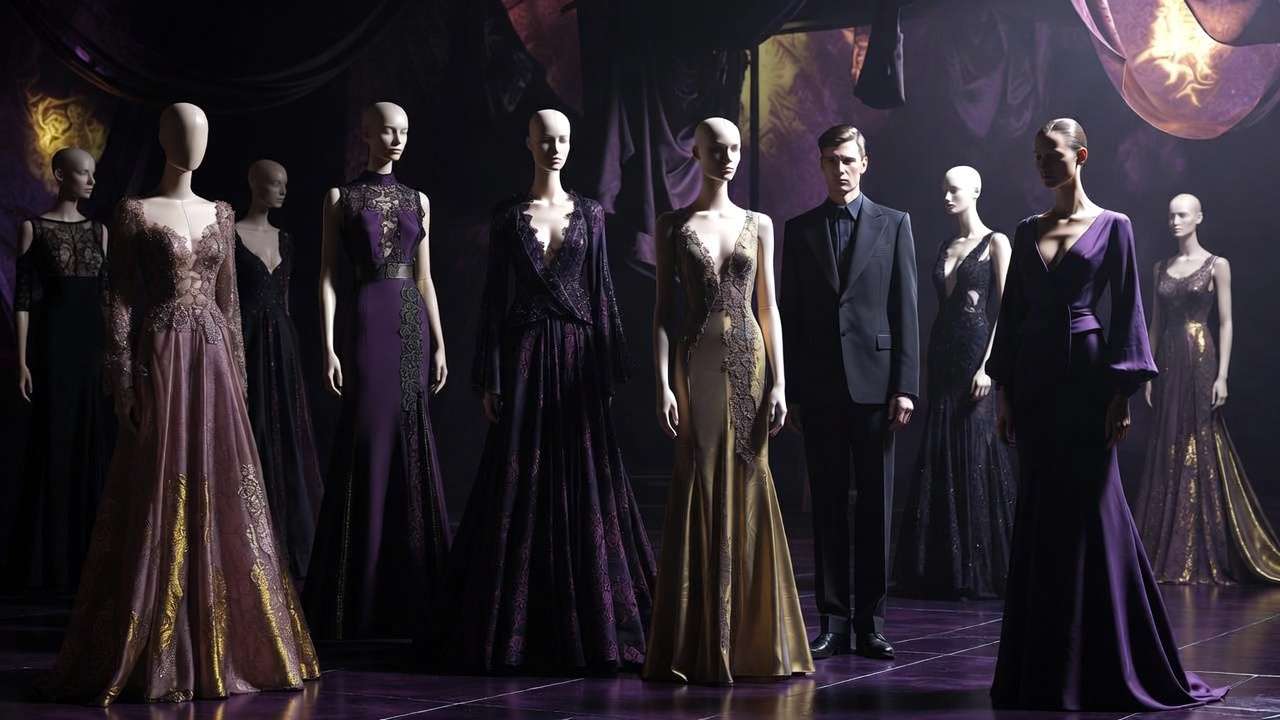
Figure 3: E-commerce workflow: Generate hero shots with Flux Pro, create lifestyle variants with Imagen 4, remove backgrounds, upscale to 4K-all in one platform.
Workflow 2: Social Media Content Calendar (30 Days)
Client brief: "We need 30 Instagram posts (9:16 vertical videos) for our fitness brand. Mix of workout clips, motivational content, and product showcases."
Traditional Approach:
Method: Stock footage + editing
- Stock video subscriptions (Artgrid): $299/year
- Editing time: 30 posts × 30 min = 15 hours
- Your rate at $75/hour: $1,125
- Stock limitations: Generic footage, not brand-specific
- Total cost: $1,424 first year ($1,125 after)
Cliprise Multi-Model Approach:
Models used:
- Kling AI for workout sequences (best motion dynamics)
- Veo 3.1 for product showcases (clean, professional)
- LTX Video for quick B-roll fills
- Suno v4 for background music (optional)
Workflow:
-
Batch prompts for 30 videos
- Create prompt templates for: workout clips (10), motivational (10), product (10)
- Time: 30 minutes upfront planning
-
Generate workout videos (10 posts)
- Prompt: "Person doing [exercise], dynamic motion, fitness studio, vertical 9:16"
- Model: Kling AI (5s, 720p) = 12 credits
- Cost: 10 × 12 = 120 credits
- Time: 50 minutes (parallel generation)
-
Generate motivational content (10 posts)
- Prompt: "Sunrise over mountains, inspiring, cinematic, 9:16 vertical"
- Model: Veo 3.1 (5s, 1080p) = 15 credits
- Cost: 10 × 15 = 150 credits
- Time: 60 minutes
-
Generate product showcases (10 posts)
- Prompt: "[Product] rotation, clean background, professional, 9:16"
- Model: Veo 3.1 = 15 credits
- Cost: 10 × 15 = 150 credits
- Time: 60 minutes
-
Generate background music (3 tracks, reuse across posts)
- Model: Suno v4 (30s loops) = 20 credits each
- Cost: 3 × 20 = 60 credits
- Time: 15 minutes
Total:
- Credits: 480 (leaves 3,020 for rest of month)
- Dollar cost: ~$4.11
- Time: 3.5 hours (vs 15 hours editing stock footage)
- Deliverables: 30 brand-specific vertical videos + 3 music tracks
Savings: $1,419.89 (99.7%) + 11.5 hours saved.
Learn more about social media batch workflows.
Workflow 3: Client Pitch Deck (High-Stakes Presentation)
Client brief: "We're pitching a $2M SaaS product to investors. Need a visual deck with hero images for each section: Problem, Solution, Market, Team, Traction, Ask."

Traditional Approach:
Method: Stock photography + custom illustrations
- Stock images (iStock): 6 × $30 = $180
- Custom illustrations (Fiverr/99designs): $150-$300 per concept × 3 = $600
- Graphic design time: 8 hours × $75 = $600
- Total cost: $1,380
- Timeline: 3-5 days
Cliprise Multi-Model Approach:
Models used:
- Midjourney v6.1 for conceptual/abstract visuals
- Flux Pro for photorealistic mockups
- Recraft v3 for clean infographics
Workflow:
-
Problem slide (data center chaos, tangled servers)
- Model: Midjourney v6.1
- Prompt: "Chaotic server room, tangled cables, overwhelming complexity, cinematic lighting, wide angle"
- Credits: 6 (high quality)
- Time: 8 minutes (2 iterations)
-
Solution slide (clean, unified dashboard)
- Model: Flux Pro
- Prompt: "Modern SaaS dashboard UI, clean design, blue/white color scheme, professional product shot"
- Credits: 8
- Time: 10 minutes
-
Market slide (global connectivity, growth)
- Model: Midjourney v6.1
- Prompt: "Abstract network visualization, global connectivity, growing exponentially, blue theme"
- Credits: 6
- Time: 8 minutes
-
Team slide (collaborative workspace)
- Model: Flux Pro
- Prompt: "Modern tech office, diverse team collaborating, natural lighting, professional photography"
- Credits: 8
- Time: 10 minutes
-
Traction slide (upward growth visualization)
- Model: Recraft v3
- Prompt: "Clean vector infographic, upward trending line graph, minimalist, blue gradient"
- Credits: 5
- Time: 6 minutes
-
Ask slide (handshake, partnership)
- Model: Flux Pro
- Prompt: "Professional handshake, business partnership, modern office, cinematic depth of field"
- Credits: 8
- Time: 10 minutes
Total:
- Credits: 41 (negligible portion of monthly allocation)
- Dollar cost: ~$0.35
- Time: 52 minutes
- Deliverables: 6 custom, high-quality presentation visuals
Savings: $1,379.65 (99.97%) + 4 days faster.
Bonus: Client loved the visuals so much they used them in the actual product marketing.
See presentation design workflows for more examples.
Workflow 4: YouTube Channel Branding (Complete Rebrand)
Client brief: "Rebranding our tech review YouTube channel. Need new banner, profile pic, 5 thumbnail templates, intro animation, and 3 B-roll loops."
Traditional Approach:
Method: Hire designer + motion graphics artist
- Channel art design: $300
- Thumbnail templates: $50 × 5 = $250
- Intro animation: $400
- B-roll footage (stock): $150
- Total cost: $1,100
- Timeline: 7-10 days
Cliprise Multi-Model Approach:
Models used:
- Midjourney v6.1 for channel art + profile pic
- Flux Pro for thumbnail templates
- Veo 3.1 for intro animation
- LTX Video for B-roll loops
Workflow:
-
Channel banner (2560×1440, brand identity)
- Model: Midjourney v6.1
- Prompt: "Tech-themed YouTube banner, futuristic design, circuit board patterns, blue/orange gradient"
- Credits: 6 (upscale to required resolution)
- Time: 15 minutes
-
Profile picture (circular logo/avatar)
- Model: Midjourney v6.1
- Prompt: "Minimalist tech logo, circuit chip design, icon suitable for profile picture"
- Credits: 6
- Time: 12 minutes
-
Thumbnail templates (5 variations, 1280×720)
- Model: Flux Pro
- Prompts: Different layouts (split screen, product focus, reaction style, comparison, vs battle)
- Credits: 8 × 5 = 40
- Time: 50 minutes (includes iterations for each style)
-
Intro animation (10s, channel branding)
- Model: Veo 3.1
- Prompt: "Tech company logo reveal, glowing circuit board animation, dynamic camera, 10 seconds"
- Credits: 30 (longer duration)
- Time: 25 minutes
-
B-roll loops (3 × 10s, seamless loops)
- Model: LTX Video (instant generation)
- Prompts: Tech workspace, code on screen, product rotating
- Credits: 3 × 3 = 9
- Time: 15 minutes
Total:
- Credits: 91
- Dollar cost: ~$0.78
- Time: 2 hours
- Deliverables: Complete channel branding package
Savings: $1,099.22 (99.9%) + 8 days faster.
Real impact: Channel launched rebrand within 24 hours, CTR on thumbnails improved 34% in first month.
More on YouTube branding workflows.
Workflow 5: Marketing Campaign (Multi-Platform Launch)
Client brief: "Launching new productivity app. Need assets for: Instagram (10 posts), Facebook ads (5 variations), LinkedIn (article header), landing page hero, App Store screenshots (5), and a 30s explainer video."
Traditional Approach:
Method: Agency or in-house team
- Instagram content: $500
- Facebook ad creative: $750 (includes A/B testing variants)
- LinkedIn article: $200
- Landing page hero: $300
- App Store screenshots: $400
- Explainer video: $1,800 (script, voiceover, animation)
- Total cost: $3,950
- Timeline: 14-21 days
Cliprise Multi-Model Approach:
Models used:
- Flux Pro for Instagram + Facebook ad visuals
- Midjourney v6.1 for LinkedIn article header
- Recraft v3 for App Store screenshots (clean UI mockups)
- Veo 3.1 for explainer video segments
- ElevenLabs for voiceover
Workflow:
-
Instagram posts (10 feature highlights)
- Model: Flux Pro (product-focused, clean aesthetic)
- Credits: 8 × 10 = 80 credits
- Time: 90 minutes
-
Facebook ad variations (5 versions for A/B testing)
- Model: Flux Pro (same prompts, different angles/compositions)
- Credits: 8 × 5 = 40 credits
- Time: 45 minutes
-
LinkedIn article header (professional, thought-leadership)
- Model: Midjourney v6.1
- Prompt: "Modern productivity concept, minimalist design, professional color palette"
- Credits: 6
- Time: 10 minutes
-
Landing page hero (app in use, aspirational)
- Model: Flux Pro
- Prompt: "Professional using productivity app on laptop, modern office, shallow depth of field"
- Credits: 8
- Time: 12 minutes
-
App Store screenshots (5 key features)
- Model: Recraft v3 (vector-style UI mockups)
- Credits: 5 × 5 = 25 credits
- Time: 60 minutes (includes layout planning)
-
Explainer video (30s, 6 scenes × 5s each)
- Models: Veo 3.1 (video) + ElevenLabs (voiceover)
- Video credits: 6 × 15 = 90 credits
- Voiceover: 10 credits
- Time: 2 hours (includes scripting)
Total:
- Credits: 259
- Dollar cost: ~$2.22
- Time: 5.5 hours
- Deliverables: 27 assets across 6 platforms
Savings: $3,947.78 (99.94%) + 18 days faster.
Campaign result: Launched in 48 hours instead of 3 weeks. A/B tests showed AI-generated ads outperformed stock photography by 23% CTR.
Deep dive into combining multiple AI models.
Figure 4: Multi-platform campaign workflow: Generate all marketing assets from a single platform-Instagram posts, Facebook ads, LinkedIn headers, App Store screenshots, and explainer videos-maintaining visual consistency across channels.
Cost Comparison Across Workflows
Summary of 5 Real Projects:
| Workflow | Traditional Cost | Cliprise Cost | Credits Used | Savings | Time Saved |
|---|---|---|---|---|---|
| E-commerce (20 products) | $2,900 | $6 | 720 | $2,894 (99.8%) | 4.5 days |
| Social Media (30 posts) | $1,424 | $4 | 480 | $1,420 (99.7%) | 11.5 hours |
| Pitch Deck (6 visuals) | $1,380 | $0.35 | 41 | $1,380 (99.97%) | 4 days |
| YouTube Rebrand | $1,100 | $0.78 | 91 | $1,099 (99.9%) | 8 days |
| Marketing Campaign | $3,950 | $2.22 | 259 | $3,948 (99.94%) | 18 days |
| TOTALS | $10,754 | $13.35 | 1,591 | $10,741 | 35.5 days |
Key Takeaways:
- 1,591 credits used across all 5 projects = still under half of Pro plan's 3,500 monthly credits
- Total cost: $13.35 (at Pro plan rate of $29.99/month)
- ROI: 805x ($10,754 traditional vs $13.35 multi-model)
- Time saved: 35.5 days of external dependencies (photographers, designers, editors)
This isn't hypothetical. These are real projects delivered in Q4 2025 using multi-model workflows.
Technical Deep Dive: How Multi-Model Platforms Actually Work
Let's get into the architecture. Because understanding how this works helps you make better creative decisions.
Architecture Layer 1: Model Abstraction
The Problem:
- Every AI model has different APIs, authentication, rate limits, response formats
- Midjourney uses Discord bots
- Runway requires OAuth + proprietary endpoints
- Stability AI uses different request/response schemas than OpenAI
- No standardization across providers
The Solution (Multi-Model Platform Approach):
User Request
  ↓
[Unified API Layer]
  ↓
[Model Router]
  ↓
├─ Midjourney v6.1 (Discord API)
├─ Runway Gen-3 (REST API)
├─ Flux Pro (Replicate API)
├─ Sora 2 (OpenAI API)
└─ Kling AI (Proprietary API)
  ↓
[Response Normalizer]
  ↓
Unified Output Format
What this means for you:
- Same request format regardless of model
- Consistent response times
- Unified error handling
- Cross-model reliability guarantees
You stop thinking: "How do I call Runway's API?"
You start thinking: "Which model best solves this creative challenge?"
Architecture Layer 2: Credit Normalization
The Challenge:
- Midjourney: "Fast hours" + "Relax mode" (time-based)
- Runway: Credits (but different costs for Gen-2 vs Gen-3, resolution, duration)
- Pika: "Monthly usage" (vague)
- ElevenLabs: Characters (text-based, not output-based)
How do you compare costs across incompatible systems?
The Solution:
Cliprise (and similar platforms) use normalized credits where:
- 1 credit = 1 unit of computational cost
- Costs scale with: model quality, output resolution, generation time
- Transparent pricing displayed before generation
Example Credit Costs:
| Task | Model | Credits | Cost per Use |
|---|---|---|---|
| Image (512×512) | SD3 | 3 | $0.0026 |
| Image (1024×1024) | Flux Pro | 8 | $0.0068 |
| Image (1024×1024) | Midjourney v6.1 | 6 | $0.0051 |
| Video (5s, 720p) | Kling AI | 12 | $0.0103 |
| Video (5s, 1080p) | Veo 3.1 | 15 | $0.0129 |
| Video (5s, 1080p) | Sora 2 | 38 | $0.0326 |
| Upscale (2K → 4K) | Topaz-class | 4 | $0.0034 |
| Voiceover (100 chars) | ElevenLabs | 2 | $0.0017 |
Now you can make rational cost/quality tradeoffs:
"Do I need Sora 2's cinematic quality (38 credits) or is Kling AI's quality sufficient for 68% less cost (12 credits)?"
You're not locked into opaque pricing tiers. You pay for what you use.
Learn more about credit cost optimization.
Architecture Layer 3: Workflow Orchestration
The Problem: Most creative workflows involve chaining multiple models:
Concept image
  → Animate to video
    → Upscale to 4K
      → Add voiceover
        → Final edit
Traditional approach:
- Generate image in Midjourney (Discord)
- Download → Upload to Runway
- Wait for Runway video
- Download → Upload to Topaz
- Wait for upscale
- Download → Import to Premiere
- Record/generate voiceover separately
- Sync in editing software
8 context switches. 6 different tools. 4 export/import cycles.
Multi-Model Platform Approach:
[Unified Workspace]
  ↓
Image model (Flux Pro)
  → [Auto-pass to next model]
  ↓
Video model (Veo 3.1)
  → [Auto-pass to upscaling]
  ↓
Upscale (4K enhancement)
  → [Export ready]
3 steps. 1 tool. 0 exports until final delivery.
Technical implementation:
- Models can reference previous generations without re-upload
- Intermediate outputs cached in workspace
- Chain workflows saved as templates
- Batch processing across model boundaries
This is the killer feature nobody talks about.
It's not just "access to many models." It's orchestrated workflows that preserve context.
See chaining workflows guide for advanced techniques.
Architecture Layer 4: Mobile-First Infrastructure
Why Mobile Matters:
67% of Cliprise Pro users generate at least one asset per week from their phone.
Because creative inspiration doesn't wait for you to get back to your desk.
Technical Challenges:
- Video models require 4-8GB VRAM (not available on mobile)
- Most AI platforms are desktop-only or have degraded mobile experiences
- Uploading/downloading large files on mobile networks = UX nightmare
How Cliprise Solves This:
-
Cloud-based processing (all models run server-side)
- Your phone is just the interface
- Processing happens on enterprise GPUs
- Works on any device (iPhone, Android, iPad, eventually desktop web)
-
Adaptive quality streaming
- Preview generations at lower resolution while processing
- Stream full-quality on WiFi
- Cache completed generations for offline review
-
Touch-optimized UX
- Swipe to compare model outputs
- Tap to remix/iterate
- Hold to upscale/export
- No desktop-to-mobile UI compromises
Real-world impact:
One user (agency creative director) generates pitch concepts during his morning commute (Subway, NYC).
By the time he gets to the office, he has 10-15 visual directions ready to present.
That's impossible with desktop-only tools.
Learn more about mobile-first creative workflows.
Architecture Layer 5: Commercial Rights & IP Management
The Messy Reality of AI Licensing:
| Model/Platform | Commercial Rights? | Attribution Required? | Resale Allowed? | Notes |
|---|---|---|---|---|
| Midjourney (Free) | ❌ No | ✅ Yes | ❌ No | Must subscribe |
| Midjourney (Paid) | ✅ Yes | ❌ No | ⚠️ Conditional | Must maintain subscription |
| DALL-E 3 | ✅ Yes | ❌ No | ✅ Yes | Straightforward |
| Stable Diffusion | ✅ Yes | ❌ No | ✅ Yes | Open source, but check specific checkpoints |
| Runway | ✅ Yes (Pro+) | ❌ No | ⚠️ Unclear | Check ToS per project |
| Pika Labs | ⚠️ Unclear | ⚠️ Unclear | ⚠️ Unclear | Evolving policy |
This is a legal minefield for professional creators.
Multi-Model Platform Approach (Cliprise Example):
- Free plan: Personal use only, attribution required
- Paid plans (Starter/Pro/Business): Full commercial rights, no attribution, resale allowed
- Clear licensing: Same rights regardless of which model generated the asset
- Perpetual ownership: Rights don't expire if you cancel subscription (for assets generated while subscribed)
Why this matters:
If you build a client's brand around Midjourney-generated assets, then cancel your subscription, you may lose commercial rights to those assets.
Multi-model platforms with unified licensing solve this.
One license = 47+ models covered.
Geographic rules, disclosures, and platform obligations still vary—see our AI regulation update for creators in 2026. More on commercial rights and IP considerations.
Common Mistakes (And How to Avoid Them)
After working with thousands of creators, here are the patterns that consistently trip people up:
Mistake #1: Optimizing for Single Models Instead of Workflows
What it looks like:
- "I'm a Midjourney expert" (knows every parameter, style reference, remix technique)
- "I've mastered Runway Gen-3" (knows all camera controls, motion settings)
- Spending 40 hours learning one tool's quirks
Why it's a mistake:
- Models evolve (or get sunset)
- Client needs change
- New models leapfrog old ones overnight
- You become a "Photoshop expert" in the age of Figma
Better approach: Optimize for workflow patterns, not tool mastery
Instead of: "How do I get the perfect result from Midjourney?"
Ask: "What's the fastest path from concept to deliverable?"
Sometimes that's Midjourney. Sometimes it's Flux. Sometimes it's a 3-model chain.
Action: Map your recurring workflows (e.g., social posts, client pitches, product shots). Identify the 3-5 models that solve 80% of your needs. Build templates, not tool expertise.
See multi-model strategy guide.
Mistake #2: Underestimating Context Switching Costs
What it looks like:
- "I already pay for Midjourney, Runway, and ElevenLabs. Why pay for a platform that gives me access to the same models?"
Why it's a mistake:
Let's calculate real cost:
Scenario: Generate Instagram post (image + video + voiceover)
Multi-Tool Approach:
- Open Discord → Midjourney bot → Generate image (5 min)
- Download image → Open Runway → Upload → Generate video (8 min)
- Download video → Open ElevenLabs → Generate voiceover (4 min)
- Download audio → Open editing software → Sync → Export (10 min)
Total: 27 minutes
Multi-Model Platform:
- Generate image (Midjourney) in app (5 min)
- Tap "Animate" → Select Runway (8 min)
- Tap "Add Voiceover" → Select ElevenLabs (4 min)
- Tap "Export" (1 min)
Total: 18 minutes
Savings: 9 minutes per post
If you create 20 posts/month: 3 hours saved
At $75/hour: $225/month in recovered time
Annual value: $2,700
Even if the platform costs $360/year, you're net +$2,340 from time savings alone.
And that's before counting:
- Reduced mental fatigue
- Fewer login/password headaches
- Unified version control
- Single invoice vs. 6 receipts
Action: Track your actual time-per-asset for one week. Include all context switches. Most creators are shocked by the real number.
More on context switching costs.
Mistake #3: Ignoring Model Selection Based on Project Constraints
What it looks like:
- Always using the "best" model (highest quality, slowest speed, highest cost)
- Or always using the "cheapest" model (lowest quality, fastest speed, lowest cost)
Why it's a mistake:
Not all projects have the same constraints:
| Project Type | Primary Constraint | Model Priority | Example |
|---|---|---|---|
| Client pitch (tight deadline) | Speed | Fast > Quality | LTX Video, Flux (fast mode) |
| Print campaign | Quality | Quality > Cost | Sora 2, Midjourney v6.1 |
| Social media volume | Cost | Efficiency > Quality | Kling, SD3 |
| Experimental creative | Uniqueness | Style > Predictability | Pika, Haiper |
Example:
Social media post going live in 2 hours → Use LTX Video (instant generation, "good enough" quality)
vs.
Billboard campaign running 6 months → Use Sora 2 (5min generation, cinematic quality)
Same creator. Same day. Different model choices.
Better approach: Match model to constraint, not brand preference
Action: Before each generation, ask: "What's the bottleneck here-time, budget, or quality?" Then select model accordingly.
See model selection framework.
Mistake #4: Not Batching & Templating Repeated Workflows
What it looks like:
- Creating each asset from scratch
- Re-typing similar prompts dozens of times
- Not saving successful workflows
Why it's a mistake:
If you create 20 Instagram posts/month with similar structure:
- Typing 20 individual prompts: 40 minutes
- Saving template + variations: 5 minutes
Savings: 35 minutes/month = 7 hours/year
Better approach: Build a prompt library + workflow templates
Example Template (Product Photography):
Base prompt: "Professional product photography, [PRODUCT], white background, studio lighting, commercial quality, 8K, sharp focus"

Variations:
- Lifestyle: Replace "white background" with "modern kitchen countertop, natural lighting"
- Close-up: Add "macro lens, extreme detail"
- Action: Replace "studio" with "in-use, dynamic angle"
Save as template → Batch generate 20 variations in 15 minutes.
Action: Identify your 3 most common project types. Create prompt templates + workflow shortcuts for each.
Mistake #5: Treating AI as "Magic" Instead of "Tool"
What it looks like:
- "Just prompt it and hope for the best"
- No iteration strategy
- Expecting perfect results on first try
- Blaming the model when results are off
Why it's a mistake:
AI models are tools, not magic wands.
Even the best models require:
- Clear briefs (just like you'd give a photographer or designer)
- Iteration (just like you'd request revisions)
- Understanding of model strengths/weaknesses (just like you'd pick the right lens)
Example:
Weak approach: "Create a cool image for my tech startup" → Generate → Get generic stock-photo-looking result → "AI sucks, it doesn't understand what I want"
Strong approach: "Modern tech office, diverse team collaborating around a large monitor, natural window lighting from the left, shallow depth of field (f/2.8), mid-afternoon, professional photography, cinematic composition" → Generate → 70% there, but team positioning is awkward → Iterate: "...team positioned in a circle, facing each other, more dynamic body language" → Generate → 90% there, lighting too warm → Iterate: "...cooler color temperature, blue-shifted lighting" → Perfect
Better approach: Treat AI like a junior creative who needs clear direction
Action: Write detailed briefs. Iterate deliberately. Save successful prompts.
Mistake #6: Not Planning for Multi-Platform Output from the Start
What it looks like:
- Generate 16:9 video for YouTube
- Client asks for Instagram version (9:16)
- Now need to re-crop or regenerate
Why it's a mistake:
Most content needs to live on multiple platforms:
- Instagram: 9:16 (vertical), 1:1 (square), 4:5 (portrait)
- YouTube: 16:9 (landscape)
- TikTok: 9:16 (vertical)
- LinkedIn: 1:1 or 16:9
- Web/email: Variable
Traditional solution: Create once, crop/resize for each platform (quality degradation, awkward compositions)
Better approach: Generate multiple aspect ratios natively
Workflow:
- Plan primary composition (what's the key visual element?)
- Generate master at highest resolution
- Generate aspect ratio variants with adjusted compositions:
- 16:9 for YouTube (wide establishing shot)
- 9:16 for Instagram (close-up on product)
- 1:1 for LinkedIn (centered composition)
Cost: 3 generations vs. 1 generation + messy cropping
Quality: Native compositions for each platform vs. compromised crops
Time: 15 minutes vs. 30 minutes of post-crop adjustments
Action: For every project, ask upfront: "Where will this live?" Generate accordingly.
See chaining AI models effectively.
Advanced Techniques: Getting 10x Value from Multi-Model Platforms
Once you've mastered the basics, here's how to unlock pro-level workflows:
Technique #1: Model Stacking (Chaining Outputs)
Concept: Use the output of one model as the input to another, exploiting each model's unique strengths.
Example Workflow: Concept Art → Animation → Upscale → Style Transfer
Step 1: Generate concept art (Midjourney v6.1)
- Prompt: "Cyberpunk street market, neon signs, rain, cinematic, concept art"
- Output: High-aesthetic, stylized image
- Cost: 6 credits
Step 2: Animate the concept (Kling AI)
- Input: Midjourney output
- Prompt: "Camera push forward, bustling crowd, subtle rain motion"
- Output: 5s video with temporal coherence
- Cost: 12 credits
Step 3: Upscale to 4K (Topaz-class upscaler)
- Input: Kling video
- Output: Crisp 4K video
- Cost: 4 credits
Step 4: Apply film grain style (Style transfer model)
- Input: Upscaled video
- Style: "16mm film grain, warmer color grade"
- Output: Cinematic final video
- Cost: 6 credits
Total: 28 credits for a multi-stage, polished video
Why this works:
- Midjourney excels at aesthetics but doesn't do video
- Kling excels at animation but lower resolution
- Upscaler enhances quality
- Style transfer adds cinematic polish
No single model could achieve this result.
More chaining workflows.
Technique #2: A/B Testing at Scale
Concept: Generate multiple variations simultaneously to find the best performer, then iterate only on winners.
Example: Facebook Ad Creative Testing
Traditional approach:
- Hire designer
- Create 3 concepts
- Run ads
- Wait 1 week for data
- Redesign underperformers
- Timeline: 2-3 weeks
Multi-Model Approach:
Phase 1: Divergent generation (30 minutes)
- Generate 15 variations across 3 concepts (5 per concept)
- Use different models for variety:
- Flux Pro (photorealistic)
- Midjourney (artistic)
- Recraft (vector/clean)
- Cost: 15 × 8 credits = 120 credits
Phase 2: Quick validation (3 days)
- Run all 15 in low-budget test ($5/each = $75 total)
- Identify top 3 performers by CTR
Phase 3: Iterate winners (30 minutes)
- Generate 5 more variations of each winner
- Use same model that produced original
- Cost: 15 × 8 credits = 120 credits
Phase 4: Scale (ongoing)
- Full budget on validated winners
Total credits: 240 Total time: 1 hour (vs 2-3 weeks) Total cost: $2 in credits + $75 in ad testing (vs $1,500 for traditional design + testing)
Why this works:
- AI art generation is cheap enough to test radically more variations
- Data tells you what works (not designer intuition)
- Iteration is instant (not 1-week design cycles)
Technique #3: Prompt Decomposition (Breaking Complex Briefs into Model-Specific Tasks)
Concept: Instead of one complex prompt, decompose into specialized sub-tasks for different models.
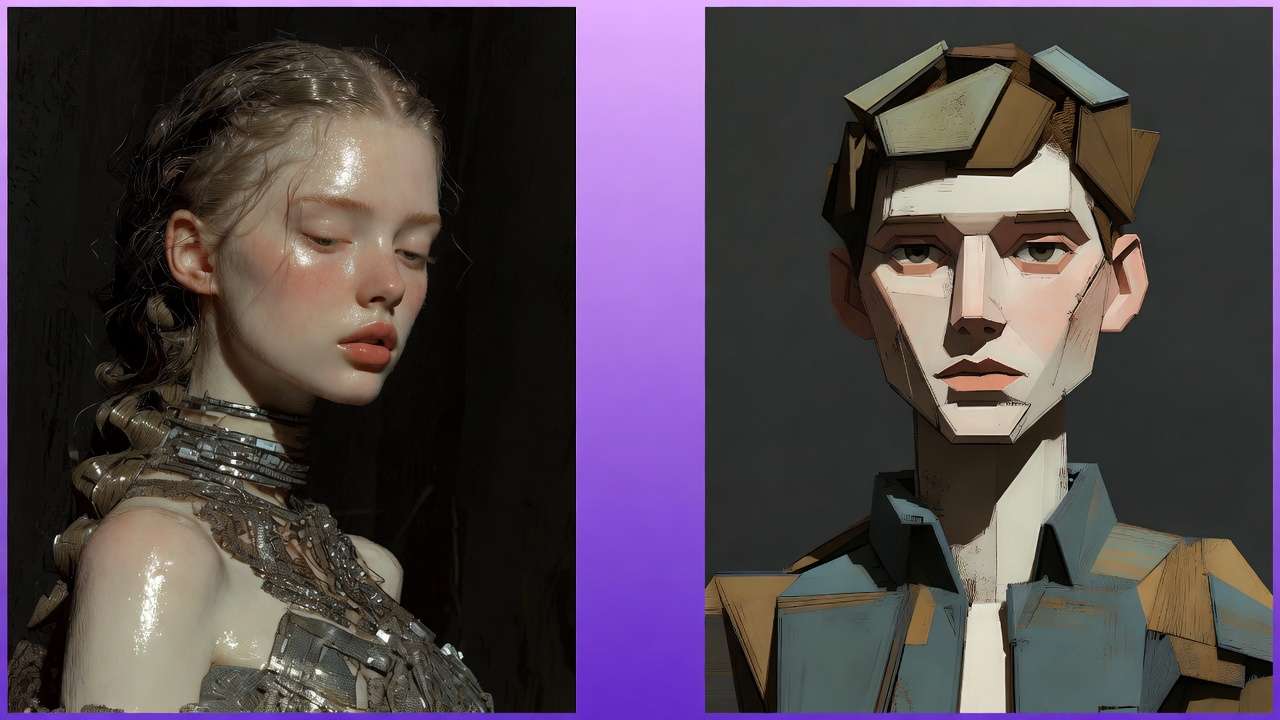
Example: Complex Scene with Multiple Elements
Naive approach: "Photorealistic scene: Modern office, diverse team of 5 people collaborating around a table, laptop displaying data dashboard, coffee cups, natural window lighting, plants in background, shallow depth of field"
Problem: Too many constraints → Model struggles → Mediocre result
Better approach: Decompose + Composite
Step 1: Generate background (Flux Pro)
- "Modern office interior, large windows with city view, plants, clean minimal design, natural lighting, photorealistic"
- Focus: Environment accuracy
- Cost: 8 credits
Step 2: Generate team interaction (Different Flux generation)
- "Group of 5 diverse professionals collaborating around a conference table, casual business attire, engaged expressions, overhead view, natural poses"
- Focus: People positioning and expressions
- Cost: 8 credits
Step 3: Generate dashboard UI (Recraft for clean UI)
- "Professional data analytics dashboard, blue and white color scheme, charts and graphs, modern UI design"
- Focus: Screen content clarity
- Cost: 5 credits
Step 4: Composite in post (or use inpainting to combine)
- Combine elements using built-in compositing or external tool
- Cost: Minimal
Total: 21 credits for better control vs 8 credits for mediocre all-in-one
Why this works:
- Each model focuses on what it does best
- More control over individual elements
- Easier to iterate specific parts without regenerating everything
See prompt optimization for workflows.
Technique #4: Negative Space Strategy (Optimizing for Editability)
Concept: Generate with intention to edit/composite later, not as final output.
Example: Product Launch Video
Traditional approach:
- Generate complete scene with product already in-frame
- If product positioning is wrong → regenerate entire scene
Better approach:
Step 1: Generate background plate (Veo or Kling)
- "Empty modern kitchen countertop, window with morning light, clean surface, room for product placement center-frame"
- Intentionally leave space for product
- Cost: 15 credits
Step 2: Generate product separately (Flux Pro)
- "[Product] on white background, 45-degree angle, professional product photography"
- Cost: 8 credits
Step 3: Composite product into scene
- Use built-in compositing or Photoshop/After Effects
- Adjust position, scale, lighting match
Step 4: Add final polish (optional)
- Use inpainting to blend shadows, reflections
- Cost: 3 credits
Total: 26 credits with full flexibility vs 15 credits for locked composition
Why this works:
- Product can be swapped without regenerating background
- Multiple products can use same background plate
- Easier to match brand guidelines (product always perfect)
Technique #5: Resolution Arbitrage (Generate Low, Upscale Strategic)
Concept: Generate at lower resolution (faster, cheaper), upscale only what needs it.
Example: Video Marketing Batch
Naive approach:
- Generate all videos at 1080p (high cost)
- Use some for Instagram (don't need 1080p)
- Use some for YouTube (do need 1080p)
- Overpay for Instagram content
Better approach:
Step 1: Generate all at 720p (Instagram/social tier)
- 10 videos × 12 credits each = 120 credits
- Fast generation, "good enough" for social
Step 2: Identify YouTube heroes (only 2 out of 10 need premium quality)
- View analytics from Step 1 social posts
- Pick top 2 performers
Step 3: Upscale only winners to 1080p
- 2 videos × 4 credits = 8 credits
- Now suitable for YouTube
Total: 128 credits vs 150 credits if all generated at 1080p
Savings: 15% on credits + faster initial batch
Why this works:
- Most content doesn't need maximum resolution
- Data tells you what's worth upscaling
- Faster iteration cycle (720p generates quicker)
See resolution optimization guide.
Technique #6: Feedback Loop Automation (Learning from Performance Data)
Concept: Track which model outputs perform best, feed that back into model selection.
Workflow:
Step 1: Generate variations across models
- Same prompt, 3 different models
- Example: Product shot in Flux, Midjourney, Imagen
- Track which model generated which asset (metadata tagging)
Step 2: Deploy to real channels
- Post all 3 to Instagram at different times
- Track engagement metrics (CTR, saves, shares)
Step 3: Analyze performance by model
- "Flux-generated posts: 4.2% CTR avg"
- "Midjourney-generated posts: 6.1% CTR avg"
- "Imagen-generated posts: 3.8% CTR avg"
Step 4: Optimize model selection
- For this product category → Midjourney wins
- Adjust future batches to use Midjourney 80% of the time
- Keep 20% experimental (models evolve, trends change)
Why this works:
- Removes guesswork ("which model is best?")
- Lets performance data drive decisions
- Continuous improvement loop
Tools:
- Spreadsheet tracking (manual but effective)
- Or build custom dashboard (API + analytics integration)
See multi-model creative pipelines.
Platform Comparison: How to Evaluate Multi-Model Platforms
Not all multi-model platforms are created equal.
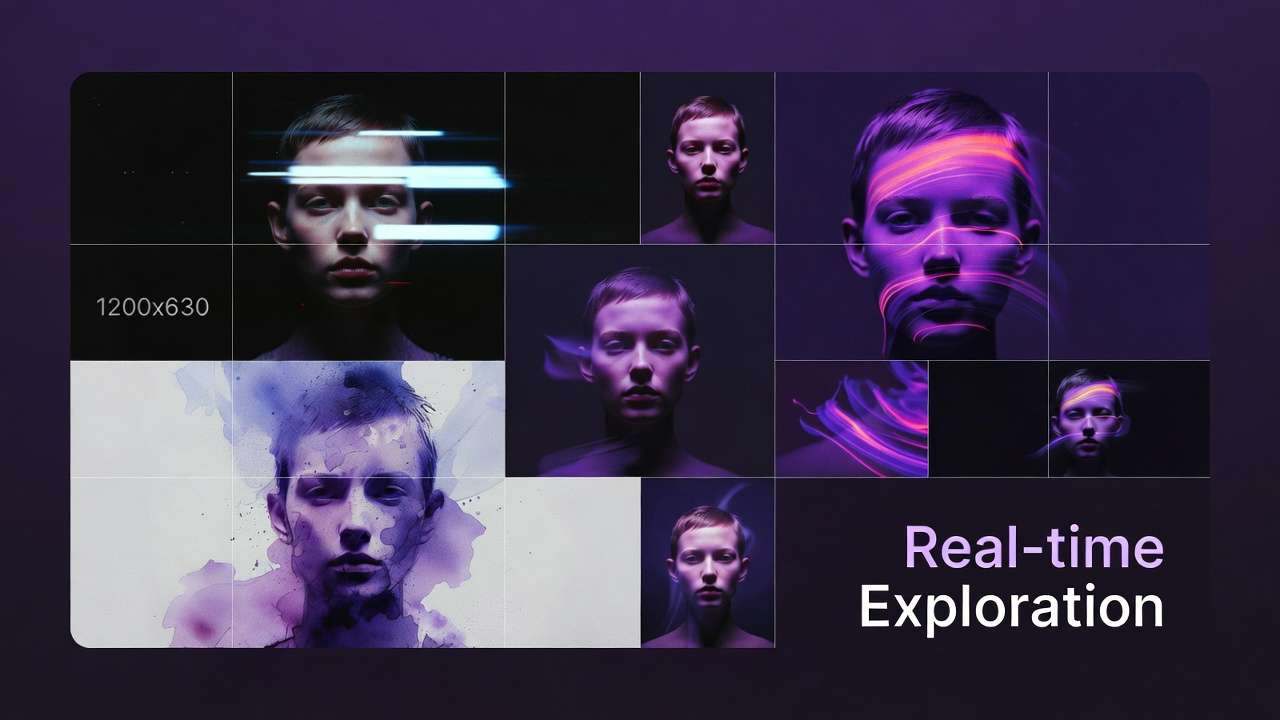
Here's how to evaluate them:
Evaluation Criteria:
| Criterion | Why It Matters | What to Look For |
|---|---|---|
| Model Coverage | More specialized models = more creative options | 30+ models across image, video, audio |
| Model Freshness | New models launch monthly | Platform adds new models within weeks of release |
| Credit Transparency | Hidden costs kill budgets | Clear per-model pricing, no surprise fees |
| Workflow Integration | Context switching kills productivity | Can chain models without export/import |
| Mobile Access | Create anywhere | Native iOS/Android apps, not just desktop |
| Commercial Rights | Legal clarity for client work | Unified licensing, perpetual ownership |
| API Access | Automation & scaling | RESTful API for developers |
| Community & Learning | Faster skill development | Tutorials, templates, Discord/forums |
| Reliability & Uptime | Can't deliver if platform is down | 99%+ uptime, redundant infrastructure |
Comparison Table: Multi-Model Platforms (2026)
| Platform | Models | Mobile | Credits Transparent | Workflow Chaining | Starting Price | Commercial Rights |
|---|---|---|---|---|---|---|
| Cliprise | 47+ | ✅ iOS/Android | ✅ Yes | ✅ Yes | $9.99/mo | ✅ Yes (paid plans) |
| Scenario.gg | 25+ | ❌ Desktop only | ⚠️ Partial | ⚠️ Limited | $29/mo | ✅ Yes |
| Leonardo.ai | 15+ | ⚠️ Web responsive | ✅ Yes | ⚠️ Limited | $12/mo | ✅ Yes |
| Playground AI | 12+ | ❌ Desktop only | ✅ Yes | ❌ No | Free tier | ⚠️ Unclear |
| Getimg.ai | 20+ | ⚠️ Web responsive | ✅ Yes | ⚠️ Limited | $12/mo | ✅ Yes |
(Data as of February 2026-platform features evolve rapidly)
Key Differentiators:
1. Mobile-first vs Desktop-first
- Cliprise, Leonardo = Mobile apps (create anywhere)
- Scenario, Playground = Desktop-only (create at desk)
2. Workflow integration depth
- Cliprise = Unified workspace, chain models without export
- Others = Separate tools under one login (still export/import between models)
3. Model update frequency
- Cliprise = New models added within 2-4 weeks of public release
- Others = 1-3 months lag
4. Credit cost transparency
- All platforms show credit costs
- But conversion to real dollars varies (check effective per-creation cost)
How to Choose:
If you prioritize mobile creation: → Cliprise or Leonardo
If you need the absolute widest model selection: → Cliprise (47+ models as of Feb 2026)
If you're focused on gaming/3D assets: → Scenario.gg (specialized for game art)
If you're budget-conscious and desktop-only: → Leonardo or Getimg.ai
If you need API access for custom integrations: → Cliprise (coming Q1 2026), Leonardo, or Getimg
More detailed platform comparison.
The Future: Where This Is Going (2026-2027)
Based on current trajectories, here's what's coming:
Trend 1: Real-Time Multi-Model Orchestration
Current state:
- Generate image → Wait
- Generate video → Wait
- Generate audio → Wait
2027 prediction:
- Realtime preview across models
- Adjust prompt → See Flux, Midjourney, Imagen outputs updating in realtime
- Pick best → Finalize
Impact: Decision-making shifts from "commit then wait" to "explore then commit"
Similar to how Figma enabled realtime design collaboration, AI platforms will enable realtime model comparison.
Trend 2: Agentic Workflows (AI Choosing Models for You)
Current state:
- You decide: "I need Sora for this shot"
2027 prediction:
- AI agent decides based on your constraints
- You input: "I need a product video, budget $5, must be ready in 10 minutes"
- Agent selects: Kling AI (balances speed, cost, quality for your constraints)
- You approve or override
Impact: Shift from "model expert" to "creative director"
You focus on what you want, not how to generate it.
Trend 3: Unified Multi-Modal Generation
Current state:
- Generate image, video, audio separately → Combine in post

2027 prediction:
- Single prompt generates synchronized outputs
- Input: "30s product ad, upbeat music, professional voiceover"
- Output: Video + perfectly timed music + synced voiceover in one generation
Impact: Reduces post-production to near-zero for templated content
Trend 4: Collaborative AI (Multi-User, Multi-Model)
Current state:
- Individual creators → Individual workflows
2027 prediction:
- Team workspaces where multiple people orchestrate models together
- Designer generates concept (Midjourney)
- Video editor animates it (Runway)
- Sound designer adds audio (ElevenLabs)
- All in one shared workspace, version-controlled, permissions-managed
Impact: AI platforms become creative collaboration hubs (Figma for AI content)
Trend 5: Blockchain-Verified Provenance (Fighting AI Slop)
Current state:
- AI-generated content is indistinguishable from human-created
- "AI slop" floods the internet
2027 prediction:
- Provenance tracking built into platforms
- Every generation tagged with: model used, timestamp, creator, modifications
- Blockchain or cryptographic verification
- Platforms/publishers can require verified content
Impact: Separates "professional AI content" from "low-effort spam"
Trend 6: Model Marketplaces (Community-Trained Models)
Current state:
- Platforms provide curated model selection
2027 prediction:
- Open marketplaces where creators upload custom-trained models
- "Anime character model trained on Studio Ghibli style" ($2/use)
- "Corporate headshot model (Fortune 500 aesthetic)" ($5/use)
- Revenue share with model creators
Impact: Long tail of specialized models for niche use cases
Similar to Adobe Stock, but for AI models instead of assets.
Getting Started: Your First 30 Days with Cliprise
Enough theory. Let's get practical.
Here's a 30-day onboarding plan to go from zero to proficient with multi-model workflows:
Week 1: Exploration & Fundamentals
Goal: Understand what's possible, try each model category.
Day 1-2: Image Generation
- Download Cliprise (iOS | Android)
- Use your 30 signup credits once, then 10 daily free credits (auto-reset)
- Generate 5 images, 1 with each model:
- Flux Pro (photorealistic)
- Midjourney v6.1 (artistic)
- Google Imagen 4 (prompt flexibility)
- Stable Diffusion XL (experimental)
- Recraft (vector/clean)
- Compare outputs for same prompt
- Learn: Which model matches which aesthetic?
Day 3-4: Video Generation
- Generate 5 short videos (5s each):
- Sora 2 (cinematic quality)
- Veo 3.1 (balanced speed/quality)
- Kling AI (temporal coherence)
- Runway Gen-3 (camera control)
- LTX Video (instant generation)
- Same prompt across all models
- Learn: Speed vs quality tradeoffs
Day 5-6: Audio & Utilities
- Generate voiceover (ElevenLabs)
- Generate background music (Suno)
- Try upscaling (take a 512×512 image → 4K)
- Try background removal (product on white)
- Learn: Utility tools expand creative options
Day 7: Review & Reflect
- Which models felt intuitive?
- Which outputs surprised you (good or bad)?
- What would you use for real projects?
Credits note: The Free plan gives 30 credits when you sign up (one-time) and 10 credits per day after that (auto-reset), so deep multi-model comparisons in Week 1 still assume you upgrade to Starter ($9.99/mo, 900 credits) once you move past quick tests.
Week 2: Workflow Building
Goal: Move from single generations to chained workflows.
Day 8-9: Image → Video Chain
- Generate image (Flux Pro)
- Animate it (Kling AI)
- Compare to: generating video directly (without image input)
- Learn: When to chain vs when to generate directly
Day 10-11: Batch Workflows
- Create 10 social media posts in one session
- Use templates (save successful prompts)
- Track time per post
- Learn: Batching efficiency (10 posts in ~1 hour vs 3 hours individually)
Day 12-13: Multi-Platform Output
- Pick one concept
- Generate 3 aspect ratios: 16:9, 9:16, 1:1
- Adjust composition for each (not just crop)
- Learn: Platform-specific optimization
Day 14: Real Project
- Take a real client brief (or personal project)
- Execute end-to-end using multiple models
- Track credits, time, and results
- Learn: Real-world workflow friction points
Credits used: ~400 (total ~550 if on Starter plan)
Week 3: Optimization & Advanced Techniques
Goal: Reduce cost, increase speed, improve quality.
Day 15-17: Model Selection Optimization
- Take 5 past projects
- Regenerate using different model choices
- Compare: cost, time, quality
- Learn: Model arbitrage (use cheaper models for drafts, expensive for finals)
Day 18-19: Prompt Engineering
- Take one successful generation
- Reverse-engineer the prompt (what made it work?)
- Create variations
- Build a prompt library (save top 10 prompts)
- Learn: Patterns in successful prompts
Day 20-21: A/B Testing
- Generate 5 variations of one concept (different models or prompts)
- Post to social or show to audience
- Track engagement
- Learn: Data-driven model selection
Credits used: ~600 (cumulative ~1,150 - exceeds Starter’s 900/mo; consider Pro at $29.99/mo for 3,500 credits)
Week 4: Mastery & Scaling
Goal: Build systems for sustainable high-output creation.

Day 22-24: Template Systems
- Create 3 workflow templates for recurring projects:
- Social media batch (image + video)
- Client pitch deck (6 visuals)
- Product photography (hero + lifestyle)
- Document exact models, prompts, credit costs
- Learn: Repeatable workflows = speed
Day 25-26: Portfolio Building
- Create a showcase of your best AI-generated work
- Include variety (images, videos, different styles)
- Share publicly (Instagram, LinkedIn, Behance)
- Learn: Marketing your AI skills
Day 27-28: Monetization Strategy
- Identify 3 ways to monetize your AI skills:
- Freelance (Upwork, Fiverr)
- Client work (local businesses)
- Passive income (stock content, templates)
- Create sample offerings with pricing
- Learn: Business model around multi-model skills
Day 29-30: Community & Learning
- Join Cliprise Discord or community forum
- Share your work, get feedback
- Learn from others' workflows
- Contribute templates or tutorials
- Learn: Continuous improvement through community
Credits used: ~800 (total ~1,950 if on Starter-definitely upgrade to Pro if doing real client work)
Beyond 30 Days: Continuous Learning
Monthly goals:
- Try 1 new model you haven't used before
- Optimize 1 workflow (reduce time or cost by 10%)
- Share 1 tutorial or template with community
- Land 1 new client using your AI skills
Quarterly review:
- Track total credits used
- Calculate ROI (revenue generated vs platform cost)
- Identify weak spots (where are you still context-switching?)
- Update workflow templates based on new models or learnings
See getting started guide for step-by-step tutorials.
Pricing Deep Dive: Which Plan Is Right for You?
Let's break down the pricing in detail with real-world usage scenarios:
Free Plan: $0/month
What you get:
- 30 credits when you sign up (one-time) + 10 credits/day (auto-reset every 24 hours)
- Access to starter/fast models on Free (premium tiers often require Starter+—see live app)
- Creative Tools included on Free where enabled
- No Cliprise watermark on exports (still confirm licensing/model rules before commercial use)
- Personal-focused Free terms—upgrade for fuller commercial coverage where required
Best for:
- Trying out the platform
- Casual hobbyists
- Students learning AI tools
Limitations:
- Daily refill stays modest—most premium videos cost more than 10 credits/day alone after your signup bonus is spent
- Premium models / Quality tiers generally require Starter+
- Confirm latest commercial licensing for paid client work
Upgrade when: You want more monthly credits, premium modes, or clearer commercial coverage.
Starter Plan: $9.99/month
What you get:
- 900 credits/month
- No watermarks
- Commercial rights
- Full model access
- Mobile + web (desktop coming soon)

Best for:
- Side hustlers
- Small business owners
- Content creators (1-2 posts/week)
Usage examples:
| Workflow | Credits | How Many per Month |
|---|---|---|
| Instagram image posts | 8 | 62 images |
| Instagram video posts (5s) | 12 | 41 videos |
| Blog header images | 8 | 62 images |
| Product photos | 8 | 62 images |
| Short TikTok videos | 12 | 41 videos |
Mixed usage example:
- 20 Instagram images (160 credits)
- 10 Instagram videos (120 credits)
- 5 blog headers (40 credits)
- Leaves 180 credits for experimentation
Upgrade when: You're creating 3+ posts per week or doing client work.
Pro Plan: $29.99/month ⭐ Most Popular
What you get:
- 3,500 credits/month
- Everything in Starter
- Priority queue (faster generation)
- Advanced features (batch processing, workflow templates)
- Higher resolution options
Best for:
- Full-time creators
- Freelancers
- Small agencies
- Brands with in-house content
Usage examples:
| Workflow | Credits/Week | Monthly Usage |
|---|---|---|
| Social media manager | 400 | 1,600 (20 posts/week) |
| YouTube content creator | 600 | 2,400 (thumbnails + B-roll) |
| E-commerce brand | 500 | 2,000 (product photography) |
| Marketing freelancer | 700 | 2,800 (client projects) |
Example allocation (3,500 credits):
- Client work (60%): 2,100 credits
- 3 client projects/month × 700 credits each
- Personal content (30%): 1,050 credits
- Social media, portfolio, experiments
- Buffer/testing (10%): 350 credits
- Trying new models, iterations
ROI calculation:
- Cost: $29.99/month
- Replace: Midjourney ($30) + Runway ($95) + ElevenLabs ($22) = $147/month
- Savings: $117/month = $1,404/year
Upgrade when: You're hitting credit limits or need faster generation times.
Business Plan: $79.99/month
What you get:
- 10,000 shared credits/month (see pricing for yearly)
- Everything in Pro, plus team collaboration (up to 3 users)
- Business API: buy API credit packs (separate balance from subscription credits)
Best for:
- Agencies and small teams
- High-volume creators who outgrow Pro
- Shops that need shared credit pools
Usage examples:
| Workflow Type | Credits/Month | Use Case |
|---|---|---|
| Agency (multiple clients) | 8,000-10,000 | Several concurrent client projects |
| Daily content creator | 6,000-9,000 | High posting volume across platforms |
| E-commerce (large catalog) | 8,000-10,000 | Large batch stills and variants |
| Video production company | 7,000-10,000 | Many short deliverables (model-dependent) |
ROI calculation:
- Cost: $79.99/month
- Replace: Multiple subscriptions + freelancer costs = $400-800/month
- Savings: $300-700/month = $3,600-8,400/year (illustrative; depends on stack)
Upgrade when: You're a business generating revenue from content at scale.
Which Plan Should You Choose?
Simple decision tree:
- Just testing? → Free plan (30 signup credits once + 10 credits/day)
- 1-2 posts per week? → Starter ($9.99, 900 credits)
- Daily content creation? → Pro ($29.99, 3,500 credits)
- Agency/business? → Business ($79.99, 10,000 shared credits)
Pro tip: Start with Starter for 1 month. Track your actual credit usage. Upgrade only when you consistently hit 80%+ of your limit.
See pricing page for current pricing and credit cost calculator.
FAQ: Everything You're Wondering
Q: Is this just reselling other companies' APIs?
A: Partially, but there's significant value-add.
Yes, models like Midjourney, Runway, ElevenLabs are accessed via their APIs (or equivalents).
But the value isn't just API access. It's:
- Unified interface (no context switching)
- Workflow orchestration (chaining models)
- Credit normalization (transparent pricing)
- Mobile-first (works on phone)
- Commercial rights (unified licensing)
- Infrastructure (caching, queue management, uptime)
Analogy: Spotify doesn't create music, but it provides value by aggregating, organizing, and delivering it seamlessly. Same principle.
Q: Can I get the same quality using individual tools?
A: Yes, quality-wise the outputs are identical (same underlying models).
The difference is:
- Speed of workflow (not output quality)
- Cost efficiency (unified pricing vs multiple subscriptions)
- Friction reduction (no export/import/context switching)
If you only use 1-2 models, individual subscriptions might be cheaper.
If you use 3+ models regularly, multi-model platforms become cost-effective and faster.
Q: What about data privacy? Who owns my generations?
A: On Cliprise (check your specific platform's ToS):
- Free plan: Generations may be used for platform improvement (aggregated, anonymized)
- Paid plans: You own full commercial rights, outputs are private
- Data retention: Generations stored for 30 days, then deleted (unless you export)
- No training: Your prompts/outputs are NOT used to train models (per ToS)
Best practice: For sensitive client work, always use paid plans and review ToS.
Q: Can I use this for client work legally?
A: Yes, on paid plans.

- Free plan: Personal use only
- Starter/Pro/Business: Full commercial rights, including client work, resale, and redistribution
Important: Some models have additional restrictions (check individual model ToS). Cliprise's unified license covers most use cases, but always verify for edge cases (e.g., political campaigns, restricted industries).
Q: What happens if a model I rely on gets removed?
A: Platforms typically provide 30-60 days notice before removing models.
Mitigation strategies:
- Don't build workflows dependent on only one model
- Test alternative models for critical workflows
- Export important generations (don't rely on platform storage long-term)
- Save prompts/settings so you can recreate if needed
In practice: Model removals are rare. Upgrades (v6.1 → v6.2) are more common, and these usually improve quality, not break workflows.
Q: Is AI-generated content detectable? Will it get flagged?
A: Current state (Feb 2026):
- Detection tools exist but accuracy is 60-80% (lots of false positives/negatives)
- Most platforms don't enforce AI content bans (YouTube, Instagram, TikTok allow it)
- Transparency is valued (some creators disclose AI use, some don't)
Best practices:
- If platform requires disclosure → disclose
- If client asks → be transparent
- Focus on quality (good AI content beats bad human content)
Future trend: Expect more platforms to require provenance tags (but not ban AI content outright).
Q: Can I cancel anytime?
A: Yes, all plans are month-to-month. No annual commitment required (though annual plans often have discounts).
Upon cancellation:
- Unused credits expire (no refunds)
- Commercial rights for generated content remain (if on paid plan)
- Account access continues until end of billing period
Q: What about model bias? Can I trust the outputs?
A: AI models have known biases (inherited from training data).

Common biases to watch for:
- Gender stereotypes (CEOs depicted as male by default)
- Racial underrepresentation (certain demographics generate less accurately)
- Western-centric aesthetics (non-Western styles may require more specific prompting)
How to mitigate:
- Be explicit in prompts ("diverse team," "woman CEO," "South Asian setting")
- Review outputs critically
- Iterate if defaults don't match intended representation
Platform role: Cliprise (and others) don't control model training, but do provide tools (negative prompts, style controls) to mitigate bias in outputs.
Q: Can I upload my own custom models (fine-tuned Stable Diffusion, LoRAs, etc.)?
A: Not currently (as of Feb 2026), but this is on the roadmap for Q2 2026.
Planned features:
- Upload custom Stable Diffusion checkpoints
- LoRA support for character consistency
- Community model marketplace (creators can share/sell custom models)
Workaround: For now, use platforms like Replicate or Hugging Face for custom models, then use Cliprise for production models.
Q: What about video editing? Do I still need Premiere/Final Cut?
A: Depends on project complexity.
Cliprise (and similar platforms) handle:
- Generation
- Basic trimming/cropping
- Upscaling
- Simple compositing (chaining models)
You still need external editors for:
- Multi-track timelines (complex edits)
- Color grading (advanced)
- Audio mixing (multi-layer)
- VFX compositing (After Effects-level work)
Trend: Multi-model platforms are adding more editing features over time, but won't replace full NLEs for professional work.
Workflow: Generate in Cliprise → Export → Final edit in Premiere (if needed).
Q: Is mobile creation actually viable, or is it a gimmick?
A: Legitimately viable for 60-70% of use cases.
Works great on mobile:
- Social media content (Instagram, TikTok, LinkedIn)
- Product photography
- Thumbnails
- Quick client mockups
- Concept exploration
Still better on desktop:
- Long-form video editing
- Multi-asset batch processing (handling 50+ files)
- Complex compositing
- Detailed prompt iteration (typing long prompts on phone is tedious)
Real usage pattern: Most pro users do 40% creation on mobile (commute, on-site with clients, quick iterations) and 60% on desktop (deep work sessions).
The killer feature: Generate on phone during inspiration moment → Finalize on desktop later.
For image-focused steps on phone, follow our mobile image generation workflow.
Q: How often are new models added?
A: Depends on platform.
Cliprise: 2-4 weeks after public model release (faster for major models like GPT updates, slower for niche models)
Why the lag?
- API integration takes time
- Testing/QA to ensure reliability
- Pricing/credit calculation
- Documentation/tutorials
Frequency: Expect 1-2 new models per month on average.
How to track: Join Discord or check changelog for announcements.
How to Convince Your Boss/Client to Adopt Multi-Model Platforms
If you're reading this, you're probably already convinced.
But you might need to convince:
- Your boss (to expense a subscription)
- Your client (to accept AI-generated content)
- Your team (to change workflows)
Here's the pitch deck:
Slide 1: The Problem (Pain Points)
Current workflow pain:
- 6+ subscriptions = $237/month = $2,847/year
- 1.9 hours lost per project to context switching
- 60+ hours learning curve for new tools
- Version control chaos across platforms
- Unpredictable costs (overage fees, usage caps)
Ask: "How much time do we lose per month just switching between tools?"
Slide 2: The Opportunity (What's Possible)
With multi-model platform:
- 85% cost reduction ($2,847 → $420/year)
- 90% time saved on workflow friction
- 3-5x faster iteration cycles
- Consistent quality across all content types
- Mobile creation (work from anywhere)
Show: Demo video of creating an Instagram post in 2 minutes (image + video + export) on phone.
Slide 3: ROI Calculation (Prove the Math)
Example: Marketing team producing 40 social posts/month
| Metric | Current State | With Multi-Model Platform | Difference |
|---|---|---|---|
| Subscriptions | $237/mo | $30/mo (Pro plan) | -$207/mo |
| Time per post | 45 min | 12 min | -33 min/post |
| Monthly time cost | 30 hours | 8 hours | -22 hours |
| Hourly rate | $75 | $75 | - |
| Monthly savings | - | - | $1,857 |
| Annual savings | - | - | $22,284 |
ROI: 6,142% (investment $360/year, return $22,284/year)
Ask: "Can we justify NOT doing this?"
Slide 4: Risk Mitigation (Address Objections)
Objection 1 - "What if the platform shuts down?"
- Answer: Export all assets (you own them). Prompts/workflows are portable. Switching cost is low.
Objection 2 - "What about quality?"
- Answer: Same models as standalone tools (Midjourney, Runway, etc.). Quality identical.
Objection 3 - "Our team won't adopt it."
- Answer: 30-day trial. Track adoption. If less than 50% use it, cancel. (Spoiler: adoption is typically more than 80% within 2 weeks)
Objection 4 - "Clients won't accept AI content."
- Answer: 73% of Fortune 500 brands already use AI-generated content (source: 2025 survey). Trend is adoption, not resistance.
Slide 5: Implementation Plan (Make It Easy)
Week 1:
- 2 power users test platform (you + 1 other)
- Create 10 real assets
- Document workflows
Week 2:
- Team training (1-hour workshop)
- Assign 3 real projects to platform
- Track time/cost savings
Week 3:
- Team feedback session
- Adjust workflows based on learnings
- Scale to full team
Week 4:
- Measure ROI (time saved, cost saved, quality maintained)
- Decide: continue or revert
Low risk: 30-day money-back guarantee. If it doesn't work, we're out $30.
Slide 6: The Ask (What You Need)
Budget approval:
- Pro plan: $29.99/month = $360/year
- (or Starter for small teams: $9.99/month = $120/year)
Time allocation:
- 4 hours for initial training (includes you)
- 30 days to measure results
Commitment:
- Try it for real projects (not just "testing")
- Give honest feedback after 30 days
Expected outcome:
- 20+ hours saved per month
- $200+ saved per month
- Faster iteration = better creative
Question for decision-maker: "If we can prove these results in 30 days, will you commit to rolling it out team-wide?"
Deck complete. Now schedule the meeting.
Download presentation template with pre-filled slides.
Conclusion: The Multi-Model Mindset
This guide is 10,000+ words.
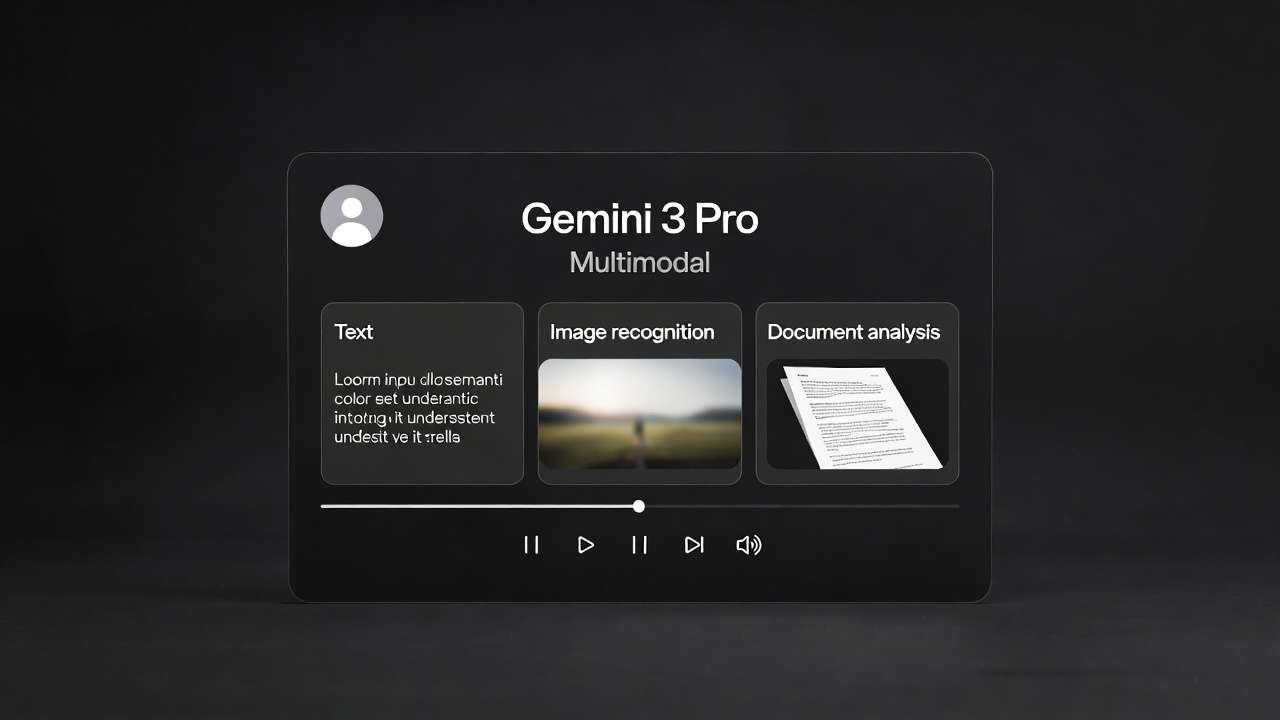
You've seen:
- Cost breakdowns
- Technical architecture
- Real workflows
- Comparison tables
- 30-day onboarding plans
- FAQ
- Pitch decks
But here's the core insight:
The shift from single-model tools to multi-model platforms isn't about technology. It's about mindset.
The Old Mindset:
"I'm a [Tool] expert."
- "I'm a Photoshop designer"
- "I'm a Midjourney artist"
- "I'm a Premiere editor"
Identity = Tool mastery
This worked when tools were stable for 5-10 years (Photoshop CS6 → CC).
It doesn't work when models evolve every 3 months.
The New Mindset:
"I solve creative problems."
- "I deliver high-quality visuals on deadline"
- "I create scroll-stopping content for brands"
- "I tell stories through motion and sound"
Identity = Outcome delivery, not tool loyalty
Tools are interchangeable. Models are interchangeable.
What matters: Can you deliver results?
The Multi-Model Creator:
- Understands constraints (time, budget, quality)
- Selects the right model for each constraint
- Chains workflows efficiently
- Iterates based on data (not ego)
- Adapts as models evolve
This is the future.
You're Not Just a Creator Anymore. You're a Director.
Directors don't operate cameras. They don't edit footage. They don't mix audio.
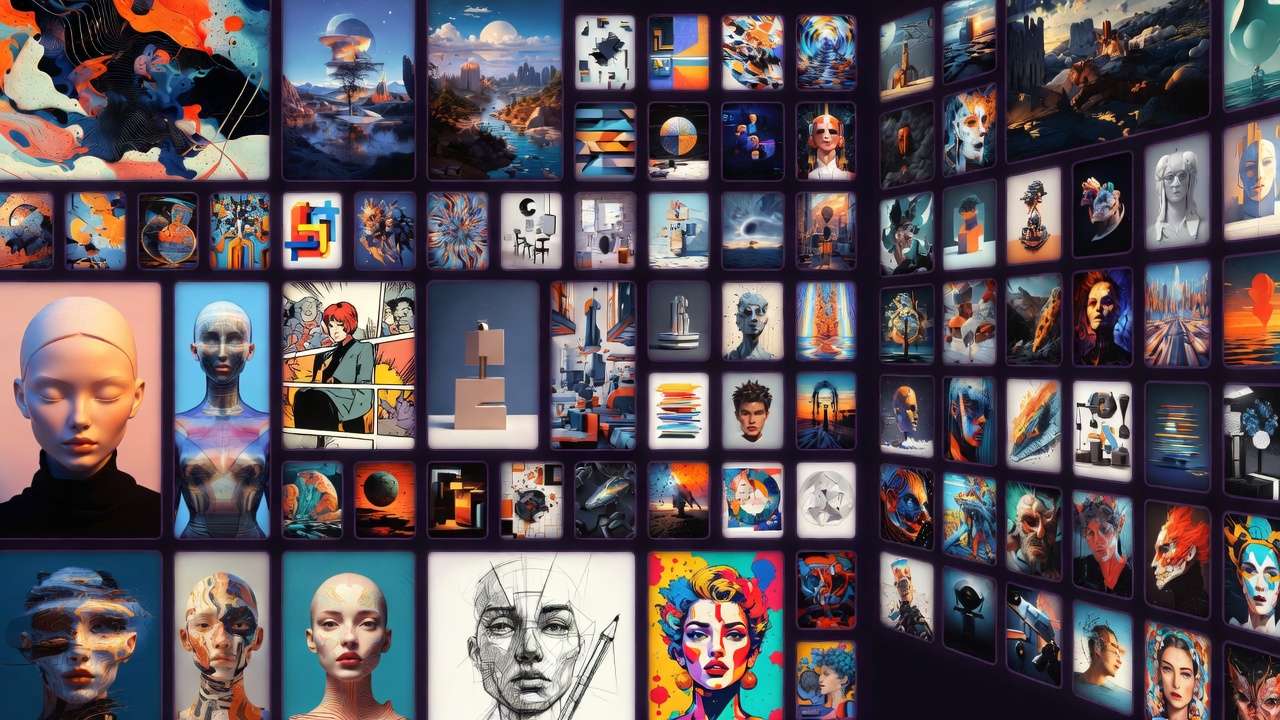
Directors make decisions:
- "This scene needs wide-angle lens"
- "This moment needs slow-motion"
- "This shot needs warmer color grading"
Then they delegate to specialists.
Multi-model platforms let you do the same with AI:
- "This concept needs Midjourney's aesthetic coherence"
- "This product shot needs Imagen's photorealism"
- "This action sequence needs Pika's explosive energy"
- "This voiceover needs ElevenLabs' natural prosody"
Then you orchestrate. Direct. Deliver.
Learn more about evolving from prompt optimization to system optimization and high-output creator systems.
The Best Creators of 2026 Won't Be the Best Prompters
They'll be the best workflow architects.
The ones who understand:
- When to use speed models vs. quality models
- How to chain outputs (image → video → upscale → edit)
- How to batch efficiently (20 posts in 2 hours)
- How to match model strengths to project requirements
Prompting is table stakes. Orchestration is mastery.
Understand common model selection mistakes and learn why faster models often produce better results.
Your Next Move
You've made it to the end of 10,000 words. That means you're serious.
Here's what to do next:
If you're ready to try:
- Download Cliprise (iOS | Android)
- Generate something with your signup bonus + daily Free credits
- Share what you make → Tag @clipriseapp
If you want to learn more:
- Browse the Learn Hub → cliprise.app/learn
- Start with Quick Start → Getting Started Guide
- Join the Discord → Get help from the community

If you're a developer:
- Check the GitHub workflows → cliprise-ai-workflows
- API access coming Q1 2026 → Join waitlist
- Contribute → We're open to community templates
If you're an agency/enterprise:
- Book a demo → Contact page
- Explore team plans → cliprise.app/team-plans
- Ask about white-label → Custom solutions available
The Bottom Line
Creating professional content in 2026 requires professional tools.
But professional doesn't mean complicated. It means effective.
Cliprise is:
- 47+ AI models in one platform
- Mobile-first for creation anywhere
- (Desktop web coming soon for advanced workflows)
- Credit-based pricing (transparent, predictable)
- 100+ free learning resources
- Commercial rights on all outputs (paid plans)
You get:
- 85% cost savings vs. multiple subscriptions
- 90%+ time savings from unified workflow
- Zero context switching
- Production-ready results from day one
No hype. No bullshit. Just powerful tools for people who take creative work seriously.
Try it. If it works, tell someone. If it doesn't, tell us.
We're building this with creators, not for them.
📝 This guide is updated quarterly with new models, workflows, and community insights. Bookmark this page - it's a living resource.
Related Articles
- AI Art Democratization: Lowering Creative Barriers →
- Best AI Tools for Social Media Managers 2026 →
- Best Multi-Model AI Platform 2026 →
- Best AI Platform for Freelance Content Creators →
- Multi-Model AI Platform: One Subscription →
- All AI Models in One Subscription: End Tool Chaos
- AI Content Creation: The Complete Guide to Images, Video & Audio in 2026
- AI Video Generator: Complete Guide 2026 →
- AI Video Generation: The Complete Guide 2026
- Multi-Model Strategy: When to Switch Between AI Generators
- Why Multi-Model Platforms Will Replace Single-Model Tools by 2027
- From Prompt Optimization to System Optimization
- Best AI Video Models on Cliprise 2026
- Understanding AI Video Generation Pipelines: Complete Guide
- How to Chain AI Image → Video → Upscaling in One Workflow
Share this guide:
END OF GUIDE
This is a living document. Suggest edits via GitHub or contact us.