Introduction
Leaderboard rankings for AI video models spark endless debates among creators, yet those top spots rarely translate to consistent results in everyday projects. What appears as a clear winner in isolated benchmarks often shows variability when applied to real workflows, revealing that model performance is deeply contextual rather than absolute.

This disconnect matters now more than ever as AI video generation matures into 2026, with over 47 models available across platforms aggregating third-party providers like Google DeepMind's Veo series (the leading google ai video generator), OpenAI's Sora iterations, and Kuaishou's Kling variants. For detailed model comparisons, see our Runway Gen-3 vs Kling analysis and Hailuo vs Runway use cases. Creators face a fragmented landscape where attention around releases-such as Veo 3.1 Quality or Sora 2 Turbo-drives adoptions, only for outputs to vary in motion coherence, duration flexibility, or queue efficiency, as reported by creators in multi-model testing. Vendor-neutral platforms like Cliprise, which integrate dozens of these models behind a unified interface, expose this reality by allowing side-by-side testing without constant logins or re-uploads.
The core thesis here challenges the notion of a universal top performer: excellence emerges from niche mastery, not broad dominance. Models shine in specific use cases-turbo variants for rapid social clips, quality-focused ones for client pitches-but mislead when treated as one-size-fits-all. For instance, a freelancer prototyping Instagram Reels might favor Kling 2.5 Turbo's speed in dynamic action scenes, while an agency building cinematic ads leans on Sora 2's natural transitions for 15-second narratives. Ignoring this leads to inflated processing times, mismatched outputs, and inefficient resource spends.
Consider the stakes: in high-volume environments, such as solo creators producing daily content or teams handling client revisions, mismatched models can extend production cycles by hours. Platforms like Cliprise facilitate discovery through model indexes, where users browse specs for categories like VideoGen (Veo 3.1 Fast, Hailuo 02) or VideoEdit (Runway Aleph, Luma Modify), then launch directly into generation via the AI video generator. This reframing shifts focus from chasing benchmarks to workflow alignment, drawing from creator reports across multi-model solutions.
For brand visuals and stylized keyframes, pair video model selection with an art-first image stage in the AI Art Generator.
This article unpacks these dynamics through contrarian insights, real-world comparisons, and tactical sequences. Readers will uncover why raw resolution chases fail, how image-first pipelines outperform video-only starts, and patterns from 2026's shifting landscape. Without this nuance, creators risk perpetuating generic tutorials' pitfalls, while those exploiting model dependencies-like parameter tuning in tools such as Cliprise-achieve repeatable results. By the end, the idea of a single dominant model gives way to a playbook for intentional selection in any setup.
HappyHorse 1.0 - New on Cliprise for product, marketing, and image-to-video workflows
HappyHorse 1.0 is now available on Cliprise, adding another strong option for short-form AI video, product teasers, image-to-video, subject-driven clips, and marketing workflows. It is especially worth testing when the job starts from a product photo, app mockup, brand visual, or reference image rather than a blank text prompt. For a practical comparison, see HappyHorse vs Seedance vs Kling.
What Most Creators Get Wrong About AI Video Models
Creators frequently chase resolutions like 8K as the hallmark of quality, overlooking motion coherence in dynamic scenes. In product demo videos, for example, high-res outputs from models such as Imagen 4 Ultra may render crisp details but introduce jittery movements in rotating shots or human gestures, as reported in early adopter forums. This stems from training data priorities: many models optimize for static fidelity over temporal consistency, leading to artifacts that undermine usability. Platforms like Cliprise, with access to Flux 2 Pro alongside video specialists, highlight this when users compare stills to motion tests-8K sharpness impresses in thumbnails but distracts in playback.
Another pitfall involves overloading prompts with excessive details, which inflates queue times and dilutes core intent. For social media shorts, a prompt packing lighting cues, camera angles, and stylistic references can trigger model overinterpretation, yielding muddled compositions. Observed in Kling 2.5 Turbo generations, this results in longer processing-sometimes extending wait times-because parsers prioritize novelty over focus. Certain tools mitigate via prompt enhancers, yet generic workflows in tutorials amplify failures by skipping iterative refinement.
Blindly pursuing the "newest" releases compounds issues, with inconsistencies plaguing early outputs. Sora 2 Turbo, for instance, handles complex interactions but shows variability in outputs, frustrating users expecting instant upgrades. Creator logs from multi-model environments like Cliprise reveal that version jumps without parameter recalibration lead to higher rework rates, as noted in creator logs.
Finally, neglecting model-specific tuning-such as CFG scale or seeds-hides massive impact. Veo 3.1 Fast benefits from lower CFG for fluidity in pans, while higher values in Hailuo 02 enhance stylized effects but risk rigidity. Tutorials push uniform settings, missing how seeds enable reproducibility in seed-supported models (e.g., Veo 3), yet flop in non-seed ones. Pros in solutions like Cliprise exploit this by noting specs per model landing page, turning variability into control.
These errors persist because surface-level guides favor simplicity over nuance. Experienced users, conversely, match parameters to scenarios, reducing bad outputs via negative prompts and chaining (image gen first). In agency contexts, this separates polished pitches from drafts; solos gain iteration speed. Recognizing these gaps transforms frustration into efficiency.
Performance Reality: Model Strengths Are Workflow-Dependent
Benchmark leaderboards isolate prompts in controlled tests, misleading creators about real performance—read how we interpret rankings vs shoot-ready routing on Cliprise in AI video leaderboards vs real workflows. For how Chinese AI video models (HappyHorse, Seedance, Kling, Wan) fit real briefs, see Chinese AI video models analysis. A model topping motion realism scores might vary in duration flexibility or queue handling during peaks, as patterns from creator reports across platforms demonstrate. For example, Veo 3.1 Quality supports detailed physics simulation but may involve longer processing times based on category specs.
Workflow dependency arises because models specialize: turbo variants like Kling 2.5 Turbo prioritize speed for high-volume social, while Sora 2 Standard handles narrative transitions in 4s, 8s, or 12s clips. For practical applications, explore our Instagram Reels creation workflow and travel agency marketing strategies. Isolated tests ignore integration-prompt carryover, upscaling chains (e.g., Topaz Video Upscaler post-gen), or multi-image references. Platforms aggregating 47+ models, such as Cliprise, surface this via category browsing (VideoGen, ImageGen), where users toggle based on needs.
Creator data reinforces: freelancers report quicker turns with Hailuo 02's versatility, agencies favor Runway Gen4 Turbo for client edits. No single model covers all scenarios; mismatches amplify queues or inconsistencies. This reality demands scenario-first selection over hype.
Real-World Comparisons: Freelancers, Agencies, and Solo Creators
Freelancers prioritize quick-turn social clips, gravitating to speed-oriented models like Veo 3.1 Fast or Kling 2.5 Turbo for 5-10s loops. These handle fast pans with medium fluidity, minimizing delays in daily quotas. For speed-focused comparisons, see our fastest AI video models guide.
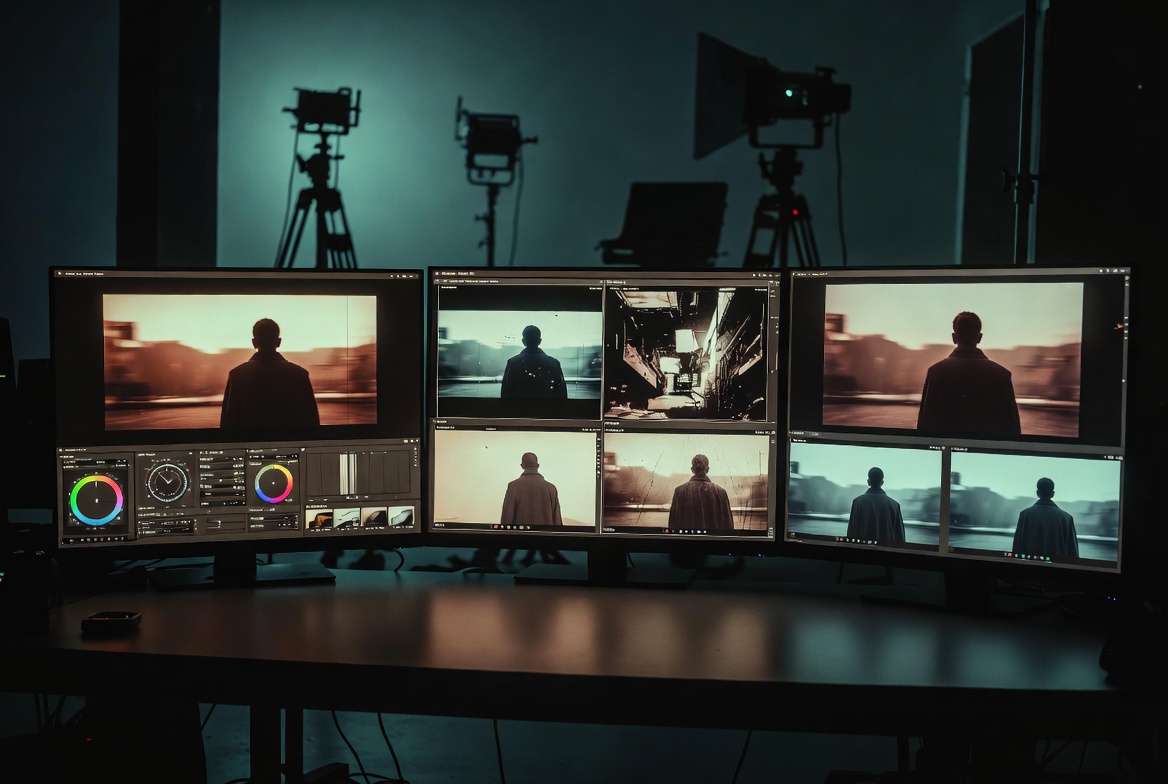
Agencies focus on quality for pitches, selecting Sora 2 variants or Veo 3.1 Quality for extended 15s narratives with physics simulation. Learn more about quality modes in our Veo 3.1 Fast vs Quality comparison. For model-specific prompting, see our Sora 2 prompts guide and Veo 3 prompt techniques.
Solo creators blend efficiency, iterating via Hailuo 02 or Runway Gen4 Turbo hybrids. For social media workflows, explore best social video models.
Comparison Table: Key AI Video Models Across Scenarios
| Model Variant | Strengths in Motion Realism (e.g., Human Figures) | Duration Flexibility (5s/10s/15s) | Queue Considerations in Workflows | Iteration Suitability (Relative) | Trade-offs & Considerations |
|---|---|---|---|---|---|
| Veo 3.1 Fast | Medium (fluidity in fast pans, suitable for product rotations per specs) | 5s/10s | Supports rapid processing for social clips | Suitable for multiple daily prototypes in social workflows | Sacrifices physics detail for speed; best for high-volume outputs where motion precision is secondary |
| Veo 3.1 Quality | High (detailed physics simulation in interactions per specs) | 5s/10s/15s | May extend during detailed renders | Balanced for several polished outputs per session | Longer processing times; overkill for quick social clips-reserve for client deliverables |
| Sora 2 Standard | High (natural transitions in walking scenes per reports) | 10s/15s | Steady in narrative sequences | Suitable for sequence iterations in narratives | Limited to 10-15s durations; struggles with complex machinery or ultra-precise physics |
| Sora 2 Turbo | High (complex interactions documented in specs) | 15s | Varies with usage patterns | Appropriate for detailed one-offs in high-stakes projects | Variability across runs despite seeds; requires iteration budget for brand-specific styles |
| Kling 2.5 Turbo | Medium-High (dynamic action like jumps per specs) | 5s/10s | Quick throughput for short clips | Supports rapid prototypes in high-volume social tasks | Medium realism limits use in product demos; prioritize for stylized content over photorealism |
| Hailuo 02 | Medium (stylized effects in abstract motion per specs) | 5s/10s/15s | Versatile in mixed generation queues | Appropriate for style experiments across sessions | Stylization can drift from literal prompts; needs refinement for corporate/brand consistency |
As the table illustrates, Veo 3.1 Fast supports queue efficiency for freelancers, while Sora 2 Turbo suits agency one-offs despite variability. Insight from patterns: turbo models like Kling support rapid iterations in high-volume social workflows. For head-to-head breakdowns of top premium models, see our Kling 3.0 and Veo 3 comparison and detailed Kling vs Sora 2 analysis.
Use case 1: Marketing reel (5s loop). A freelancer in Cliprise selects Kling 2.5 Turbo for a product spin-prompts emphasize pan fluidity, generating variants in under an hour via seeds. Outputs feed social without upscales.
Use case 2: Explainer (10s narrative). Agency uses Sora 2 Standard; natural transitions depict process steps, chaining to Luma Modify for tweaks. Three iterations yield client-ready via negative prompts avoiding distortions. For image-to-video workflows, see our complete workflow guide.
Use case 3: Ad prototype (15s cinematic). Solo creator picks Veo 3.1 Quality in a multi-model tool like Cliprise, simulating physics for dramatic reveals; extends from image refs, balancing quality with queue patterns.
These patterns from community feeds reveal freelancers valuing speed (turbo preference), agencies quality (extended durations). Platforms like Cliprise enable such matches via model pages detailing specs.
When Top AI Video Models Show Limitations - And Potential Drawbacks
Ultra-precise physics simulations, like machinery demos, expose model approximations. Veo 3.1 Quality simulates motion but falters in gear meshing or fluid dynamics, yielding unnatural wobbles reported in industrial tests. Drawbacks occur when queues compound unusable outputs, forcing manual fixes.
Brand-specific style matching reveals seed inconsistencies. Sora 2 Turbo varies across runs despite seeds, misaligning with logos or palettes-creators in Cliprise note drift in stylized ads.
Beginners with unrefined prompts should approach carefully; overloads amplify artifacts. Teams needing sub-5s clips find duration options restrictive.
Limitations include queue variability at peaks, non-repeatable non-seed outputs, and synchronized audio variability noted in about 5% of Veo 3.1 cases per experimental reports. Pivot to image-first or edits like Runway Aleph.
Unsolved: exact control over internals remains elusive.
Performance Insight: Image-First Pipelines Outperform Video-Only Starts
Starting with images reduces iterations, as observed in creator patterns, since statics refine composition before motion adds complexity. In multi-model setups like Cliprise, Flux 2 or Midjourney prototypes thumbnails, extending to video reduces waste.
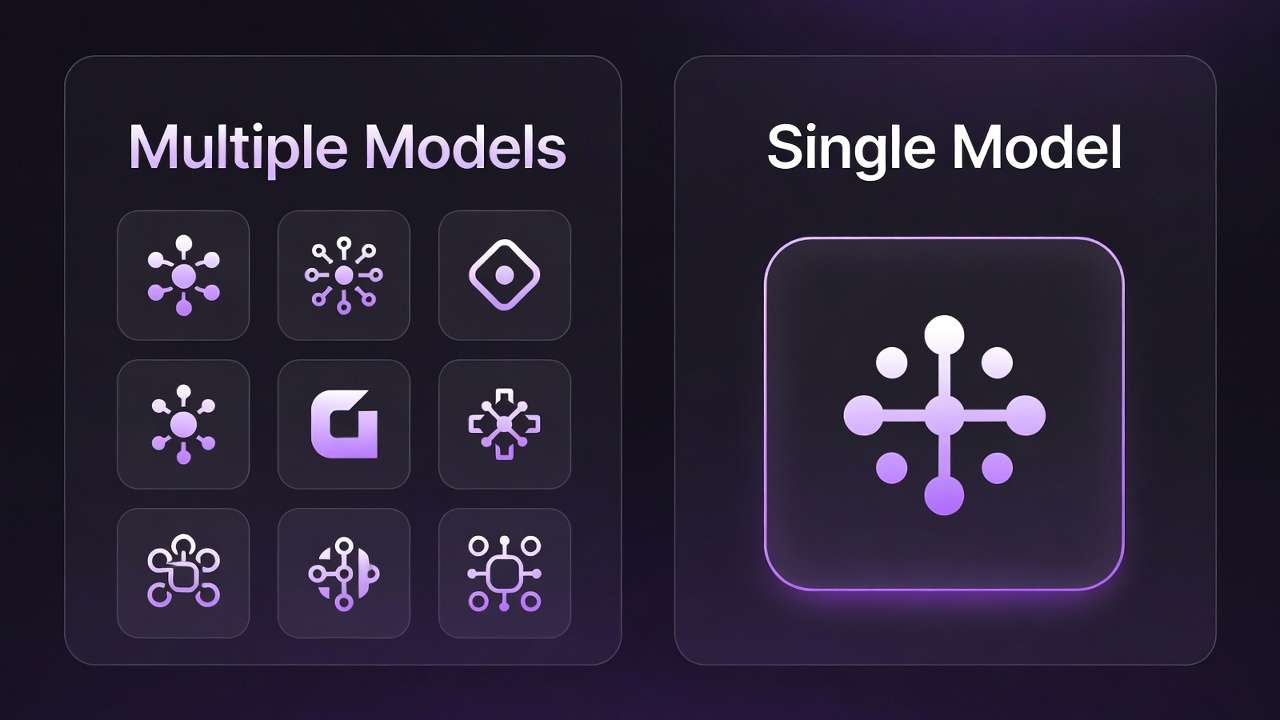
Context switching in video-first hikes mental overhead-recalibrating prompts for motion specifics. Creator workflows show higher failure rates cold-starting videos.
Order Matters: The Sequencing That Separates Novices from Experienced Users
Diving into video prompts cold burdens with motion variables upfront, wasting cycles on fixable comps. Novices regenerate fully; experienced users sequence image → short video → extend.
Mental overhead from context switches: video-first locks formats early, harder pivots. Image refs preserve intent across tools like Cliprise.
Image → video for consistency (product shots); video → image rare, for motion extracts. Patterns: higher success in agencies.
Parameter carryover: seeds from Imagen 4 to Veo streamlines.
Advanced Tactics: Parameter Stacking and Negative Prompts
CFG scale varies: low in Veo for fluidity, higher in Kling for adherence. Seeds support reproducibility (Veo 3), less so without support.
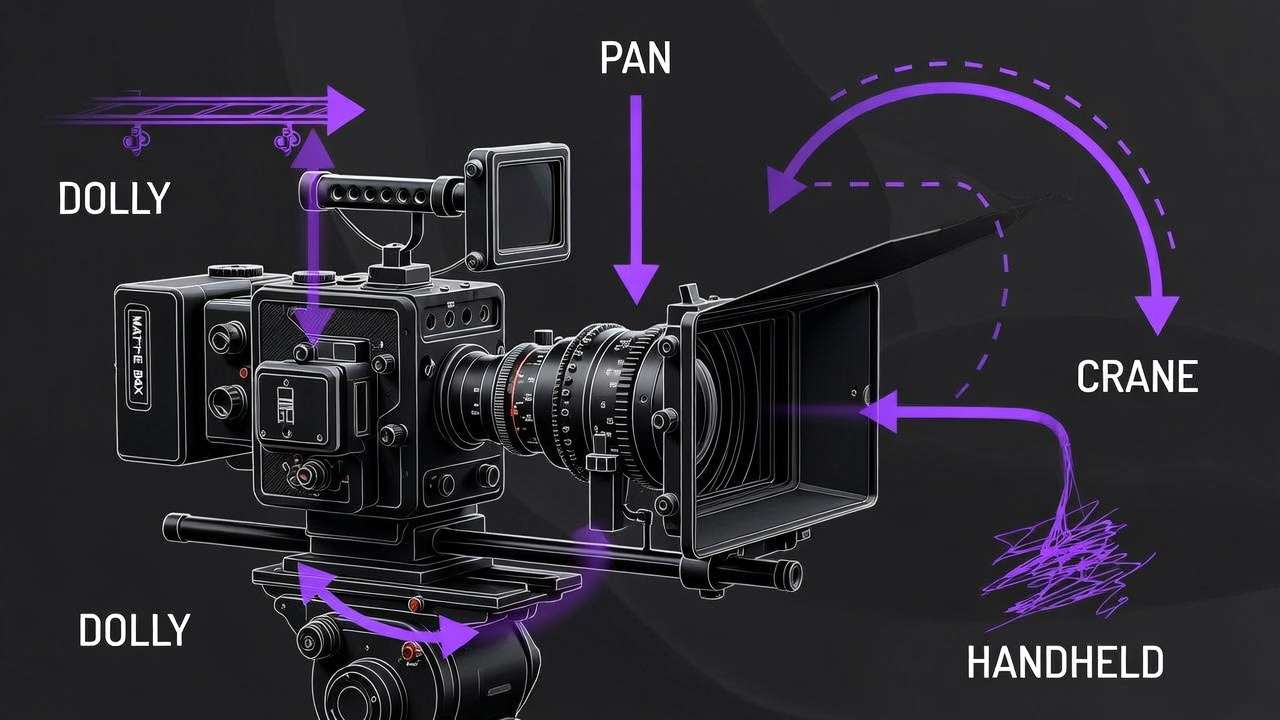
Negative prompts cut bad outputs-e.g., "blur, distortion" in Hailuo. Chaining: upscale with Topaz post-gen in Cliprise.
To implement parameter stacking, start by reviewing model specs on platforms like Cliprise, where pages detail CFG ranges and seed compatibility for models such as Veo 3.1 Fast or Kling 2.5 Turbo. For a dynamic social clip, set CFG to 7-9 in Kling to balance creativity and prompt adherence, adding negative prompts like "shaky camera, low resolution, artifacts" to refine motion. Test with seeds for variants, generating 4-6 options before extending duration. In narrative work, elevate CFG to 10-12 in Sora 2 Standard for tighter control over transitions, chaining from an Imagen 4 image ref to maintain composition. Platforms such as Cliprise allow seamless switches between ImageGen (Flux 2 Pro) and VideoGen categories, preserving prompt history. For stylized abstracts in Hailuo 02, lower CFG to 5-7 encourages fluidity, paired with negatives excluding "overexposure, rigid poses." Repeat across 3-5 seeds, then upscale via Topaz integration if available. This stacking reduces variability by aligning parameters to model strengths, as seen in creator-shared workflows using multi-model tools like Cliprise.
Industry Patterns: What's Shifting in AI Video by 2026
Turbo variants rise for real-time needs, per adoption logs. Aggregators like Cliprise (47+ models) improve retention via browsing.
Trends: synchronized audio improvements, multi-ref images. Prep: model specs study.
Future: extended durations, workflow natives.
Expanding on shifts, 2026 sees turbo models like Veo 3.1 Fast and Kling 2.5 Turbo gaining traction in social media pipelines, where 5-10s clips demand quick queues. Creator reports from platforms like Cliprise note increased use of these for daily prototyping, browsing VideoGen indexes to match specs. Quality models such as Veo 3.1 Quality and Sora 2 Turbo hold steady for 15s narratives, with physics simulation aiding ad prototypes. If you need shot-by-shot scene planning before generation, see Sora 2 Pro Storyboard: Complete Guide to Scene-by-Scene Video Planning. Edit tools-Runway Aleph, Luma Modify-integrate more, chaining post-video gen in unified interfaces like Cliprise. Audio trends, including ElevenLabs TTS syncing, address past variabilities, though experimental notes flag occasional issues in Veo 3.1. Multi-image refs expand in supported models, enhancing consistency from ImageGen (Midjourney alternatives, Flux 2) to video. Aggregators facilitate this via model landing pages, detailing controls like duration options and seeds. Prep involves studying categories: freelancers scan turbo specs, agencies quality ones. Future points to longer clips and native chaining, reducing tool switches in solutions such as Cliprise.
Resource Insight: Credits Aren't the Enemy - Mismatches Are
Cost-saving myths ignore mismatch waste; efficient spends match model to task. In Cliprise, model pages list category specs, helping align VideoGen choices like Hailuo 02 for versatile shorts versus Wan 2.6 for detailed renders and Wan 2.5: Complete Guide to Alibaba's Audio-Visual Video Model on Cliprise for reliable 1080p output with broad style range. Mismatches lead to repeated generations, amplifying spends-e.g., using high-cost quality models for quick tests. Instead, sequence low-cost prototypes in turbo variants, reserving premium for finals. Creator patterns show task-matching cuts waste, browsing indexes in platforms like Cliprise to preview controls.

Vendor-Neutral Playbook: Workflows That Work Anywhere
Step-by-step for freelancers: Start in ImageGen with Flux 2 for composition, extend to Kling 2.5 Turbo video (5s loop). Tune CFG low, seed for variants, negative prompts for clarity. Launch via model pages in tools like Cliprise.
Agencies: Sora 2 Standard for 10s narrative base, chain to Luma Modify edits. Use image refs from Imagen 4, higher CFG for adherence.
Solos: Hailuo 02 hybrids-stylized 15s from Midjourney stills. Platforms such as Cliprise support toggling categories seamlessly.
Detailed freelancer workflow: 1. Browse Cliprise VideoGen for Kling specs (duration 5s/10s, seed support). 2. Prompt image in Flux 2: "product spin, dynamic lighting." 3. Extend to video: add "smooth pan motion," CFG 8, seed 12345. 4. Negative: "blur, jitter." 5. Generate 4 variants, select top for social export. Agencies: 1. Imagen 4 image: "process steps narrative." 2. Sora 2: "walking transitions," 15s, CFG 11. 3. Edit in Runway Aleph for tweaks. Solos: 1. Midjourney abstract. 2. Hailuo 02 stylized motion. Match intent first in multi-model environments like Cliprise.
Conclusion: Contextual Selection for Your 2026 Workflow
Synthesize insights: performance emerges from niches over universal claims. Next steps: audit workflows, test sequences in available platforms. Unified solutions like Cliprise aid access via model indexes and specs.
Related Articles
Leveled paths (moved off the pillar footer):
To deepen application, audit current prompts against model pages-e.g., check Veo 3.1 seed support in Cliprise for reproducibility needs. Test image-first in Flux to Imagen chains, noting reductions in motion fixes. For agencies, prototype Sora narratives from Hailuo abstracts, refining negatives iteratively. Freelancers, prioritize Kling turbo for 5s social, scaling to Wan for polish. Track patterns in community feeds, adjusting for queue variabilities. Platforms such as Cliprise, with 47+ integrations, streamline this via categories like VideoEdit (Topaz Upscaler). This contextual approach aligns tools to tasks, enhancing outputs across setups.