Seedance 1.5 Pro Complete Guide: Audio-Video Joint Generation for Production
Seedance 1.5 Pro is ByteDance's production-grade video generation model built around a single core idea: audio and video should be created together, not assembled afterward. Most AI video models generate silent clips first, then layer audio through a separate pipeline. Seedance generates both in a single pass through its Dual-Branch Diffusion Transformer architecture, producing millisecond-level synchronization between lip movements, sound effects, and visual action.
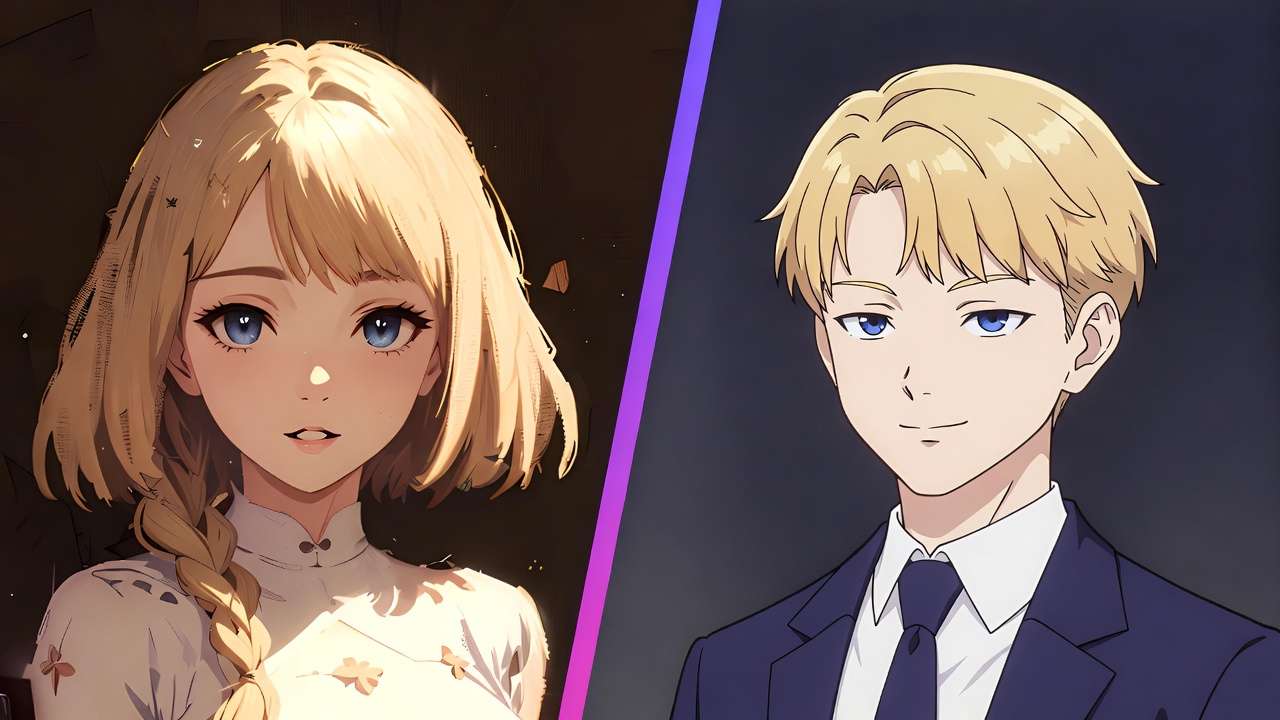
This matters for production workflows because it eliminates the most time-consuming step in AI video post-production - manually synchronizing audio to generated footage. When a character speaks in Seedance output, their lip movements match the dialogue. When glass breaks on screen, the sound triggers at the exact frame of impact.
This ai video generation guide covers everything from architecture to advanced prompting to production routing - everything you need to use Seedance effectively in the AI Video Generator.
What Is Seedance 1.5 Pro
Seedance 1.5 Pro launched in December 2025 as ByteDance's flagship video generation model. It represents a fundamentally different approach from models like Sora 2, Kling 3.0, or Veo 3 - all of which added audio capabilities on top of existing video architectures. Seedance was designed from the ground up as a joint audio-video generation system.
The model is built on a 4.5 billion parameter Dual-Branch Diffusion Transformer (DB-DiT) architecture. One branch processes video frames. The other processes audio waveforms. A cross-modal joint module connects both branches, ensuring that audio and video are generated in reference to each other rather than independently.
This architectural decision has downstream consequences for everything - prompt structure, output quality, ideal use cases, and limitations. Understanding how the model works informs how to prompt it effectively.
Technical Specifications
| Specification | Detail |
|---|---|
| Architecture | Dual-Branch Diffusion Transformer (DB-DiT), 4.5B parameters |
| Input modes | Text-to-Video, Image-to-Video |
| Max resolution | 1080p (720p and 480p also available) |
| Duration | 4-12 seconds (auto-duration available) |
| Frame rate | 24fps |
| Aspect ratios | 16:9, 9:16, 1:1, 4:3, 21:9 |
| Native audio | Yes - joint generation in single pass |
| Dialogue languages | English, Mandarin, Japanese, Korean, Spanish, Indonesian |
| Dialect support | Cantonese, Sichuanese, and regional Chinese dialects |
| Lip-sync precision | Millisecond-level phoneme-to-viseme alignment |
| Physics audio lock | Sound effects synchronized to visual events at frame level |
| Character consistency | Within-clip strong; cross-clip via prompt description consistency |
| Variants | Standard, Fast (speed-optimized) |
| Video extend | Yes - 4-12s extensions maintaining continuity |
Core Strengths
Native Audio-Video Synchronization
This is the defining feature and the reason to choose Seedance over other models for audio-dependent content. The dual-branch architecture generates phoneme-to-viseme mappings during the diffusion process - meaning lip shapes are not approximated after video generation but are produced as part of the same computation that creates the visual frames.
In practical terms: a character saying "hello" will form the specific mouth shapes for /h/, /ɛ/, /l/, /oʊ/ at the exact millisecond each sound occurs in the generated audio track. This is a meaningful improvement over models that generate video first and attempt to match audio afterward, which often produces subtle but perceptible drift - lips arriving slightly before or after the corresponding sound.
The synchronization extends beyond dialogue. Physical sound events - a door closing, footsteps on concrete, glass breaking - trigger their audio at the precise frame the visual event occurs. This physics-audio lock eliminates the need for manual Foley alignment in post-production.
Multilingual Lip-Sync
Seedance supports dialogue generation in English, Mandarin, Japanese, Korean, Spanish, and Indonesian, with additional support for Chinese regional dialects including Cantonese and Sichuanese. The lip-sync accuracy maintains across all supported languages - the model maps language-specific phonemes to appropriate visual mouth shapes rather than using a single generic mouth movement system.
This makes Seedance particularly valuable for multilingual content production, localized advertising, and any workflow where dialogue in specific languages is required. A product advertisement can be generated in six languages with accurate lip-sync in each, from a single prompt structure translated across languages.
Expressive Character Performance
Seedance was trained with emphasis on human motion quality - articulated body movement, emotional expression through facial micro-movements, and natural gesture timing. The model interprets prompts that describe performance intent ("speaks nervously," "laughs while turning away," "pauses with visible hesitation") and translates these into nuanced physical performance.
This is particularly relevant for character-driven content: short dramas, testimonials, UGC-style talking head videos, and any content where believable human behavior is the primary quality criterion.
Background Stability
A common issue in AI-generated video is environmental warping - backgrounds that shift, breathe, or distort while the subject moves. Seedance employs subject-environment separation that keeps the background spatially stable while characters perform complex movements in the foreground. This reduces the uncanny quality that makes some AI video immediately identifiable.
Prompt Structure
Seedance prompts perform best when structured around five elements in this priority order:
1. Subject and Action (Lead Element)
Describe who or what is in the frame and what they are doing. This is the most heavily weighted element.
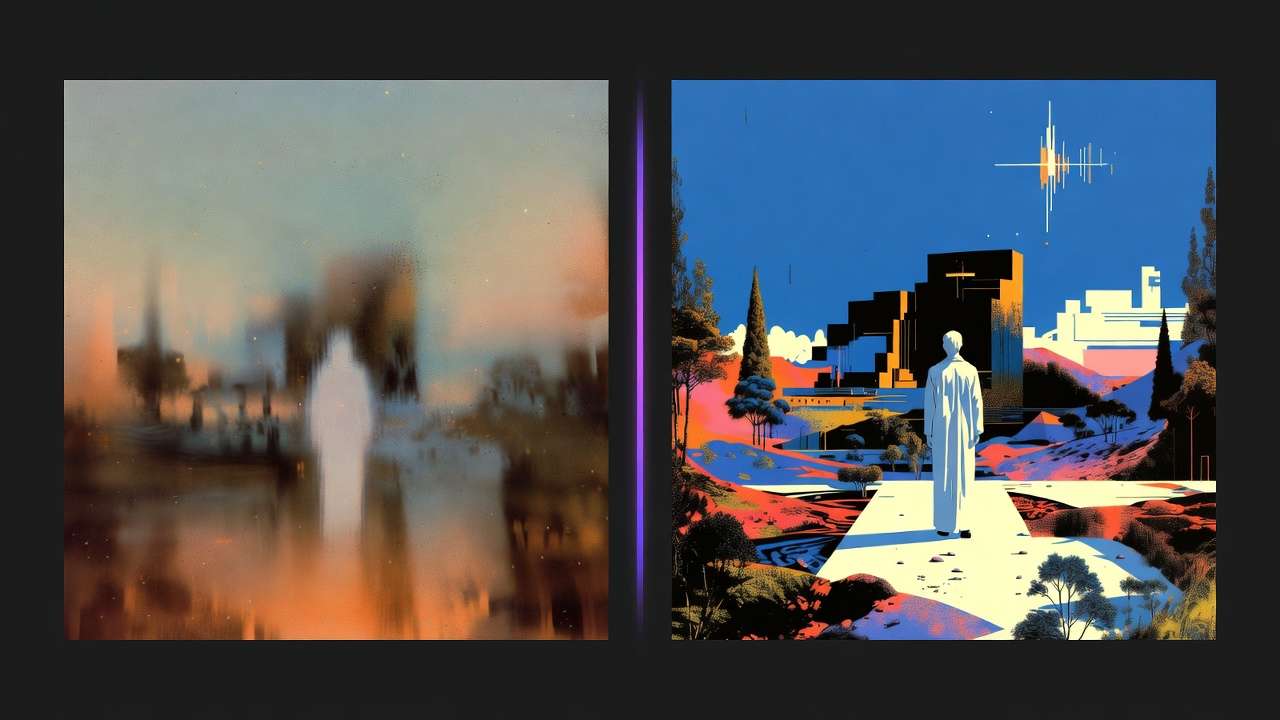
A woman in a dark blazer sits at a desk and speaks confidently to camera.
2. Dialogue (If Applicable)
Place dialogue in a dedicated section with speaker attribution, tone direction, and language specification.
She says in English with a calm professional tone:
"We tested three approaches before this one worked."
Keep dialogue under 12 words per speaker turn. Seedance handles short, natural lines with high fidelity. Longer passages risk accelerated speech or audio quality degradation.
3. Camera and Composition
Specify shot type, camera position, and any camera movement. Seedance understands professional terminology.
Medium close-up, camera at eye level, slight push-in during dialogue.
4. Environment and Lighting
Describe the setting and light character. Seedance responds to lighting descriptions that affect mood.
Modern office interior, warm key light from left, soft fill,
shallow depth of field on background.
5. Audio Environment
Describe the non-dialogue audio elements. Seedance generates ambient and environmental sound alongside the visual.
Audio: quiet office ambient, subtle air conditioning, keyboard typing
from adjacent desk.
Complete Prompt Example
A woman in a dark blazer sits at a clean desk and speaks directly
to camera with confident, measured delivery. Medium close-up, camera
at eye level with subtle slow push-in. Modern office interior with
warm key light from camera left. Shallow depth of field.

She says in English, calm professional tone: "We tested three approaches
before this one worked."

Audio: quiet office ambient, subtle air conditioning hum.
Prompting Best Practices
Prompt Length
Seedance performs best with 100-150 words (3-6 sentences). This provides enough specificity for the model to produce intentional output without overwhelming the dual-branch system with conflicting instructions. Overly long prompts can cause the audio branch to lose synchronization with complex visual instructions.
Performance Cues
Seedance excels when you describe how a character performs an action, not just what they do. Include emotional state, physical manner, and rhythm.
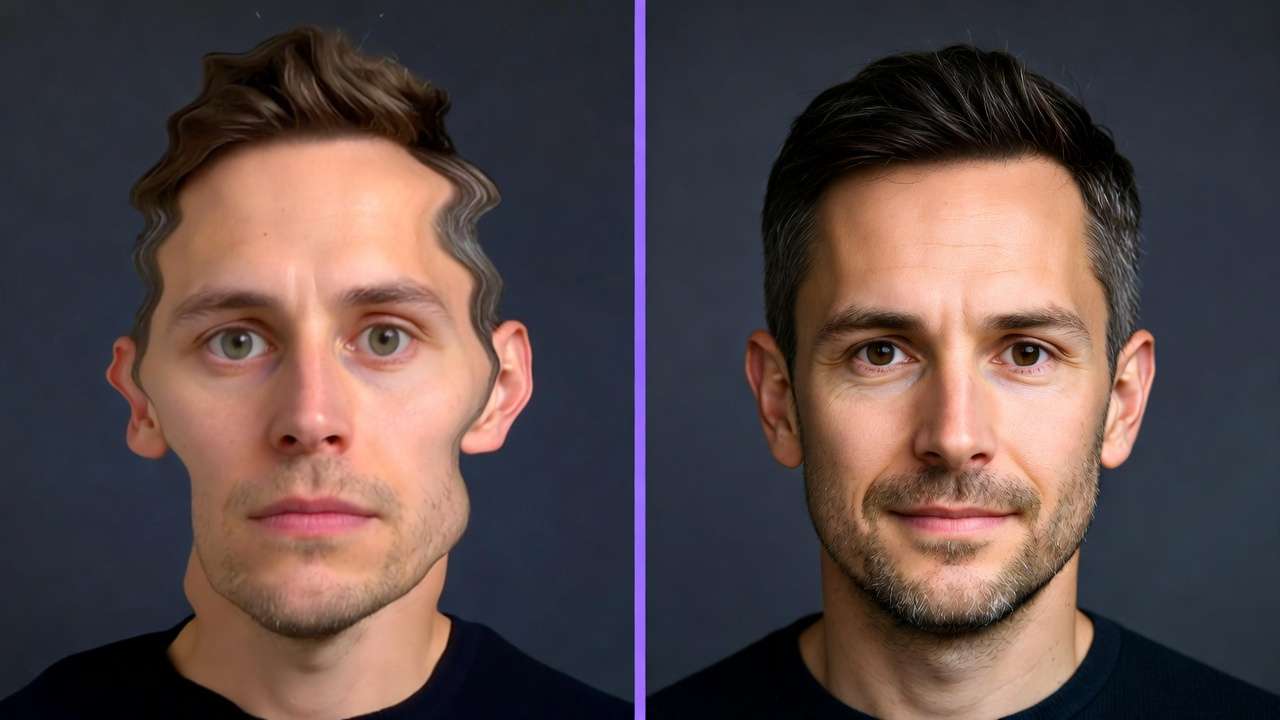
Generic: "A man speaks to camera."
Performance-directed: "A man speaks to camera with visible excitement, leaning forward slightly, gesturing with his right hand to emphasize key points. His energy builds through the sentence."
Dialogue Formatting
Always separate dialogue from visual description. Specify the speaker, language, and vocal tone explicitly. For multi-character scenes, attribute each line clearly.
Character A says in Korean, nervous tone: "이게 정말 맞는 건가요?"
Character B responds in Korean, reassuring tone: "걱정 마세요."
Duration Selection
Seedance generates 4-12 seconds per clip. An auto-duration option lets the model select optimal length based on prompt complexity.
| Content Type | Recommended Duration |
|---|---|
| Product reveal, tight action | 4 seconds |
| Dialogue exchange, single speaker | 6-8 seconds |
| Performance, multi-action scene | 10-12 seconds |
| Uncertain - let model decide | Auto |
Shorter clips produce more controlled results. For complex scenes with dialogue, start with 8 seconds and extend if needed.
Image-to-Video Specifics
When using Image-to-Video mode, Seedance preserves the subject's identity, composition, and styling from the reference image while adding motion. Prompts should focus entirely on describing the desired movement and audio - do not re-describe what is already visible in the image.
Reference image: [Professional headshot of woman in blue blazer]

Prompt: She turns slightly to camera right and speaks naturally
with a warm smile.

She says in English, friendly tone: "Welcome to the team."

Audio: bright office ambient, no music.
Production Use Cases
Talking Head Content and UGC
Seedance's strongest production use case. The combination of accurate lip-sync, natural performance, and integrated audio produces talking-head content that feels organic rather than generated. For UGC-style promotional content, Seedance can generate testimonial-style videos where a character speaks directly to camera with natural conversational rhythm.
Workflow: Write dialogue first. Build the visual prompt around the dialogue. Generate at 8-10 seconds. Review lip-sync accuracy, regenerate if needed.
Multilingual Advertising
Generate the same advertisement concept in multiple languages without re-shooting. A product spokesperson can deliver the same message in English, Japanese, and Spanish with accurate lip-sync in each language. The visual composition remains consistent while the dialogue and lip movements adapt to each language.
Workflow: Create a master prompt with dialogue placeholder. Generate the English version first. Duplicate the prompt, swap dialogue and language specification, generate additional language versions.
Short Drama and Narrative
Seedance's character performance capabilities and audio synchronization make it suitable for short narrative content - 30-60 second pieces assembled from multiple 8-12 second clips. Maintain character consistency across clips by keeping detailed character descriptions identical in each prompt.
Workflow: Write a shot list with per-shot dialogue and action. Generate each shot individually at 8-12 seconds. Assemble in editing. Use Seedance's video extend feature to bridge clips that need longer duration.
Product Demonstrations
Generate product demonstration videos with narration and ambient sound. The narrator's voice generates alongside the visual action, maintaining natural pacing between what is shown and what is said.
Workflow: Describe the product action in the visual prompt. Add voiceover narration in the dialogue block with "[Narrator, no visible speaker]" attribution. Include product-relevant ambient sounds.
Social Media Content
Vertical (9:16) content for Instagram Reels, TikTok, and YouTube Shorts. Seedance's fast variant enables rapid iteration for social teams producing high volumes of short-form content with audio.
Workflow: Start with the Fast variant for concept testing. Switch to Standard for final production versions. Generate at 6-8 seconds - optimal for social attention spans.
Limitations
Duration Ceiling
12 seconds maximum per generation. For content requiring longer continuous shots, Seedance's video extend feature can append additional segments, but transitions between extensions may show subtle quality boundaries. Models like Sora 2 (25 seconds) or Kling 3.0 (15 seconds with 6-cut storyboard) are better suited for extended single-generation workflows.
Resolution Ceiling
1080p maximum. For 4K delivery requirements, Kling 3.0 or external upscaling is necessary. Seedance's strength is not resolution - it is audio-visual synchronization.
Complex Action Sequences
High-speed motion, martial arts, extreme sports, and other fast-action content can produce temporal inconsistencies. The model prioritizes audio synchronization and character performance quality over physics-accurate fast motion. For complex action, consider routing to Kling 3.0 or Sora 2 and adding audio in post.
Stylization Range
Seedance optimizes for realistic, cinematic output. Stylized content - animation, abstract motion design, painterly aesthetics - is not the model's strength. For stylized work, Runway Gen-4 Turbo provides a wider aesthetic range.
No Multi-Shot Storyboard
Each generation is a single continuous shot. Multi-shot sequences require generating individual clips and assembling in post. Kling 3.0's 6-cut storyboard feature handles this natively.
Routing: When to Choose Seedance
Choose Seedance When
- Dialogue with accurate lip-sync is the primary requirement
- Multilingual content needs generation in multiple languages
- Character performance quality matters more than visual resolution
- UGC-style talking head content is the deliverable
- Audio-visual synchronization must be precise without manual alignment
- Testimonials, interviews, or spokesperson content
Choose Other Models When
- 4K resolution is required → Kling 3.0
- Complex narrative with 15-25 second duration → Sora 2
- Photorealistic material rendering is the priority → Veo 3
- Stylized or VFX-oriented content → Runway Gen-4
- Multi-shot edited sequences from single generation → Kling 3.0
Combine Seedance With Other Models When
- Dialogue shots need Seedance for lip-sync, while establishing shots and B-roll route to Kling 3.0 or Veo 3
- Multilingual campaign needs Seedance for character dialogue and Kling 3.0 for product showcase footage
- Short drama uses Seedance for conversation scenes and Sora 2 for complex narrative sequences
The multi-model approach is available through the Cliprise AI Video Generator where you can switch between models per shot.
Settings Optimization
Quality vs Speed
Standard mode: Full quality generation. Use for final deliverables, client-facing content, and any output where audio-visual precision matters.
Fast mode: Speed-optimized generation with slightly reduced quality. Use for concept testing, rapid iteration, and exploration. The quality difference is visible on close inspection but acceptable for drafts and social content.
Recommended workflow: Fast mode for exploration (3-5 variations), Standard mode for final generation of the selected direction.
Resolution Selection
| Resolution | Use Case |
|---|---|
| 480p | Quick preview and concept validation |
| 720p | Social media, web content, iteration |
| 1080p | Final production, commercial delivery |
Start at 720p for testing. Upgrade to 1080p only for final renders. Resolution does not affect audio quality - audio generates at the same fidelity regardless of video resolution setting.
Aspect Ratio Selection
| Ratio | Use Case |
|---|---|
| 16:9 | YouTube, presentations, traditional video |
| 9:16 | TikTok, Instagram Reels, YouTube Shorts |
| 1:1 | Instagram feed, social ads |
| 4:3 | Legacy formats, certain display contexts |
| 21:9 | Cinematic widescreen |
Frequently Asked Questions
How does Seedance compare to Kling 3.0 for audio content?
Both generate native audio. Kling 3.0 offers higher resolution (4K vs 1080p), longer duration (15s vs 12s), and multi-shot storyboard. Seedance offers more precise lip-sync through its joint architecture and supports more languages including regional dialects. For dialogue-first content, Seedance's audio precision gives it an edge. For production-first content with audio as a secondary feature, Kling 3.0's broader capabilities are more versatile.
Can Seedance maintain character consistency across clips?
Within a single generation, character consistency is strong. Across separate generations, consistency depends on prompt description specificity. Use detailed, identical character descriptions in every prompt to maximize cross-clip consistency. Unlike Kling 3.0's Omni variant, Seedance does not offer reference-image-based character locking.
What happens if dialogue is too long for the duration?
The model will attempt to fit the dialogue, which results in unnaturally accelerated speech. Keep dialogue under 12 words per speaker per turn for 8-second clips. For longer dialogue, either extend duration to 12 seconds or split across multiple generations.
Is the Fast variant suitable for final production?
For social media content and internal use, yes. For commercial delivery, client presentations, or content where audio precision is critical, use Standard mode. The difference is subtle but visible in direct comparison.
Related Articles
- AI Lyric Video Workflow: Seedance 2.0 + Audio Sync
- Seedance 2.0 Prompts: Complete Working Guide (Copy-Paste Templates)
- Best AI Video Models on Cliprise 2026
- Kling 3.0 Complete Guide: Architecture, Prompting, and Production Workflows
- Sora 2 Complete Guide: Professional Video Generation Mastery
- Multi-Model Strategy: When to Switch Between AI Generators
- AI Prompt Engineering: Complete Guide 2026
- AI Video Generation: The Complete Guide 2026