Runway Gen-4 Turbo Prompt Examples: 50 Production-Ready Prompts
Runway Gen-4 Turbo processes prompts differently from other video models. The model requires an input image as the visual starting point - the image defines appearance, composition, colors, lighting, and style. Your text prompt should focus almost entirely on describing motion. This image-plus-motion architecture means effective Runway prompting is less about describing what things look like and more about directing what things do.
These 50 prompts are structured to leverage Gen-4 Turbo's specific strengths: stylized aesthetics, rapid creative iteration, motion quality, VFX-oriented content, and strong compositional instincts. Each prompt is production-ready for this ai video maker and organized by use case.
For a complete technical breakdown of Runway Gen-4 capabilities and editing workflows including Aleph, see the Runway Gen-4 Turbo tutorial.
How Runway Gen-4 Turbo Prompting Works
Gen-4 Turbo uses a two-input system: reference image + text prompt. Understanding this split is essential for effective results.
The image carries visual identity. Your reference image defines everything visual - subject appearance, environment design, color palette, lighting, composition, style. The model treats this image as the first frame and extrapolates forward.
The prompt carries motion. Your text should describe movement, action, camera behavior, and atmospheric changes - not restate what the image already shows. A prompt that says "a woman in a red dress standing in a field" alongside an image of exactly that is wasted context.
Motion-first language. Lead with verbs describing action. "Camera pushes slowly forward" is more effective than "cinematic shot moving in." Gen-4 Turbo responds to active, directive language.
No negative prompting. Gen-4 does not support exclusionary instructions. "No camera movement" may produce the opposite. Instead, use positive phrasing: "Camera holds completely static."
Single-scene focus. Each generation is 5 or 10 seconds - one scene, one primary action. Prompts requesting multiple scene changes or sequential actions within a single generation produce inconsistent results. Think of each generation as one storyboard panel with motion.
Full sentences over keywords. Unlike some image models that respond to comma-separated keyword lists, Gen-4 Turbo produces better results with natural language descriptions.
Launch the AI Video Generator and select Runway Gen-4 Turbo to start generating.
Stylized and Creative Prompts (1-10)
These prompts assume your reference image establishes the visual style. The prompt directs motion and atmosphere.
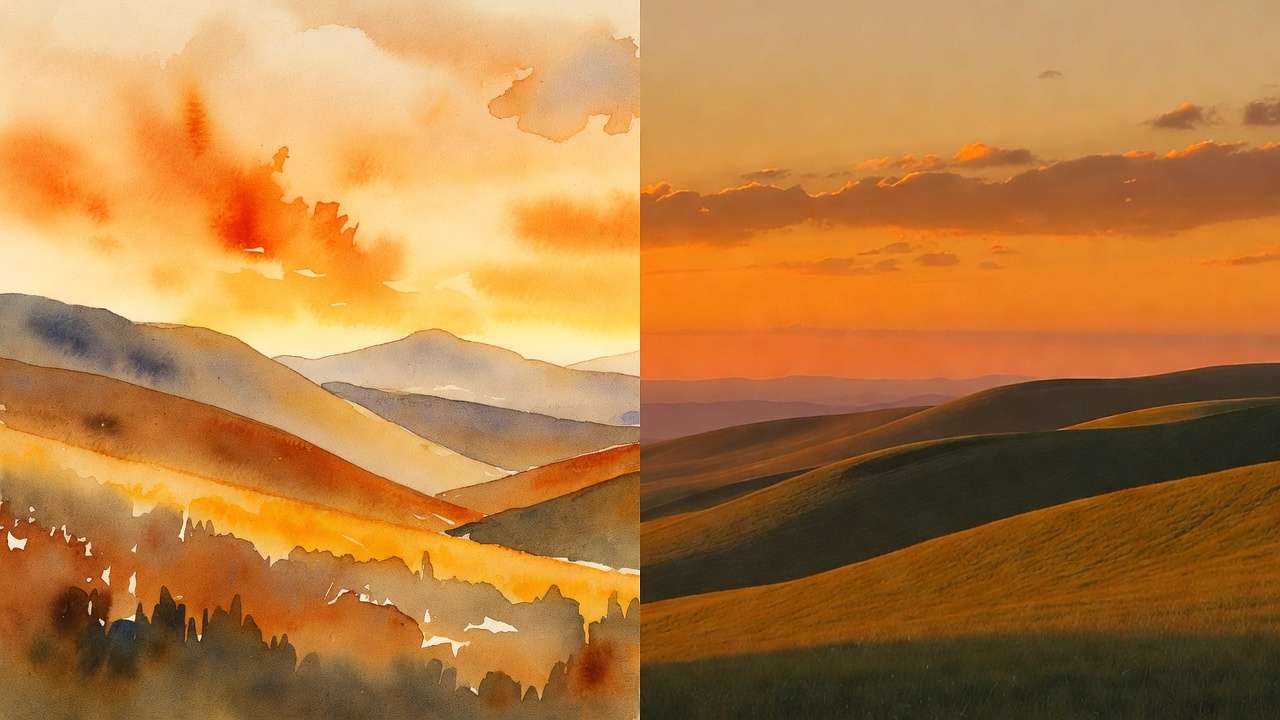
1. Painterly Landscape - Living Canvas
The entire scene breathes slowly as if painted with oil.
Clouds shift and reform with visible brushstroke texture.
Trees sway with exaggerated, flowing motion. Light changes
from warm gold to cool blue gradually across the duration.
Camera holds wide and static.
Settings: 10s, 16:9
2. Ink Wash Animation - Eastern Aesthetic
Ink tendrils bleed outward from the central figure, forming
landscape elements as they spread. Mountains emerge from
pooling ink. Water flows into the foreground. The style
maintains brush-on-rice-paper texture throughout.
Slow, meditative pace.
Settings: 10s, 16:9
3. Neon Noir - City Rain
Rain streaks through neon light creating colored trails.
Puddle reflections ripple and distort the city scene.
The central figure walks slowly through frame, their
silhouette cutting through the neon haze. Camera tracks
at waist height from the side.
Settings: 10s, 16:9
4. Double Exposure - Portrait Blend
The landscape imagery within the portrait silhouette shifts
slowly - waves crash, clouds move, trees sway. The outer
portrait remains static while the interior scene flows
with natural motion. Subtle light leaks shift across
the composition.
Settings: 10s, 16:9
5. Glitch Aesthetic - Digital Decay
The image fragments into horizontal scan lines that shift
and reassemble. Color channels separate and merge back.
Static noise flickers across selected portions of the frame.
The underlying subject remains recognizable through the
distortion. Digital artifact aesthetic.
Settings: 5s, 16:9
6. Stop Motion Feel - Craft Texture
Movement occurs in slightly stuttered increments as if
captured frame-by-frame. Objects shift position with visible
micro-jumps between states. The tactile craft quality
of the materials is emphasized through the motion style.
Warm, handmade aesthetic.
Settings: 10s, 16:9
7. Film Grain - Vintage 8mm
Heavy grain dances across the frame. Colors are washed
and slightly overexposed. The subject moves with the
natural cadence of home movie footage. Light flickers
unevenly. Frame edges darken with vignetting.
Nostalgic warmth throughout.
Settings: 10s, 16:9
8. Surreal Scale Shift - Miniature World
The camera rises slowly revealing that the scene is
impossibly small - buildings the size of matchboxes, trees
like moss. Tilt-shift blur intensifies at the frame edges.
Tiny figures move with slightly accelerated motion.
Everything is alive at miniature scale.
Settings: 10s, 16:9
9. Geometric Morph - Abstract
The composition shifts as geometric shapes rotate, tessellate,
and reform into new patterns. Hard edges dissolve into organic
curves then snap back to angular forms. Color blocks shift
between complementary pairs. Precise, mathematical motion
with smooth easing.
Settings: 5s, 1:1
10. Cinemagraph - Isolated Motion
The entire frame is still except for a single element:
steam rising, curtains moving, water flowing, or hair
catching wind. Everything else is frozen. The isolated
motion is smooth and continuous, creating hypnotic
contrast against the stillness.
Settings: 5s, 16:9
Product and Commercial Prompts (11-20)
11. Product Orbit - Full Rotation
The product rotates smoothly 360 degrees on its axis.
Lighting remains consistent throughout the rotation.
Each angle reveals a different surface detail.
The rotation is slow and steady with no acceleration
or deceleration. Clean, controlled motion.
Settings: 10s, 1:1
12. Hero Reveal - Dramatic Entrance
Camera pushes slowly forward toward the product.
Background lights gradually intensify, creating
increasing backlight and rim glow. The approach
is deliberate and building. Final frame holds
with the product filling the center.
Settings: 10s, 16:9
13. Liquid Pour - Premium Beverage
Liquid pours into the glass in a smooth, controlled stream.
Bubbles form and rise. Condensation beads appear on the
glass exterior. The pour completes and the liquid settles.
Camera holds at glass level throughout.
Settings: 5s, 9:16
14. Fabric Flow - Fashion Movement
The fabric catches wind and billows dramatically away
from the body. Each fold creates new shadow patterns.
The motion is slow and elegant, emphasizing the material's
weight and drape. Camera holds medium wide.
Settings: 10s, 9:16
15. Cosmetic Application - Beauty Close-Up
A fingertip applies product to skin with gentle,
circular motion. The product spreads smoothly leaving
a visible difference in skin texture. Camera holds
in extreme close-up. The touch is deliberate and
satisfying. Soft, even light.
Settings: 5s, 1:1
16. Tech Unboxing - Lid Lift
The box lid lifts slowly upward in a single smooth motion.
Interior lighting gradually reveals the product inside.
A subtle mist or glow emanates from the opening.
The reveal is deliberate and dramatic. Camera holds
overhead looking down.
Settings: 5s, 16:9
17. Food Plating - Chef's Hands
Hands place final garnish elements onto the plate with
precise, intentional movements. Each placement is deliberate.
Sauce is drizzled in a controlled pattern. Steam rises
from the hot elements. Camera holds overhead.
Settings: 10s, 1:1
18. Sneaker Walk - Street Level
The shoe contacts the ground in a confident stride.
Camera at ground level captures the sole impact
and forward motion. Puddle splash if wet surface.
Two steps forward then the shoe lifts and exits frame.
Urban grit texture.
Settings: 5s, 16:9
19. Watch Face - Time Passing
The second hand sweeps smoothly around the watch face.
Reflections on the crystal shift subtly as ambient light
changes. The mechanical movement is precise and mesmerizing.
Camera holds in macro close-up.
Settings: 10s, 1:1
20. Car Detail - Water Bead
Water beads form on the painted surface and slowly roll
down the panel following gravity. Each bead catches and
refracts the environment. The bead trails merge and
accelerate on steeper angles. Camera tracks alongside
a single bead.
Settings: 10s, 16:9
Motion Design and Title Prompts (21-28)
21. Logo Reveal - Particle Assembly
Thousands of small particles drift inward from all directions,
gradually converging to form the shape. The assembly
accelerates toward completion. Final particles snap
into place with a subtle flash. The formed shape holds
solid for the last two seconds.
Settings: 5s, 16:9
22. Typography - Kinetic Text
Letters animate individually, each arriving with distinct
motion - sliding, rotating, or scaling into position.
The word assembles left to right with each letter settling
into its final position with a bounce ease.
Clean dark background.
Settings: 5s, 16:9
23. Liquid Metal - Morphing Form
A metallic form shifts and morphs fluidly between shapes.
The surface maintains perfect chrome reflections throughout
the transformation. Motion is organic and flowing -
one form melts into the next. Environmental reflections
warp with the surface.
Settings: 10s, 1:1
24. Gradient Shift - Background Motion
Colors flow slowly across the frame in smooth gradient
transitions. Warm tones shift to cool tones and back.
The motion is slow enough to feel atmospheric rather
than animated. Subtle noise texture maintains organic
feel. Hypnotic, ambient quality.
Settings: 10s, 16:9
25. Paper Fold - Origami Sequence
Paper folds along precise crease lines, each fold
revealing a new form. The folding sequence progresses
methodically - one fold completes before the next begins.
Shadows shift with each fold. The final form holds
and rotates slowly.
Settings: 10s, 16:9
26. Smoke Typography - Dissipating Text
Text formed from dense smoke begins to dissipate.
Letters lose definition from the edges inward,
tendrils drifting upward. The dissolution is slow
and organic. Each letter breaks apart at slightly
different rates. Dark background.
Settings: 5s, 16:9
27. Circuit Board - Data Flow
Light pulses travel along circuit pathways, branching
at junction points. Multiple data streams converge
toward a central node. The paths glow brighter as more
data flows. Macro close-up perspective on the board surface.
Technical, precise aesthetic.
Settings: 10s, 16:9
28. Topographic Lines - Map Motion
Contour lines shift and reform as if the terrain is
reshaping. Elevation changes flow like waves across
the surface. Color coding shifts from deep to high
altitude. The motion is smooth and continuous.
Clean data visualization aesthetic.
Settings: 10s, 16:9
Social Media and Vertical Prompts (29-36)
29. Trending Transition - Swipe Reveal
The current scene slides upward smoothly, revealing
a completely new scene beneath. The transition is
quick and clean with a slight elastic bounce at
completion. Both scenes maintain full quality.
Settings: 5s, 9:16
30. Behind the Scenes - Studio Energy
Camera moves through the space with handheld energy,
capturing the environment from a casual, exploratory
perspective. Slight motion blur during quick turns.
Natural, unpolished movement quality.
Authentic BTS aesthetic.
Settings: 10s, 9:16
31. Outfit Reveal - Fashion Spin
The figure turns 360 degrees showing the full outfit
from every angle. The turn is confident and smooth
with a brief pause at the three-quarter view.
Hair and fabric respond to the rotation with
natural physics.
Settings: 5s, 9:16
32. Mood Board - Collage Motion
Multiple image elements shift positions subtly -
rotating, scaling, and drifting within the composition.
The overall layout maintains its visual hierarchy
while individual elements breathe with gentle motion.
Pinterest-aesthetic organization.
Settings: 10s, 9:16
33. Satisfying Process - Craft Detail
Hands perform a precise, repetitive craft action:
cutting, peeling, folding, or arranging. Each repetition
is smooth and satisfying. The rhythm is consistent.
Camera holds in close-up overhead.
ASMR-visual quality.
Settings: 10s, 9:16
34. Day-to-Night - Timelapse Feel
The lighting transitions from bright daylight to warm
sunset to blue dusk across the full duration. Shadows
rotate and lengthen. Artificial lights gradually
appear. The transition is smooth and continuous.
Scene composition remains static.
Settings: 10s, 9:16
35. Quote Card - Ambient Background
The text remains static while the background moves
subtly - bokeh lights drift, clouds shift, or water
flows behind the text overlay. The motion is gentle
enough to maintain readability. Warm atmospheric feel.
Settings: 5s, 9:16
36. Pet Personality - Micro-Action
The animal performs a single charming micro-action:
a head tilt, a paw raise, an ear flick, or a yawn.
The timing is natural with held beats before and
after the action. Camera holds at animal eye level.
Settings: 5s, 9:16
VFX and Experimental Prompts (37-44)
37. Destruction - Controlled Break
The central object fractures into hundreds of pieces.
Fragments fly outward with physics-accurate trajectories.
Dust and debris fill the immediate area. The camera holds
wide to capture the full breakup. Dramatic directional
sidelight.
Settings: 5s, 16:9
38. Weather - Storm Building
Clouds darken and churn overhead. Wind intensifies -
visible through leaf and debris movement. Lightning
illuminates the scene in brief flashes. Rain begins
as scattered drops then intensifies rapidly.
Dramatic atmospheric shift.
Settings: 10s, 16:9
39. Portal - Dimensional Opening
A circular opening forms in the center of the frame,
revealing a completely different environment beyond.
Energy crackles around the edges. The portal stabilizes
and expands slightly. Light from the other side
spills into the current scene.
Settings: 10s, 16:9
40. Growth - Organic Expansion
Organic forms grow and spread across the surface -
vines, crystals, moss, or coral. The growth follows
natural branching patterns. New forms emerge from
established ones. The pace accelerates gradually.
Time-lapse quality.
Settings: 10s, 16:9
41. Reflection World - Mirror Break
The reflection in the water or mirror begins to move
independently from the real subject. The reflected
version turns when the real version stands still.
The divergence builds subtly over the duration.
Uncanny, surreal quality.
Settings: 10s, 16:9
42. Levitation - Defying Gravity
Objects in the scene slowly lift from their surfaces
and hover. Books, pens, cups, small items all float
upward gradually. The rising is slow and weightless.
The lighting remains grounded and realistic despite
the surreal motion.
Settings: 10s, 16:9
43. Material Transition - Surface Transform
The surface material of the central object transitions
smoothly - stone to wood to metal to glass to fabric.
Each material change flows across the surface like
a wave. Reflections and light interaction change
with each material.
Settings: 10s, 16:9
44. Freeze Frame - Selective Time Stop
Everything in the scene freezes mid-motion except
one element that continues moving through the frozen
world. Frozen droplets, suspended debris, static
figures - while the moving element navigates through
them with normal physics.
Settings: 10s, 16:9
Image-to-Video Best Practice Prompts (45-50)
These prompts are optimized for Gen-4 Turbo's core workflow: input image + motion description.
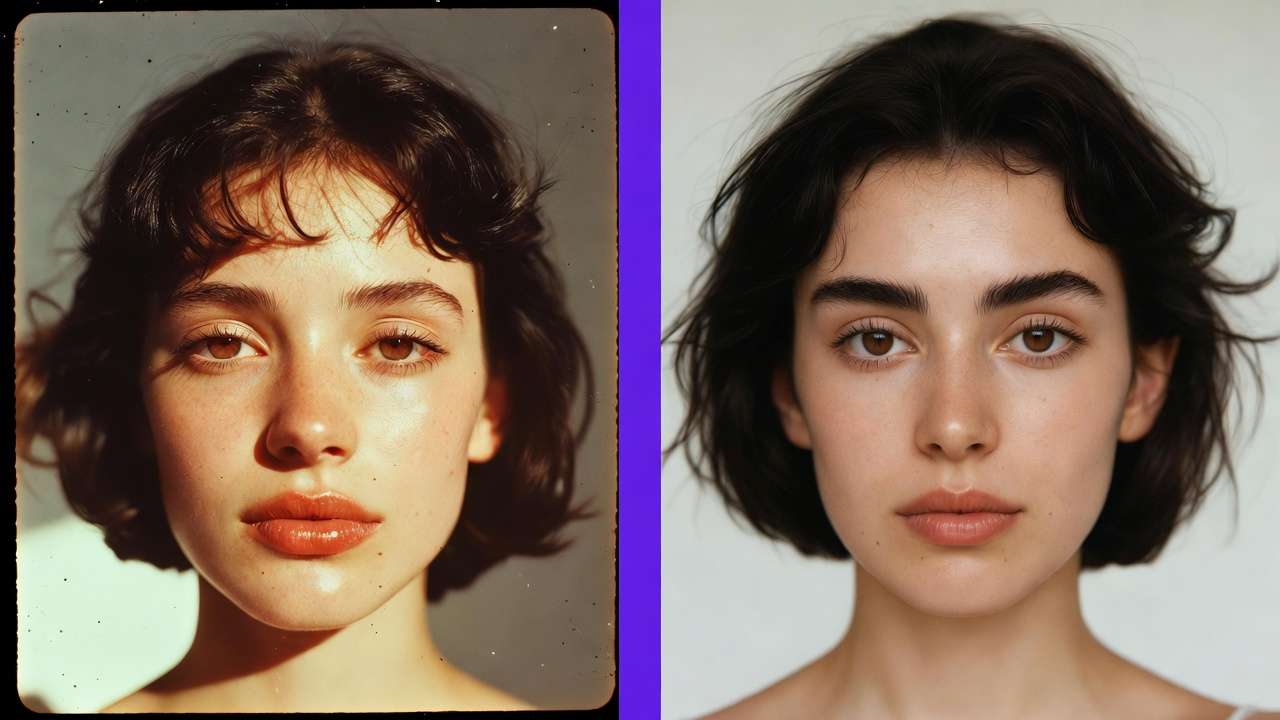
45. Portrait - Subtle Life
The subject breathes naturally with minimal movement.
A very subtle head turn toward camera. Hair catches
a gentle breeze. Expression shifts slightly - a micro-smile
that builds and settles. Camera holds completely static.
Settings: 5s, match source ratio
46. Architecture - Environmental Motion
Clouds move across the sky reflected in the glass facade.
Trees in the foreground sway gently. Pedestrians pass
at street level. The building itself remains perfectly
static. Natural environmental life.
Settings: 10s, 16:9
47. Still Life - Atmospheric Shift
Light shifts slowly across the arrangement as if the sun
is moving behind clouds. Shadows deepen and lighten.
If candles are present, flames flicker gently.
Dust motes drift through light beams.
All objects remain in place.
Settings: 10s, 16:9
48. Food - Appetizing Detail
Steam rises from hot elements. Sauce glistens with
subtle light catch. A herb leaf settles into final
position. Condensation forms on cold glass. Only
thermal and micro-motion. The plating composition
remains unchanged.
Settings: 5s, 1:1
49. Flat Lay - Gentle Rearrange
Elements in the flat lay shift positions slightly -
rotating, sliding, and adjusting as if being arranged
by invisible hands. The motion is slow and deliberate.
Each element finds a slightly different position.
Camera holds overhead.
Settings: 10s, 1:1
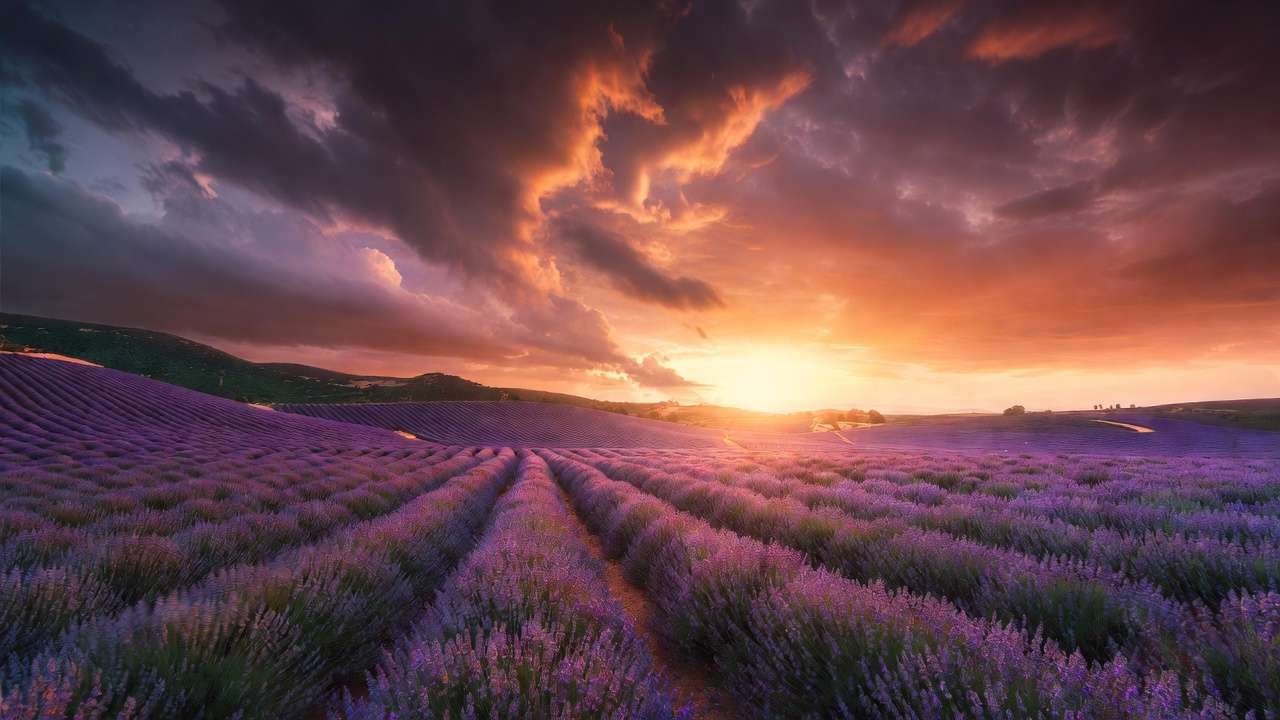
50. Landscape - Weather Introduction
Weather builds into the static scene. Mist rolls in
from the horizon. Light dims as clouds form overhead.
The first drops of rain appear on surfaces. Wind begins
to move vegetation. The transformation from clear to
atmospheric is gradual and natural.
Settings: 10s, 16:9
Prompting Quick Reference
Gen-4 Turbo Responds Best To
| Element | Approach |
|---|---|
| Motion | Active verbs: "rotates," "drifts," "accelerates," "settles" |
| Camera | Direct instructions: "camera pushes forward," "holds static" |
| Pacing | Tempo words: "slowly," "gradually," "quick snap," "steady rhythm" |
| Style | Aesthetic references: "stop-motion feel," "film grain," "neon noir" |
| Physics | Descriptive: "fragments fly outward," "fabric billows with weight" |
| Constraints | Positive phrasing only: "camera holds still" not "no camera movement" |
Duration Strategy
| Duration | Best For |
|---|---|
| 5 seconds | Single actions, reveals, transitions, tight motion |
| 10 seconds | Full sequences, atmospheric shifts, complex motion, creative content |
What Not to Do
Do not describe what the image already shows. The image carries visual identity - your prompt carries motion only.
Do not use negative phrasing. "No movement" can produce movement. Instead: "Completely static."
Do not request multiple scenes in one generation. One shot, one action, one 5-10 second moment.
Do not write keyword lists. Gen-4 Turbo responds to natural language sentences, not comma-separated tags.
Next Steps
These prompts leverage Gen-4 Turbo's strengths in stylized aesthetics, motion quality, and rapid creative iteration. Remember: the reference image defines the look. The prompt defines the movement.
For prompt engineering principles that apply across all models, see the prompt engineering guide.
To compare Gen-4 Turbo against other models for production routing, see the Kling 3.0 vs Runway Gen-4 Turbo comparison.
Browse all available models in the AI models library.
Related Articles
- AI Video Generator: Complete Guide 2026 →
- Runway Gen4 Turbo: Professional Video Editing Workflows
- Kling 3.0 vs Runway Gen-4 Turbo: AI Video Model Comparison
- Kling 3.0 Prompt Examples: 50 Production-Ready Prompts
- Sora 2 Prompt Examples: 50 Production-Ready Prompts
- AI Prompt Engineering: The Complete Guide 2026
- AI Video Generation: The Complete Guide 2026