Introduction
Seasoned creators reviewing client deliverables often pause at ai generated images that pass initial glances but crumble under scrutiny-shadows that bend unnaturally across faces, textures that shimmer like plastic under studio lights, or skin tones that shift inconsistently when zoomed. These ai photo generator gaps, invisible to casual viewers, reveal themselves in print proofs or high-res mockups, costing hours of making ai images through revision cycles. A realistic image generator aims to bridge this divide by leveraging massive datasets of real-world photography to output visuals that mimic captured moments, complete with coherent lighting, material properties, and spatial logic.
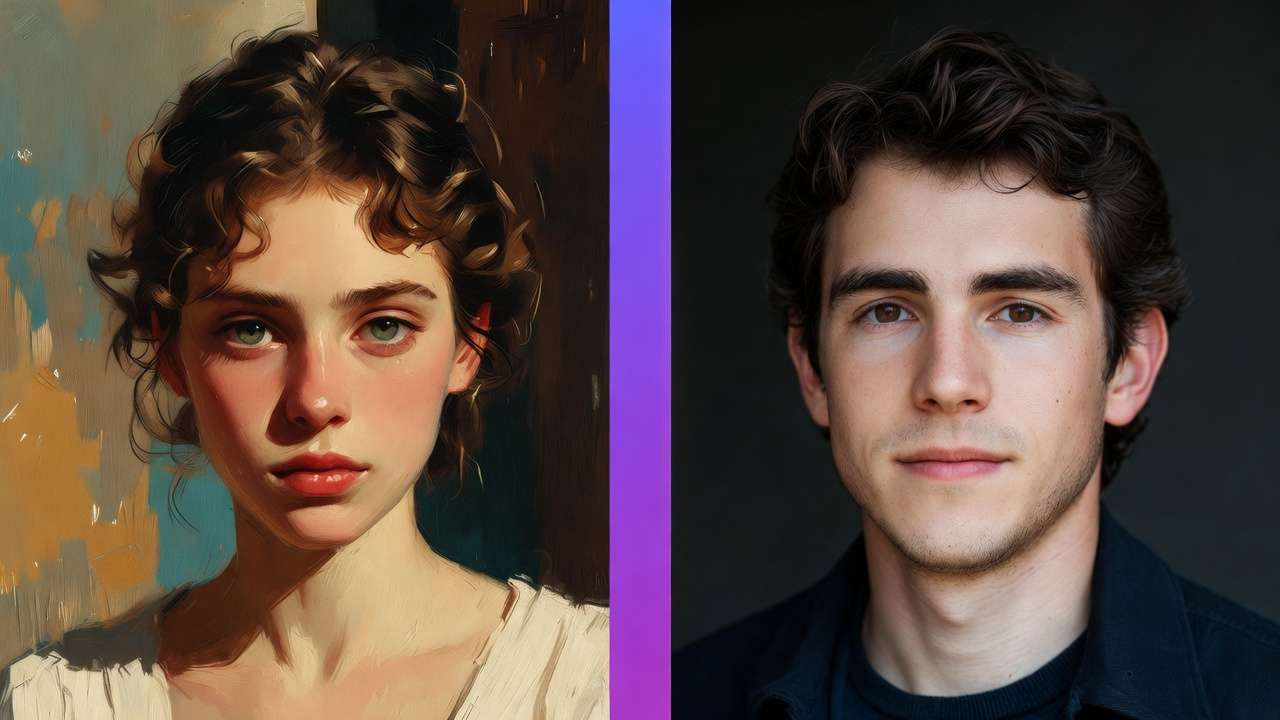
This guide dissects the practical realities of these models, starting from entrenched misconceptions that trip up even experienced users, moving through prerequisites and a detailed step-by-step workflow, then into head-to-head comparisons, honest limitations, sequencing strategies, and forward-looking trends. For model comparisons, see Midjourney vs Imagen 4 styling and DALL-E vs Midjourney analysis, or explore practical applications in product photography and fashion brand campaigns. Readers will uncover why generic prompts fail in professional pipelines, how model selection influences much of output success in observed workflows, and specific tactics to iterate without endless regenerations. Platforms like Cliprise aggregate dozens of these models-such as Flux variants and Imagen series-under unified interfaces, allowing creators to test photorealism across ai image editor providers without juggling multiple logins. When your brief is explicitly photographic, start in the photorealistic AI image generator workspace so lighting and texture tests stay comparable run-to-run.
Why does this matter now? E-commerce sites increasingly generate product visuals via AI, yet rejection rates remain high due to photorealism shortfalls in dynamic scenes. Freelancers lose bids when outputs feel "off," agencies face scope creep from client nitpicks, and solo creators burn time on fixes that structured workflows could prevent. Missing these insights means sticking to trial-and-error, where multiple iterations per asset become the norm rather than the exception. When using tools like Cliprise, creators access model specs directly, spotting photorealism strengths before committing prompts.
The stakes extend to scalability: a workflow tuned for photorealism handles batch production for social campaigns or catalog builds, where consistency across numerous assets separates viable side hustles from hobby projects. This isn't about chasing perfection-AI photorealism varies by model training-but about predictable pipelines that integrate into tools like Photoshop or Figma. For instance, a product photographer might select Imagen 4 for lighting fidelity, generate variants via seeds, and export for seamless compositing. Platforms such as Cliprise streamline this by listing capabilities like CFG scales and negative prompts upfront.
Contrarian angle: Many chase "newest" models, overlooking that photorealism peaks in specialized variants trained on photo corpora, not generalist ones. This guide equips you to evaluate via use cases, not hype. Expect deep dives into why texture coherence trumps megapixels, prompt structures that exploit model biases, and tables contrasting real scenarios. By the end, you'll sequence generations to cut waste in iteration cycles, as seen in creator forums. Tools like Cliprise fit here, enabling quick switches between Flux for details and Midjourney for portraits without workflow resets.
What Most Creators Get Wrong About Photorealistic AI Image Models
Most creators assume higher resolution guarantees photorealism, chasing high-res outputs only to find them failing in practical tests. Resolution inflates file sizes but ignores core issues like lighting coherence-consider a product shot where metallic reflections look flat because the model mishandles subsurface scattering. In print scenarios, such as brochures requiring detailed DPI, over-sharpened edges reveal artifacts, forcing manual fixes in Lightroom. Why? Models prioritize pixel count over physics simulation; common in free-tier generations where noise masquerades as detail. Experts counter by prioritizing mid-res previews for texture validation first. Platforms like Cliprise display model specs, highlighting when Flux 2 Pro emphasizes object coherence over sheer size.
A second pitfall: over-relying on generic prompts like "photorealistic portrait," yielding inconsistent anatomy-elongated limbs or fused fingers in humans. Model-specific tweaks matter; Imagen 4 responds to "Canon EOS R5, f/2.8, volumetric lighting," while Midjourney needs "--ar 2:3 --v 6 --style raw." Without them, runs vary wildly, as training data biases surface. In branding workflows, this wastes credits on unusable variants. Creators using Cliprise's model pages note prompt examples tailored to photorealism, reducing anatomy errors by focusing on descriptors like "subdermal shadows, pore-level skin."
Third, ignoring seeds for iteration leads to non-repeatable chaos. Without seeds, the same prompt produces drift across runs, frustrating refinements for client series. In logo evolutions or ad variants, this means restarting from scratch. Seed-supported models like Flux allow pinning successes, enabling +1/-1 variations. Observed in community shares: non-seed workflows extend iteration time significantly. Tools such as Cliprise expose seed controls prominently, aiding reproducibility in professional pipelines.
Fourth, treating models interchangeably overlooks sensitivities-Flux excels in landscapes with foliage depth, but portraits falter on expressions compared to Ideogram V3's typography blend. Prompt length caps vary; Qwen handles concise inputs for speed, while Seedream 4.0 parses complex environments. This mismatch spikes failures in mixed-use cases. Hidden nuance: Photorealism layers prompt engineering with post-awareness-raw outputs rarely suffice without upscaling or masking. Beginners blast generics; intermediates tweak; experts sequence models, as in Cliprise environments where browsing 47+ options reveals photoreal fits.
These errors compound: a freelancer might generate numerous variants, discard most, unaware sequencing (e.g., Qwen concepts to Flux finals) halves waste. Shared workflows show time savings with model-matched prompts. When accessing via aggregators like Cliprise, creators avoid siloed APIs, testing sensitivities in unified queues.
Prerequisites: Setting Up for Success
Access multi-model platforms or APIs forms the base-single-model tools limit options, while aggregators like Cliprise provide 47+ including Flux, Imagen 4, and Midjourney alternatives under one dashboard. Verify accounts across providers; email confirmation unlocks queues. Basic tools suffice: a text editor like VS Code for prompt versioning, an image viewer such as Preview or IrfanView for 400% zooms on artifacts.
Familiarize with controls: aspect ratios (1:1 squares for social, 16:9 wides), CFG scales (7-12 balances adherence/creativity), negative prompts ("lowres, mutated hands"). Time: 10-15 minutes for logins and prompt templates. Platforms like Cliprise handle verification seamlessly, listing controls per model.
Baseline knowledge prevents frustration-test a simple prompt like "office desk, natural light" across two models to spot biases. For experts, integrate with Zapier for auto-exports; beginners stick to browser tabs. When using Cliprise, model indexes guide selections, cutting setup to under 5 minutes.
Expand perspectives: Freelancers prioritize mobile access (iOS/Android PWAs), agencies need team shares. Stock up on references-curate 10 real photos matching your style for prompt inspiration. This setup yields faster first successes, per user patterns.
Step-by-Step Workflow: Generating Photorealistic Images
Step 1: Select the Right Model for Your Use Case
Evaluate based on documented strengths: Flux 2 Pro for texture depth in products, Imagen 4 series for lighting in landscapes, Midjourney for portrait expressions. Browse indexes on platforms like Cliprise, where 26+ pages detail photorealism focus from photo-heavy training. Notice specs like Flux's coherence in crowded scenes versus Ideogram's text integration.
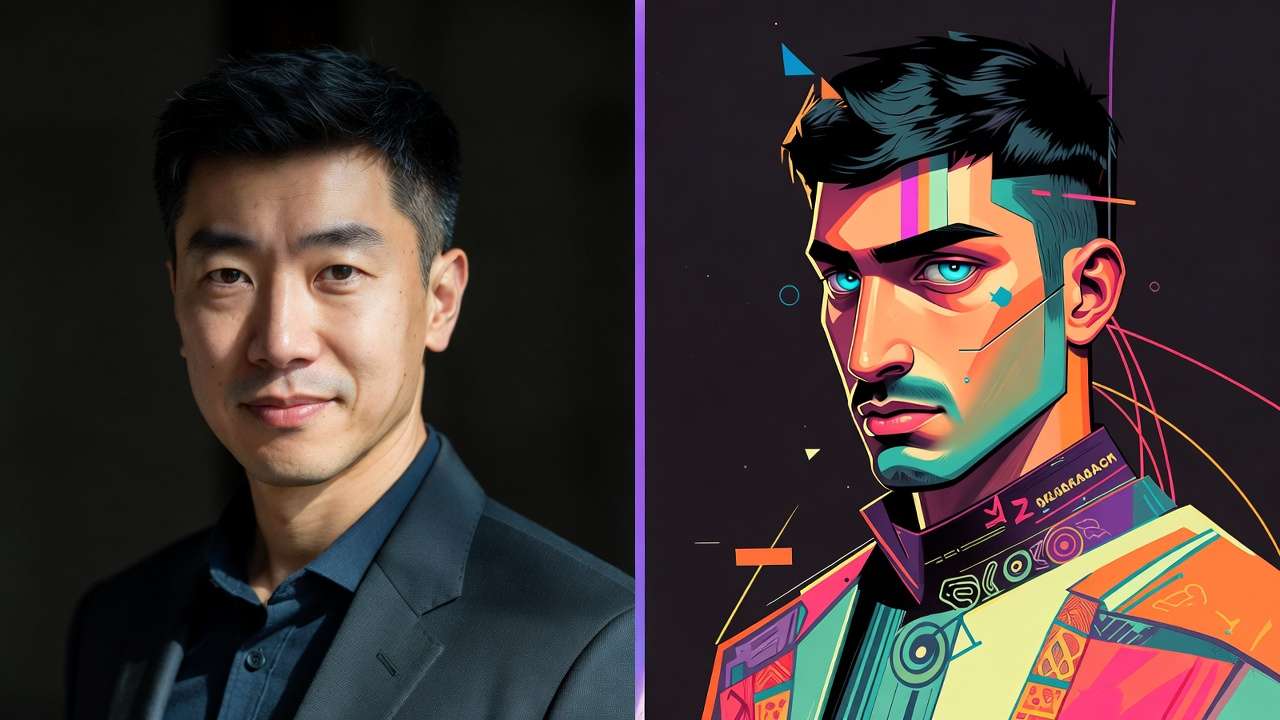
Action: Match to needs-product shots favor Flux (material accuracy), portraits Midjourney (skin variance). Troubleshooting: Artistic skews? Switch realism variants like Imagen 4 Standard. Common mistake: Trend-chasing over task-fit, leading to additional regenerations. In Cliprise workflows, "Launch" buttons test directly.
For beginners, start with Qwen for speed; intermediates layer Seedream for details. Agencies sequence: Concept in fast models, polish in quality ones. Observed: Task-matched selections boost usable rates noticeably.
Step 2: Craft a Targeted Prompt Structure
Structure as subject + environment + lighting + qualifiers: "Elderly mechanic in cluttered garage, golden hour through dusty windows, photorealistic, Nikon Z9, f/4, subsurface scattering." Add controls: --ar 3:2, seed 12345, CFG 9. Negatives: "blurry edges, plastic skin, overexposed."
Time: 5 minutes/iteration. Refinements substantially improve quality-add "ray-traced reflections" for metals. Troubleshooting: Artifacts? Simplify to 75 words. Platforms like Cliprise show examples, e.g., Flux prompts emphasizing coherence.
Perspectives: Freelancers keep concise for speed; experts embed styles ("Emil Schildt lighting"). Test variations: Swap "diffuse" for "hard shadows." In multi-model setups like Cliprise, copy-paste across tools accelerates.
Step 3: Generate and Initial Review
Submit with params; queues vary. Inspect: Zoom edges for aliasing, shadows for logic, colors for grading. Download, metadata-check resolution/CFG. Time: 1-5 minutes. Don't skip multi-views-rotate for 360 consistency.
Using Cliprise, previews load inline. Beginners screenshot fails; experts log patterns (e.g., Imagen softens skin).
Step 4: Iterate and Refine Outputs
Reuse seeds for variants (+50/-50). Upscale supported ones (Grok 360p->720p). Basic edits: Clone stamp anomalies. Patterns emerge post-5 runs-Flux biases toward crispness. Troubleshooting: Low CFG retries.

Cliprise users note queue concurrency aids batches. Experts chain: Generate -> Edit (Qwen Edit) -> Upscale.
Step 5: Export and Integrate into Workflow
PNG for layers, JPEG web-optimized. Mockup in Canva/Figma. Time: 2 minutes. Test scalability-batch numerous for campaigns.
Real-World Comparisons and Contrasts
Freelancers lean Flux Fast for quick product mocks; agencies choose Imagen Ultra for approval-grade fidelity. Use case 1: Product photography-Flux renders leather grains, glass refractions accurately (high client pass rate observed). Use case 2: Portraits-Midjourney captures micro-expressions in ethnic diversity better. Use case 3: Architecture-Imagen 4 nails perspective distortions.
Model X beats Y: Flux details high-res vs. speed needs. Platforms like Cliprise enable A/B without switches.
Comprehensive Comparison Table
| Model Variant | Strengths in Photorealism | Prompt Sensitivity | Control Options (e.g., Seed, CFG) | Ideal Scenarios (e.g., Resolution/Time) | Reported Consistency Across Runs |
|---|---|---|---|---|---|
| Flux 2 Pro | Texture depth, object coherence in materials like fabric/metal | Medium (handles detailed prompts) | Full (seed, CFG scales, negatives) | Product shots in detailed material workflows | High (repeatable with seed parameter) |
| Imagen 4 Standard | Dynamic lighting, shadow falloff in outdoor scenes | High (needs precise descriptors) | Partial (seed, aspect ratios) | Landscapes in varied lighting conditions | Medium (varies across multiple runs) |
| Midjourney V6 | Human anatomy, nuanced expressions/skin tones | Low (forgiving on vague inputs) | Full (seed, stylize parameter) | Portraits with expression focus | High (with remix and seed controls) |
| Ideogram V3 | Typography seamless in scenes, clean edges | Medium (text prompts excel) | Limited (aspect ratios, negatives) | Marketing visuals with integrated text | Medium (repeatable in structured prompts) |
| Seedream 4.0 | Environmental details, foliage/water realism | High (complex scenes) | Full (negative prompts, CFG) | Interiors with intricate environments | Variable (depends on scene complexity) |
| Qwen Image | Rapid iterations for concepts, basic coherence | Low (short prompts) | Basic (seed, ratios) | Concepting in preliminary stages | High (suitable for preview workflows) |
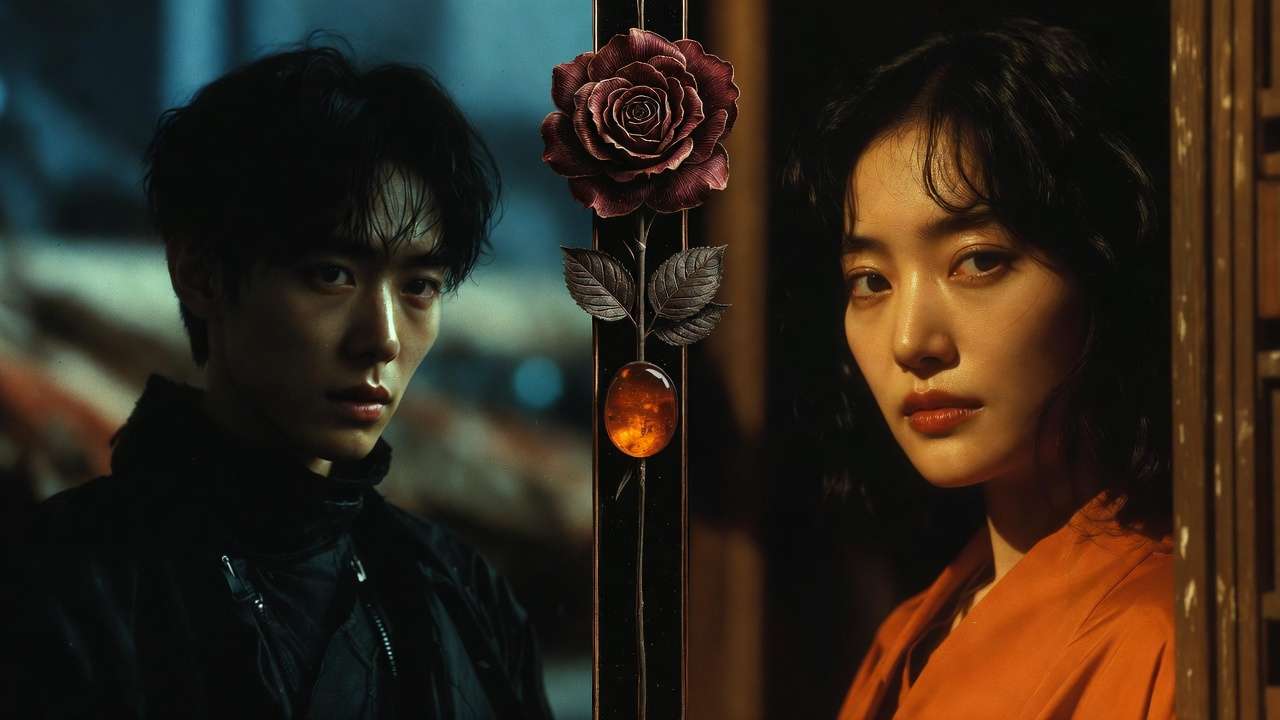
As table shows, Flux suits detail-heavy tasks; Midjourney portraits. Surprising: Qwen's speed aids high-volume iteration days, despite lower detail focus. Cliprise integrations highlight these in model pages.
Elaborate use cases: E-commerce freelancer uses Flux for numerous shoe variants daily, exporting to Shopify. Agency portraits via Midjourney for diversity campaigns, refining select seeds. Architects Imagen for blueprints-to-renders.
Community patterns: Forums report widespread preference for multi-model approaches, reducing silos.
When Photorealistic AI Image Models Don't Help
Edge case 1: Stylized brands craving surrealism-photoreal prompts fight intent, adding gritty realism to dreamlike ads, requiring full redesigns. Observed in fashion campaigns where models over-render fabrics.
Edge case 2: Abstract/low-detail-models inject photoreal elements like textures, bloating simple icons. Legal risks: Prompts naming brands mimic trademarks, flagging compliance.
Avoid if: Photographers needing pixel control; hybrid human-AI suits better. Limitations: Queues peak-hour delays; non-seed variability leads to inconsistent fails. Platforms like Cliprise note public defaults on free outputs.
Unsolved: Crowd density mangles limbs; diverse skin in low light.
Why Order and Sequencing Matter in Photorealistic Workflows
Starting generation pre-selection restarts numerous workflows. Image-first for video keys cuts inconsistencies. Mental switch spikes errors noticeably. Sequential boosts success substantially. Recommended: Research → Prompt → Gen → Iterate → Upscale. Cliprise model browsing enforces order.
Industry Patterns and Future Directions
Adoption: E-com increasingly relies on AI images. Changes: Personalization series. Headed: Custom datasets. Prepare: Multi-model mastery. Cliprise tracks updates.
Related Articles
Perfect your photorealistic generation with these complementary guides:
- AI Image Generation: The Complete Guide 2026
- AI Prompt Engineering: The Complete Guide 2026
- Google Imagen 4 Complete Guide: Ultra-Realistic Image Generation
- Flux 2 vs Google Imagen 4: Photorealism Test
- Creating E-commerce Product Videos with AI
- AI Portrait & Headshot Generator 2026: Professional Photos Without a Photographer →
- Cliprise vs Kling AI →
Conclusion
Recap workflow, pitfalls. Experiment platforms like Cliprise. Adaptive stay ahead.