Part of the image vs video series. For the step-by-step decision framework, see Image vs Video AI: Decision Framework. For dedicated deep dives, see the AI Image Generation Guide and AI Video Generation Guide.
AI platforms aggregate dozens of models under unified credit systems, yet creators face stark trade-offs between free image generating ai efficiency and video demands. Images enable high-volume iteration at low resource cost with an image generation platform. Videos deliver dynamic impact through a video creation platform but consume significantly more credits and time. Understanding these differences shapes every creative decision-from rapid social media graphics to polished campaign videos.
Multi-model platforms like Cliprise structure this balance by pooling capabilities from Google Deep Mind's Veo series, OpenAI's Sora 2, Kuaishou's Kling variants, Black Forest Labs' Flux 2, Midjourney, Google's Imagen 4, and specialized editing tools. Single credit pool, multiple specialized ai video editing software tools, strategic allocation.
This comparison examines model availability, resource patterns, control capabilities, accessibility, and practical applications. Images support experimentation and iteration. Videos demand precise planning within credit constraints. Your workflow choice depends on matching ai photo generator and video tool strengths to creative requirements.
Available Models by Type
Multi-model platforms categorize tools for intuitive selection, prioritizing specialized third-party integrations over proprietary builds.
Image Generation Models
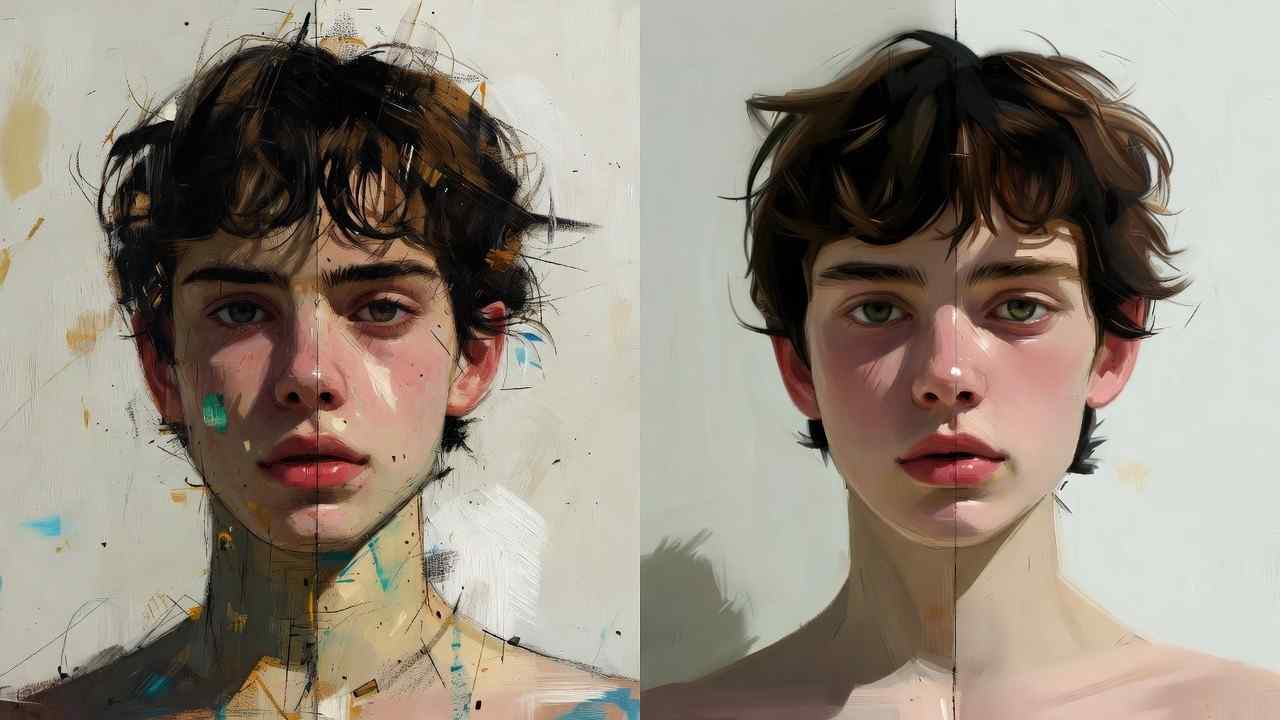
Options span Flux 2 (Pro, Flex, Max), Midjourney (API integration), Imagen 4 (Standard, Fast, Ultra), Seedream iterations, Qwen, Nano Banana, Grok Image, DALL·E, and ByteDance variants. These handle photorealism (Imagen 4), artistic stylization (Flux 2, Midjourney), and diverse aesthetic outputs.
Resource scaling ties directly to detail levels, making images ideal for rapid design iteration and concept exploration.
Video Generation Models
Selections include Veo 3/3.1 (Quality, Fast variants), Sora 2 (Standard, Pro Standard, Pro High), Kling (2.5 Turbo, 2.6, Master), Wan 2.5 (720p, Turbo, 2.6, Animate, Speech2Video), Hailuo (02, Pro), Runway Gen4 Turbo, ByteDance Omni Human, and Grok Video.
Capabilities cover motion synthesis, camera control systems, clip extensions, and experimental audio synchronization (Veo 3.1, availability varies by platform and subscription tier).
Image models cluster around six major families for stylistic range. Videos offer nine-plus, reflecting industry focus on dynamic content creation. Editing tools extend both categories: ImageEdit (Qwen Edit, Ideogram V3/Character, Recraft Remove BG), VideoEdit (Runway Aleph, Luma Modify, Topaz Video Upscaler).
Resource Consumption Patterns
Credits scale with model complexity and output type. Images require fewer resources due to static generation. Videos demand significantly more due to temporal processing across multiple frames.
| Category | Image Examples | Video Examples |
|---|---|---|
| Standard | Imagen 4 Standard, Flux Pro, DALL·E, Grok Image | Sora 2 Standard, Kling 2.5 Turbo, Hailuo 02, Wan 720p |
| High-Quality | Flux Max, Imagen 4 Ultra, ByteDance advanced | Veo 3.1 Quality, Kling Master, Sora 2 Turbo, Wan 2.6 |
| Edit/Upscale | Grok Upscale, AI Edit tools | Topaz 2K/4K/8K, Runway Aleph |
Free tiers typically reset daily with limited allocations. Paid plans expand monthly or yearly quotas substantially. High-end video models (Veo 3.1 Quality) severely limit output counts per subscription period. Images (Flux Pro) enable extensive creative sessions within the same credit budget.
Post-processing adds incremental costs: image edits (AI Edit features), video upscaling (Topaz at various resolutions), audio integration (ElevenLabs TTS, Sound FX, Speech-to-Text, Audio Isolation).
Strategic implication: images excel for prototyping and iteration; videos serve as polished final outputs. This encourages image-first workflows that refine concepts cheaply before committing video credits.
Capabilities and Control Systems
Core parameters unify both categories: text prompts, aspect ratio selection, duration controls (videos: 5s/10s/15s options), seed values for reproducibility (Veo 3, Sora 2), negative prompts, CFG scale adjustments.
Outputs remain inherently probabilistic. Advanced features like multi-image references and clip extensions vary significantly by specific model.
Image-Specific Features
Pro Image Editor offerings include layer management, masking tools, filter systems. Specialized capabilities: AI Background Remover (Recraft implementation), Universal Upscaler systems, AI Logo Generator-streamlining commercial asset production workflows.
Video-Specific Features
Motion control parameters, experimental audio synchronization (Veo 3.1 when available), human action systems (Omni Human), audio-to-video conversion (Wan Speech2Video) support narrative construction and character animation.
Editing and Extension Tools
ImageEdit options: Qwen refinement, Ideogram integration. VideoEdit capabilities: Runway processing, Luma modification, Topaz upscaling (resolutions up to 8K). Voice systems: complete ElevenLabs suite integration.
Prompt Enhancer tools and Flow State optimizers refine inputs across both categories. Seeds aid repeatability where supported; other models require iteration-based refinement.
Workflow pattern: Images favor low-cost iterative loops for concept perfection. Videos stress upfront prompt accuracy to minimize expensive regenerations.
Platforms and Accessibility
Native iOS and Android applications provide core functionality (Firebase Analytics integration). Web Progressive Web App extends browser access across all devices. Desktop implementations vary by platform.
Mobile features enable community feed engagement, profile systems, download management, content reporting. Business and Enterprise tiers unlock API access and white-label customization options.
Email verification gates generation access. Rate limiting systems curb potential abuse patterns. Multi-device synchronization maintains workflow continuity across contexts.
Free Tier Limitations and Strategy
Typical Cliprise Free allocations: 30 signup credits once, then 10 daily credits with 24-hour reset cycles (no carryover on the daily bucket), plus one included video generation per day where applicable. Premium models (select Veo variants, Midjourney alternatives) require subscription upgrades.

Images fit free constraints effectively-multiple iterations and concept tests within daily limits. Videos exhaust quotas rapidly, pushing serious video work toward paid plans.
Outputs default to public visibility in most implementations. Commercial usage rights typically include even free-tier generations, though platform-specific terms vary.
Use Cases and Workflow Patterns
Image Workflows
Ideal applications: logo design (AI Logo Generator), artistic exploration, background generation (Recraft Remove BG), progressive upscaling chains.
Typical flow: Craft prompt (Flux 2/Imagen 4) → generate variants → refine in Pro Editor → share to community. Supports social graphics production, rapid prototyping through chained generation/editing cycles.
Free tier viability: excellent for sustained creative exploration and iteration.
Video Workflows
Short-form applications: advertisements, social media content, tutorial intros. Standard pipeline: Detailed prompt development (Kling/Sora 2) → queue processing → post-production upscaling (Topaz) → audio integration (ElevenLabs).
Advanced capabilities: Omni Human for character animation, Speech2Video for narrative generation. Requires careful planning-credit costs punish excessive iteration.
Strategic Hybrid Approach
Designers chain multiple image tools under free tier limits for concept development. Video creators test with standard-quality models (Kling Turbo), finalize with premium options (Veo variants) only after image-based validation.
Community sharing systems aid cross-pollination and feedback integration. Marketers A/B test image variations rapidly, reserving video production for validated hero content.
Developers automate via workflow integration tools. Daily credit resets promote steady, sustainable usage patterns. Paid tiers add concurrency and eliminate queue priority limitations.
Performance and Technical Factors
Workflow automation systems, database-driven token management, scheduled daily resets. Free tiers experience longer queue times for video processing; images generate faster due to reduced computational demands.
Watchdog systems clear stuck generation jobs automatically. Prompt length limits vary by specific model; enhancement tools refine inputs for optimal model interpretation.
Subscription Impact on Usage Patterns
| Plan | Allocation | Image Workflow Fit | Video Workflow Fit |
|---|---|---|---|
| Free | 30 signup + 10/day | Light image testing | One generation daily where applicable, testing |
| Starter | Monthly baseline | Iterative design chains | Short clip series production |
| Pro | Expanded monthly pool | Complex editing and upscaling projects | Multi-clip sequences and campaigns |
| Business/Enterprise | High-volume access | Layer-heavy production projects | API-driven automated generation |
Paid tiers scale image capabilities linearly-more iterations, more experiments, more refinement cycles. Video constraints ease substantially but never become unlimited, maintaining strategic planning requirements.
Key Differences Summary
| Aspect | AI Image Generation | AI Video Generation |
|---|---|---|
| Credit Cost | Lower per output (Flux Pro, Imagen) | Higher per output (Veo, Kling, Wan) |
| Model Range | Flux 2, Midjourney, Imagen 4, Seedream, Qwen, Nano Banana | Veo 3/3.1, Sora 2, Kling series, Wan series, Hailuo, Runway Gen4, Omni Human |
| Primary Controls | Aspect ratios, seeds, CFG scales; full editor suite | Duration settings, audio sync, motion parameters |
| Free Tier Viability | High iteration volume possible | One generation daily, severely limited |
| Ideal Use Case | Rapid iteration, concept development, social graphics | Polished final outputs, narrative content, dynamic ads |
| Workflow Approach | Iterative refinement cycles | Planned, validated execution |
Strategic Selection Principles
Multi-model aggregation positions images (Flux 2, Imagen 4, Midjourney) for iteration within free and starter plan limits. Videos (Veo, Sora 2, Kling, Runway) deliver impact via professional tier allocations.
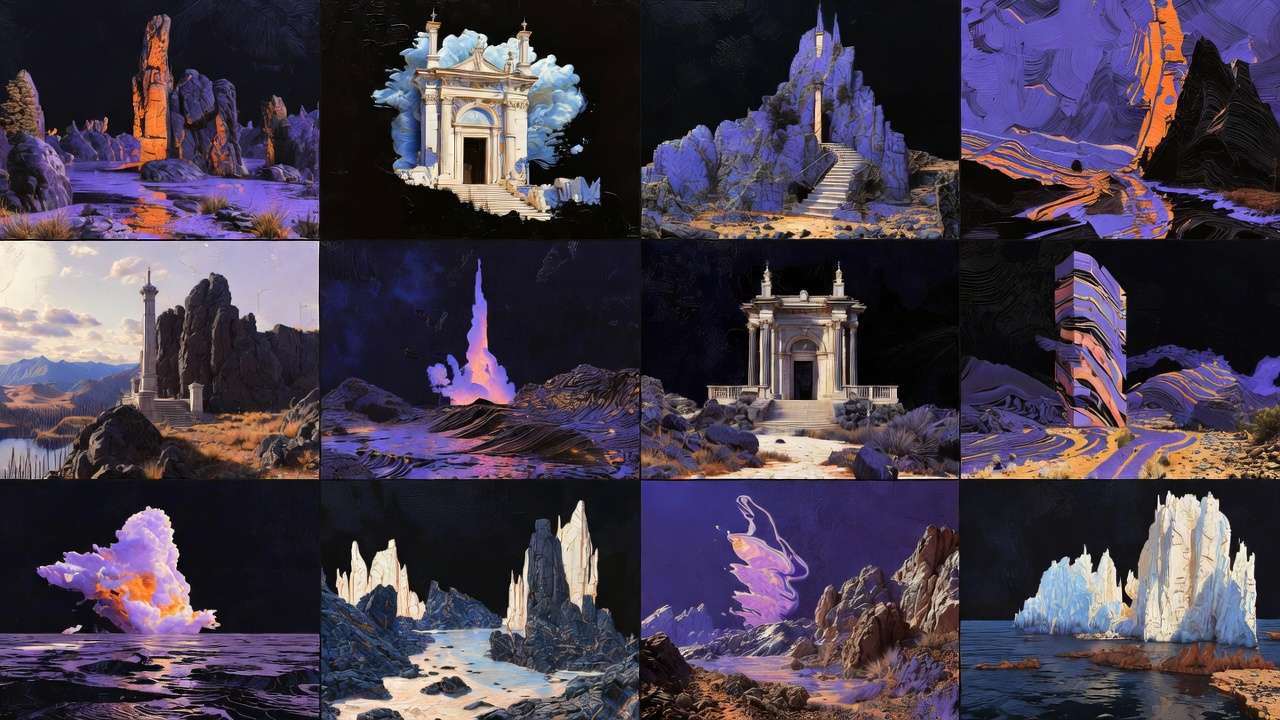
Choose images for: visual development, logo creation, background generation, rapid social content, concept validation, A/B testing variants.
Choose videos for: storytelling content, dynamic advertisements, product demonstrations, tutorial sequences, campaign hero content.
Unified platform interfaces, mobile accessibility, integrated editing and voice tools streamline both paths. Credit dynamics strongly favor images for volume work, naturally guiding workflows toward image-heavy iteration followed by selective video finalization.
Related Articles
- Choosing Image vs Video Models
- Image vs Video Ads
- Image Video Models Technical Differences
- Text-to-Video vs Image-to-Video
Master both to build complete workflow orchestration across models that leverage each tool type's inherent strengths while respecting resource constraints and creative requirements.