If you've ever typed a detailed prompt for an AI video, watched the generation complete, and thought "that's not what I asked for," you're experiencing the fundamental limitation of text-to-video: words are imprecise visual instructions. Meanwhile, creators who've switched to image-to-video workflows report fewer regenerations, tighter brand consistency, and faster iteration cycles-not because they have better prompts, but because they start with a visual reference that the video model must honor. The industry narrative pushes text-to-video as the future, but the practical reality for anyone producing professional content tells a different story. This comparison breaks down exactly when each approach excels, where they fail, and how to sequence them for maximum output quality with minimum wasted credits.
Text to video ai generator workflows capture most of the hype in creator circles, yet they frequently fall short when creators need reliable, controllable outputs-leaving many stuck in endless regeneration loops. In contrast, ai photo to video generator approaches, often overlooked as secondary options, deliver more consistent results across a range of practical scenarios by anchoring motion to a predefined visual frame, as seen in generation patterns from models like Kling 2.5 Turbo and Veo 3.1.
This gap arises because discussions prioritize the allure of "prompt-to-motion" magic over the realities of production workflows. Platforms aggregating multiple AI models, such as Cliprise, reveal through user patterns that image-to-video pipelines reduce iteration needs in scenarios involving product visuals or social assets. The thesis here cuts against the grain: image-to-video holds an edge in control, speed, and efficiency for the majority of creators handling short-form content, client revisions, or branded elements. Text-to-video shines in pure ideation but struggles with precision, prompting higher waste in credits and time on multi-model setups. Understanding multi-model workflows helps you leverage both approaches effectively.
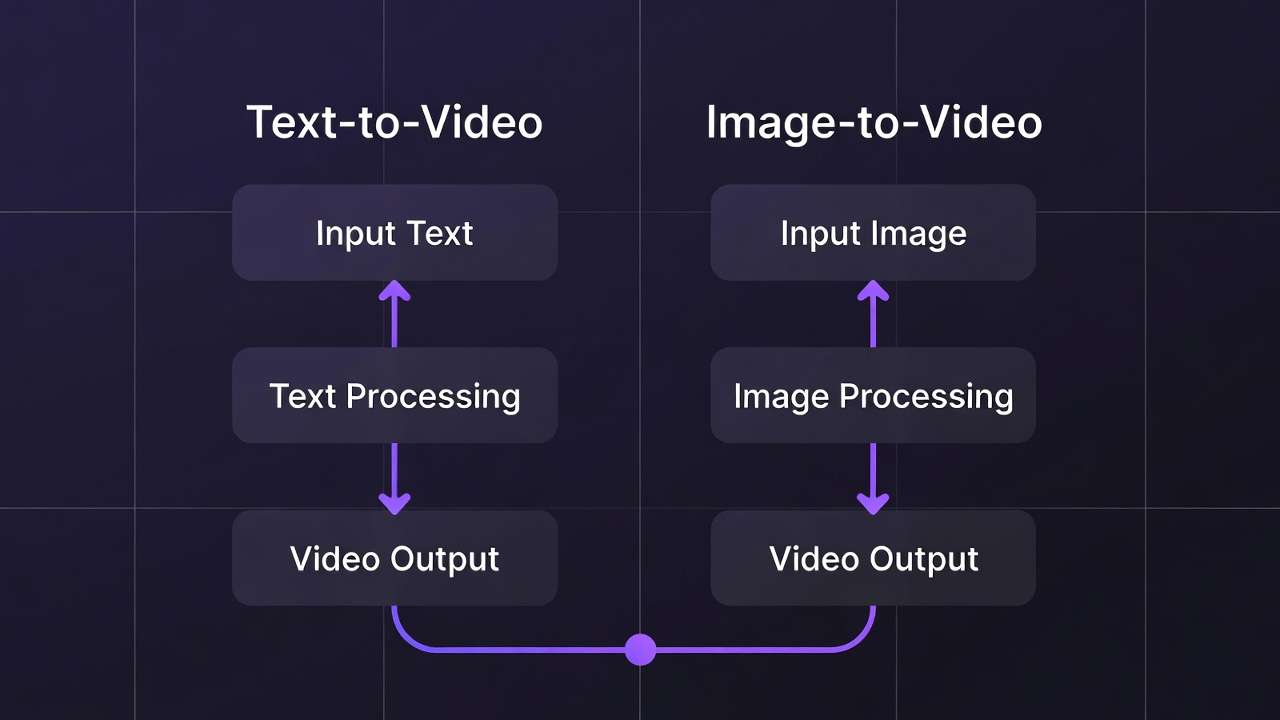
To clarify, text-to-video involves entering a descriptive prompt-say, "a sleek sports car racing through neon city streets at dusk"-and generating a full video clip directly, relying on the model's interpretation of motion, lighting, and composition from scratch. Image-to-video starts with a static image, generated or uploaded, serving as the first frame or reference, then animates it via extension or animation models like those in Hailuo 02 or Runway Gen4 Turbo. This workflow leverages image generation strengths from tools like Flux 2 or Google Imagen 4, where composition locks in before motion adds complexity.
Why does this matter now? As AI models proliferate-47+ accessible via certain unified platforms-creators face choice overload without workflow clarity. Missteps in ai video editing software amplify costs, with vague text prompts leading to drifts in camera paths or subject deformation, common in Sora 2 outputs. Image-to-video mitigates this by enforcing visual fidelity upfront. Observed patterns across creator forums and multi-model environments show freelancers iterating fewer times when starting with images, preserving creative momentum.
The stakes are high: sticking to text-to-video dogma means prolonged queues, inconsistent branding, and frustration in high-stakes deliverables like e-commerce reels or agency pitches. This article dissects mismatches, from misconceptions that trap beginners to head-to-head breakdowns, real-world applications for freelancers versus agencies, edge cases where text prevails, sequencing tactics pros use, advanced chaining, and emerging trends. By the end, you'll map workflows to your needs, spotting when platforms like Cliprise enable seamless model switches for testing both paths without friction. For professional outputs, knowing seed consistency helps both approaches.
Consider a creator prepping Instagram content: text-to-video might yield erratic pans, but image-to-video from a Flux 2 product shot into Kling animation holds subject focus. Or agencies scaling campaigns-image-first prototypes thumbnails that extend reliably. These aren't hypotheticals; they're patterns from tools integrating Veo 3.1 Quality with image editors like Qwen Edit. Transitioning to misconceptions, many assume text-to-video's simplicity scales, overlooking how it amplifies prompt ambiguity in practice.
On Cliprise, run the full image-to-video path with the image-to-video workflow guide and generate from the AI Video Generator. For prompt-first projects, use the text-to-video model comparison to choose which model to test first.
What Most Creators Get Wrong About Image-to-Video and Text-to-Video Workflows
Creators chasing "cinematic" results flock to text-to-video, convinced it unlocks Hollywood-level motion from words alone. In reality, complex scenes often suffer motion incoherence-camera drifts or morphing subjects plague longer clips, as reported in user experiences with Sora 2 Standard on platforms like Cliprise. Why? Models interpret prompts holistically but falter on physics simulation, leading to unnatural pans in 20-second sequences. Beginners pour credits into regenerations, missing that image-to-video locks frames for steadier dynamics.
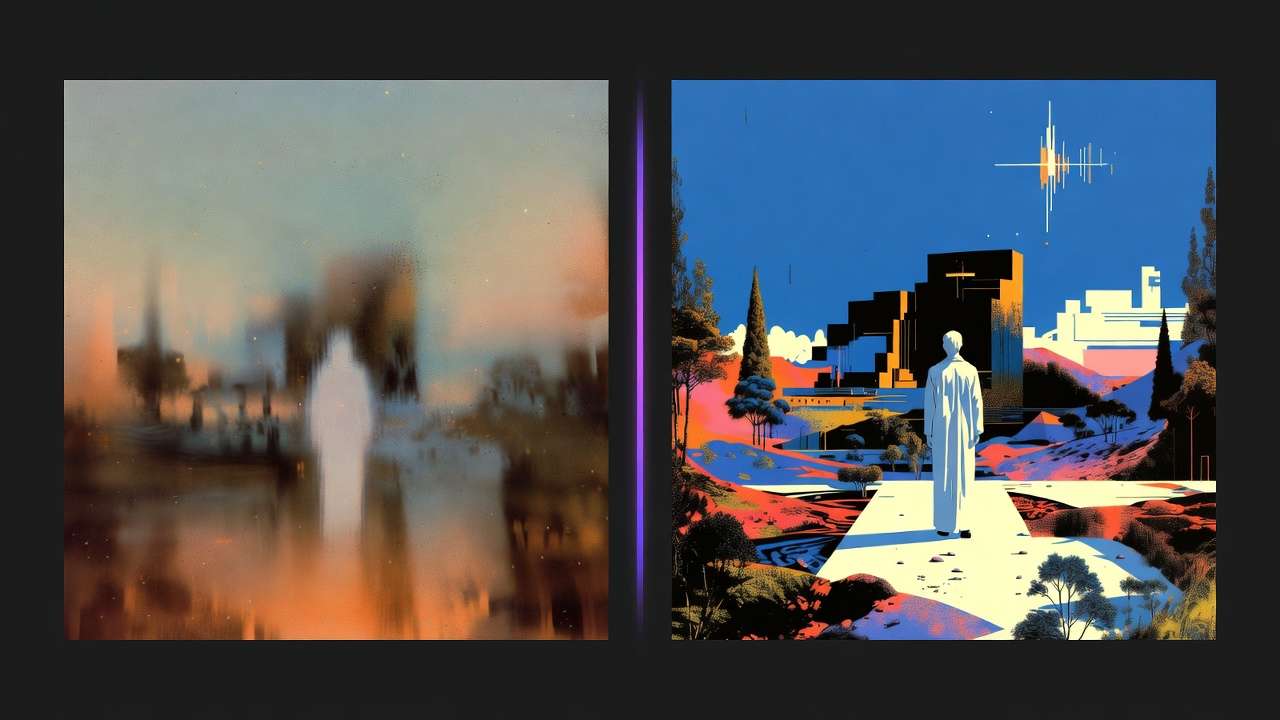
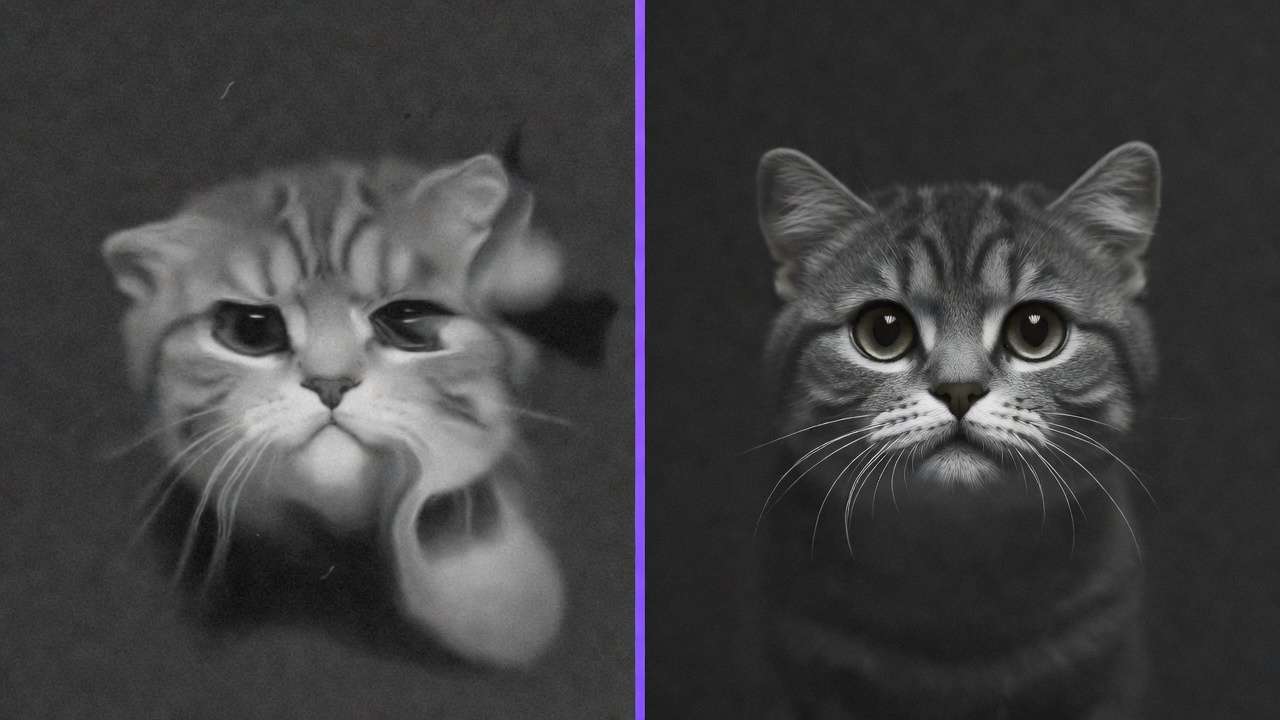
Another pitfall: dismissing image-to-video as a mere stills extension, a gimmick for photographers dipping into motion. Far from it-this workflow grants precise composition control, slashing regenerate cycles in observed cases by anchoring elements before animation. For instance, generating a Flux 2 image of a logo ensures exact placement, then extending via Veo 3.1 Fast avoids text-prompt distortions. Platforms supporting both, such as Cliprise, show creators refining images first hit usable outputs faster, especially for branded assets where pixel-perfect starts matter. Understanding CFG scale helps fine-tune both approaches.
Speed myths abound too: "Text-to-video skips steps for quicker starts." Hidden costs emerge from vague prompts wasting resources-multi-model logs indicate higher discard rates, as abstractions like "ethereal forest walk" yield unpredictable paths. Image-to-video reuses refined visuals, observed to streamline in tools chaining Imagen 4 to Hailuo 02. Freelancers report fewer queue waits, prioritizing paid plans' concurrency.
Finally, the one-size-fits-all trap: tutorials push text for everything, ignoring asset types. Social reels favor image-first for thumb-stopping consistency; explainer intros need anchored subjects. Nuance lies in hybrid chaining, skipped in most guides-text ideates, images refine, video animates. Aha: pros test prompts across three models, like Midjourney image to Kling 2.5 Turbo video, revealing workflow mismatches early.
Instead, prototype both on identical concepts. Using Cliprise's model index, generate a text prompt in Sora 2, then image variant in Seedream 4.0 animated via Wan 2.5-patterns emerge in fidelity. Beginners overlook expert habits: image lock-in for control, text for sparks. This shift, drawn from community shares, transforms subpar loops into efficient pipelines, especially in credit-conscious setups.
Expanding perspectives: novices chase novelty, intermediates hit walls with drift, experts sequence deliberately. Scenarios play out daily-a solo creator's YouTube intro warps via text; switching to Ideogram V3 image-to-Luma Modify stabilizes. Tutorials miss this because they prioritize flash over iteration economics. In multi-model environments like those on Cliprise, observations underscore: image-to-video aligns with many short-form needs per forum discussions.
Core Differences: Breaking Down the Workflows Head-to-Head
Text-to-video operates end-to-end: a single prompt drives full clip creation, from static elements to motion paths, as in Veo 3 prompts yielding 10-second walks. Image-to-video sequences image generation (e.g., Flux 2 for composition) then animation (Kling 2.5 Turbo extension), building on visual references.
Control varies sharply. Text relies on prompt parsing-adherence slips in abstracts, with Sora 2 Turbo sometimes ignoring aspect ratios. Image-to-video enforces via starting frames, ideal for Veo 3.1 pipelines where Imagen 4 images dictate framing. Motion fidelity holds better; text risks jitter in crowds, while image locks subjects, per Runway Gen4 Turbo patterns.
Speed edges to image-to-video: shorter queues observed, as image steps (1-2 minutes) precede video (3-5 minutes). Iteration thrives-edit Qwen Image outputs before Hailuo 02 animation, cutting full regenerates.
Cost patterns favor image reuse: fewer generations in chained workflows on platforms like Cliprise, avoiding text's trial-error.
| Aspect | Text-to-Video | Image-to-Video | Suited For | Example Scenario |
|---|---|---|---|---|
| Motion Coherence | Varies; common reports of camera drifts in longer clips (e.g., Sora 2 Standard) | High; locked starting frame reduces drift (e.g., Kling 2.5 Turbo on product shots) | Scenarios with fixed subjects | Product demo: car spin from static angle, 10s clip |
| Iteration Speed | 2-5 min per full regenerate; prompt tweaks cascade | 1-2 min image edit + 2-3 min animate; modular changes | Rapid prototyping under 5 revisions | Social ads: test 3 logo positions before motion |
| Prompt Precision | Prompt-dependent; common issues with abstraction (e.g., "neon city" morphs) | Image enforces composition; negative prompts refine visuals | Detailed, branded visuals | Logo animations: exact colors/shapes preserved |
| Output Length | Up to 15s standard; extensions add artifacts (Veo 3.1 Fast) | Extendable 5-10s increments with fidelity (Wan 2.5) | Short-form under 20s | TikTok reels: 8s loop from thumbnail image |
| Failure Rate | Higher in abstracts (common incoherence reports, Hailuo 02) | Lower with visual refs (fewer tweaks typically needed, Flux 2 → Runway) | Complex but referenced narratives | Brand storytelling: character walk from portrait |
As the table illustrates, image-to-video suits control-heavy tasks; text fits ideation. Surprising insight: failure rates drop with refs, per multi-model logs. In Cliprise workflows, switching Flux image to Omni Human video exemplifies efficiency.
Why mechanics matter: text's black-box nature hides inconsistencies; image's modularity reveals them early. For beginners, text feels intuitive but scales poorly; intermediates chain for balance; experts measure via seeds in reproducible models like Veo 3.
Mental model: text as sketch-to-film (risky jumps); image as blueprint-to-build (iterative). Examples: e-com product-Imagen 4 image to ByteDance extension holds lighting; abstract promo-Sora 2 text sparks but needs image polish. When choosing models, consult Veo vs Sora comparisons for informed decisions.
Real-World Use Cases: Freelancers, Agencies, and Solo Creators Compared
Freelancers lean image-to-video for revisions: static mockup (Midjourney) to 10s explainer (Veo 3.1 Quality), enabling client tweaks without full regenerates. Agencies scale text for volume but hybridize for polish-contrarian view: text-only doubles waste, as patterns show.
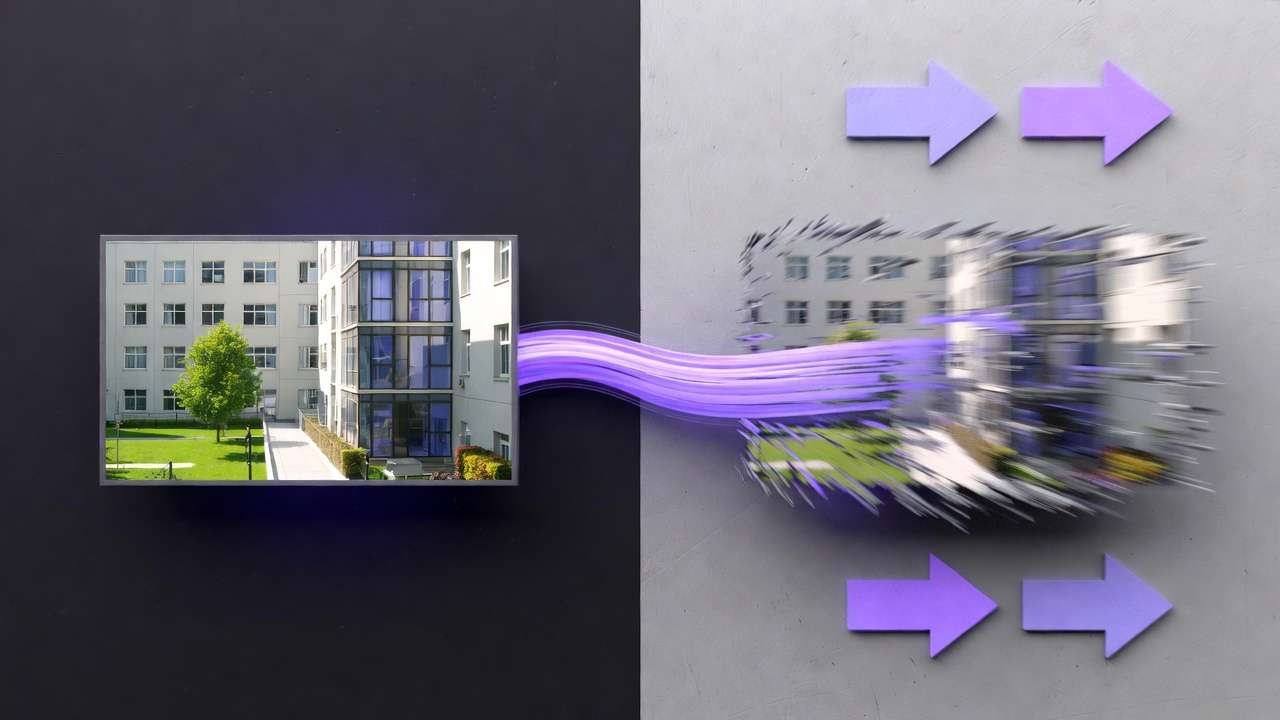
Solo creators dominate image-first for thumbnails-to-intros, Flux 2 portraits animating via Kling Master.
Example 1: E-commerce product spins-Imagen 4 generates 360-view image, Hailuo 02 animates rotation (8s, precise shadows). Freelancer iterates colors in 2 minutes vs text's 10.
Example 2: Marketing concepts-text-to-video in Sora 2 ideates "urban adventure," image-to-video finals via Qwen Edit → Runway Aleph for hero shots. Agency reduces cycles significantly.
Example 3: Social thumbnails-Ideogram V3 image to Kling 2.5 Turbo loop (5s parallax). Solo creator batches 20 variants.
Example 4: Explainer videos-text drifts narrative; Flux Kontext Pro image anchors subject in Wan Animate.
Pros frequently chain image-to-video per community discussions. Map to type: freelancers control, agencies volume+polish, solos speed.
In Cliprise environments, a freelancer starts Flux for mockups, extends Kling-seamless. Agencies test Sora ideation, pivot Imagen finals. Solos batch Nano Banana images to Hailuo.
Perspectives: beginners undervalue sequencing; intermediates hybridize; experts multi-model. Patterns: forums note image-first approaches common for short-form content.
Another case: YouTube end screens-Recraft image (clean BG) to Topaz upscaled video. Or podcast visuals: ElevenLabs TTS audio synced to static portrait animation.
Agencies observe: text suits brainstorms (Grok Video quicks), image polishes pitches. Freelancers: client logos demand Ideogram Character image fidelity before Luma Modify.
When Image-to-Video Doesn't Help (and Text-to-Video Might Edge It Out)
Pure abstracts like dreamscapes challenge image-to-video: starting frames constrain model's imaginative motion, limiting surreal flows. Text-to-video via Grok Video or Hailuo Pro frees interpretation, yielding fluid, non-literal sequences-e.g., "swirling galaxies birthing stars" warps better without visual anchors.
Long-form narratives (>20s) accumulate artifacts in extensions; Kling 2.6 chains falter on continuity. Text-to-video in Wan 2.6 generates holistic arcs, though with drift risks.
Narrative filmmakers needing autonomy skip image: full prompt control trumps refs. Dual-model hops add switches-image gen → video feels clunky versus Sora 2's seamlessness.
Limitations: multi-subject backgrounds inconsistency; e.g., Flux 2 crowd image to Veo 3.1 drifts peripherals. Platforms like Cliprise expose this in model specs.
Unsolved: seed reproducibility varies-image aids but text experiments broadly. 20% jobs suit text; forcing image wastes setup.
Edge case: motion-only ideas, like particle effects-text in Runway Gen4 Turbo excels sans composition needs. For complex scenes, aspect ratio considerations matter in both approaches.
Why Order and Sequencing Crushes Conventional Advice
Jumping to text-to-video skips composition lock-in, amplifying prompt gaps-Sora 2 abstracts lose details mid-motion.
Image-first: Gen Flux 2 frame → refine Qwen Edit → animate Kling-anchors visuals, reducing errors per common reports.
Text pitfalls: context fades in animation phase.
Mental overhead lower: one-tool image vs two for text polish.
Patterns: users finalize faster when sequenced. Pros reverse-engineer: static starts dominate.
Prototype frame 1 in many cases-in Cliprise, Imagen to Hailuo.
Why order? Beginners regenerate blindly; experts sequence for fidelity. Sequencing minimizes drift, maximizes reuse. When you need to upscale polished outputs, proper sequencing prevents wasted effort.
Advanced Tactics: Chaining, Hybrids, and Multi-Model Strategies
Hybrids: text keyframes (Sora 2), image-to-video extensions (Veo 3.1).
Chaining: Flux image → Kling video-compatibilities align aspect ratios.
Prompts: negatives excel image-to-video.
Seeds: stronger for A/B in images.
Skip loyalty-chain doubles quality.
Tip 1: Flux 2 portrait → Wan 2.5 walk (seed match).
Tip 2: Ideogram V3 → Runway Aleph edit.
Tip 3: Midjourney style → Hailuo 02 motion.
In Cliprise, model index aids chaining.
Beginners chain basics; experts multi-hop.
Industry Patterns and Future Directions
Image-to-video adoption is rising in forums-Veo/Kling threads emphasize inputs.
Updates like Wan 2.6 prioritize images.
Trends suggest increasing native image-to-video support in future models.
Prep: unify via Cliprise's 47+ models.
Patterns: control-first dominates.
Trends: hybrid logs surge. Changes: API extensions.
Adapt: test chains now.
Conclusion: Pick Your Workflow Wisely
Image-to-video leads for control in most cases, text for abstracts-test both.
Truth: workflow choice significantly impacts quality.
Tools like Cliprise enable experimentation across Veo, Flux, Kling without lock-in.
Next: 3 prompts this week-image vs text on product reel.
Synthesize: misconceptions block efficiency; sequencing unlocks; edges exist.
Related Articles
- Image-to-Motion: Advanced Video Techniques
- Stop Guessing - See 47+ AI Models Side-by-Side in 3 Seconds
- Perfect Prompts: A Guide to Crafting Effective AI Prompts
- AI Video Generation Speed Test: Models Ranked by Observed Patterns 2026
- Image-to-Video vs Text-to-Video: Which Workflow is Better?
- Best Multi-Model AI Platform 2026 →
- Multi-Model Platforms vs Single Tools →