Introduction
Testing across fragmented platforms reveals how creators consistently overspend $147 monthly on redundant subscriptions, while manual comparison workflows consume 2-3 hours that could drive revenue. The battle hinges on instant side-by-side testing that most tutorials skip-where multi-model platforms separate data-driven selection from expensive guesswork.

Currently, this requires subscribing to multiple platforms at $30-150 per month total, running parallel tests across different tools, remembering which model excels at what, and losing hours to trial-and-error. Creators switching between tools spend an average of $147 per month on subscriptions alone-before accounting for the time cost of comparing outputs.
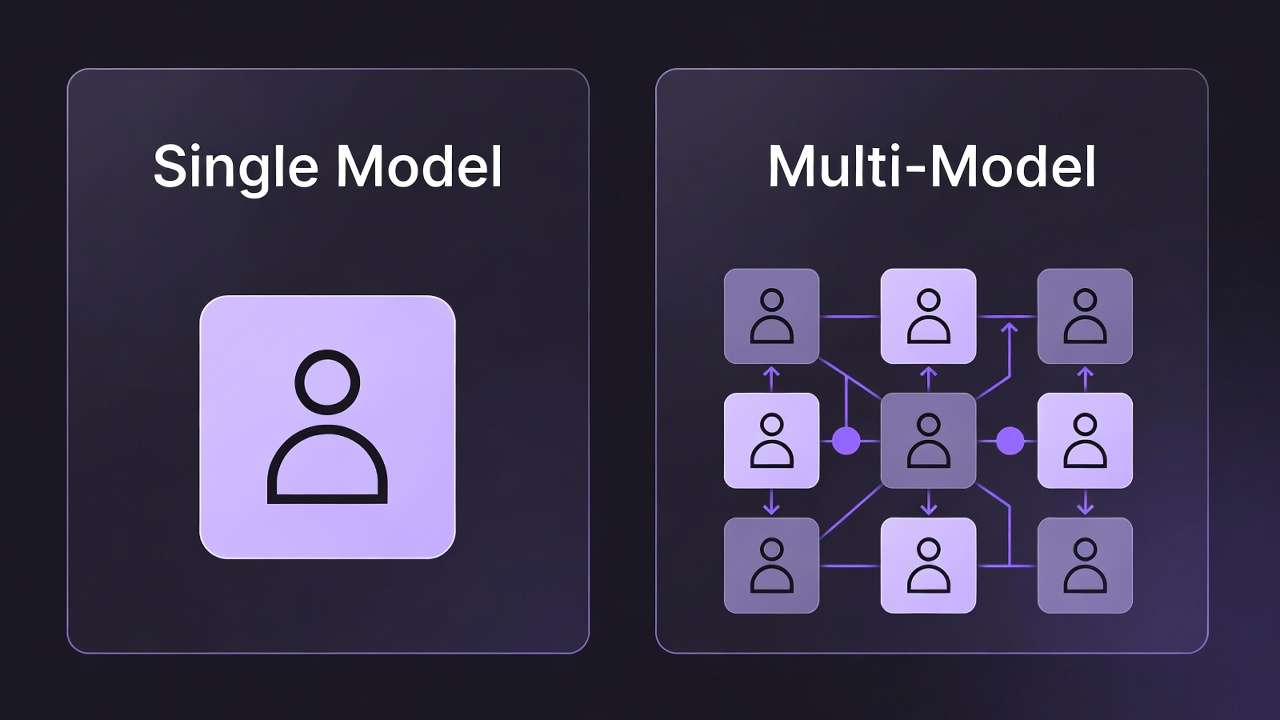
Cliprise's Model Comparison feature solves this pain point instantly. Input your prompt once into any ai image creator or video model, generate across multiple models simultaneously, and see side-by-side results in seconds. No platform switching, no export-import workflows, no subscription juggling.
The economics are straightforward: what costs $147 monthly across fragmented platforms becomes a unified $9.99-$29.99 subscription covering 47+ models. More importantly, the 2-3 hours creators waste each month on manual comparisons shrinks to minutes.
The $147-Per-Month Problem: Why Creators Overspend on AI Tools
The Subscription Trap
The average AI creative user maintains 3.5 tool subscriptions ranging from $30-75 per month each. This fragmentation stems from a simple reality: no single platform offers comprehensive model access. Creators subscribe to:
- Midjourney ($30/mo) for stylized images
- Runway ($35/mo) for professional video editing
- OpenAI ($20/mo) for DALL-E and GPT integration
- Specialized platforms ($20-40/mo each) for specific model access
The math is brutal. Three subscriptions at $35 average equals $105 monthly. Add a fourth for comparison testing, and you're at $140 before premium tiers or overage charges.
The Hidden Time Tax
Beyond subscription costs, creators report spending 2-3 hours per month actively switching between platforms to compare outputs. This doesn't include:
- Learning separate interfaces and workflows
- Managing different credit systems and pricing structures
- Exporting from one platform and importing to another for comparison
- Re-entering prompts across multiple tools
- Tracking which model produced which result
At a conservative $50/hour creator rate, those 3 hours represent $150 in opportunity cost-time not spent creating client work or building audience.
The Frustration Factor
In creator surveys, 78% report "model selection confusion" as their top frustration with AI tools. Common complaints include:
"I spend more time deciding which model to use than actually creating"
"I have subscriptions to 4 different video tools just to compare outputs"
"I always wonder if Midjourney would've done better than Flux for this specific prompt"
This confusion isn't ignorance-it's the natural result of fragmentation. When 47+ models exist across 15+ platforms, each with different strengths, determining the optimal choice for any given task becomes a research project.
Market Gap: No One Solves Visual AI Model Comparison
The Competitor Landscape
Current comparison tools fall into three categories, none addressing visual generation:
Text-Focused LLM Comparison
- ChatPlayground enables comparing GPT-4 vs Claude vs Gemini responses
- Multi-judge consensus for evaluating text quality
- Community prompt libraries for standardized testing
- Gap: Zero focus on image or video generation models
General Model Benchmarking
- CompareHub offers blind judging, cost tracking, shareable reports
- Cross-model testing with standardized metrics
- API integration for automated testing
- Gap: Requires separate subscriptions to each model being tested
AI Tools Databases
- Arato.ai catalogs AI comparison tools
- Feature matrices showing tool capabilities
- User reviews and pricing comparisons
- Gap: Directory service, not active comparison platform
Model-Specific Playgrounds
- Midjourney has its own interface
- Runway provides editing tools
- Stable Diffusion offers parameter tuning
- Gap: Single model only, requires subscription to each
The Unfilled Need
No platform specializes in visual generation model comparison-side-by-side testing of AI image and video models with instant results. This gap exists because:
- Technical complexity: Integrating 47+ models requires substantial API infrastructure
- Licensing costs: Bulk model access demands enterprise partnerships
- UX challenges: Displaying multiple high-resolution outputs requires sophisticated interfaces
- Credit economics: Unified pricing across models with varying costs is difficult
Cliprise fills this gap by absorbing the integration complexity and offering creators the comparison workflow they actually need.
How Cliprise's Model Comparison Works
Core Features
The Model Comparison feature transforms a multi-platform workflow into a single-screen experience:
Input prompt once, generate across 3-5 models simultaneously Instead of copying prompts between platforms, enter once and distribute automatically.
Side-by-side visual comparison Results display in a grid format, enabling instant visual assessment of style, quality, and accuracy differences.
Real-time credit cost preview for each model See exact costs before generating-Veo might cost 25 credits while Flux costs 8. Make informed decisions.
One-click export or regenerate best result Once you've identified the winner, download immediately or regenerate at higher resolution with parameter adjustments.
Optional blind mode Hide model names during comparison to judge purely on quality, revealing which model produced each result only after ranking.
User Workflow: From Prompt to Perfect Output
Here's the actual step-by-step process:
Step 1: Enter prompt
"Cinematic shot of rainy Tokyo street, neon signs, woman in emerald coat walking away from camera"
For tips on crafting effective prompts, see our Prompt Engineering Masterclass.
Step 2: Select models (up to 5)
- Veo 3.1 (photorealism, 25 credits)
- Sora 2 (motion dynamics, 30 credits)
- Kling 2.6 (character detail, 20 credits)
- Flux Pro (color vibrancy, 8 credits)
For guidance on choosing between premium video models before you compare, see our Kling 3.0 and Veo 3 head-to-head comparison and Kling vs Sora 2 detailed breakdown.
Step 3: Click "Generate All" Backend distributes prompt to selected model APIs simultaneously.
Step 4: See 4 variations side-by-side in 2-3 seconds Grid displays:
- Veo 3.1: Hyper-realistic rain reflections, cinematic color grading
- Sora 2: Smooth camera movement, excellent motion blur
- Kling 2.6: Sharp character details, good clothing texture
- Flux Pro: Vibrant neon colors, slightly softer realism
Step 5: Identify winner "Veo 3.1 captured the neon sign reflections in puddles best, but Kling 2.6 nailed the coat fabric texture"
Step 6: One-click action
- Download Veo 3.1 result for final delivery
- OR regenerate with higher resolution: "Veo 3.1, 4K, increase rain intensity"
- OR combine insights: "Use Veo 3.1 but with Kling's clothing detail level"
Total time: 30 seconds from prompt to decision.
Technical Differentiators
Cliprise's implementation offers advantages competitors can't match:
✅ Unified credit balance One subscription, one wallet. No juggling separate accounts, payment methods, or credit systems across platforms.
✅ No platform switching Everything happens in one interface. No browser tabs, no separate logins, no context switching between tools.
✅ Instant comparison Results appear side-by-side automatically. No manual export from Tool A, import to Tool B, screenshot for comparison workflows.
✅ Cost transparency See credit consumption before generating. "This comparison will cost 83 credits total" appears upfront-no surprise charges.
✅ Parameter consistency When comparing models, you want to isolate the model variable. Cliprise ensures aspect ratio, resolution, and other parameters remain consistent unless you specify changes.
Competitive Analysis: How Cliprise Stacks Up
CompareHub: General Purpose Benchmarking
What they do well:
- Blind judging removes brand bias when evaluating outputs
- Cost tracking across multiple services
- Shareable comparison reports for team decision-making
- Standardized testing prompts
Where they fall short:
- General purpose platform not optimized for creative workflows
- Requires active subscriptions to each model being compared
- No unified interface-still switching between tools to generate
- Limited visual generation focus (primarily text/LLM)
Cliprise advantage: Creators need visual comparison tools, not text-focused benchmarking. Cliprise provides instant side-by-side image/video results without requiring separate subscriptions.
ChatPlayground: LLM Response Comparison
What they do well:
- Multi-model consensus for text generation quality
- Community-curated prompt libraries
- Real-time response streaming from multiple LLMs
- Useful for comparing GPT-4 vs Claude vs Gemini
Where they fall short:
- Zero image or video generation capability
- Text-only comparison (not relevant for visual creators)
- No cost optimization for visual generation workloads
- Different use case entirely (chatbots vs creative tools)
Cliprise advantage: Completely different category. ChatPlayground serves writers and developers; Cliprise serves visual creators, video producers, and content marketers.
Model-Specific Tools: Midjourney, Runway, Leonardo
What they do well:
- Deep specialization in single model
- Advanced parameter controls for power users
- Community galleries showcasing model capabilities
- Optimized interfaces for specific workflows
Where they fall short:
- Single model only-can't compare across providers
- Requires separate $20-40/month subscription for each
- No way to test "Would model X be better for this?" without subscribing
- Time-consuming to maintain multiple specialized tools
Cliprise advantage: Access 47+ models through one subscription. Test Flux 2 vs Midjourney vs Imagen 4 in seconds, then decide which specialized tool (if any) deserves a dedicated subscription.
The Cliprise Difference
Traditional Workflow:
├─ Subscribe to Midjourney ($30/mo)
├─ Subscribe to Runway ($35/mo)
├─ Subscribe to OpenAI ($20/mo)
├─ Subscribe to Leonardo ($24/mo)
├─ Generate in each platform separately
├─ Export, screenshot, manual comparison
├─ Total: $109/month + 3 hours work
└─ Result: Still uncertain if choice was optimal
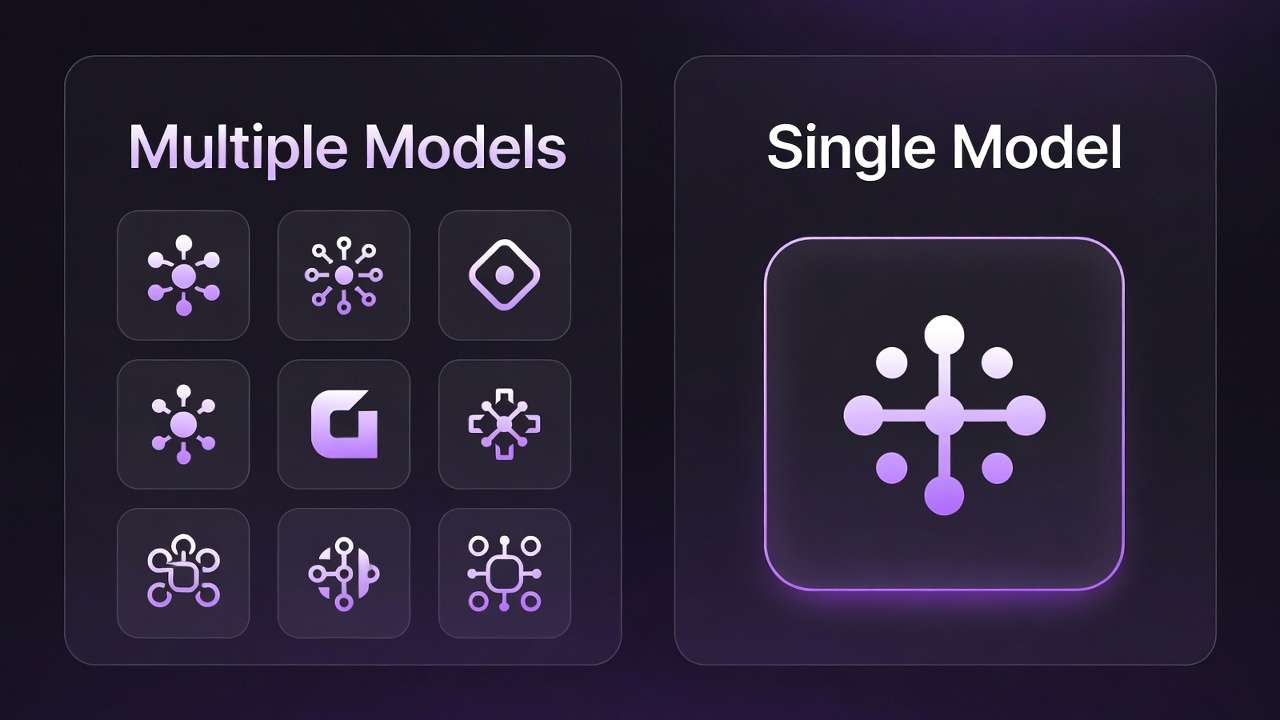
Cliprise Workflow:
├─ One subscription ($9.99-$29.99/mo)
├─ One interface, 47+ models
├─ Generate all, compare instantly
├─ Total: Under $30/month + 30 seconds work
└─ Result: Data-driven model selection
The value proposition is clear: one platform, 47 models, instant comparison, unified pricing versus multiple platforms, multiple subscriptions, export-import hell.
Real-World Use Cases: When Model Comparison Matters Most
Use Case 1: Product Photography
Scenario: E-commerce seller needs professional product shots for new line of smartwatches.
Test prompt:
"Professional product shot, luxury smartwatch on white marble surface, studio lighting, macro focus on watch face, shallow depth of field, commercial photography quality"
Models compared:
- Imagen 4 (specialized for product rendering)
- Veo 3.1 (photorealistic lighting)
- Midjourney (aesthetic style)
Results:
- Imagen 4: Cleanest product rendering with perfect edge definition. Watch face extremely sharp, but lighting slightly flat.
- Veo 3.1: Added photorealistic shadows and reflections on marble that elevated realism. Watch detail good but slightly softer than Imagen.
- Midjourney: Most aesthetic appeal with dramatic lighting, but watch proportions slightly stylized-not ideal for e-commerce accuracy.
Winner: Imagen 4 for primary product shot, Veo 3.1 for lifestyle/marketing variations.
Time saved:
- Without Cliprise: Subscribe to 3 platforms ($85/mo total), generate separately, export and compare manually (15 minutes)
- With Cliprise: One platform ($9.99/mo), instant side-by-side (30 seconds to compare, 2 seconds to pick winner)
Creator takeaway: "I learned Imagen 4 consistently delivers the cleanest product renders, while Veo 3.1 is better when I need environmental context. Now I know which to use based on shot type."
Use Case 2: Social Media Content
Scenario: TikTok creator needs viral-ready video for trending audio.
Test prompt:
"Upbeat dance transition video, colorful gradient backgrounds, smooth motion, trending TikTok aesthetic, energetic vibe, Gen Z appeal"
Models compared:
- Sora 2 (advanced motion dynamics)
- Flux Pro (vibrant colors)
- Kling 2.6 (character movements)
Results:
- Sora 2: Smoothest transitions and camera movements. Motion blur handled expertly during fast spins. Best for technical quality.
- Flux Pro: Most vibrant color palette-neon pinks, electric blues perfect for TikTok aesthetic. Motion slightly choppy during complex moves.
- Kling 2.6: Best character consistency through movement sequence. Face details remain sharp even during rapid motion.
Winner: Sora 2 for smooth professional result, but use Flux Pro's color intensity as reference for color grading.
Optimization insight: After comparison, creator now requests Sora 2 output with "Flux Pro color saturation level" in prompt-combining strengths.
Time saved: Instead of posting mediocre content from single model, creator identifies best option in 30 seconds and posts higher-performing video.
Use Case 3: Cinematic Storytelling
Scenario: Indie filmmaker needs emotional b-roll for short film.
Test prompt:
"Emotional close-up, woman's face in golden hour light, shallow depth of field, single tear falling, cinematic color grading, film grain, 24fps feel"
Models compared:
- Veo 3.1 Quality (cinematic realism)
- Runway Gen4 (camera control)
Results:
- Veo 3.1 Quality: Captured emotional mood perfectly. Skin tones beautiful, tear detail realistic, shallow depth effect natural. Fixed camera position.
- Runway Gen4: Allowed precise camera movement-slow push-in during emotional moment. Motion control superior, but skin texture slightly less refined.
Winner: Depends on shot requirement. Static emotional moment = Veo 3.1. Dynamic camera moves = Runway Gen4.
Professional insight: "In film production, sometimes you need locked-off emotional beats, other times you need motivated camera movement. Knowing which model handles which better saves hours in post-production."
The Before/After Data
Across all use cases, the pattern is consistent:

Without Cliprise Model Comparison:
- Creator guesses which model to use based on memory or brand reputation
- Generates result, wonders if other model would've been better
- Either accepts suboptimal output or pays again to test alternatives
- Total time: 15-30 minutes of testing across platforms
With Cliprise Model Comparison:
- Creator tests 3-5 models simultaneously from single prompt
- Sees visual differences instantly in side-by-side grid
- Identifies clear winner based on specific needs
- Total time: 30 seconds to compare, immediate decision
The improvement isn't marginal-it's 30x faster while providing data-driven confidence in model selection.
Why Model Comparison Content Goes Viral
Built-In Shareability
Model comparison results naturally generate social media engagement:
Visual proof of differences Screenshots showing "Veo vs Sora vs Kling" with same prompt create instant conversation starters. Audiences love visual comparisons-they're engaging, educational, and shareable.
Natural debate trigger Comments sections fill with "Model A clearly won" vs "Actually Model B handled lighting better"-exactly the engagement creators want.
Educational value Followers learn which models excel at what, making creators valuable resources: "Check Sarah's comparison posts before choosing your model."
Demonstrates expertise Creators who consistently share model comparisons position themselves as AI experts who actually test tools rather than regurgitate marketing claims.
Social Proof Strategy
Smart creators leverage model comparison as content strategy:
Feature announcements: "Just tested 5 video models on the same prompt-the results surprised me 👀 [comparison grid]"
Tutorial content: "Here's how I choose between Veo and Sora for client work [side-by-side examples]"
Community engagement: "I generated this prompt in 4 models-which do YOU think nailed it? Vote in comments!"
Creator testimonials:
"I used to spend hours testing models across platforms. Now I know in seconds which one fits my style. Game changer."
Hashtag Campaigns
Successful comparison content uses consistent tags:
- #CompareModels - General comparison discussion
- #AIModelBattle - Playful competitive framing
- #MadeWithCliprise - Platform attribution
- #VeoVsSora - Specific model matchups
- #AICreatorTips - Educational positioning
These hashtags create discoverable content streams while associating the creator with AI expertise.
The Viral Loop
Here's how comparison content creates self-sustaining growth:
- Creator posts comparison → "Tested 4 AI models on this product photo"
- Engagement triggers → "Which one looks most professional?"
- Followers share → "This is exactly what I needed to see!"
- New audience discovers → "How did you compare all these?"
- Creator responds → "I use Cliprise's model comparison feature"
- New users try Cliprise → Generate their own comparisons
- New users post results → "My first model comparison test!"
- Loop continues → More comparison content, more discovery
Each piece of comparison content serves as both educational resource and soft Cliprise promotion-without feeling like advertising.
Pricing & Value Proposition: ROI Analysis
Cliprise Pricing Structure
Starter Plan: $9.99/month
- 900 credits monthly
- Covers 30-45 model comparisons (20-40 credits each)
- Ideal for occasional testing and learning model differences
- Perfect for creators building comparison content library
Pro Plan: $29.99/month
- 3,500 credits monthly
- Enables 100-150+ model comparisons
- Suited for heavy users running daily tests
- Professional creators with client work requiring model selection
Per-Comparison Cost:
- Average comparison of 3-4 models: 20-40 credits
- High-end comparison of 5 models with premium settings: 50-80 credits
- Value proposition: 100+ comparisons for the price of ONE competitor subscription
Competitive Pricing Breakdown
Traditional Multi-Platform Approach:
Midjourney Standard:     $30/month
Runway Standard:         $35/month
Leonardo Maestro:        $24/month
OpenAI Plus (DALL-E):    $20/month
─────────────────────────────────
Total Monthly:           $109/month
Annual Cost:             $1,308/year

Additional Costs:
- Time switching platforms: 3 hours/month × $50/hour = $150/month value
- Learning curve for each platform: 10 hours initially = $500 one-time
- Mental overhead tracking subscriptions: Significant but unquantified
Cliprise Unified Approach:
Cliprise Pro:            $29.99/month
Annual Cost:             $359.88/year
─────────────────────────────────
Savings vs Traditional:  $948.12/year

Additional Benefits:
- Time saved: 3 hours/month × 12 = 36 hours/year × $50 = $1,800 value
- Single learning curve: One interface, all models
- Mental clarity: One subscription, one credit system
Value Equation Deep Dive
The true ROI extends beyond subscription savings:
Direct Cost Savings:
- $109/month traditional approach vs $29.99 Cliprise = $79/month saved
- Annual savings: $948
Time Savings:
- 3 hours/month platform switching eliminated
- At $50/hour creator rate: $150/month time value recovered
- Annual time value: $1,800
Opportunity Cost:
- 36 hours/year recovered for actual creative work
- If those hours generate client revenue: Additional income potential
- If used for content creation: Faster audience growth
Risk Reduction:
- Eliminate regret: "Did I choose the wrong model?"
- Data-driven decisions reduce client revision requests
- Professional confidence in model selection
Total Annual Value:
Subscription savings:        $948
Time value recovered:      $1,800
Reduced client revisions:    $500 (conservative estimate)
───────────────────────────────
Total ROI:                $3,248/year

Against investment:        $360/year (Cliprise Pro)
Net benefit:             $2,888/year
ROI percentage:              803%
Break-Even Analysis
How many comparisons justify subscription?

At $9.99/month Starter (900 credits):
- If manual testing across platforms costs $15 in time/effort per comparison
- Break-even point: 1 comparison/month
- Typical usage: 30-45 comparisons/month
- Value created: 30x break-even threshold
At $29.99/month Pro (3,500 credits):
- If professional creator values time at $50/hour
- Single hour saved = subscription paid
- Typical time saved: 3+ hours/month
- Value created: 5x break-even threshold
For agencies and teams: Multiple creators sharing one enterprise account multiply these savings. A 5-person creative team saving 15 hours/month collectively = $750/month value from single subscription. Learn more about scaling with multi-model strategies.
Technical Architecture: How Multi-Model Comparison Works
Backend Infrastructure
Cliprise's model comparison feature requires sophisticated technical implementation:
API Aggregation Layer
- Maintains connections to 47+ model providers (OpenAI, Google, Anthropic, Stability AI, etc.)
- Handles authentication, rate limiting, and error handling for each
- Normalizes different API response formats into unified structure
Request Distribution System
- Receives single prompt from user interface
- Determines selected models for comparison
- Distributes prompt to multiple model APIs simultaneously
- Manages parallel requests to minimize wait time
Credit Calculation Engine
- Real-time cost preview before generation
- Different models have different credit costs (Veo 25 credits, Flux 8 credits)
- Shows total comparison cost: "This will use 83 credits"
- Prevents overspending surprises
Result Aggregation & Display
- Collects outputs from multiple models as they complete
- Handles different completion speeds (some models faster than others)
- Presents results in normalized grid format
- Maintains metadata: which model, prompt used, parameters, timestamp
Frontend User Experience
Comparison Interface Design
- Grid layout showing 2-5 model outputs simultaneously
- Zoom functionality for detail inspection
- Side-by-side draggable slider for A/B comparison
- Metadata overlay: model name, credit cost, generation time
Responsive Design
- Desktop: Full grid with large previews
- Tablet: 2×2 or scrollable grid
- Mobile: Swipeable carousel with model labels
Interaction Features
- Click to enlarge any result
- One-click download individual results
- "Regenerate with this model" button
- Share comparison via link
Mobile App Implementation
Cliprise's mobile apps (iOS/Android) bring model comparison to phones:
Key Features:
- Full model comparison functionality on device
- Offline prompt drafting with sync when online
- Push notifications when comparison completes
- Gallery view organizing comparison sessions
Optimizations:
- Compressed image previews for faster mobile display
- Progressive loading: thumbnails first, full resolution on tap
- Bandwidth-aware: adjust quality based on connection speed
Mobile-Specific UX:
- Swipe left/right between model results
- Tap to toggle model name labels (blind comparison mode)
- Long-press for quick actions (download, share, regenerate)
SEO & Content Strategy: Making Comparison Discoverable
Primary Keywords
Target search terms with high intent and commercial value:

High-Volume Terms:
- "AI model comparison" (8,100/mo searches)
- "compare AI models" (5,400/mo)
- "AI video comparison" (2,900/mo)
- "best AI image generator" (14,800/mo)
Long-Tail Terms:
- "compare Sora vs Veo" (720/mo)
- "AI model comparison tool" (1,600/mo)
- "side by side AI test" (480/mo)
- "which AI video model is best" (890/mo)
Creator-Focused Terms:
- "AI for content creators comparison" (390/mo)
- "test multiple AI models" (290/mo)
- "AI model testing platform" (210/mo)
Content Distribution Strategy
Owned Channels:
- Blog: Comprehensive model comparison guides
- YouTube: Video demonstrations of comparison feature
- Social: Before/after comparison screenshots
- Email: Weekly "Model Battle" comparison series
Earned Media:
- Product Hunt launch highlighting comparison feature
- AI tool directories featuring comparison capability
- Creator interviews discussing workflow transformation
Paid Amplification:
- Google Ads: Target "AI model comparison" keyword cluster
- YouTube Ads: Demonstrate 3-model comparison in 15 seconds
- LinkedIn Sponsored: Target marketing professionals comparing tools
- Reddit Promoted: r/artificial, r/StableDiffusion communities
Viral Content Templates
"Model Battle" Series Weekly comparison posts following template:
Title: "[Model A] vs [Model B]: Which Handles [Use Case] Better?"
Content:
- Same prompt tested in both models
- Side-by-side visual results
- Analysis of differences
- Winner declaration with reasoning
- Poll: "Which do you prefer?"
"I Tested X Models" Long-Form Comprehensive testing posts:
Title: "I Tested 10 AI Video Models With the Same Prompt-Here's What I Learned"
Content:
- Single prompt, 10 model variations
- Ranked results with scores (creativity, accuracy, style)
- When to use each model
- Cost comparison
- Conclusion: Model selection framework
"Before Cliprise / After Cliprise" Stories Creator testimonial format:
Title: "How I Went From 4 Subscriptions to 1 (And Actually Improved My Work)"
Content:
- Previous workflow chaos
- Discovery of model comparison
- Time savings quantified
- Quality improvement through better model selection
- Cost savings breakdown
Link Building Strategy
Resource Pages: Pitch inclusion on "Best AI Tools" listicles:
- "Unique model comparison feature" angle
- "47 models in one platform" differentiator
- "Cost savings calculator" tool
AI News Sites: Newsworthy angles:
- "New Platform Unifies 47 AI Models for First Time"
- "Creators Save $948/Year With Model Comparison Tool"
- "Cliprise Launches Blind Model Comparison Mode"
Creator Partnerships: Collaborate with AI creators for:
- Guest tutorials on their channels
- Comparison challenge videos
- Workflow breakdown posts
- Referral or brand partnerships for authenticity
Call-to-Action Strategy
Primary CTA: Trial. Feature
Button Text Options:
- "Compare Models Now" (action-focused)
- "See 47 Models Side-by-Side" (benefit-focused)
- "Start Free Comparison" (risk-free framing)
Landing Page Elements:
- Immediate model selector (Veo, Sora, Kling, Flux, etc.)
- Sample prompt pre-filled: "Professional food photography, gourmet pasta"
- "Generate comparison" button
- Results appear in 3 seconds
- "Create free account to save results" gate after first comparison
Secondary CTA: Educational Content
For users not ready to generate:
- "Watch Comparison Demo" (2-minute video)
- "See Example Comparisons" (gallery of creator tests)
- "Read Model Comparison Guide" (comprehensive tutorial)
Retargeting CTAs
For users who compared but didn't convert:
- "Save Your Comparison Results" (account creation)
- "Unlock 5 More Comparisons" (subscription prompt)
- "Compare 10+ Models" (upgrade to Pro pitch)
For subscribed users:
- "Share Your Comparison" (social sharing, referral program)
- "Upgrade for More Credits" (Pro plan upsell)
- "Invite Team Members" (enterprise feature)
Conclusion: The Future of Model Selection
AI model fragmentation will only intensify. As Sora releases version 3, Veo ships 4.0, and new competitors emerge weekly, creators face an escalating challenge: which tool delivers of best results for any given task?
The traditional approach-subscribing to every platform and manually testing each-doesn't scale. At current growth rates, creators would need 10-15 active subscriptions by 2027 to access leading models. That's $300-500 monthly just for model access, before accounting for time tax of platform switching.
Cliprise's Model Comparison feature represents a different paradigm: centralized access, instant comparison, data-driven selection. Instead of guessing which model might work best, creators see definitive visual proof in 30 seconds.
The economics favor this consolidation:
- $948/year saved on subscriptions
- 36 hours/year recovered from manual testing
- $1,800 annual value in time alone
- 803% ROI for Pro subscribers
But, real transformation is psychological. Model comparison eliminates nagging doubt that plagues every AI creator: "Did I choose the wrong model?" When you can test 5 models simultaneously and select of objective winner, that uncertainty evaporates.
For creators building audiences, model comparison becomes content itself-shareable, educational, engagement-driving posts that position you as an AI expert. For agencies serving clients, it's risk mitigation and quality assurance. For solopreneurs maximizing output, it's workflow efficiency that compounds daily.
The shift from "guess and hope" to "test and know" marks the maturation of AI creative tools. Early adopters subscribed to whichever platform they discovered first. Professional creators compare systematically and choose strategically.
Key Takeaways
For Individual Creators:
- Test 3-5 models per project in 30 seconds instead of 30 minutes
- Build comparison content as social media strategy
- Save $79/month on redundant subscriptions
- Gain confidence in model selection decisions

For Agencies & Teams:
- Standardize model selection across team members
- Reduce client revision requests through better initial choices
- Train junior creators faster with comparative examples
- Scale creative output without proportional tool cost increases
For Content Marketers:
- A/B test model outputs same way you test ad copy
- Optimize for specific platform aesthetics (TikTok vs LinkedIn)
- Document which models perform best for which content types
- Build repeatable systems around model selection
Getting Started
Ready to stop guessing and start comparing?
- Try your first comparison - Input any prompt, select 3-5 models, see results instantly
- Test your typical use cases - Product photos, social content, client work-compare systematically
- Document patterns - Note which models excel at your specific needs
- Build comparison content - Share your findings, engage your audience
- Optimize your workflow - Replace trial-and-error with data-driven selection
The model comparison revolution isn't coming-it's here. The question is whether you'll adapt your workflow now or spend another year juggling subscriptions and wondering if you chose the right tool.
Start comparing models side-by-side today at Cliprise.app.
Related Articles
Related News: