Quick answer: Midjourney remains a strong external image-generation benchmark. Cliprise does not treat Midjourney as a canonical native model page; it gives creators a multi-model workspace with available image, video, editing, and voice routes such as Flux 2, Google Imagen 4, Seedream 4.5, Runway Gen-4 Turbo, and Sora 2. Use Midjourney natively when you specifically need Midjourney output; use Cliprise when the workflow needs model choice, video, edits, or voice.
Introduction
Cliprise operates as an aggregation platform for third-party AI models. Its image stack includes available Midjourney alternatives such as Flux 2, Google Imagen 4, Seedream, Qwen, and Nano Banana family models, while Midjourney itself remains an external point of comparison. VideoGen draws from models such as Google Veo and OpenAI Sora, while Voice leverages ElevenLabs tools.

This comparison contrasts Cliprise's multi-model ecosystem with direct Midjourney usage, focusing on image features, multimodal expansion, platform delivery, and credit operations. Cliprise centralizes available model access via mobile apps and web PWA under a unified credit system, while Midjourney remains image-exclusive.
Users on Cliprise access Midjourney alternatives from the ImageGen list, toggling alongside Flux 2, Seedream variants, Qwen, and Nano Banana. This model selection supports rapid experimentation without multiple logins. Standalone Midjourney focuses on images, while Cliprise supports workflows that blend still-image generation, editing, video, and voice.
Platform Overview
Cliprise aggregates models across defined categories: ImageGen (Flux 2, Google Imagen 4, Seedream 3.0/4.0/4.5, Qwen, Nano Banana family models, and other available routes); VideoGen (Veo 3, Veo 3.1 Quality/Fast, Sora 2, Kling, Wan, Hailuo, Runway Gen4 Turbo, ByteDance Omni Human); VideoEdit (Runway Aleph, Luma Modify, Topaz Video Upscaler); ImageEdit (Qwen Edit, Ideogram V3/Character, Recraft Remove BG); and Voice (ElevenLabs TTS, Sound FX, Speech-to-Text, Audio Isolation). Generations deduct credits through a credit system with daily resets, orchestrated by PocketBase databases and n8n automation.
Midjourney is discussed here as an external benchmark, not a canonical Cliprise model page. Independently, it focuses solely on images, without Cliprise's broader toolkit. Cliprise delivers via iOS and Android apps, plus web PWA at app.cliprise.app, incorporating community feeds, public profiles, media downloads, and reporting.
From an analytical standpoint, Cliprise fosters end-to-end pipelines: a Cliprise-generated image can move to Qwen Edit, upscaling, or Sora 2 video extension without rebuilding the workflow. Standalone Midjourney demands external integrations for such steps, fragmenting processes. Cliprise's role is aggregation and workflow orchestration rather than model development.
Model Access and Variety
Cliprise's ImageGen roster - Flux 2, Google Imagen 4, Seedream 3.0/4.0/4.5, Qwen, Nano Banana, and other available models - permits direct comparisons in a single interface. VideoGen expands with Veo variants, Sora 2, Kling, Wan, Hailuo, Runway Gen4 Turbo, and ByteDance Omni Human. Models populate via PocketBase queries, with toggles controlling availability.
Accessing Midjourney alternatives through Cliprise retains its image strengths while unlocking alternatives for varied styles. Photorealism might favor Imagen 4; artistic renders suit Midjourney alternatives. An n8n-based prompt enhancer refines inputs uniformly, while flow states track sessions across models.
This variety enables structured A/B testing: identical prompts with seeds, where supported, across Flux 2, Imagen 4, Seedream, and other available Cliprise models reveal architectural differences in output fidelity and style adherence. In 2026's landscape, models proliferate from providers like Google DeepMind, OpenAI, Kuaishou, Alibaba, Hailuo AI, Runway, ByteDance, Black Forest Labs, Ideogram, and ElevenLabs. Cliprise's dashboard minimizes login overhead and context switches, contrasting scattered individual subscriptions.
Image Generation Capabilities
Cliprise standardizes controls for available image models: prompt text, aspect ratios, seeds where supported, negative prompts, and CFG scale where a model supports it. Outputs integrate with ImageEdit tools like Qwen Edit, Ideogram V3/Character, Recraft Remove BG, or upscalers.
Standalone Midjourney offers its own controls but forfeits Cliprise ecosystem chaining. Cliprise's uniform UI accelerates model swaps, such as from Seedream to Flux 2 or Imagen 4 mid-project. Seeds improve iterative consistency where models permit, though variability persists in non-seeded runs.
Professionally, Cliprise augments images via Pro Image Editor, AI Background Remover, and Universal Upscaler. A Flux, Imagen, or Seedream output can gain polish through these steps. Consider a marketing campaign: an image model creates hero visuals, Recraft isolates elements, and upscaling prepares assets for print, subject to credit availability.
Video and Multimodal Generation
Cliprise's VideoGen supports durations like 5s, 10s, and 15s across resolutions, bounded by model limits and queues. Key models include Google DeepMind's Veo 3/3.1 (Quality/Fast), OpenAI's Sora 2, Kuaishou's Kling 2.5 Turbo, Alibaba's Wan 2.5, Hailuo's 02, Runway's Gen4 Turbo, and ByteDance's Omni Human.
Voice integration via ElevenLabs adds TTS, effects, speech-to-text, and isolation. Multimodal extensions like Wan Speech2Video bridge audio-visual gaps. Midjourney provides no native video or voice; Cliprise's value is the surrounding image, video, voice, and editing workflow.
Workflows can use approved still images as references, feeding into video extensions or style transfers. Constraints shape usage: free tiers limit concurrency and included video use; paid plans scale capacity. Pre-generation credit checks prevent mid-process halts, with n8n enforcing resets.
Analytically, this multimodal stack addresses the trend toward motion and sound in creator workflows. Cliprise users can chain approved stills to video models, creating shorts or ads efficiently, while standalone Midjourney halts at frames.
Editing and Upscaling Tools
ImageEdit encompasses Qwen Edit for inpainting/outpainting, Ideogram V3/Character for refinements, and Recraft Remove BG for cleanups. VideoEdit features Runway Aleph for advanced edits, Luma Modify for alterations, and Topaz Video Upscaler for resolution boosts.
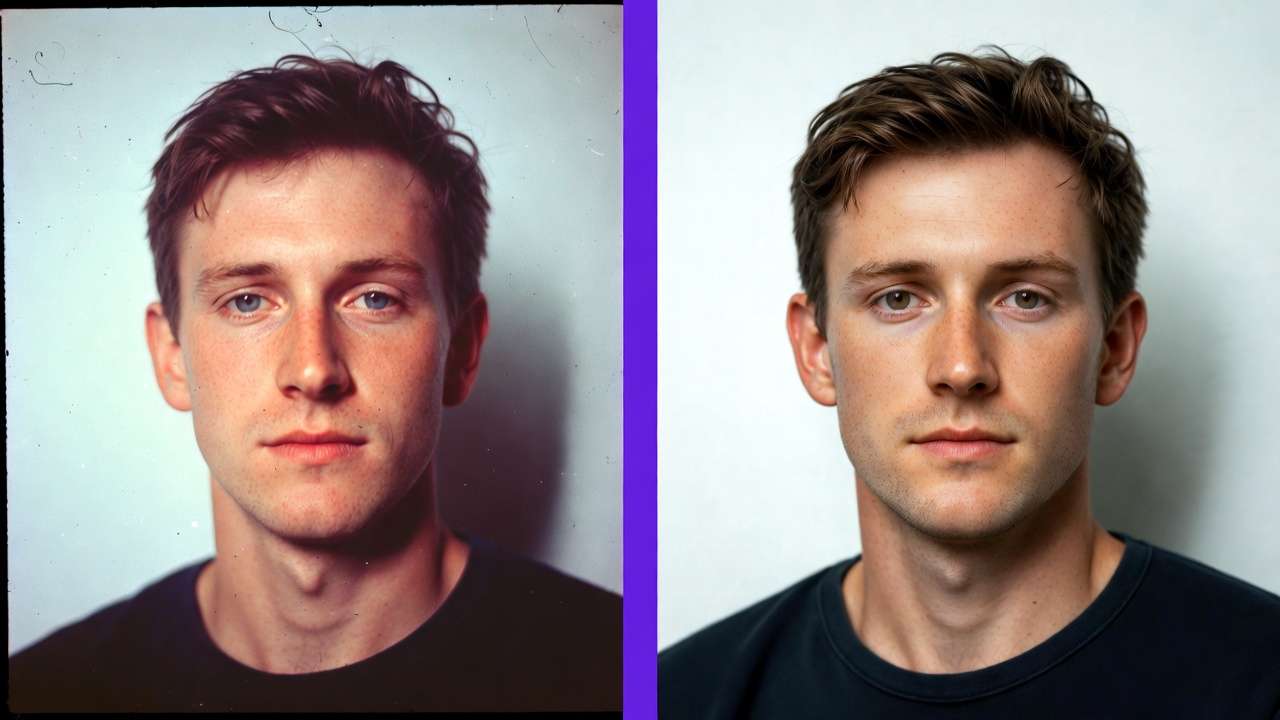
Standalone Midjourney's remix is image-focused; Cliprise layers dedicated post-production. Recraft automates backgrounds, Topaz elevates videos, and edits integrate with generated assets. Iterative edits proceed post-email verification and available credits.
These tools enable precision: upscale an approved image, edit via Qwen, then video-extend with Kling. Such modularity suits agencies handling client revisions without repeated tool exports.
Platforms and Availability
Cliprise prioritizes mobility with iOS and Android apps, supplemented by web PWA. Midjourney remains separate; Cliprise routes available model workflows through its own app surfaces.
Mobile enables field creation; iOS handles audio sharing with permissions. The web at cliprise.app funnels to app.cliprise.app via model-specific CTAs, ensuring broad reach.
Cross-platform sync via accounts unifies sessions, vital for remote teams toggling devices.
Pricing and Credit System
Credits govern Cliprise: signup bonus + daily resets via n8n, monthly subs, one-time buys. Free: 30 credits once at signup, then 10 credits/day (non-cumulative daily refill), 1 video where applicable, public outputs. Paid unlocks higher credits, premium models, privacy.
Available Cliprise model usage deducts from unified credits. Midjourney usage is separate on Midjourney's own platform. Enterprise tiers gate API and white-label options. Review current pricing before planning volume.
This system incentivizes measured use, aligning costs with output volume across models.
Free Tier Limitations
Free access starts with 30 signup credits, then caps ongoing refill at 10 credits/day, plus included video use where applicable and public visibility for some creations. Premiums prompt upgrades; unverified emails or low credits block runs.
These guardrails encourage scaling while sampling variety.
User Controls and Reproducibility
Controls span prompts, aspect/duration (5s/10s/15s), seeds (Veo 3, Sora 2 supported), negatives, CFG. Outputs vary; no guarantees on time or internals. Partial: multi-image refs, style/video extensions.
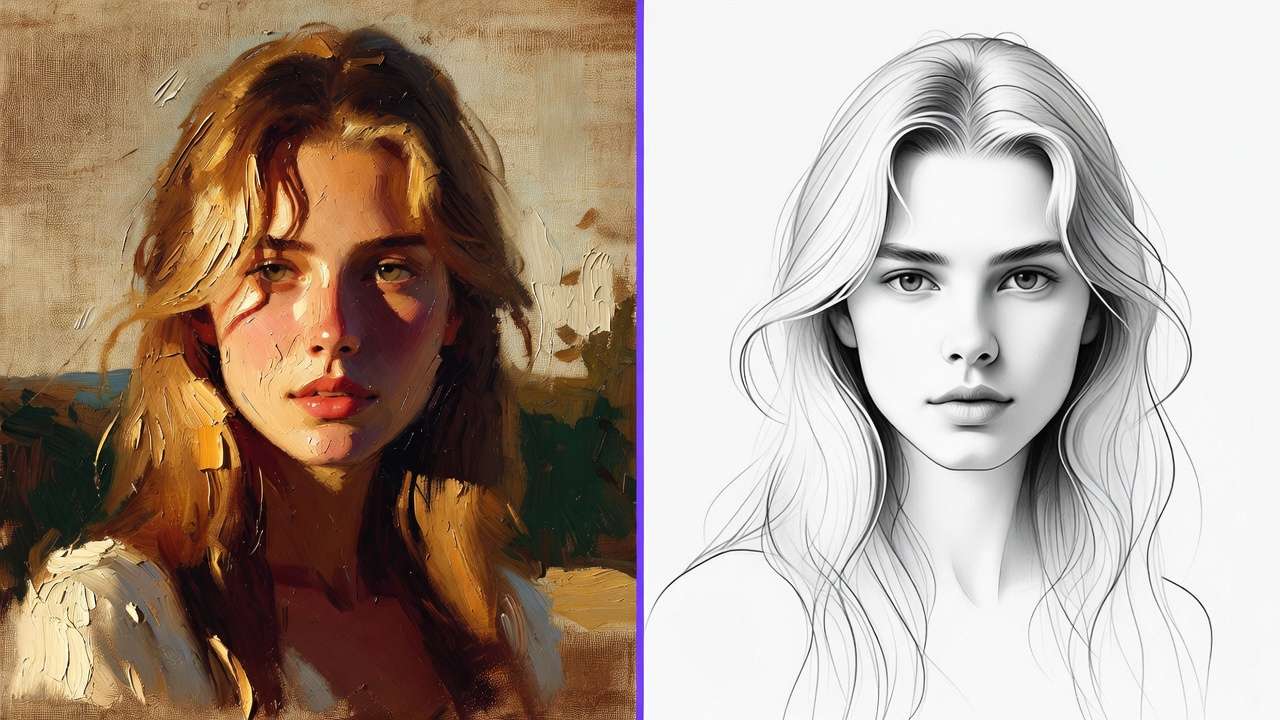
Reproducibility aids prototyping where supported, though model quirks introduce variance.
Community and Sharing Features
App features include feeds, profiles, downloads, reporting. Free defaults to public, fostering discovery.

Enterprise Options
Business and Enterprise plans restrict API and white-label options. Midjourney remains outside the native Cliprise model catalog.
Limitations and Constraints
Universal: credits, queues (free:1, paid:5), resets, no carryover. Free video cap; desktop gaps; Veo 3.1 audio ~5% unavailable; IP/disposable email blocks.
Midjourney alternatives inherit Cliprise workflow constraints when used inside Cliprise.
Use Cases Comparison
| Use Case | Cliprise (with Midjourney alternatives) | Standalone Midjourney |
|---|---|---|
| Static Images | 7+ models (Flux 2, Imagen 4, Seedream, etc.) | Image specialization |
| Video Production | 8+ models (Veo 3, Sora 2, Kling, etc.) | None |
| Editing Pipelines | Image/VideoEdit (Qwen, Topaz, Recraft) | Remix only |
| Mobile Creation | iOS/Android apps + PWA | Cliprise-dependent |
| Multimodal Workflows | Voice/ElevenLabs + upscaling | Images only |
| Enterprise | API/white-label (paid) | N/A |
Related Articles
- Cliprise vs Leonardo AI Platform Comparison
- Single vs Multi-Model Platforms Complete Guide
- Best Image Generators on Cliprise Complete Guide
- Multi-Model AI Workflows
- Cliprise vs Runway: Video Generation Platforms Compared
- Why 47 AI Models Beat One: The Case for Multi-Model Platforms Over Dedicated Tools
Conclusion
Cliprise gives creators a multi-model ecosystem spanning images, video, voice, and editing under credits, while Midjourney remains a dedicated external image-generation tool. Standalone Midjourney prioritizes depth in one area, but Cliprise's aggregation suits broader creative workflows. The trade-off is specialization versus workflow integration.