Users navigating AI video generation encounter fragmented access, with top models like Runway Gen4 Turbo demanding separate subscriptions and interfaces from competitors such as Veo or Sora (compare Veo vs Sora). For platform strategy insights, see our single vs multi-model platforms guide. Cliprise addresses this as an ai video generation platform by aggregating nine third-party video models-including Runway Gen4 Turbo-into a single platform with unified credits, while Runway maintains a proprietary ecosystem limited to its own tools - no free ai image creator path included. To use Cliprise’s aggregated video workflow in the product, start from the AI Video Generator page.
Executive Summary
Cliprise operates as a multi-model AI platform integrating third-party providers for video generation, editing, images, and voice synthesis. Its VideoGen section includes Runway Gen4 Turbo alongside Veo 3, Veo 3.1 Quality, Veo 3.1 Fast, Sora 2, Kling 2.5 Turbo, Wan 2.5, Hailuo 02, and ByteDance Omni Human. Users access these through one interface and credit system. Runway provides its Gen4 Turbo for generation and Aleph for editing, without external integrations. For reference-driven character animation and replacement-style motion transfer inside Cliprise's own stack, see Wan Animate alongside Runway's tools.

Key comparison points cover model variety (nine in Cliprise VideoGen), credit consumption across plans, multi-platform availability (iOS, Android apps, web PWA), ai video editing software capabilities, and limits like queue concurrency. Product data verifies Runway Gen4 Turbo's presence in Cliprise VideoGen, with defined pricing for credit usage. This analysis draws solely from confirmed specifications, focusing on access, systems, and features.
Platform Overviews
Cliprise aggregates 47 third-party AI models across categories, managed via a unified credit system that deducts based on model requirements. Access occurs through native iOS and Android apps, plus web PWA. Video generation pulls from a backend-fetched model list via PocketBase, with processing through managed queues.
Runway centers on its proprietary video tools. Cliprise incorporates Runway Gen4 Turbo into VideoGen and Aleph into VideoEdit, allowing use without a Runway account. This aggregation creates a hub for switching models seamlessly, unlike Runway's isolated environment. Integrations extend to mobile apps and web, with model pages (26 total, categorized at /models) detailing specs and linking to app.cliprise.app.
Cliprise backend supports prompt enhancement via n8n workflows, token tracking in PocketBase, and daily free-tier resets. Community tools include feeds, public profiles, media downloads, IP rate limiting, disposable email blocks, and content reporting. Runway models benefit from these, including seed controls for repeatability on supported options.
Video Model Availability
Cliprise VideoGen lists nine models explicitly: Veo 3, Veo 3.1 Quality, Veo 3.1 Fast, Sora 2, Kling 2.5 Turbo, Wan 2.5, Hailuo 02, Runway Gen4 Turbo, and ByteDance Omni Human. Availability toggles per model in the database. Runway Gen4 Turbo handles generation, paired with Aleph in VideoEdit.
Runway supports only its internal models, excluding options like Veo or Sora. Cliprise's lineup spans providers: Google DeepMind (Veo), OpenAI (Sora 2), Kuaishou (Kling), Alibaba (Wan), Hailuo, Runway, and ByteDance. The /models index and dedicated pages provide specs, use cases, and app launch links.
VideoEdit expands with Runway Aleph, Luma Modify, and Topaz Video Upscaler. This range accommodates workflows from short clips (5s/10s/15s durations) to longer sequences, enabling side-by-side testing of speed versus quality variants.
Pricing and Credit Systems
Cliprise offers five tiered plans-Free, Starter, Pro, Business-monthly or yearly. Credits allocate per plan and consume based on model rates, shared across video, image, and voice tools. Free accounts receive 30 signup credits once, then daily allotments (up to 10 credits per 24-hour reset) with one included video generation limit where applicable. Paid plans provide monthly credits (no carryover), one-time purchases, and auto-top-up.
Runway models follow the same structure, avoiding separate payments. Lower-cost models yield more outputs per credit; premium variants consume more. Business plans add API access and white-labeling. Queue concurrency rises with tiers (1 for Free, up to 5 for paid). Requirements include verified email and balance; unused credits reset monthly.
Generation Controls and Parameters
Cliprise standardizes controls for VideoGen models like Runway Gen4 Turbo: text prompts, aspect ratios, durCFG scales/10s/15s), seeds, negative prompt strategies, and CFG scale. Select models support multi-image references, style transfer, or extensions. Outputs depend on model-repeatable via seeds (e.g., Veo 3, Sora 2) or variable otherwise.
Processing times vary by queue and load; no fixed guarantees. Features like Veo 3.1 audio show minor unavailability (~5%). n8n enhances prompts pre-submission, with token previews. This consistency simplifies transitions between Runway Gen4 Turbo, Kling 2.5 Turbo, or others.
Runway's native parameters align in integration, augmented by Cliprise's cross-model uniformity, including negative prompts and adaptable ratios.
Editing and Upscaling Capabilities
Cliprise VideoEdit integrates Runway Aleph, Luma Modify, and Topaz Video Upscaler for post-generation refinement. ImageEdit covers Qwen Edit, Ideogram V3/Character, Recraft Remove BG. Pro Image Editor adds layers, masking, filters; Universal Upscaler hits 8K; tools include AI Background Remover and AI Logo Generator.
Workflows chain Runway Gen4 Turbo generation to Aleph editing and Topaz upscaling, with credits per step per pricing data.
Platform Accessibility and Apps
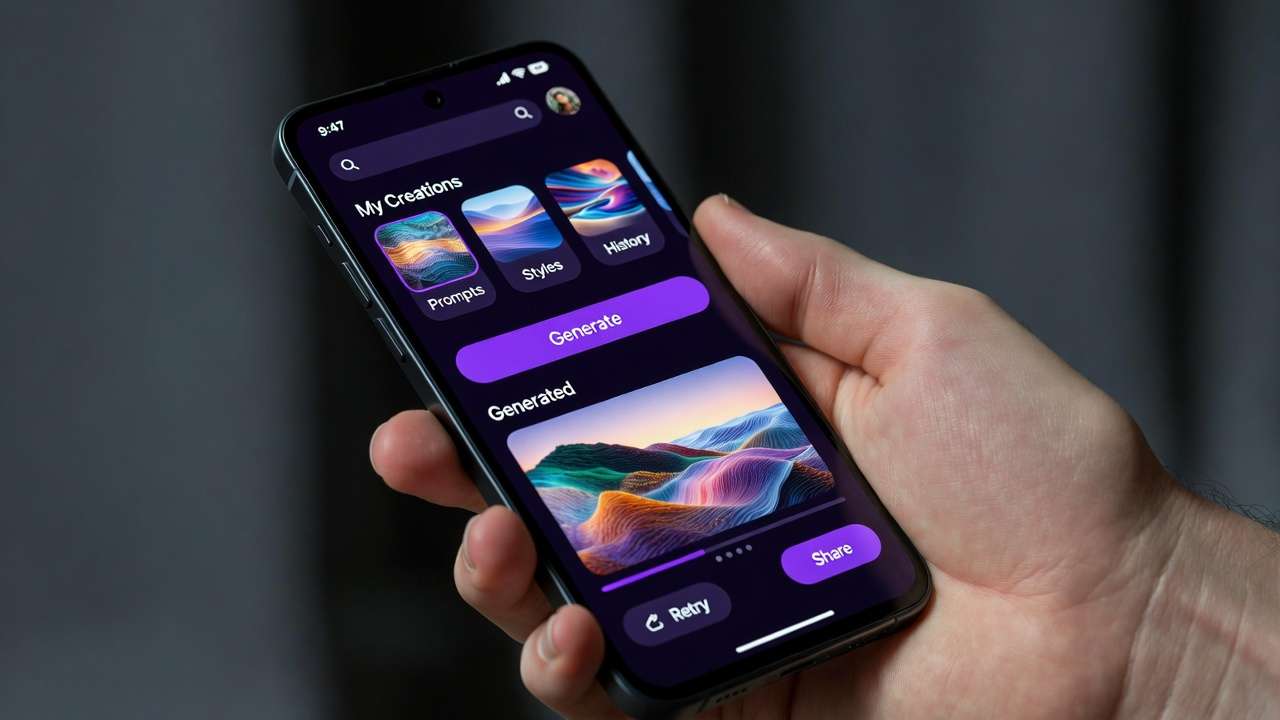
Cliprise delivers via iOS app (Firebase ID 12283057410), Android (ID 12282997909), and web PWA (cliprise.app, Next.js 14). The marketing site features pricing, a learn hub (20+ MDX guides), blog (/news), and model pages. Mobile apps handle queue monitoring, generation, sharing (iOS audio permissions apply).
Runway emphasizes web access; Cliprise extends models like Gen4 Turbo to mobile. Additional elements: community feed, profiles, downloads, reporting, GDPR cookie consent (EU geo-detection), partial GA4 tracking.
Free Tier and Limitations
Free tier: 30 signup credits once, then 10 credits/day max per 24h reset, one video per day where applicable, public outputs, and premium model restrictions. Verified email required; no generation without credits. Paid tiers enable concurrency, privacy, and full access.
Use Cases and Workflow Integration
Users browse /models for specs and use cases, then launch via CTA to app.cliprise.app. Select model, set controls, submit to queue. n8n refines prompts; states track progress. Seamless swaps-like Runway Gen4 Turbo to Sora 2-support iteration via seeds and negatives.
This suits creators testing providers, marketing teams building hybrid content, and enterprises leveraging API/white-label options.
Performance and Reliability Notes
Queues scale by plan (Free: 1 concurrent; paid: higher). Internal monitoring resolves stuck jobs. Model toggles maintain availability. Free outputs default public (per FAQ); paid stay private.
Pros and Cons Table
| Aspect | Cliprise (with Runway) | Runway Native |
|---|---|---|
| Model Variety | 9 video models including Runway Gen4 Turbo | Proprietary suite only |
| Pricing Entry | Tiered plans starting from Free | Standalone |
| Mobile Access | Native iOS/Android/web PWA | Web primary |
| Credits | Unified system, daily Free reset | Model-specific |
| Limits | Plan-based queues/credits | N/A |
| Editing Tools | Runway Aleph, Luma, Topaz integrated | Native editing suite |
| Controls | Standardized prompts/seeds across models | Proprietary parameters |
Additional Considerations: Image and Voice Integration
Beyond video, Cliprise ImageGen includes Flux 2, Midjourney alternatives, Imagen 4, Seedream variants, Qwen, Nano Banana. Voice uses ElevenLabs TTS. Shared credits enable pipelines: Sora 2 video, Topaz upscale, ElevenLabs audio. Runway omits this scope; Cliprise's 47+ models support full media workflows.
The learn hub (/learn) provides 20+ tutorials on prompts and controls; blog (/news) tracks updates. Referral program details live on /referrals; the creator program uses an application flow.
Scalability for Enterprise
Business/Enterprise plans include API and white-labeling. Paid tiers suit production; Free limits critical use. Referral tracking and resets aid growth.
Future Outlook Based on Current Data
Cliprise's PocketBase toggles position it for model additions. Runway integrations avoid silos. Users balance variety against specialized depth.

Related Articles
- Runway Gen-3 vs Kling Performance Comparison
- Hailuo vs Runway Real-World Use Cases
- Single vs Multi-Model Platforms Complete Guide
- top AI video models for 2026
Cliprise delivers confirmed access to Runway Gen4 Turbo within nine video models, unified credits, and multi-platform support. Review /models for full details.