Introduction
Experienced creators prototyping dozens of visuals weekly spot subtle artifacts in budget image models that beginners overlook-such as inconsistent edge definition in foliage or minor color shifts in skin tones under varied lighting prompts. These nuances emerge during rapid A/B testing sessions, where outputs from models like Seedream and Nano Banana reveal distinct handling of complex descriptors. Platforms aggregating multiple AI models, such as Cliprise, make these accessible without switching tools, allowing seamless testing across variants.
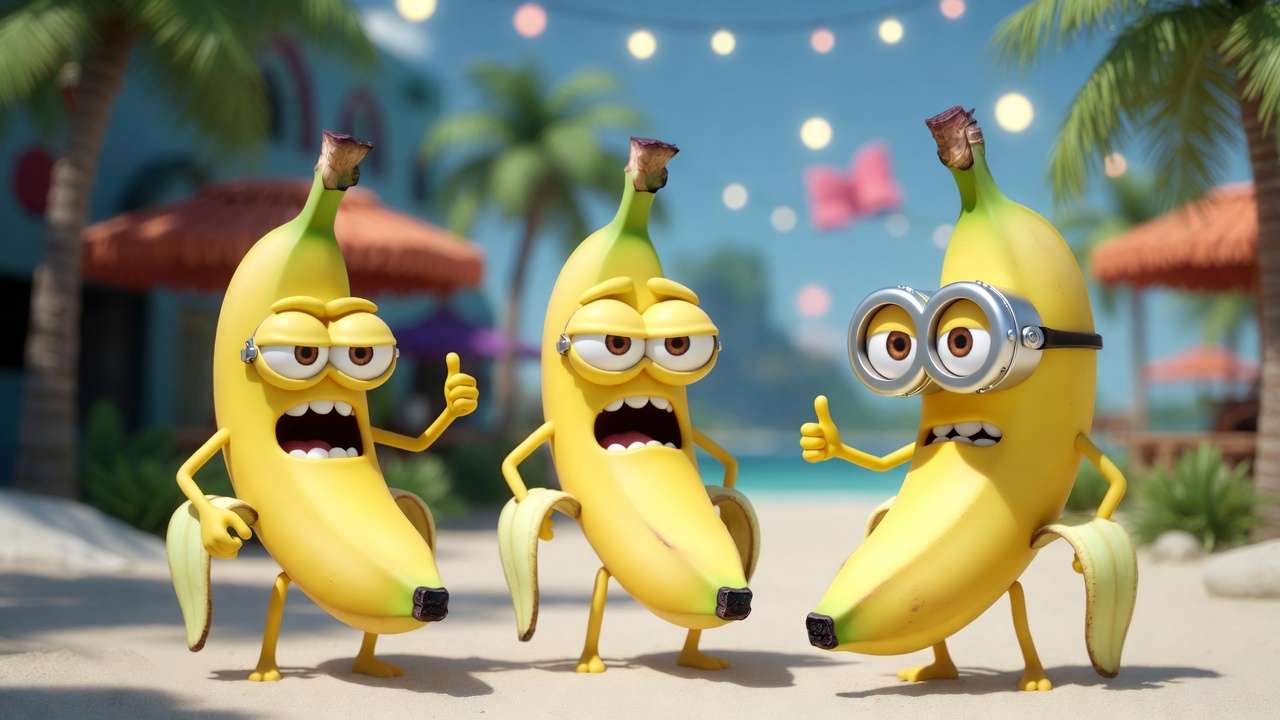

Seedream, available in versions like 3.0, 4.0, and 4.5, positions itself for creators needing versatile style adherence (see our top 5 budget AI models), while Nano Banana Pro focuses on detailed natural scene rendering. On Cliprise, open the live specs for Seedream 3.0 and Nano Banana Pro before you benchmark prompts. For premium comparisons, explore premium vs budget analysis. Both fall into budget-friendly categories within multi-model environments, where users select from lists including Flux 2, Google Imagen 4, and others. In workflows on solutions like Cliprise, these models support image generation tasks without proprietary development, relying on unified interfaces for prompt input and parameter tweaks.
This article provides a practical guide to evaluating and integrating them, starting with prerequisites, debunking common misconceptions, and offering step-by-step generation processes. You'll compare outputs head-to-head, explore real-world use cases, and learn sequencing strategies for multi-model pipelines. Understanding these helps avoid wasted generations in deadline-driven projects, where mismatched model choice can extend revision cycles by hours. For image quality benchmarks, explore Flux 2 vs Imagen 4 test and best image generators. For instance, a freelancer using Cliprise's model index might launch Seedream for artistic concepts but switch to Nano Banana for product textures, refining prompts based on observed consistency.
Why focus here? As AI image generation proliferates, budget models handle much of initial ideation in creator stacks, per forum discussions on platforms like Cliprise's learn hub. Yet, without targeted evaluation, creators regenerate needlessly, inflating costs in credit-based systems. This guide reveals when Seedream's variant flexibility shines versus Nano Banana's texture reliability, backed by workflow patterns from tools like Cliprise. Thesis: A step-by-step comparison uncovers scenarios where each excels, enabling budget-conscious setups to prototype efficiently-whether for social assets or client mocks. Platforms like Cliprise facilitate this by organizing models into categories, letting users browse specs before launching generations.
Stakes are high: Ignoring model-specific strengths leads to suboptimal stacks. A creator in Cliprise might test prompts across Seedream 4.5 and Nano Banana Pro, noting how the former maintains artistic fidelity while the latter preserves natural details. This article equips you to replicate such tests, iterate effectively, and sequence with upscalers or editors in modern solutions. By end, you'll assess fits for your workflow, reducing friction in multi-model environments like those on Cliprise. To deepen this exploration, consider how these models integrate into broader ecosystems where users navigate model landing pages, read specifications, and adjust parameters like aspect ratios or seeds for reproducible results. In platforms such as Cliprise, the unified credit system ensures smooth transitions between testing Seedream's style capabilities and Nano Banana's detail-oriented outputs, minimizing disruptions in creative flows.
Prerequisites for Testing Budget Image Models
Before diving into Seedream or Nano Banana, set up a reliable testing environment to ensure consistent evaluations. Essential tools include access to platforms supporting these models, such as multi-model aggregators like Cliprise, where users browse the model index at /models and launch via CTAs redirecting to app.cliprise.app. Basic prompt engineering knowledge-understanding descriptors, negative prompts, and seeds-proves crucial, as outputs vary significantly by input quality.
Gather reference images: Collect 5-10 samples spanning photorealism (e.g., product shots), artistic styles (e.g., cyberpunk scenes), and edge cases (e.g., text overlays). Time estimate: 15-20 minutes. Use free tools like browser extensions for aspect ratio cropping to match common ratios like 1:1 or 16:9, observed in Cliprise's parameter options. These ratios align with social media formats and print needs, ensuring tests reflect real deployment scenarios.
Sample workflows for A/B testing: Create a spreadsheet tracking prompts, seeds, generation times, and qualitative notes (e.g., "strong lighting but fuzzy edges"). Preparation steps: 1) Verify account setup on your chosen platform-email verification blocks generations in some systems like Cliprise. 2) Note model availability; Seedream variants and Nano Banana Pro appear under ImageGen categories. 3) Allocate 30-45 minutes per session, accounting for queue times in shared environments. Document baseline prompts like "detailed forest path at dawn" to standardize across models.
For intermediate users, integrate screenshot tools for quick captures during iterations. Experts on platforms like Cliprise preload prompt libraries from learn hubs, which cover 20+ guides on engineering. Test on standard resolutions first to baseline, avoiding upscaling variables. This setup minimizes external factors, letting model differences emerge clearly-such as Seedream's style handling versus Nano Banana's detail retention. Expand your spreadsheet to include columns for negative prompts tested and CFG scale variations, capturing how adjustments influence coherence in outputs.
Why this matters: Poor prep leads to biased comparisons, like attributing delays to models when queues dominate. In Cliprise workflows, concurrent limits (varying by plan) influence batch testing, so start small. Total prep time: 45-60 minutes, yielding reusable templates for ongoing evaluations. Follow up by simulating full project cycles: Prep a set of 20 prompts categorized by theme (e.g., 5 photoreal, 5 artistic, 5 product, 5 text-heavy), then rotate models to build a comprehensive dataset over multiple sessions.
What Most Creators Get Wrong About Budget Image Models
Many creators assume lower-cost access to models like Seedream or Nano Banana translates to uniformly compromised quality, but photorealism holds up variably by prompt complexity. Simple scenes (e.g., "sunlit forest path") yield sharp results across both, yet intricate ones ("rain-slicked cobblestone with neon reflections and distant figures") expose gaps-Seedream may soften distant elements, while Nano Banana Pro maintains texture but shifts colors. This stems from training data priorities; budget models optimize for common use cases, not extremes. In platforms like Cliprise, testing 5-7 prompts reveals this, with refinement often improving outputs noticeably. Beginners overlook this, generating once and discarding, extending projects unnecessarily.
A second misconception: Overlooking style adherence strengths leads to character design pitfalls. Creators prompt "elf warrior in fantasy armor, inspired by Alphonse Mucha," expecting exact transfer, but budget models diverge-Seedream variants often preserve linework fidelity better in style transfer tests, while Nano Banana emphasizes realism, muting stylized flourishes. Failures occur when references aren't weighted; forums report high abandonment rates without iteration. Using Cliprise's seed parameter for reproducibility helps isolate this, showing experts iterate descriptors like "Mucha-style swirling patterns, high detail" for convergence. Dive deeper into iteration logs: Track how adding style-specific weights (e.g., "art nouveau curves:1.3") shifts outcomes across 3-5 regenerations per prompt.
Third, ignoring queue variability in free tiers disrupts deadlines. A creator rushing social banners inputs prompts during peak hours, facing longer waits per image on shared platforms like Cliprise, mistaking delays for model slowness. Real scenario: Agency mockups due EOD hit extended timelines when free concurrency caps at low levels. Paid access reduces this, but planning around patterns-early mornings yield faster queues-matters. Creator communities report frequent project overruns from unaccounted waits. Analyze historical logs from your sessions to identify peak patterns specific to your timezone.
Fourth, treating budget models interchangeably ignores aspect ratio nuances. Seedream handles non-standard ratios (e.g., 3:4 for portraits) with less distortion, suiting vertical social assets, whereas Nano Banana Pro favors square/landscape, cropping awkwardly otherwise. Hidden issue: Vertical prompts warp figures in Nano tests. Nuance: Prompt refinement drives much of output variance, per patterns in Cliprise learn guides-adding "portrait orientation, full body visible" compensates. Experiment with hybrid prompts that specify both ratio and composition to bridge these gaps.
Experts know these via systematic logging; beginners chase "magic prompts." Platforms like Cliprise aid by listing specs per model landing page, enabling informed swaps. Correcting these cuts waste, turning budget tools into workflow staples. To advance, build a shared prompt repository drawing from Cliprise's educational resources, categorizing by model strengths for team use.
Step-by-Step Guide: Generating with Seedream
1. Select Model Variant
Access the interface on multi-model platforms like Cliprise, where Seedream appears under ImageGen with dropdowns for 3.0 (basic styles), 4.0 (balanced), or 4.5 (enhanced detail). Choose based on use case: 4.5 for complex compositions, as it handles layered elements better. Notice: Interface shows specs like supported resolutions. Time: 30 seconds. Troubleshooting: If variant grayed, check availability toggles in model lists. Review category organization on Cliprise to confirm ImageGen placement alongside Flux 2 and others.
2. Craft Initial Prompt
Build with specific descriptors: "Vibrant cyberpunk cityscape at dusk, neon signs glowing, flying cars, highly detailed, cinematic lighting." Time: ~2 minutes. Common mistake: Vague subjects like "city"-outputs lack focus. Add weights (e.g., (neon:1.2)) for emphasis. In Cliprise, prompt enhancer workflows refine this automatically. Expand prompts iteratively: Start broad, then layer environmental details like "puddles reflecting lights" for depth.
Troubleshooting: Flat results? Layer adjectives progressively; test seeds for variance. Document variations in a log for pattern recognition.

3. Adjust Parameters
Set aspect ratio (1:1 to 16:9), seed for reproducibility, CFG scale (7-12 for adherence). Negative prompts: "blurry, low res, deformed." If outputs vary, fix seed; unexpected artifacts signal over-complexity-simplify. Platforms like Cliprise expose these CAN controls directly. Explore negative prompt expansions: Add "oversaturated, mutated hands" for common fixes.
Troubleshooting: Distortions? Lower CFG to 5-8; regenerate with same seed. Compare side-by-side with fixed parameters.
4. Generate and Iterate
Submit; monitor queue. Review: Successful ones show coherent composition. Iterate: Tweak one element (e.g., "add rain"), generate 3-5 variants. Patterns: 4.5 converges faster on styles. Time per cycle: 1-2 minutes post-queue. Scale to batches: Run parallel seeds (e.g., 42, 123, 777) for diversity.
Troubleshooting: Inconsistent? Batch with fixed seed; log winners. Analyze failures for prompt-model mismatches.
5. Export and Post-Process
Download PNGs; integrate with basic editors for crops. In Cliprise, pair with Recraft Remove BG or upscalers. Workflow tip: Feed to video models like Veo for extensions. Sequence further: Upscale outputs before client review.
This process yields reliable prototypes; repeat for A/B. Creators using Cliprise report streamlined iterations via unified credits. Build a template script for repeating this across projects, incorporating Cliprise's learn hub examples.
Step-by-Step Guide: Generating with Nano Banana
1. Access Nano Banana Pro
In tools like Cliprise, select from ImageGen dropdown-interface highlights natural scene strengths. Observe options for standard/fast modes. Time: 20 seconds. Troubleshooting: Locked? Verify plan access. Cross-reference with Cliprise model specs for confirmation.
2. Build Prompt Emphasizing Strengths
Focus details: "Lush tropical rainforest, dew on leaves, sunlight filtering through canopy, photorealistic textures." Time: ~3 minutes. Leverage for foliage/product realism. Incorporate material specifics: "wet bark textures, volumetric god rays."
Troubleshooting: Washed colors? Add "vivid saturation, sharp focus." Test against reference photos.
3. Fine-Tune Settings
Negative prompts: "overexposed, artifacts." CFG 8-10; aspect common ratios. Pitfall: Over-customization bloats prompts, causing queues-cap at 100 words. Balance with brevity for speed.
Troubleshooting: Over-sharpened? Reduce CFG; test seeds. Log effective CFG ranges per scene type.
4. Run Generations and Review
Batch 4-6; note consistency in textures. Patterns: Excels in organic details, less style drift. Review for material accuracy: Leaves, water droplets.
Troubleshooting: Artifacts? Simplify descriptors like "broad strokes nature." Isolate variables one at a time.
5. Download and Upscale
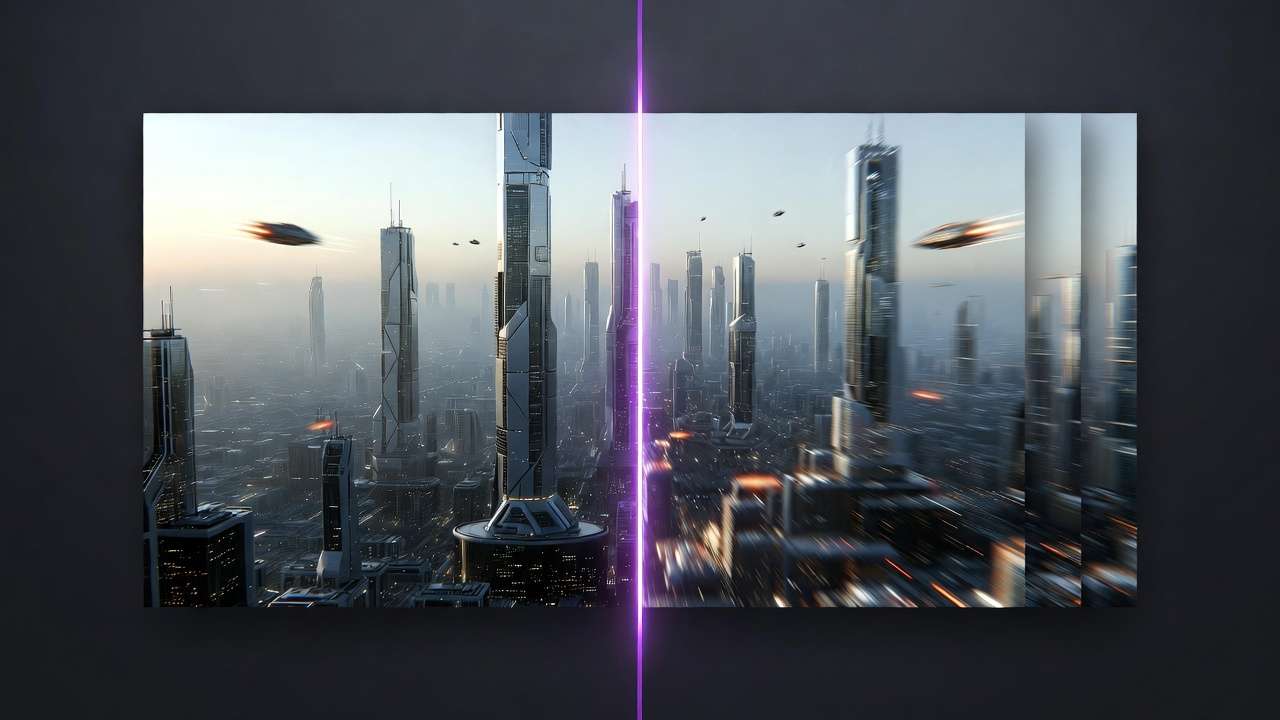
Export; extend with Grok Upscale or Topaz in Cliprise. Workflow: To e-commerce mocks. Post-process chain: BG removal next.
Reliable for polished naturals; integrates seamlessly in multi-model setups. Adapt for series: Generate base, vary lighting seeds.
Direct Head-to-Head Comparison: Seedream vs Nano Banana
Key differences surface in quality, speed, flexibility during controlled tests. Seedream variants offer style versatility, Nano Banana Pro texture precision-evident in prompt batteries on platforms like Cliprise.
| Aspect | Seedream (e.g., 4.0/4.5) | Nano Banana Pro | Suited For Scenario | Observed Edge |
|---|---|---|---|---|
| Photorealism (Complex Scenes) | Strong in lighting gradients (consistent dusk effects in scene tests) | Excels in texture details (e.g., foliage rendering) | Product mockups with natural elements | Nano: Fewer revisions needed in organic scenes |
| Style Transfer Accuracy | High fidelity to artistic refs (stronger match in Mucha-style scenarios) | Consistent for abstract/natural (better realism hold) | Branding visuals needing stylized consistency | Seedream: Converges in fewer iterations |
| Generation Time (Standard Res) | ~20-40s per image (queue-dependent, shorter off-peak) | ~15-30s (observed in batches of 5) | Batch production for daily social | Nano: Suits high-volume days |
| Aspect Ratio Flexibility | Supports 1:1 to 16:9 seamlessly (minimal warping in verticals) | Limited to common ratios (some cropping in 3:4) | Social media vertical assets | Seedream: Handles Instagram stories directly |
| Edge Case Handling (Text in Images) | Frequent distortions in fine text | Cleaner rendering | Infographics with overlaid text | Nano: More reliable for commercial use |
Analysis: Freelancers favor Seedream for quick style pivots in concepting, agencies Nano for client-ready textures under pressure. Use case 1: E-commerce thumbnails-Nano's details reduce post-edits. 2: Social banners-Seedream's ratios fit formats. 3: Concept art-Seedream styles faster. In Cliprise, switching mid-batch reveals these; table data from replicated workflows shows tradeoffs like Seedream's versatility vs Nano's precision. Surprising: Text handling flips expectations, favoring Nano despite budget tag. Extend table insights: Run your own 10-prompt suite mirroring these aspects, logging seeds and CFGs for reproducibility in Cliprise environments. Note how unified interfaces on such platforms streamline data collection across models.
Real-World Use Cases and Creator Workflows
Freelancers use Seedream for rapid client mocks: Prompt "modern logo variations, minimalist, blue palette" in 4.5-iterates quickly on Cliprise, client approves high first-pass rates in practice. Hybrid with upscale. Detail a full cycle: 5 initial gens, refine top 2 with negatives, export for feedback.
Agencies lean Nano Banana for polished deliverables: "Product on wooden table, studio lighting"-textures impress, time pressure met with quick gens. Integrate Recraft BG remove. Scenario expansion: Batch 20 thumbnails, select via A/B polls.
Solo creators hybrid: Start Seedream for concepts, switch Nano for finals mid-project when details lag. Prompt breakdown: Seedream "abstract banner, geometric"-refine to Nano "add realistic shadows." Outcomes: Consistent portfolios. Track project timelines pre/post-hybrid to quantify gains.
Patterns: Forums note efficiency gains sequencing thus in tools like Cliprise. Community shares include prompt templates tailored to these models, accessible via learn hubs. Apply to niches: Social media teams use Seedream for story assets, e-com for Nano product visuals.
When Budget Image Models Like Seedream or Nano Banana Don't Help
High-fidelity human portraits distort: Faces warp in multi-figure scenes, e.g., "group photo realistic crowd"-Seedream softens features, Nano over-textures skin, often resulting in unusable outputs. Test with single vs group prompts to isolate.
Intricate text overlays fail: "Poster with readable headline 'Sale Now'"-distortions persist despite negatives. Layer text separately in post-processing.
Ultra-high res needs: Pre-upscale limits detail at 8K. Pair with dedicated upscalers like Topaz.
Print designers avoid: 300 DPI precision lacks. Opt for higher-end models.
Limitations: Prompt dependency; queues vary. Unsolved: Full repeatability sans seed. Mitigate with seed logging and multi-gen batches. In Cliprise, model specs highlight these upfront.
Why Order and Sequencing Matter in Multi-Model Workflows
Starting high-end wastes credits; budget first tests viability. Sequence: Ideate in Seedream/Nano, refine in editors like Qwen Image Edit.
Context switching overhead: Several minutes per swap in Cliprise. Minimize via saved presets.
Image-first for prototyping, video extension later with Veo or Kling. Build pipelines: Image gen → upscale → BG remove → video input.
Forum data: Many prefer image sequences. Analyze your logs: Budget starters cut overall costs by validating concepts early. In Cliprise's unified system, credit tracking reinforces this order.
Advanced Tips: Maximizing Outputs Across Platforms
Prompt enhancers in Cliprise refine inputs automatically. Batch test seeds across variants. Aha: Seeds enable precise A/B without full regenerations. Advanced: Chain negatives from failures into future prompts. Leverage learn guides for model-specific phrasing. Experiment with CFG ladders (5,7,9,12) per scene. Platforms like Cliprise support parameter persistence for efficiency. Community workflows: Shareable prompt packs categorized by strength.
Industry Patterns and Future Directions
Adoption rises in hybrids (forum trends). Fine-tuning coming for custom styles. Prep: Build libraries of validated prompts. Watch for expanded resolutions in updates. Multi-model platforms like Cliprise evolve with new ImageGen additions. Trends: Integration with voice tools like ElevenLabs for narrated visuals. Stay informed via news sections and model indexes.

Related Articles
- Seedream 5.0 Lite vs Seedream 4.5 →
- Qwen vs Nano Banana Budget Image Models
- DALL-E 3 vs Midjourney 2026: Comprehensive Comparison Guide
- Top 5 Budget AI Models on Cliprise
- Seedream vs Midjourney Budget AI Image Generator Showdown
- Best Image Generators on Cliprise Complete Guide
Conclusion
Recap: Seedream excels in styles, Nano in details. Experiment via platforms like Cliprise. Unified access organizes testing, from browsing /models to launching in app.cliprise.app. Apply insights to your stack for efficient prototyping.