Sora 2 vs Runway Gen-4 Turbo: AI Video Generator Comparison 2026
Quick takeaway
Choose Sora 2 if: You need character performance and narrative coherence, durations longer than 10 seconds, text-to-video from scratch, or emotionally driven cinematic scenes.
Choose Runway Gen-4 Turbo if: You need precise camera control, have a reference image for image-to-video, require stylistic consistency across shots, or commercial product showcases with pre-approved visuals.
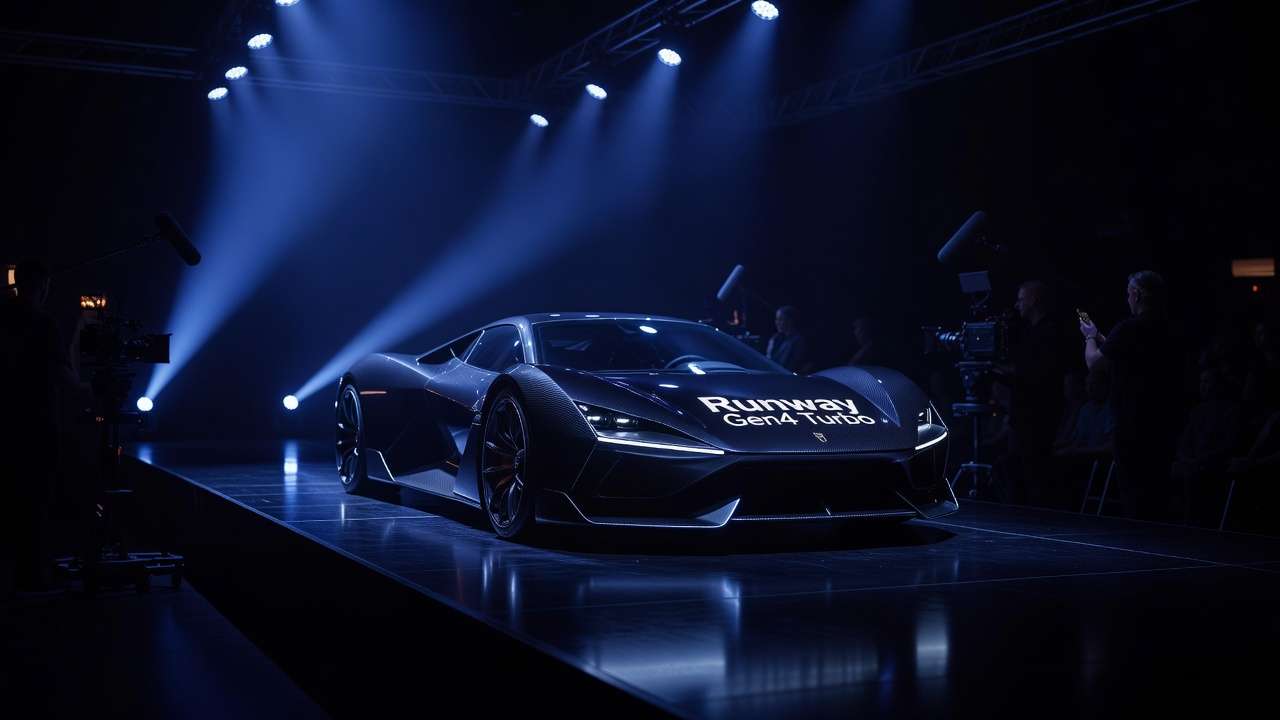
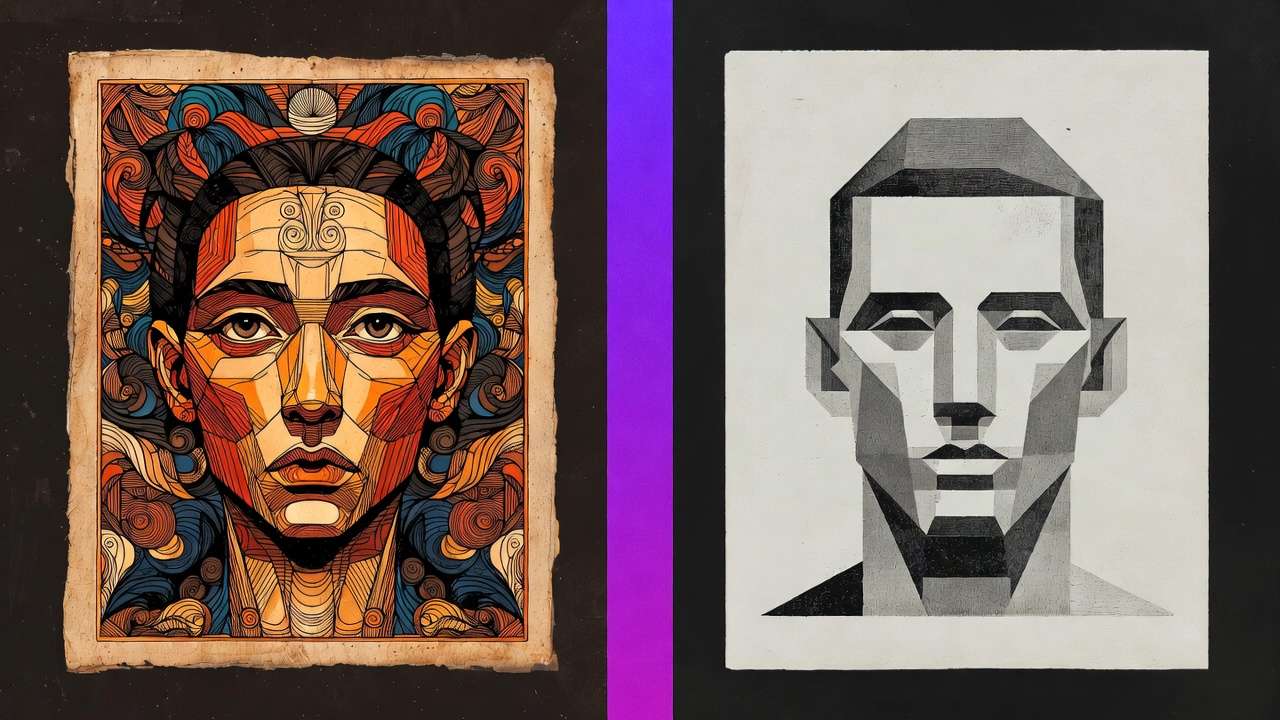
Two models sit at the top of the AI video generation conversation in early 2026: OpenAI's Sora 2 and Runway's Gen-4 Turbo. Both produce broadcast-quality video and are available through Cliprise's AI video generator. For deeper guidance, see the Sora 2 complete guide and Runway Gen-4 Turbo tutorial. Both have massive creator communities. Both cost real credits to use seriously.
But they solve different problems. Sora 2 was built to understand narrative - characters acting over time, emotional arcs, cause and effect. Runway Gen-4 Turbo was built to control motion - transforming static images into precisely animated video where the visual identity comes from your reference, not from the model's interpretation.
This isn't a subtle distinction. It changes how you prompt, what you can expect, and which model serves which project. Here's the full breakdown.
Technical Specifications
The raw numbers as of February 2026:
| Specification | Sora 2 | Runway Gen-4 Turbo |
|---|---|---|
| Max Resolution | 1080p native | 1080p native |
| Max Duration | 20 seconds | 10 seconds |
| Frame Rates | 24fps, 30fps | 24fps, 30fps |
| Native Audio | No | No |
| Primary Input | Text-to-video | Image-to-video + text |
| Aspect Ratios | 16:9, 9:16, 1:1 | 16:9, 9:16, 1:1 |
| Stylization Range | Moderate | Extensive |
| Camera Control | Prompt-interpreted | Precise parametric |
Testing Methodology
This comparison is based on side-by-side testing on Cliprise. Duration tested: 5s, 10s, 15s, 20s (Sora 2) and 5s, 10s (Runway Gen-4 Turbo). Input modes: Text-to-video for Sora 2; image-to-video and text-only for Gen-4 Turbo. Prompt structure: Narrative and action-first prompts for Sora 2; motion-only prompts with reference images for Gen-4 Turbo. Generations compared: 35+ matched prompts across both models.
The standout difference in raw specs is duration. Sora 2's 20-second ceiling is currently the longest single generation available from any major model. Runway caps at 10 seconds but typically produces tighter, more controlled output within that window. For context on how duration affects production planning, see the video duration guide.
Resolution is a draw at 1080p. If your project requires 4K, neither model generates natively at that level - Kling 3.0 is currently the only model offering native 4K. For upscaling strategies, the 4K to 8K enhancement guide covers post-generation workflows.
The Core Philosophy Difference
Sora 2 is a narrative engine. When you write a Sora 2 prompt, you're describing a scene that unfolds over time. The model interprets temporal relationships between actions, understands character motivation within a shot, and maintains coherence across a 20-second generation in ways that other models struggle with past 8-10 seconds. A prompt like "A woman walks into a dimly lit jazz bar, pauses to take in the music, then slowly sits at the corner booth" produces a continuous, believable performance - not three stitched-together actions.
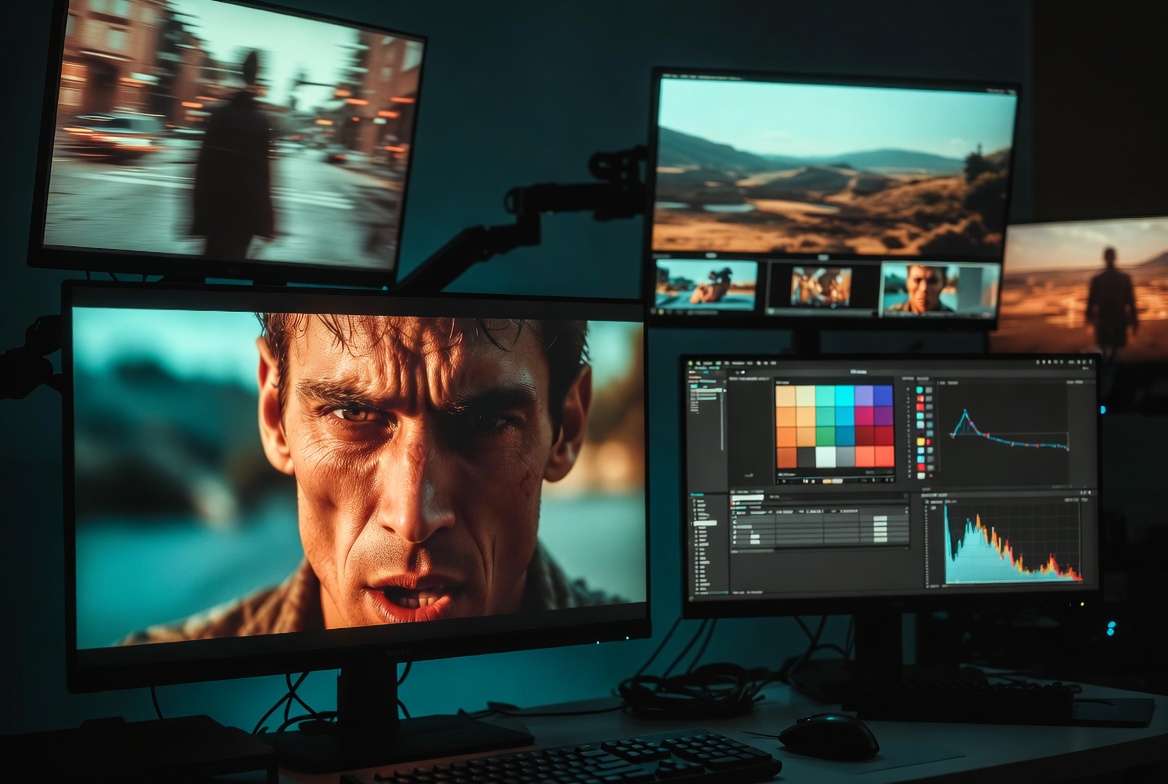
Runway Gen-4 Turbo is a motion engine. You upload a reference image that carries the visual identity - character appearance, environment design, lighting setup, color palette - and then write a prompt describing only how things should move. The model doesn't interpret what the scene should look like; you've already shown it. The model's job is to animate your vision with precise motion control.
This philosophical split means they excel at fundamentally different things.
For the detailed prompting strategies behind each model, see the Sora 2 prompt library and the Runway Gen-4 Turbo prompt library. The advanced prompt engineering guide covers how to adapt prompts when switching between models.
Prompting Strategy: What to Write First
The order of information in your prompt matters because models weight the beginning more heavily.
Sora 2 - Lead with action and character. Sora 2 responds best when the prompt opens with what's happening and who's doing it. Environment and visual properties come second. Camera instructions come last, and Sora 2 interprets them loosely rather than executing them with mechanical precision.
Example prompt structure:
A street musician plays saxophone under a bridge at golden hour. Rain begins falling softly. He closes his eyes and leans back. The camera slowly pushes in from medium shot to close-up on his face.
Sora 2 reads this as a performance with emotional escalation. The rain isn't just a weather element - it's a dramatic beat. The camera push-in isn't just a technical instruction - it's motivated by the emotional shift.
Runway Gen-4 Turbo - Lead with motion only. Your uploaded image already contains the visual story. The prompt should describe nothing except motion, camera movement, and timing.
Example prompt structure:
Slow dolly forward. Subject turns head left to right. Hair moves gently with wind from the right. 5 seconds.
Writing visual descriptions in a Runway Gen-4 Turbo prompt is a common mistake. The model already has the visuals from your reference image. Describing them again in text can create conflicts between the image input and text input, producing inconsistent results.
For a deeper breakdown of model-specific prompt ordering, see the comprehensive prompting guide.
Motion Quality and Camera Control
This is where the models diverge most sharply.

Sora 2's motion is character-driven. Human body movement, facial micro-expressions, gestures, and physical interactions with the environment are Sora 2's strongest territory. A character picking up a coffee cup, taking a sip, and setting it down looks natural and weighted correctly. The physics of fabric movement, hair dynamics, and hand interactions are handled with a sophistication that other models haven't matched for natural human performance.
However, Sora 2 interprets camera instructions rather than executing them mechanically. If you prompt "steady tracking shot," Sora 2 may deliver something closer to a motivated handheld follow, which is often more cinematic but less predictable. You're giving creative direction, not technical specifications.
Runway Gen-4 Turbo's motion is camera-driven. Where Sora 2 understands character performance, Gen-4 Turbo understands cinematography. Dolly, crane, pan, tilt, push, pull - these aren't approximate suggestions. Gen-4 Turbo differentiates between a dolly forward (physical camera movement creating parallax) and a push in (optical zoom with no parallax shift). For creators who need exact camera behavior - commercial production, product showcases, architectural visualization - this precision is the deciding factor.
Character motion in Gen-4 Turbo is more constrained. It handles simple actions well (a model turning, hair blowing, subtle gestures) but complex performance sequences (multi-step actions, emotional transitions, physical comedy) are better served by Sora 2.
The motion control mastery guide breaks down camera movement vocabulary across both models. For frame rate selection and how it affects motion perception, see the frame rate comparison.
Visual Quality and Photorealism
Both models produce professional-grade output, but the visual character differs.
Sora 2 produces footage with a naturalistic, slightly warm quality. Skin tones are rich. Lighting feels motivated and atmospheric. The overall aesthetic leans toward the cinematic - it looks like it was shot by someone who understands dramatic lighting. In direct comparison tests, Sora 2 produces more emotionally engaging footage where human subjects are the focus.
Runway Gen-4 Turbo produces cleaner, more controlled output. Colors are more precise and predictable. The visual character of the output inherits heavily from the reference image, which means you have more direct control over the final look. If your reference image has a specific color grade, Gen-4 Turbo will carry that into the video more faithfully than Sora 2 would from a text prompt alone.
For maximum photorealism, neither model leads the field outright - Veo 3 currently produces the most photographically convincing material rendering. But between these two, Sora 2 wins on atmospheric mood and Gen-4 Turbo wins on visual predictability.
The Veo 3 vs Sora 2 comparison and the Veo/Sora specifications comparison provide additional context on how both stack up against the photorealism benchmark.
Image-to-Video Pipeline: Where Gen-4 Turbo Dominates
The single biggest workflow advantage Runway Gen-4 Turbo holds is the image-to-video pipeline. You generate or source a high-quality starting frame using the best available image model - Midjourney for stylized work, Flux 2 Pro for photographic precision, Imagen 4 for product accuracy - and then use Gen-4 Turbo to bring that frame to life.

This gives you control over the visual foundation before any video generation happens. You can iterate on the starting frame until it's exactly right, then animate it. The separation of visual creation from motion creation is a production methodology that professional creators increasingly prefer because it reduces waste. You're not spending video credits to get the look right - you're spending image credits, which are significantly cheaper.
Sora 2 supports image input but doesn't leverage it with the same fidelity. The reference image influences the output but doesn't lock visual identity the way Gen-4 Turbo does. Sora 2 still interprets and re-renders rather than preserving.
For the complete image-to-video methodology, see the image reference upload guide and the image-to-video vs text-to-video workflow comparison.
Use Case Routing: When to Use Each Model
The practical decision tree for choosing between these two:
Choose Sora 2 when:
- The shot requires character performance (acting, emotion, multi-step physical action)
- You need durations longer than 10 seconds in a single generation
- The scene involves narrative - something needs to happen over time
- You're working from text prompts without pre-made reference images
- You need conversational or emotional human body language
- Your project is social content, storytelling, or cinematic narrative
Choose Runway Gen-4 Turbo when:
- You need precise, reproducible camera movements
- You have a reference image that establishes the exact visual identity
- The project requires stylistic consistency across multiple shots (brand campaigns, series content)
- You need non-photorealistic or highly stylized output (Gen-4 Turbo's stylization range is wider)
- Commercial product showcases where the product image is already approved
- Architecture, interior design, or spatial visualization where camera path matters
Use both when:
- Multi-scene projects where some shots need performance (Sora 2) and others need precise camera control (Gen-4 Turbo)
- Campaign production where hero shots use different techniques than supporting footage
- A/B testing to determine which approach delivers better results for a specific client or deliverable
For broader model routing across all available models, the multi-model workflows guide and the multi-model strategy cover the complete decision framework. The AI video models ranked leaderboard ranks all models by use case.
Cost and Credit Efficiency
Both models consume credits on Cliprise, but the efficiency math differs.
Sora 2's 20-second maximum means you can sometimes get a usable shot in a single generation that would require two Gen-4 Turbo generations (2× 10 seconds) plus editing to stitch. For longer narrative shots, Sora 2 is more credit-efficient.
Gen-4 Turbo's image-to-video workflow is more credit-efficient for getting the look right because you iterate cheaply on the image before spending video credits on motion. The total cost per final deliverable can be lower when the visual needs to be precisely approved before animation.
Fast mode vs quality mode affects both models. For exploration and concept testing, fast mode saves 40-60% of credits. For final delivery, quality mode is worth the premium. The cost optimization guide breaks down credit strategy across both models. For plan comparison, see Cliprise pricing.
How They Compare to Other Models
Sora 2 and Runway Gen-4 Turbo aren't the only options. Understanding where they sit in the broader landscape helps with routing:
- Kling 3.0 offers native 4K and storyboard multi-cut generation - better raw specs than both for resolution-critical work
- Veo 3 leads in photorealism and material rendering - beats both for maximum visual plausibility
- Seedance leads in synchronized audio-video generation - unique capability neither model offers
- Hailuo 02 and Runway Gen-4 Turbo both excel at stylized content, but with different visual personalities
- Kling 3.0 vs Runway Gen-4 Turbo is a separate comparison worth reading if camera control is your primary concern
The complete model comparison and the AI video speed test rank all models across multiple performance dimensions. The premium vs budget model comparison helps with credit allocation strategy.
The Multi-Model Answer
The honest conclusion: neither model is universally better. Sora 2 wins at narrative, character performance, and longer duration. Runway Gen-4 Turbo wins at camera precision, image-to-video fidelity, and stylistic range.
Professional creators don't choose one. They route each shot to the model that handles it best. That routing is only practical when switching between models is frictionless - same platform, same credits, same workflow, same prompt history.
On Cliprise, both models are available in the same interface. Generate a Sora 2 narrative shot, switch to Gen-4 Turbo for the next camera-controlled angle, use Kling 3.0 for the 4K hero shot - all from one account, one credit balance, one generation queue.
The single vs multi-model platform comparison explains why this approach consistently produces better output than committing to any single model. The Cliprise vs Runway platform comparison covers the specific differences between using Runway standalone versus through a multi-model workflow.
Quick Reference: Sora 2 vs Runway Gen-4 Turbo
| Category | Winner | Why |
|---|---|---|
| Character Performance | Sora 2 | Better body language, facial expression, multi-step actions |
| Camera Precision | Runway Gen-4 Turbo | Parametric control, dolly vs push distinction |
| Duration | Sora 2 | 20 seconds vs 10 seconds |
| Image-to-Video | Runway Gen-4 Turbo | Visual identity locks from reference |
| Stylization | Runway Gen-4 Turbo | Wider non-photorealistic range |
| Photorealism | Tie | Both strong, but Veo 3 leads overall |
| Narrative Coherence | Sora 2 | Understands story, emotion, temporal logic |
| Cost Efficiency (long shots) | Sora 2 | Single 20s generation vs 2× 10s |
| Cost Efficiency (visual precision) | Runway Gen-4 Turbo | Image iteration is cheaper than video iteration |
| Text-to-Video | Sora 2 | Purpose-built for text input |
| Mobile Workflow | Tie | Both available on Cliprise mobile |
Related Comparisons
- Kling 3.0 vs Sora 2
- Veo 3 vs Sora 2
- Kling 3.0 vs Runway Gen-4 Turbo
- Hailuo vs Runway
- Sora 2 Pro vs Standard
- Cliprise vs Runway Platform