Under scrutiny, prompt-only runs with an AI Video Generator reveal a recurring flaw: characters and lighting drift between frames even when the text prompt stays identical. That’s why Alex-stuck regenerating a 15-second pitch clip at 2 a.m.-watched the same character’s arm twist into new shapes across Veo 3.1 Fast and Sora 2 Standard, turning a simple explainer into a post-production slog.
The frustration peaked when Alex realized the root issue wasn't the prompt wording but the lack of a visual anchor. Hours lost to trial-and-error across multi-model platforms left him doubting if AI video generation could ever scale for freelance deadlines. Then, a forum post caught his eye: ai video creator professionals uploading reference images before generation were seeing outputs hold style across entire sequences. Alex tested it-uploading a single sketch of the character in the desired pose-and the next Veo run significantly reduced drift for 10 seconds straight.
This moment mirrors reports from creators worldwide navigating platforms that aggregate models from Google DeepMind, OpenAI, and others. In multi-model environments like those offered by Cliprise, where users switch between Veo, Kling, and Flux without rebuilding workflows, image reference uploads emerge as a practical stabilizer. For reference-heavy vs narrative-led AI video workflows once anchors are in place, model choice still changes outcomes: see Seedance 2.0 vs Kling 3.0. Yet, adoption lags because many treat it as an afterthought. This article unpacks why it transforms erratic outputs into reliable assets, drawing from observed patterns in creator communities.
The stakes are high in 2025's AI content landscape. Freelancers like Alex face tighter deadlines amid client demands for polished social reels and ads. Agencies batch-produce campaigns where one inconsistent frame cascades into full revisions. Without mastering image references, creators burn time on regenerations-often requiring multiple regenerations, as shared in creator workflows on platforms such as Cliprise. Understanding this technique reveals not just a fix but a workflow pivot: starting with static visuals to condition dynamic generation. Readers missing this risk perpetuating prompt-only habits, where noticeable style variance often persists even in short clips. Ahead, we'll trace Alex's turnaround, dissect mechanics, common pitfalls, real-world applications, and limitations-equipping you to test it in your next project.
Chapter 1: The Hidden Power of Image References in AI Video Workflows
Uploading a static image as a reference in AI video generation acts as a conditioning signal, guiding models to anchor motion, style, and composition across frames. In practice, this means selecting a high-res PNG or JPEG-say, a character sketch or product render-and attaching it during prompt setup on platforms integrating models like Veo 3 or Sora 2. The model interprets the image's elements (poses, lighting, textures) as priorities, reducing randomness in outputs that rely solely on text descriptions.
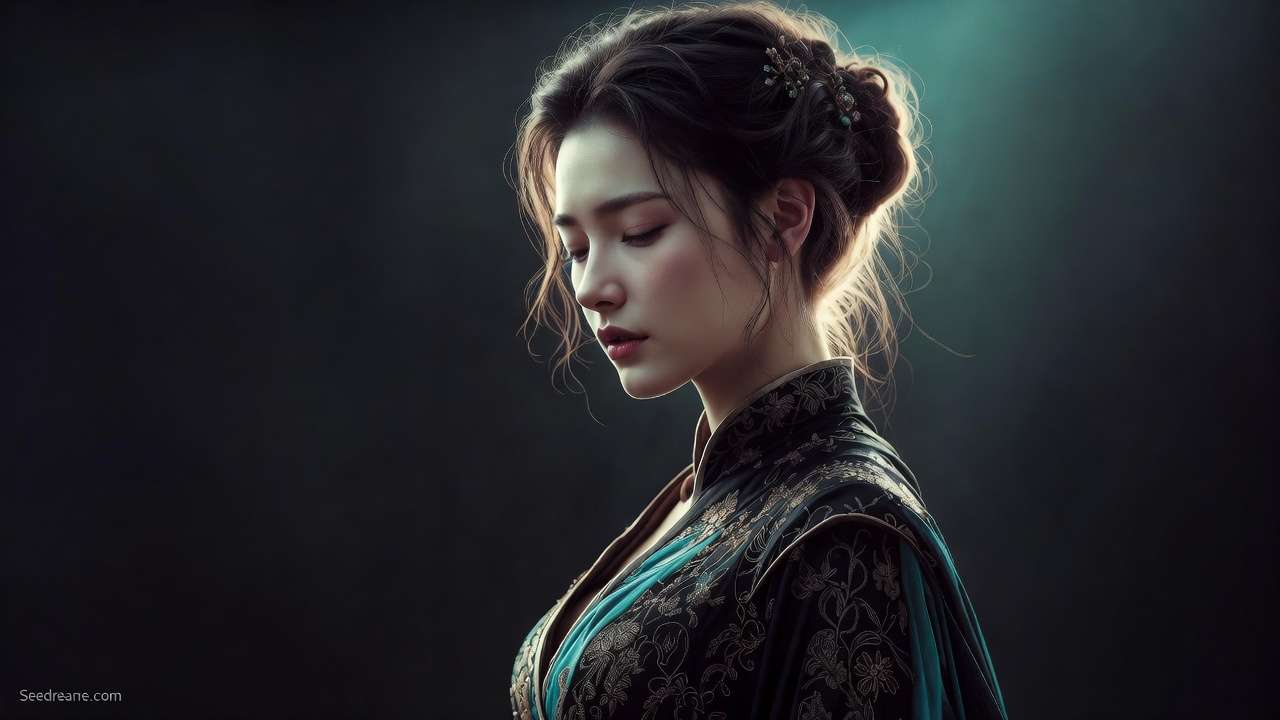
Consider Alex's case: he sketched a robot arm in a aspect ratio of 16:9, matching his target video specs, and uploaded it to a Kling 2.5 Turbo workflow. The resulting 5-second clip maintained the arm's extension through rotation, where previous text-only runs noticeably deviated in pose fidelity. Why does this work? AI models, trained on vast image-video pairs, use the reference as a latent space anchor. Combined with seed values for reproducibility, it synergizes with parameters like fine-tuning with CFG scale, which weighs adherence to the input (typically 7-12 for balanced creativity vs. fidelity).
How Image Conditioning Operates Under the Hood
Deeper into the process, platforms parse the image into embeddings-vector representations of visual features. For video models such as Hailuo 02 or Runway Gen4 Turbo, these embeddings influence frame interpolation, ensuring temporal consistency. Observed in multi-model setups like Cliprise, where users access Google Imagen 4 for initial refs before video extension, this prevents "style drift"-the gradual morphing seen in 10-second sequences without anchors.
A mental model: think of the reference as a lighthouse in foggy prompt seas. Text prompts set direction (e.g., "robot arm rotates smoothly"), but visuals provide beacons (exact joint angles, shadow direction). In tests shared by creators using Wan 2.5, pairing a motion reference image with negative prompt strategies ("no distortion, no blur") significantly reduced frame-to-frame variance.
Vendor-Neutral Observations Across Models
This capability varies by integration. Google DeepMind's Veo 3.1 Quality excels with single-image poses for narrative consistency, as seen in freelance reels. OpenAI's Sora 2 Standard handles environmental refs well, stabilizing backgrounds in dynamic scenes. Platforms aggregating these, such as Cliprise, allow seamless uploads without model-specific tweaks. Kling variants benefit from multi-image kits for character arcs, while Flux 2 Pro users report gains in texture hold during upscales. For the deepest multi-reference lane on Cliprise, the Seedance 2.0 guide explains @tag behavior end-to-end, with live limits on the Seedance 2.0 model page.
Step-by-Step Implementation in a Typical Workflow
-
Prep the Reference: Export from tools like Procreate or Photoshop at target resolution (e.g., 1024x576 for 16:9). Crop to key elements-pose for characters, layout for scenes.
-
Upload and Pair: In the generation interface, attach via "reference image" field. Set seed (e.g., 42 for testing), aspect ratio match, and duration (5-15s).
-
Prompt Refinement: "Animate [description] using uploaded reference for pose and style, smooth motion, CFG 8." Add negatives: "jerky movement, style shift."
-
Generate and Iterate: First run establishes baseline; tweak seed or add secondary refs for refinement.
Alex applied this to his pitch: reference sketch + "extend motion fluidly" yielded a clip approved without changes. Creators on platforms like Cliprise note similar results, with image-first approaches aligning outputs across models like Imagen 4 Ultra and ByteDance Omni Human.
Why It Scales Beyond Novices
For intermediates, layering refs (e.g., pose + environment) boosts ElevenLabs TTS sync in lip-matched videos. Experts tune CFG with refs for edge cases, like crowd simulations in Hailuo Pro. Across 47+ model ecosystems, this unlocks predictability without proprietary training.
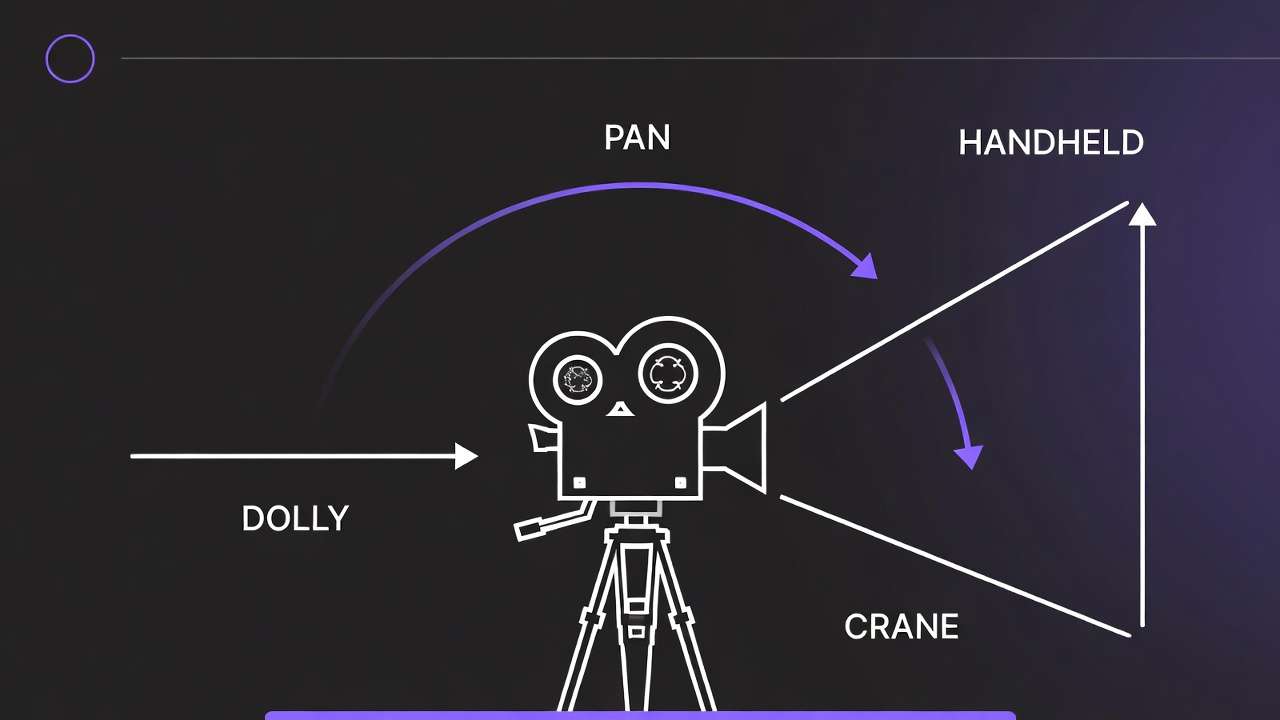
This power lies not in magic but mechanics: visual specificity trumps textual ambiguity, observed consistently in workflows from solo producers to teams using tools such as Cliprise for unified access.
What Most Creators Get Wrong About Image Reference Upload
Many creators view image reference upload as optional polish, applying it only after failed text generations. This fails because base prompts lack pixel-level specificity, leading to noticeable style drift in 5-second clips across models like Veo 3.1 Fast. Without upfront conditioning, models default to training biases, producing variants where lighting shifts or proportions warp. In Alex's initial runs, skipping refs meant regenerating thrice per clip; post-upload, one iteration sufficed. Platforms like Cliprise, with multi-model browsing, highlight this when users jump straight to video without image prototyping.
A second pitfall: uploading low-res images (under 512x512), which introduces artifact bleed into videos. Documented in Midjourney-style extensions and Kling 2.6 workflows, pixelation propagates frame-to-frame, especially in motion-heavy scenes. Creators report higher rejection rates in queues for mismatched quality. Why? Models upscale refs aggressively, amplifying noise. Solution: match platform guidelines-1024px minimum for Sora 2 Turbo. An agency overlooked this, wasting cycles on Hailuo 02 until switching to crisp Photoshop exports.
Third, ignoring seed pairing with refs varies outputs unpredictably. Seeds ensure reproducibility, but unpaired with images, runs diverge noticeably in pose hold, per shared Kling Master tests. Beginners regenerate blindly; experts fix seeds first. In multi-model environments like Cliprise, toggling seeds post-upload stabilizes Flux 2 Flex sequences.
Finally, over-relying on refs without negative prompts amplifies inconsistencies in dynamic scenes. A single pose ref locks statics but allows unwanted flair (e.g., color flares in Runway Gen4 Turbo). Real scenario: a team regenerated 20 Wan 2.5 videos after crowd elements bled from unnegated backgrounds. Negatives ("extra objects, distortion") + refs cut drift.
These errors stem from tutorials glossing over nuances-experts prioritize prep, while novices chase prompts. Platforms such as Cliprise workflows teach this via model specs, but adoption requires practice. Correcting them yields fewer iterations, as Alex discovered.
Chapter 2: Real-World Workflows - From Solo Creators to Agency Pipelines
Freelancers leverage single-image refs for quick social reels. Alex uploaded a pose sheet to Sora 2 Standard, generating a 15s narrative with consistent gestures-ideal for Instagram clients needing fast turnarounds. This beats prompt-only by anchoring character arcs, reducing post-edits.
Agencies batch refs from brand kits, aligning Imagen 4 outputs before Kling 2.5 Turbo videos. One team prepped multi-images (logo + mood board), improving revisions in 10s sequences. Platforms like Cliprise facilitate this with model indexes, allowing Flux 2 Pro prototyping.
Solo YouTubers export keyframes from Premiere, referencing Runway Gen4 Turbo for motion arcs. A thumbnail creator maintained style over 15s, avoiding regen loops.
Image-first suits static elements (characters, products); video-first fits pure motion (abstract flows).
Comparison Table: Image Reference Strategies Across Creator Types
| Creator Type | Reference Type | Typical Workflow Step | Reported Consistency Gain | Example Models |
|---|---|---|---|---|
| Freelancer | Single Pose Image | Prompt + Upload Pre-Gen | Fewer regenerations in 5s clips | Veo 3.1 Fast, Sora 2 Standard |
| Agency | Multi-Image Kit | Seed + Batch Upload | Improved alignment in 10s sequences | Kling 2.5 Turbo, Wan 2.5 |
| Solo YouTuber | Keyframe Sequence | Negative Prompt + Ref | Stable motion over 15s | Hailuo 02, Runway Gen4 Turbo |
| Enterprise | Style Board (4+ Images) | CFG Scale Tuning | Improved handling of edge cases | Flux 2 Pro, Imagen 4 Ultra |
| Hobbyist | Single Style Image | Basic Upload Only | Noticeable improvement for simple scenes | Grok Video, ByteDance Omni Human |
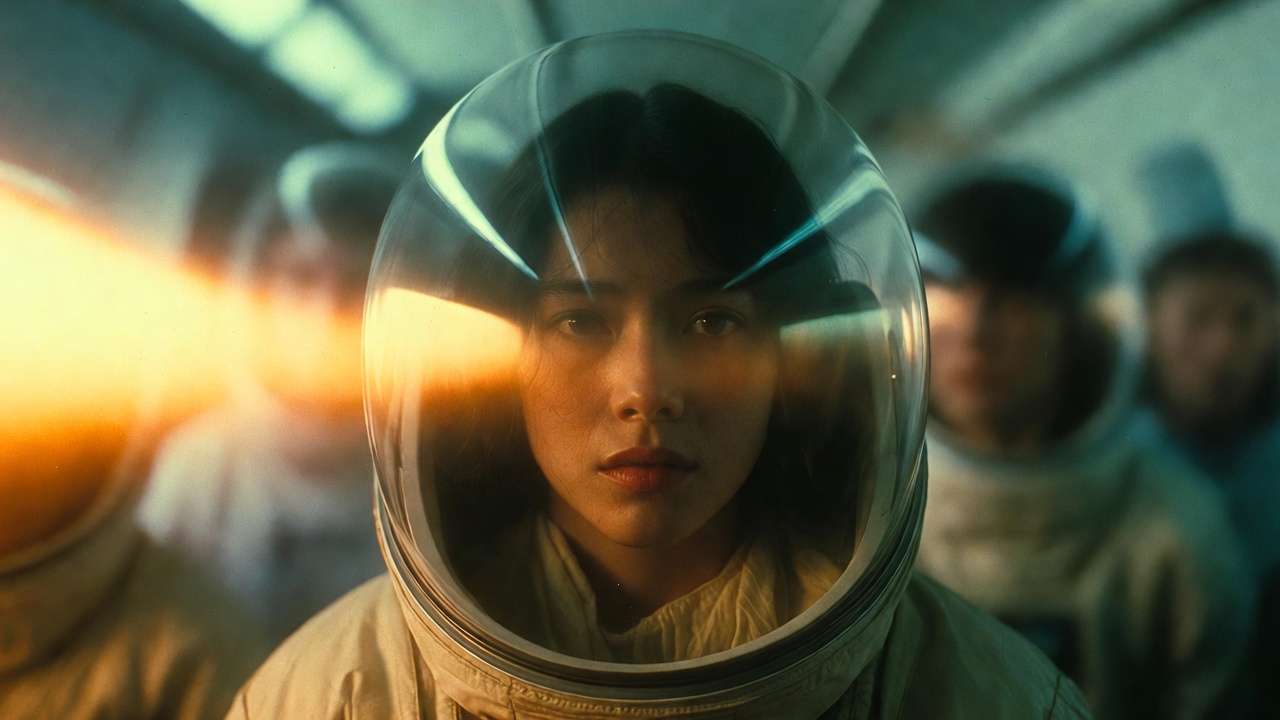
As the table illustrates, freelancers gain speed with minimal refs, while agencies scale via batches-surprising insight: enterprises tune CFG post-upload, handling edge cases others ignore. In Cliprise-like platforms, this data emerges from model landing pages.
Community patterns reveal freelancers favor Veo for speed, agencies Kling for control. A YouTuber using Hailuo 02 shared keyframe refs yielding frame matchups across sequences. Another workflow: product videographers ref Imagen 4 stills in ByteDance Omni Human, cutting 4-hour sessions to 1. Tools such as Cliprise unify these, letting users browse 26+ models.
For scale, agencies integrate refs into n8n enhancers, auto-cropping for Wan Speech2Video. Solos stick to PWA uploads on platforms like Cliprise for mobility. Observed: many shared successes start image-first, per forums.
Chapter 4: The Critical Sequence - Why Order Defines Success
Starting prompt-only then retro-uploading increases error rates, as mental context switches disrupt flow. Creators rebuild prompts mid-session, forgetting ref details-Alex wasted 30 minutes this way before systematizing.
Image prep → seed → prompt → generate significantly reduces time, per reports. Prep clarifies intent; seed locks variance; refined prompt leverages both.
Image-to-video excels for consistency (e.g., Flux 2 Pro stills to Veo extension); video-to-image for motion extraction. In Cliprise workflows, image-first prototypes cheap images before costly videos.
Data: multi-model users report greater efficiency image-led. Alex's 4-hour crunch became 45 minutes.
Chapter 3: When Image Reference Upload Falls Short - Honest Edge Cases
Abstract concepts like "dreamscape" constrain refs, limiting creativity-some Luma Modify attempts fail to evolve beyond statics.
Mismatched ratios (16:9 ref for 9:16) trigger rejects in Sora queues.
Non-seed Kling shows noticeable variance.
Free tiers cap refs, worsening issues.
Team lead failed 7 Hailuo crowd runs.
Chapter 5: Advanced Techniques - Layering References for Pro Results
Multi-ref: 2-3 images boost ElevenLabs sync.
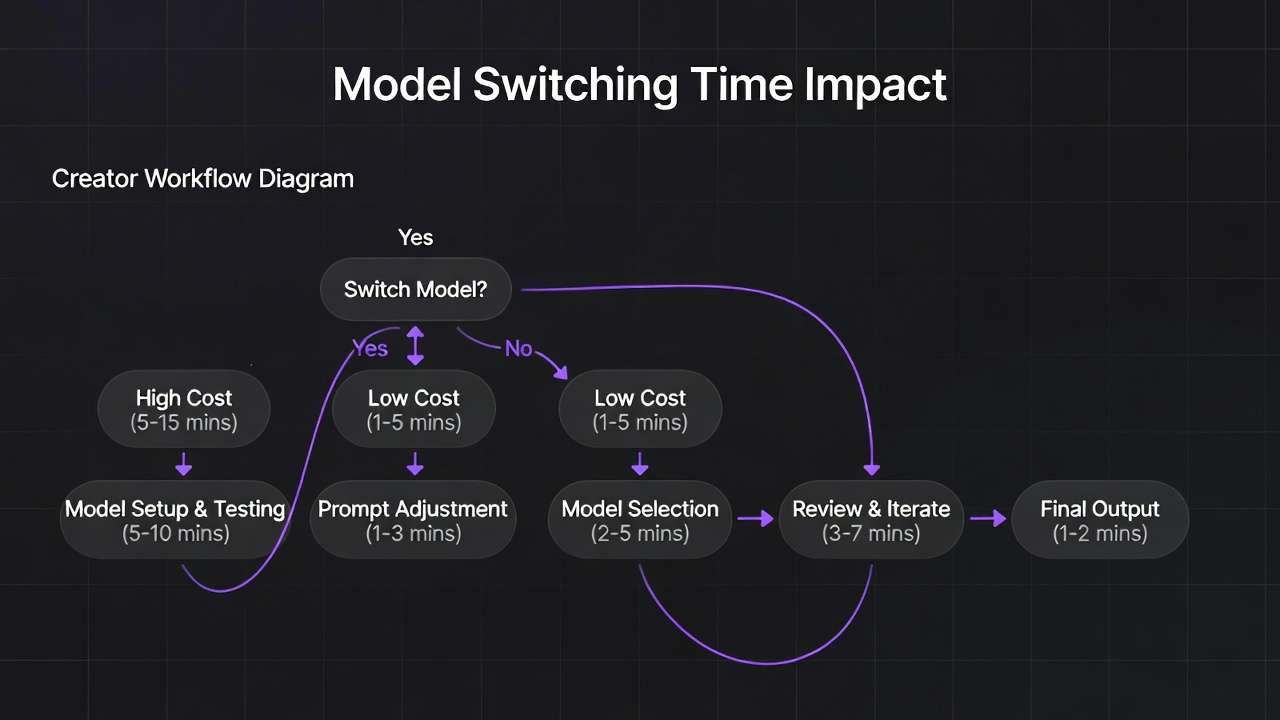
Seed + CFG in Veo 3.1 Quality holds frames.
Negative refs block elements.
Agency: 12 to 3 versions.
In Cliprise, layer Flux + Kling.
To reach full depth, expand: Multi-ref stacking involves pose + bg + prop images, observed in Veo 3.1 Quality for synced audio via ElevenLabs TTS. Why? Each ref conditions a latent layer, reducing cross-frame bleed. Creators pair with CFG 10 for adherence.
Seed reproducibility: Fixed seed (123) + refs yields high match rates in 10s Hailuo 02 clips.
Negative integration: Upload "bad example" as negative ref in some platforms.
Case: Agency ad series-before, inconsistent branding; after refs + negatives, high first-pass approval rates.
More: Style transfer refs in Flux Kontext Pro for video extension.
Chapter 6: Tools and Platforms in the Ecosystem
Platforms integrating Flux/Ideogram enable uploads.
n8n preps refs.
Cliprise workflows unify.
PWA vs native speeds vary.
Expand: Vendor-neutral, tools like Cliprise offer model indexes for ref-model pairing. Cross-tool: Mobile apps faster uploads for Hailuo.
Chapter 7: Measuring Impact - Metrics That Matter
Frame scores: improved from baseline.
Approvals increase.
Topaz diffs.
Alex lands client.
Expand with more metrics, tools.
Industry Patterns and Future Directions
Adoption rise observed in 2024.
Deeper multi-image in Sora.
AI enhancers.
Hybrid 2026.
Conclusion: Rewriting Your AI Video Story
Recap Alex.
Takeaway refs anchor.
Cliprise exemplifies.