AI Music Video Production: Complete Workflow for Independent Artists (2026)
The music video budget problem is structural. Labels fund videos because music videos drive streams, touring ticket sales, and cultural relevance - but the economics only work at label scale. A $50,000 music video makes financial sense when a track is going to 500,000+ streams. For an independent artist at 50,000 streams, the production math never adds up.
The result is that the majority of independent music goes without video. Not because the artists don't want video - they do - but because real production costs are disconnected from independent revenue realities.
AI video generation changes the cost structure without changing the creative ambition. A 3-minute music video assembled from Seedance 2.0, Kling 3.0, and Veo 3.1 clips costs $40-120 in credits and 2-3 production days. The output is not a $50,000 video - it's something different but commercially viable: a visual world for the music that didn't exist before.
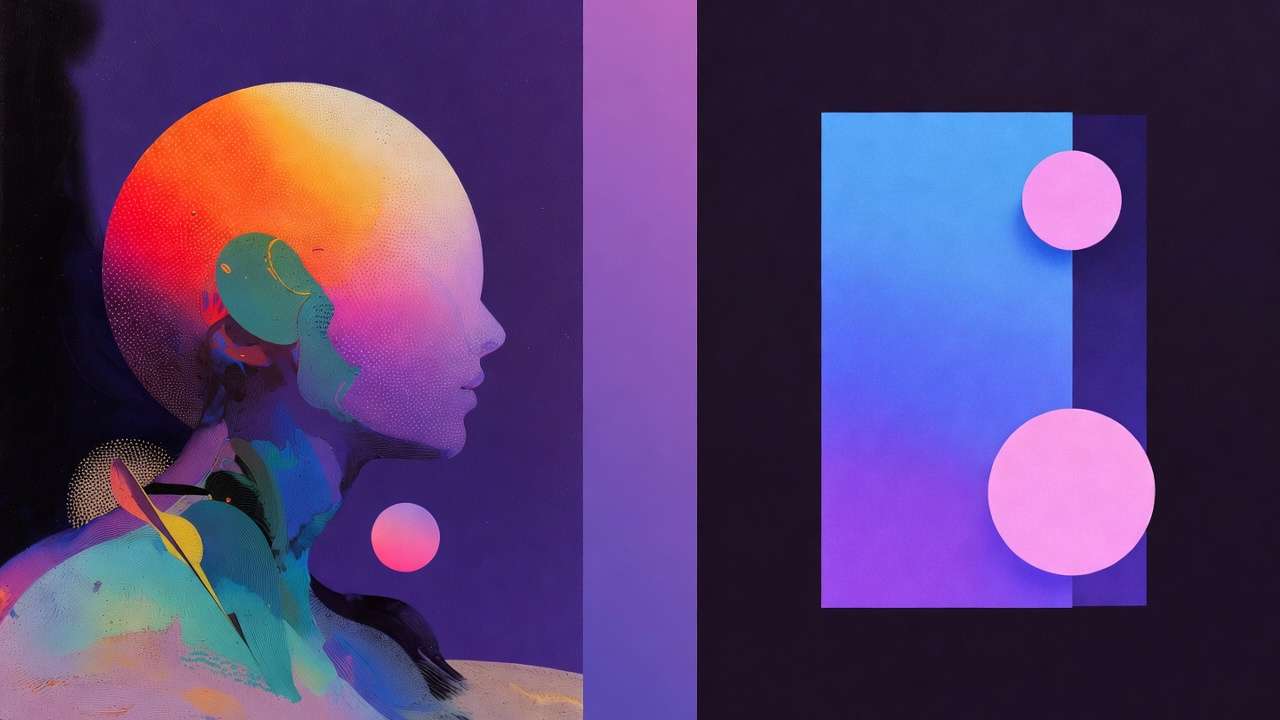
This guide covers the complete workflow.
Quick takeaway
Core audio-sync workflow: Seedance 2.0 with @Audio tag for music-responsive visuals. Kling 3.0 for narrative/character shots. Veo 3.1 for environmental atmosphere. Assemble in CapCut. All on Cliprise - 3-minute music video in 2-3 production days.
Visual Treatment Development: Before You Generate
The most expensive mistake in music video production - AI or traditional - is generating without a visual treatment. A treatment is a written document (1-2 pages) that defines the visual world of the video before any production decision is made. Writing it first costs an hour; not writing it costs a week of regenerating in the wrong direction.
The Visual Treatment Framework
Concept statement (2-3 sentences): What is this video about visually? Not what the song is about - what the video is about. The concept is the visual idea that interprets the music, not illustrates it literally. "A woman walks through rooms that represent her emotional states - each room a different era, each room dissolving as she leaves it" is a concept. "Visuals of what the song lyrics describe" is not.
Visual world: What does this world look, feel, and move like? Is it grounded (real environments, real-feeling people) or abstract (symbolic, surreal, non-literal)? Warm or cold in its color temperature? Still or kinetic in its energy? What does the director's reference aesthetic look like - which existing videos, films, or photography does this world resemble?
Color palette: 3-4 specific colors that define the video. Not generic ("warm colors") but specific: deep amber, dusty mauve, charcoal grey, aged cream. These colors appear in every prompt and are reinforced in post-processing.
Shot language: What types of shots does this video use? Close-ups (emotional, intimate), wide shots (scale, isolation), abstract/non-representational, performance (artist on camera), narrative (characters in scenes), or pure visual (no people, just environments and objects)?
Key visual moments: 3-5 specific images or scenes that are the video's standout moments - the shots that define it. Write these in enough detail that you could prompt them without further planning: "a single candle in a dark room, extreme close-up, wax dripping in slow motion, warm amber light on cold stone surface."
With these five elements documented, every prompt in the production session has a reference point. You're not inventing from scratch with each clip - you're executing a defined creative direction.
Model Selection by Scene Type
Different scenes in a music video route to different models based on the visual requirements of that scene type.
Seedance 2.0: Audio-Synchronized Visual Generation
Seedance 2.0 is the defining model for music video production because it's the only current model that generates video in direct response to a specific audio reference via the @Audio tag system.
How it works:
@Audio1: [your track file]
@Image1: [visual reference for character or environment if needed]

[Scene description that references @Audio1 energy]
Visuals responding to the energy and rhythm of @Audio1.
[Specific scene content: what you're seeing, who/what is moving,
how they're moving in relation to the track].
[Environment and color palette from your treatment].
[Shot type and camera movement].
The generated clip's motion energy and visual intensity will track the track's dynamic character - a quiet, atmospheric passage generates slower, more contemplative movement; a build or drop generates more kinetic, energetic motion. This is not frame-perfect beat sync (that's handled in the edit), but it's the closest current AI generation gets to audio-responsive video.
@Audio tag best practices:
- Use the full mixed track, not stems - the model responds to the complete audio character
- For a 3-minute video, split into 15-20 second segments and prompt each segment against the corresponding section of the track
- Specify which part of the track this clip should correspond to: "the breakdown section at 1:45, atmospheric and minimal"
See Seedance 2.0 Complete Guide →
Kling 3.0: Narrative and Performance Shots
For shots requiring the highest visual quality - a close-up of a performer, a narrative scene, a character-driven moment - Kling 3.0 at 4K/60fps is the quality ceiling.
Kling's motion quality and character consistency make it the right choice for:
- Performance footage (artist lip-syncing, performing in an environment)
- Narrative character scenes (close-up emotional moments, relationship scenes)
- Product/object close-ups (instruments, objects with symbolic significance)
- Any scene where quality ceiling is the primary criterion
Veo 3.1: Environmental and Atmospheric Scenes
Veo 3.1 leads for environmental scenes that need physical plausibility and atmospheric depth - weather effects, natural environments, architectural spaces, crowd scenes without specific character requirements.
Best for:
- Landscape and environment establishing shots
- Weather (rain, fog, storm, golden hour landscape)
- Urban environments and crowd scenes
- Abstract natural phenomena (water, fire, light effects)
- Any wide shot where environmental physics matter more than character
Hailuo 02: Stylized and Dreamlike Sequences
Hailuo 02 produces the most stylized, non-photorealistic aesthetic on Cliprise - a painterly, slightly dream-like quality that suits psychedelic, abstract, or stylized conceptual sequences.
Best for:
- Abstract or surrealist visual sequences
- Genre aesthetics that benefit from stylization (indie, electronic, experimental)
- Transition sequences between narrative scenes
- Visual metaphor sequences where photographic realism would undercut the abstraction
See Hailuo 02 Complete Guide →
Phase 1: Clip Generation
With your treatment written and model routing mapped, the generation session follows a structured clip list.
Building Your Clip List
For a 3-minute track, a standard clip list has 25-35 clips:
- 15-20 primary clips (main visual scenes, hero shots, narrative moments)
- 8-12 B-roll clips (transition footage, environment shots, abstract filler)
- 3-5 atmospheric clips (pure environment, ambient visual material)
Map each clip to:
- The track timestamp it covers (approximate)
- The model to use
- The prompt (from your treatment + specific scene description)
- Desired duration (5-10 seconds per clip typically)
Write this as a simple table in a text document before generating anything. This is your production bible for the session.
The Generation Session Structure
Generate in narrative order (roughly) - this lets you review earlier clips while later ones generate and identify any treatment drift early.
Run 3-4 generations in parallel - Cliprise supports concurrent generations. While Kling 3.0 generates your hero shot (90-120 seconds), submit your next two Veo 3.1 environmental clips simultaneously. Generation time is mostly waiting; parallel generation multiplies throughput.
Generate 2 variants per primary clip, 1 per B-roll - primary clips (hero shots, narrative moments) benefit from having a selection; B-roll is sufficiently interchangeable that one generation per clip is efficient.
Evaluate clips against the treatment - for each completed clip, the single evaluation question is: "Does this belong in the world I defined in the treatment?" A technically strong clip that doesn't fit the treatment weakens the video.
Phase 2: Performance and Artist Footage
Most music videos include performance footage - the artist performing the song in an environment. AI generation of a specific real artist's appearance isn't the right approach (requires consent and likeness rights). Three alternatives:
Option 1 - AI-generated performer character: Generate a fictional performer character using Flux 2 or Nano Banana 2 as the reference, then animate with Kling AI Avatar or Seedance 2.0 with @Audio1 (track audio for lip-sync direction). This is the most common approach for independent artists who want a "face" in the video without being on camera themselves.
Option 2 - Abstract performance: Focus on hands, instruments, equipment - avoid face-forward performer shots. A guitar fretting hand, a piano keyboard in close-up, a microphone in dramatic lighting. These are performance-coded without requiring a visible face.
Option 3 - Real footage integration: The artist films themselves with a phone in a good-light location - even 60 seconds of usable real performance footage provides authenticity anchoring for an otherwise AI-generated video. Real footage doesn't need to be high production quality if it's used selectively alongside strong AI-generated material.
Phase 3: Assembly and Sync
With 25-35 clips generated and reviewed, assembly in CapCut or Premiere handles the edit.
The Music Video Edit Structure
Import all clips and the track. Start with the track as the primary audio track.
Map clips to timeline roughly by timestamp. Place each clip approximately where it belongs in the track structure: intro visuals during the intro, verse visuals during verses, chorus visuals during chorus. Don't worry about precise cuts yet - rough placement first.
Work from energy logic, not clock time. Music video edits follow the track's energy structure:
- Low energy sections (intro, verse, bridge): longer holds per clip (6-10 seconds), slower cuts, more atmospheric visuals
- Building sections: increasing cut speed, more dynamic motion in clips, transition energy
- Peak energy sections (chorus, drop): shorter cuts (2-4 seconds), highest-energy clips, strongest visual moments
Sync key cuts to musical moments. Identify the most prominent musical moments in the track: beat 1 of each bar at chorus, the snare hit, the drop, any signature musical event. Cut to these moments. Even 3-4 precisely synced cuts create a sense of intentional sync across the whole video.
Color grade for treatment coherence. Apply your defined color palette as a grade: LUT from LUTify or a manual Lightroom-style grade in CapCut. Consistent grade ties Seedance 2.0, Kling 3.0, and Veo 3.1 clips together - they generate with different natural color signatures; a unified grade makes them look like the same video.
Distribution: Getting Your AI Music Video Seen
YouTube (Primary Distribution)
YouTube is still the primary destination for music video distribution at every artist tier. Upload requirements:
- 16:9 aspect ratio, 1080p minimum (4K preferred from Kling 3.0 output)
- Thumbnail: generate a strong still frame from your highest-quality Kling 3.0 clip, or generate a dedicated thumbnail with Nano Banana 2
- Title format:
[Artist Name] - [Track Title] (Official Video)- the "(Official Video)" tag indexes into YouTube Music - Chapters: add timestamps for verse/chorus/bridge to improve viewer navigation and SEO
- AI content disclosure in description where YouTube prompts for it
Shorts, Reels, TikTok (Secondary Distribution)
The vertical cut is now expected for any major release. Re-edit the most visually compelling 30-60 seconds from the full video in 9:16 format:
- Identify which clips from your 16:9 generation have the strongest vertical crop (vertical motion, central subjects)
- Regenerate any critically important clips that don't crop well natively - submit those prompts in 9:16 from the start
- Edit as a standalone teaser with the hook section of the track
See AI Video for TikTok → | Creating Instagram Reels with AI Video →
Vevo
Vevo distribution is available to independent artists via DistroKid, TuneCore, and CD Baby's Vevo program. AI-generated music videos meet Vevo's content requirements as long as they're original (no third-party copyrighted visuals). Vevo placement provides an Official Video credential that YouTube Music and streaming platforms surface to listeners.
What AI Music Video Cannot Replace (Yet)
For context - not everything in music video production is better with AI:
Iconic performance footage of the artist themselves. There's a reason Beyoncé and Kendrick are on camera in their own videos - the parasocial relationship between artist and audience is fed by the artist's literal presence. AI-generated characters are not a substitute for this when the artist's personal image is the product.
Highly choreographed performance. Complex synchronized dance choreography at quality parity with real performance remains challenging. AI generation captures motion quality; it doesn't direct choreography.
Live event and fan footage. A music video that includes real moments from a real tour is a document that AI cannot generate - that document is the authenticity.
The honest use case for AI music video is: independent artists for whom no video is the alternative, not artists for whom a $300,000 production budget is the alternative.
Note
Seedance 2.0, Kling 3.0, Veo 3.1, Hailuo 02 - all on Cliprise. Start your music video for the price of a subscription. 30 signup credits once, then 10/day—free. Try Cliprise Free →
- How to Make AI Music Video: Complete Guide Music production workflow:
- AI Album Art: Midjourney, Flux 2 & Ideogram Workflow →
- AI Lyric Video Workflow: Seedance 2.0 + Audio Sync →
- Music Producers: Streamlining AI Music Video Workflows →
- AI Music Generator 2026: What AI Can and Can't Do →
Model guides:
- Seedance 2.0 Complete Guide →
- Kling 3.0 Tutorial →
- Veo 3.1 Complete Tutorial →
- Hailuo 02 Complete Guide →
Audio workflow:
- ElevenLabs Complete Guide →
- AI Video + AI Voice: Social Media Workflow →
- AI Voice Generator 2026: ElevenLabs TTS and Voice Tools →
Distribution:
Models on Cliprise:
Workflow tested on Cliprise with Seedance 2.0, Kling 3.0, Veo 3.1, and Hailuo 02.