Nano Banana 2
Pro Capabilities at Flash Speed
Google's Gemini 3.1 Flash Image combines Nano Banana Pro quality-text rendering, subject consistency, advanced world knowledge-with lightning-fast generation for rapid iteration.
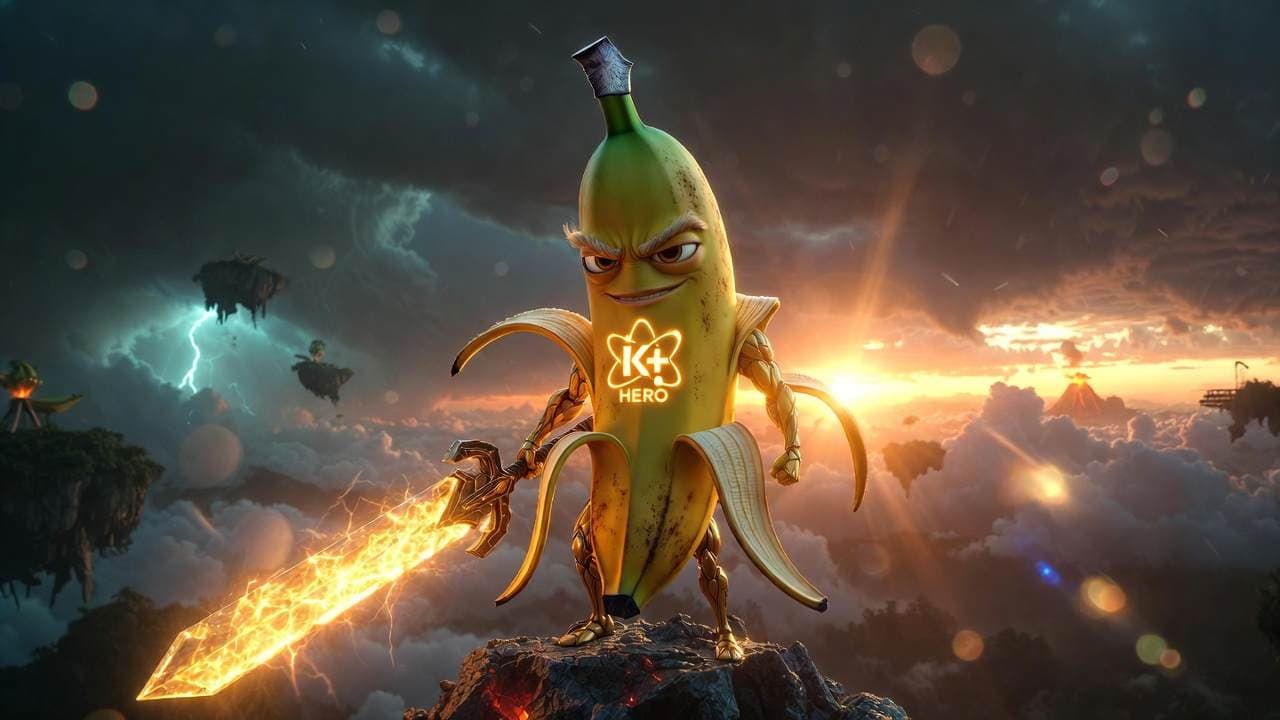
You can use Nano Banana 2 AI online directly inside Cliprise without installing additional software. Google's Nano Banana 2 text-to-image model supports precision text rendering, subject consistency up to 5 characters, and resolutions from 512px to 4K.
Nano Banana 2 (officially Gemini 3.1 Flash Image) is Google DeepMind's latest AI image model, launched February 26, 2026. It bridges the gap between Nano Banana Pro quality and Gemini Flash speed-delivering advanced world knowledge, production-ready specs, and subject consistency at lightning-fast generation times.
Use Nano Banana 2 inside the AI image generator.
What Is Nano Banana 2?
Nano Banana 2 brings the high-speed intelligence of Gemini Flash to visual generation. It makes once-exclusive Pro features accessible to a wider audience: precision text rendering for marketing mockups and greeting cards, text translation and localization within images, and advanced world knowledge powered by real-time web search for accurate rendering of specific subjects.
The model dramatically closes the gap between speed and visual fidelity. Vibrant lighting, richer textures, sharper details, and production-ready specs-from 512px to 4K widescreen-deliver high-quality aesthetics at Flash speed. Enhanced instruction following adheres more strictly to complex requests. Subject consistency maintains up to 5 characters and 14 objects per workflow for storyboarding and narrative building.
Google rolled out Nano Banana 2 across Gemini, Search, Google Ads, Flow, Vertex AI, and AI Studio, replacing Nano Banana Pro as the default for Fast, Thinking, and Pro tiers in the Gemini app. Pro subscribers retain access to Nano Banana Pro for specialized maximum-fidelity tasks.
Nano Banana 2 Specifications
| Specification | Detail |
|---|---|
| Launch | February 26, 2026 |
| Official name | Gemini 3.1 Flash Image |
| Developer | Google DeepMind |
| Resolution range | 512px to 4K widescreen |
| Aspect ratios | 16:9, 9:16, 21:9, traditional camera ratios |
| Text rendering | Precision text, translation, localization |
| Subject consistency | Up to 5 characters, 14 objects per workflow |
| World knowledge | Real-time web search, Gemini knowledge base |
| Provenance | SynthID, C2PA Content Credentials |
| Speed tier | Gemini Flash (fast generation) |
What These Specs Mean in Practice
Pro at Flash speed means rapid iteration without sacrificing quality. Generate infographics, marketing mockups, and storyboard sequences in minutes instead of hours.
Text in images eliminates post-production typography. Create greeting cards, signage, and marketing collateral with accurate, localized text in one pass.
5-character consistency enables comic strips, branded narratives, and multi-panel storyboards without character drift between images.
512px to 4K covers social thumbnails, presentations, and widescreen backdrops. Generate at target resolution without upscaling.
What Nano Banana 2 Is Best For
Primary Strengths
Infographics and data visualization
Turn notes into diagrams, generate water cycle infographics, compare cloud types. World knowledge plus precise instruction following produces educational, accurate visuals.
Text-heavy images
Marketing mockups, greeting cards, localized signage. Accurate text rendering and translation in multiple languages without post-production typography.
Storyboarding and comics
Up to 5 characters and 14 objects with consistent identity across panels. Build narratives, comic strips, and branded sequences without character drift.
Rapid iteration
Flash speed enables quick exploration. Generate variations for A/B testing, concept validation, and client presentations without long wait times.
Real-world references
Advanced world knowledge and web-grounded generation for accurate rendering of landmarks, products, and specific subjects. Create Museum Clos Lucé in Synthetic Cubism or localize signage to Hindi.
How It Compares
Nano Banana 2 excels at speed-quality balance and text-in-image workflows. It is not the only option for every scenario.
When to choose Nano Banana 2 over Nano Banana Pro
Choose 2 when you need Flash speed for iteration, infographics, and high-volume workflows. Nano Banana Pro remains for maximum-fidelity tasks where quality trumps speed.
When to choose Nano Banana 2 over Flux 2 or Imagen 4
Choose 2 for text rendering, subject consistency, and rapid iteration. For pure artistic style and photorealistic polish, Flux 2 or Google Imagen 4 may suit specialized use cases.
Nano Banana 2 vs Pro vs Original
| Nano Banana 2 | Nano Banana Pro | Nano Banana | |
|---|---|---|---|
| Speed | Flash (fast) | Pro (slower) | Flash |
| Quality | Pro-level | Maximum | Standard |
| Resolution | 512px-4K | Up to 2K/4K | Up to 1K |
| Text in images | Yes | Yes | Limited |
| Subject consistency | 5 chars, 14 objects | 4 refs | Limited |
| Best for | Rapid Pro-quality iteration | Max fidelity | Budget, speed |
Compare Nano Banana 2 with available AI image models side by side
Compare ModelsNano Banana 2 vs Other Image Models
| Capability | Nano Banana 2 | Nano Banana Pro | Flux 2 | Imagen 4 | Midjourney |
|---|---|---|---|---|---|
| Speed | Flash (fast) | Pro | Moderate | Moderate | Moderate |
| Text in images | Precision | Yes | Limited | Good | Limited |
| Max resolution | 4K | 2K/4K | 1024px | 2048px | 2048px |
| Subject consistency | 5 chars, 14 objects | 4 refs | Reference | Reference | Vary |
| World knowledge | Web-grounded | Yes | No | No | No |
| Best for | Infographics, text, rapid iteration | Max fidelity | Artistic style | Photorealism | Artistic |
Real-World Workflow Example
Scenario: Water Cycle Infographic + Localized Signage
An educator needs a DIY infographic explaining the water cycle and a wildlife observation sign localized to Hindi for an Indian nature reserve.
Step 1: Infographic
Prompt: "High-quality flat lay photography creating a DIY infographic that simply explains how the water cycle works, arranged on a clean, light gray textured background. The visual story flows from left to right in clear steps. Simple, clean black arrows hand-drawn onto the background."
Step 2: Localized Sign
First generate the base sign in English, then prompt: "Take this concept and localize it to an Indian setting, including translation of all the text to Hindi." Nano Banana 2 handles translation and localization in one pass.
Execution on Cliprise
Open the AI image generator in Cliprise. Select Nano Banana 2 from the AI models library. Enter prompts for each asset. Use 16:9 for infographics, adjust aspect ratio for signage. Generate at target resolution. Total workflow: under 10 minutes for both assets.
How to Use Nano Banana 2 on Cliprise
Step 1: Open the AI Image Generator
Navigate to the AI image generator from the main dashboard.
Step 2: Select Nano Banana 2
Open the models panel. Locate Nano Banana 2 in the image models list. Click to select.
Step 3: Enter Your Prompt
Write a detailed prompt. For text in images, specify the exact text. For consistency, describe characters and objects. For world knowledge (landmarks, products), name them explicitly.
Step 4: Set Aspect Ratio and Resolution
Choose 16:9 for widescreen, 9:16 for vertical, 1:1 for square. Select resolution from 512px to 4K based on delivery needs.
Step 5: Generate and Iterate
Click Generate. Flash speed enables quick refinement. Adjust prompt based on results. Regenerate until satisfied.
When NOT to Use Nano Banana 2
Maximum Fidelity, No Speed Priority
When quality trumps all and generation speed is irrelevant, Nano Banana Pro delivers higher maximum fidelity for specialized tasks.
Heavy Artistic Stylization
For pure artistic exploration without text or consistency requirements, Flux 2 or Flux 2 may offer stronger style control.
Budget-First, Minimal Quality Needs
For highest volume at lowest cost with acceptable quality, Nano Banana (original) may suffice.
Frequently Asked Questions
What is Nano Banana 2?
Nano Banana 2 (Gemini 3.1 Flash Image) is Google's latest AI image model, launched February 26, 2026. It combines Nano Banana Pro quality with Gemini Flash speed for rapid, high-quality image generation.
Nano Banana 2 vs Nano Banana Pro?
2 delivers Pro-like quality at Flash speed. Use 2 for rapid iteration and high-volume workflows. Pro for maximum-fidelity specialized tasks. Google replaced Pro with 2 as default in Gemini for most tiers.
Does Nano Banana 2 support text in images?
Yes. Precision text rendering for marketing mockups, greeting cards, infographics. Translation and localization within images for global content.
What resolution does Nano Banana 2 support?
512px to 4K widescreen. Multiple aspect ratios: 16:9, 9:16, 21:9, traditional camera ratios.
Can I maintain character consistency?
Yes. Up to 5 characters and 14 objects per workflow. Ideal for comics, storyboards, and branded narratives.
Can I use Nano Banana 2 for commercial projects?
Check the current Cliprise terms and plan details before using outputs in commercial projects.
How much does it cost?
Cliprise uses a credit-based system. See pricing plans for current rates.
Related Guides
Nano Banana 2 vs Imagen 4 vs Flux 2
Which AI image model wins for each use case
AI Image Generation Guide
Complete guide to AI image models and workflows
Top 5 Budget AI Models
Nano Banana, Seedream, Qwen compared
Seedream vs Nano Banana
Budget image model comparison
Qwen vs Nano Banana
Budget model analysis
Nano Banana Pro
Maximum fidelity tier
Nano Banana (Original)
Budget speed tier
Ready to Create with Nano Banana 2?
Access Nano Banana 2 alongside Flux 2, Imagen 4, Ideogram V3, and other available models through the Cliprise AI image generator. Pro quality at Flash speed-text in images, subject consistency, 512px to 4K.
Multiple AI image and video models available on one platform.