Styles: One-click visual parameters
Predefined color, shot type, lighting, and artistic styles-apply professional looks without writing long prompts. Each style bundles proven parameters into a single click.
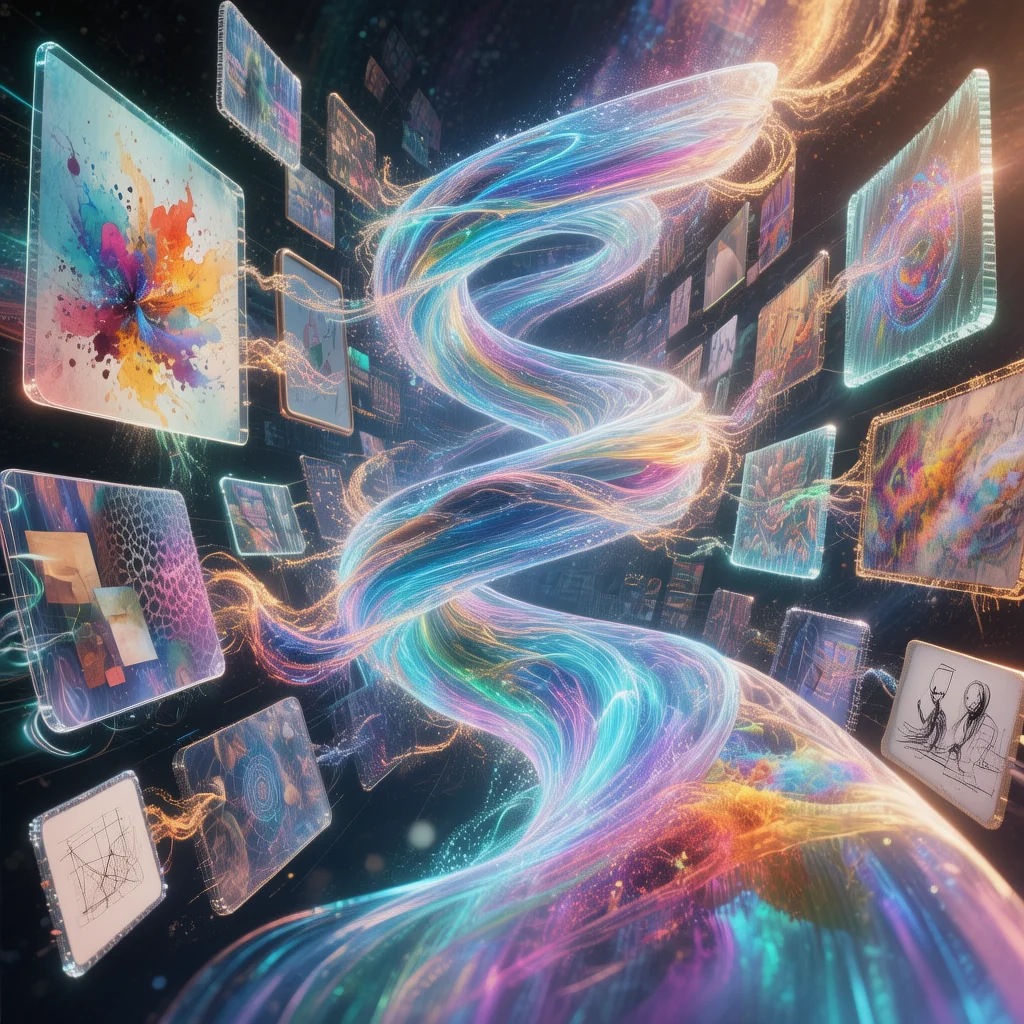
Four Categories of Style Presets
Each category bundles proven visual parameters-select one per category and combine for full control
Color
Oil painting, sepia, watercolor, pastel, vibrant, monochrome (b&w), warm tone. Apply a color treatment in one click.
Shot
Silhouette, bokeh blur, high angle, wide shot, low angle, portrait, extreme close-up (macro), close-up. Define framing instantly.
Light
Volumetric/god rays, high-key, moonlight, rim light, candlelight, soft light, neon/colored, golden hour. Professional lighting presets.
Artistic
Cinematic, dark/moody, whimsical, playful, punk/dystopic, graffiti, neon/cyberpunk, sketch. Apply mood and style in one click.
One Click, Full Control
Instead of writing long prompts or tweaking dozens of sliders, pick a preset per category. Each preset encodes proven parameters-e.g. "warm tone + bokeh blur + golden hour" gives you instant professional look. Combine with your prompt and model for consistent, predictable results. See All AI Models in One Subscription for unified workflows.
No Prompt Engineering
Skip typing "cinematic lighting, shallow depth of field"-select bokeh blur and cinematic, then describe your subject.
Works With Any Model
Styles apply to Nano Banana, Flux 2, and other image models. Same presets, consistent look across generations.
Example Style Combinations
Combine one option from each category-or use 'none' for defaults
Film Look
Color: none · Shot: bokeh blur · Light: golden hour · Artistic: cinematic
Shallow depth of field, warm light, cinematic grading-ideal for portraits and lifestyle shots.
Vintage Poster
Color: sepia-tone · Shot: silhouette · Light: rim light · Artistic: none
Classic poster aesthetic with silhouettes, rim lighting, and sepia tone.
Neon Cyberpunk
Color: vibrant · Shot: close-up · Light: neon/colored · Artistic: neon/cyberpunk
High saturation, neon outlines, and cyberpunk style-perfect for tech and futuristic concepts.
Artistic Sketch
Color: monochrome (b&w) · Shot: portrait · Light: soft light · Artistic: sketch
Pencil-sketch look with soft shadows and black-and-white treatment.
Styles in Production Workflows
How creators use Styles with image and video models for faster iteration
Mood Boards & Concept Exploration
Apply Styles to generate 4-9 variations per prompt in seconds-faster than standard single-image generation. Combine with Nano Banana for rapid prototyping, or Seedream 4.0 for batch options. Once you've selected direction, switch to Flux 2 or Google Imagen 4 for client-ready finals. See AI Tools for Freelance Designers for the full workflow stack.
Social Media & Thumbnail A/B Testing
Test multiple visual directions quickly-golden hour vs. cinematic vs. neon for the same concept. Styles reduce iteration time by 2-4x versus single-output models. For YouTube thumbnails and TikTok content, the speed advantage compounds when presenting options to clients or teams.
Multi-Model Orchestration with Styles
Styles sits within Cliprise's unified platform-one credit system across 47+ AI models. No context switching between tools; select Styles, then switch to Flux 2 or Ideogram for finals without leaving the interface. Multiple AI Models One Platform explains the architectural advantage-unified credits, zero platform switching.
Styles vs. Manual Prompt Engineering
When presets beat long prompts
Instead of writing "cinematic lighting, shallow depth of field, warm golden hour, film grain"-select bokeh blur + golden hour + cinematic from the Styles panel. Each preset bundles proven parameters; combining them produces consistent, professional output without prompt engineering. For creators who prefer granular control, see Perfect Prompts and Advanced Prompt Engineering. Styles complement-not replace-those workflows.
Why does multi-model orchestration matter? See Multiple AI Models One Platform: Why It Matters for the architectural case-unified credits, zero context switching.
Styles pairs with Nano Banana for speed and Flux 2 for final quality. Compare image models in Best AI Image Generator 2026.
Frequently Asked Questions
Apply Styles in One Click
Pick color, shot, light and artistic presets-no prompt engineering needed.
Related Features
Use Styles with generation and finishing tools
AI Image Generator
Apply presets while generating production-ready images.
AI Art Generator
Pair style presets with artistic model outputs and exploration.
Pro Image Editor
Fine-tune styled outputs after generation with offline editing tools.
Universal Upscaler
Upscale styled visuals for high-resolution publishing and print.