Google's Gemini Flash image models occupy a specific position in the lineup: speed-optimized generation with the world knowledge grounding and text rendering capabilities that characterize the Gemini family, at generation times fast enough for interactive creative work.
The original "Nano Banana" went viral precisely because of how these models behave - they respond to conversational editing instructions, support sequential refinement, and produce usable results quickly enough to feel interactive. This guide covers the Flash-tier variants and where they fit relative to Nano Banana Pro.
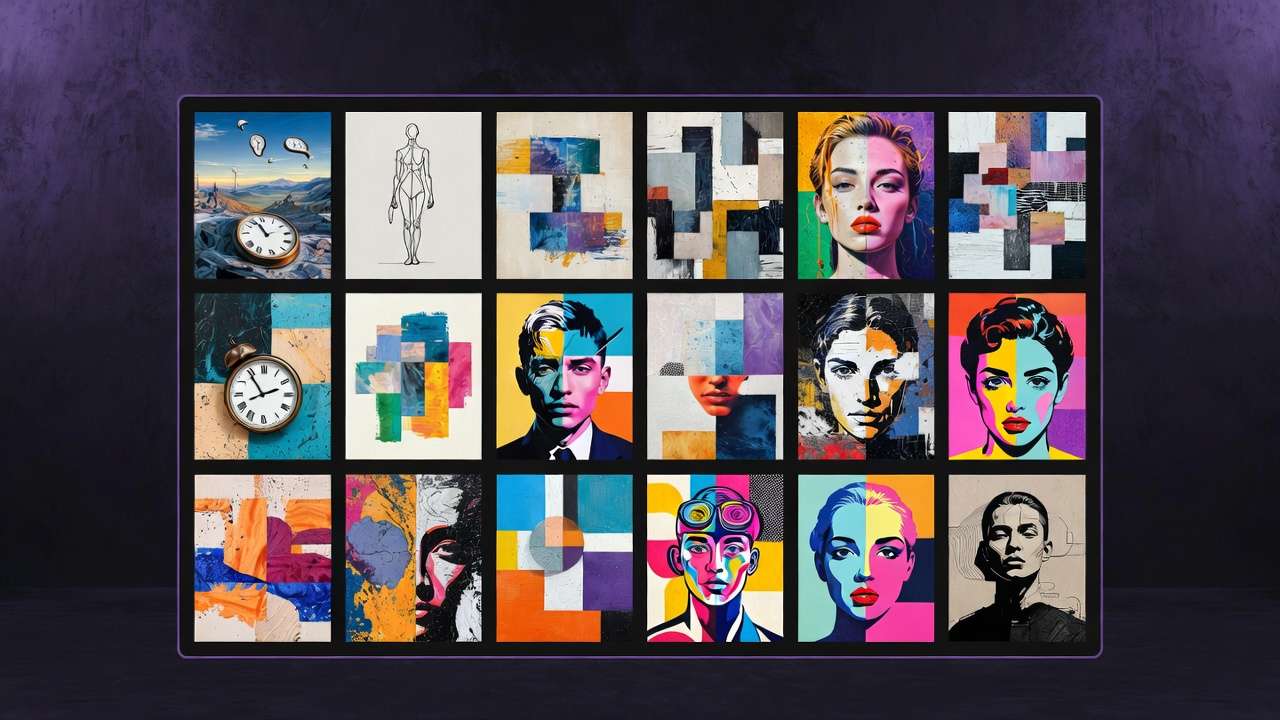
The Gemini Image Model Family on Cliprise
Understanding the naming helps clarify what you are choosing between:
| Model name on Cliprise | Google API name | Tier | Speed | Quality ceiling |
|---|---|---|---|---|
| Gemini 2.5 Flash Image | gemini-2.5-flash-image | Flash (Gen 2.5) | Fastest | Good |
| Gemini 3 Flash Image | gemini-3-flash-image | Flash (Gen 3) | Very fast | Very good |
| Nano Banana 2 | gemini-3.1-flash-image | Flash (Gen 3.1) | Very fast | Excellent |
| Nano Banana Pro | gemini-3-pro-image | Pro (Gen 3) | Standard | Best |
The Flash models share Google's core capabilities - Search grounding, multilingual text rendering, conversational editing - at different speed and quality tiers. Nano Banana Pro is the top quality tier with full Gemini 3 Pro reasoning.
What the Flash Models Do Well
Speed for Interactive Creative Work
The Flash architecture is designed to generate quickly enough that the workflow feels interactive rather than batch-processed. Generating a concept, seeing the result, adjusting the prompt and regenerating - the feedback loop is fast enough to support genuine creative exploration.
For social content production where you need 20-30 variations of a theme in a session, the Flash speed makes this realistic. At Pro model generation times, the same workflow would take significantly longer.
Conversational Image Editing
Generate an image. Then describe a change. The model applies it to the previous output.
The iterative nature of this - building on successive outputs rather than starting fresh each time - allows you to refine an image toward a target rather than trying to describe the final state perfectly in a single prompt.
Typical iterative session:
- Generate: "A product photo of a glass bottle on a marble surface, studio lighting"
- Edit: "Add a few drops of water on the bottle surface"
- Edit: "Shift the lighting to warm golden hour tone"
- Edit: "Blur the background slightly, keep the bottle sharp"
- Final: export for use
Each step refines rather than regenerates. The output after step 5 integrates all four refinements coherently.
Google Search Grounding
Like Nano Banana Pro, the Flash models connect to Google Search during generation. Prompts referencing real-world subjects - specific buildings, specific products, real geographical locations, historical periods - produce more accurate outputs because the model can verify against current information.
This is particularly useful for informational content: maps, diagrams, reference-accurate visualizations, content for educational contexts where factual accuracy matters.
Text Rendering
Google's image models across generations have prioritized readable text in images. The Flash models render English typography reliably and handle multilingual text including Chinese, Japanese, Korean, and other scripts. The accuracy is slightly lower than Nano Banana Pro on complex compositions, but for standard text-in-image use cases - headlines in posters, labels on products, overlay text on social images - the Flash models produce usable output.
Gemini 2.5 Flash vs Gemini 3 Flash
The primary differences between the two Flash generations:
Gemini 3 Flash has access to improved reasoning from the Gemini 3 architecture, better prompt adherence on complex instructions, and slightly higher quality output. If both are available on Cliprise and the quality difference matters for your use case, start with Gemini 3 Flash.
Gemini 2.5 Flash (original Nano Banana) may be preferred for workflows specifically built around its output characteristics, or when it is more cost-effective for high-volume generation needs.
For most new workflows - start with the highest-generation Flash model available.
When to Use Flash vs Nano Banana Pro
The Flash models are not a compromise. They are the right tool in specific contexts:
Use Flash models when:
- You are in the iteration and exploration phase - testing directions, trying variations
- The final output is for social media, web, or other digital contexts where maximum quality is not the priority
- Speed is part of the workflow requirement - you need outputs fast for a deadline
- Volume matters - generating many assets where cost-per-image factors in
Use Nano Banana Pro when:
- The output is a final deliverable for professional or commercial use
- The prompt is complex - multi-element composition, dense infographic, complex spatial logic
- Text accuracy at the highest level is required
- You need the full 4K output at maximum detail
Prompting the Flash Models
Flash models are responsive and forgiving of less precise prompts - but like all Gemini image models, they respond better to specific descriptions than vague ones.
For conversational editing workflows:
Start simple and iterate:
[Generate]: A minimalist poster for [event/brand],
clean typography, [color scheme], [subject imagery]

[Edit 1]: Change the color scheme to [new palette]
[Edit 2]: Make the headline text larger
[Edit 3]: Add a subtle texture to the background
For single-pass generation:
[Subject description],
[composition and framing],
[lighting quality and direction],
[style reference or aesthetic],
[any text to include in quotes],
clean professional quality
Note
Gemini Flash Image models are on Cliprise. Start with Nano Banana Pro, compare it with Gemini 3 Flash, Flux 2, and Midjourney alternatives, then check current pricing.
Related Articles
Google image model family:
- Nano Banana Pro Complete Guide →
- Nano Banana 2 vs Imagen 4 vs Flux 2 →
- Midjourney alternatives (Nano Banana Pro & multi-model stacks) →
Image model comparisons:
Image generation guides:
- AI Image Generation 2026: Complete Guide →
- AI Prompt Engineering 2026 →
- Seeds & Consistency: Reproducing Results →
Models on Cliprise: