"Cheap AI video generator" is one of the most searched phrases in AI tools in 2026. The reason is straightforward: creators discover what professional-grade AI video generation actually costs and experience sticker shock.
Sora 2 is bundled into ChatGPT Pro at $200/month. Runway Unlimited runs $95/month (monthly billing). Kling's Premier plan is $64.99/month. Veo 3.1 requires Google AI Pro at $19.99/month for limited Fast-mode access, or Google AI Ultra at $249.99/month for full quality. To access all four flagship video models at professional tier separately, you are looking at $300-$570+ per month depending on which plans you choose.
This page breaks down the real costs clearly, identifies where the value gaps are, and explains the one option that changes the math significantly for most creators.
If your goal is flagship access without stacking four separate subscriptions, routing everything through a single AI video generator subscription is usually the cleaner economic story than patching together standalone plans.
The Real 2026 AI Video Pricing Breakdown
Before comparing, let's establish actual numbers. These are the prices as of March 2026:
| Platform / Model | Free Tier | Entry Paid | Professional Tier | Notes |
|---|---|---|---|---|
| OpenAI Sora 2 | No (free tier discontinued Jan 2026) | $20/month (ChatGPT Plus) | $200/month (ChatGPT Pro) | Sora bundled into ChatGPT subscription, not a standalone product |
| Kling AI | Yes (watermarked, 66 daily credits) | $6.99/month (Standard) | $64.99/month (Premier) | Plans: Standard $6.99, Pro $25.99, Premier $64.99 |
| Runway | Yes (125 one-time credits) | ~$15/month (Standard, monthly) | ~$35/month (Pro) / ~$95/month (Unlimited) | Annual billing lowers to $12/$28/$76 respectively |
| Veo 3.1 (Google) | No standalone free tier | $7.99/month (Google AI Plus, Fast only) | $19.99/month (Pro, limited) / $249.99/month (Ultra, full) | Full Veo 3.1 Quality requires Ultra plan |
| Pika | Yes (watermarked) | ~$8/month | ~$28/month | Needs verification - check pika.art/pricing |
| CapCut AI | Yes | ~$7.99/month | ~$29.99/month | Editing-focused, not pure generation |
| Cliprise | Yes (daily credits) | $9.99/month | Higher credit plans | All flagship models on one subscription |
The comparison that matters: accessing Sora 2, Kling (Premier), Runway (Unlimited), and Veo 3.1 (Google AI Ultra) at their highest standalone tiers costs over $600/month. Even at mid-tier access - ChatGPT Plus ($20) + Kling Standard ($6.99) + Runway Pro ($35) + Google AI Pro ($19.99) - you are at $81.98/month for limited access to each. Cliprise provides access to all four plus 43 additional models from $9.99/month.
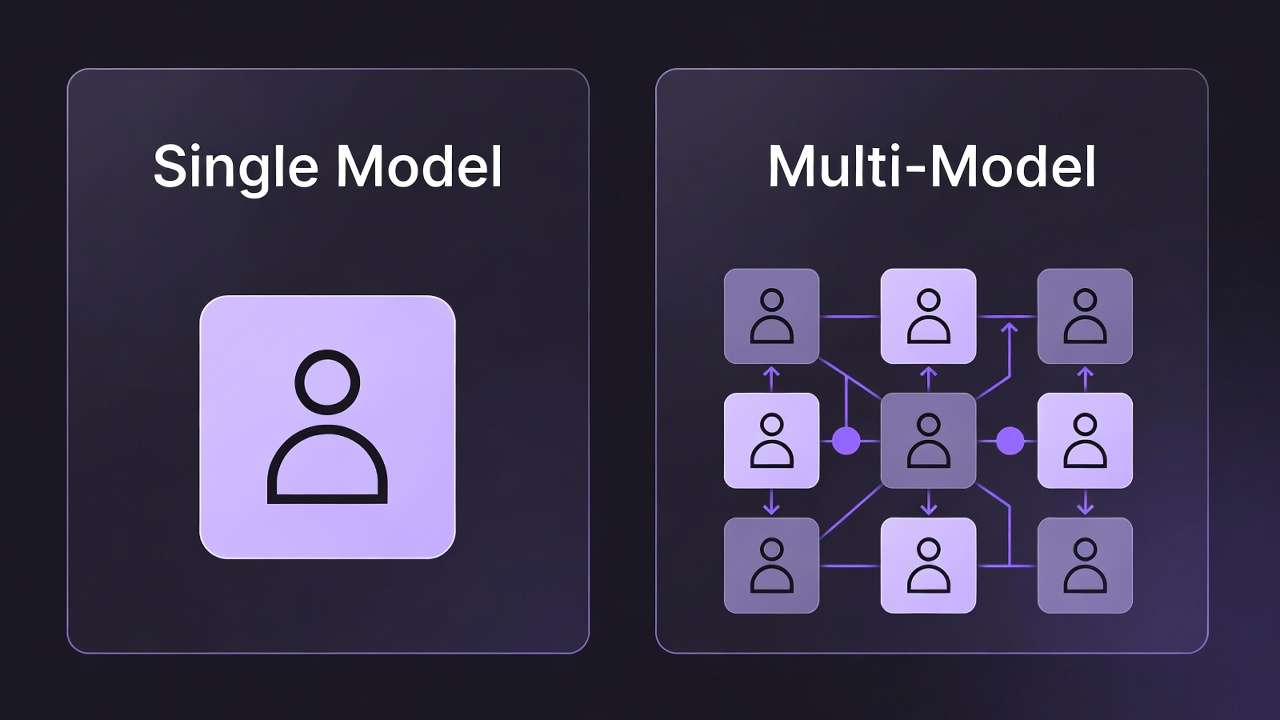
Why "Cheap" Is the Wrong Frame
Positioning Cliprise as "cheap" would be misleading - and it would also undersell what the actual value proposition is.
The right frame is value density: how many professional-grade models do you access per dollar spent?
| Platform | Models Accessible | Monthly Cost (Entry) | Models per Dollar |
|---|---|---|---|
| Midjourney | 1 image model | $10/month | 0.1 |
| Runway | 1 video model family | $15/month | 0.07 |
| Sora | 1 video model family | $20/month | 0.05 |
| Kling | 1 video model family | $6.99/month (Standard) | 0.14 |
| Cliprise | 47+ models (video + image + voice + editing) | $9.99/month | 4.7 |
By value density, Cliprise is not "cheap" - it is the highest-value option at any price point. The $9.99 entry plan is less than many single-tool subscriptions and gives access to Flux 2, Imagen 4, Ideogram v3, and dozens of other Cliprise-native models.
What You Actually Get for $9.99/Month
Being specific is more useful than being general. At Cliprise's entry plan, you access:
Video generation models:
- Kling 3.0 - 4K, 60fps, photorealistic
- Sora 2 + Sora 2 Turbo - long-form, creative range
- Veo 3.1 Quality + Veo 3.1 Fast - spatial audio, physics
- Runway Gen-4 Turbo - commercial quality generation
- Kling 2.6, Kling 2.5 Turbo
- Hailuo 02, Wan 2.6, Seedance v1 and variants
Image generation models:
- Midjourney - artistic quality
- Flux 2 - photorealism
- Google Imagen 4 - photorealism
- Ideogram v3 - text-in-image
- Seedream 4.5, Seedream 4.0, Seedream 3.0
- Grok Imagine, 4o-Image
Voice and audio:
Editing and enhancement:
Credit allocations vary by plan and model usage. The important practical point: credits are shared across all models, so you are not locked into a single tool's generation budget.
The Credit Economics: What Actually Matters
Credit systems can be confusing to compare across platforms. Here is what you need to understand:
Per-generation costs vary by model. A Veo 3.1 Quality 8-second clip costs more credits than a Veo 3.1 Fast clip. A Kling 3.0 4K/60fps generation costs more than Kling 2.6 Standard. Higher quality = higher credit cost.
The iteration budget matters most. Professional AI video generation is iterative - you generate 5-10 draft versions before selecting a final. The total credit budget for a project includes both finals and drafts. Using lower-cost model variants for drafts and reserving premium credits for finals is the most efficient workflow. For a planning formula, use the AI video generator cost and pricing guide.
For cost optimization strategies: Maximize Credits in Multi-Model Platforms and Fast vs Quality Mode: When to Use Each.
Who Benefits Most from Lower-Cost Access
Freelancers
Freelancers billing clients for AI content production need to control input costs. A freelancer billing $500 for a social media video package cannot absorb $200/month in Sora costs alone. The Freelancer AI Content $5K/Month case study covers how production economics work at that scale.
For freelancers, Cliprise's value argument is: more model variety gives you more creative options for clients, which means better deliverables and stronger retention - and the input cost is sustainable.
Small Business Owners
A small business owner making their own social media content, product images, and short video ads needs video, image, and potentially voice tools. Paying separately for Midjourney ($30/month), a video tool like Kling Pro ($25.99/month), and ElevenLabs Creator ($22/month) adds up to over $75/month for a basic multi-format content stack. One subscription covering all three formats changes the economics significantly.
For small business content workflows: Cheap AI Video Generator: Complete Guide for Budget Creators 2026.
Creators with Mixed Content Needs
A YouTube creator who needs video (for b-roll), images (for thumbnails), and voice (for narration) is the clearest example of the multi-model value case. The Best AI Platform for YouTube Creators guide covers this specific workflow.
For social media content specifically: TikTok Creator Viral Strategy and AI Social Media Content Creation Complete Guide 2026.
Agencies Running Client Projects
Agencies generating content across multiple clients have both a volume need and a variety need. Different clients have different aesthetic requirements that different models serve better. The Marketing Agency Case Study: AI Content Cost Reduction quantifies what multi-model access means at agency scale.
The Watermark Problem: What Actually Removes It
"AI video generator without watermark" gets 30,000+ monthly searches alongside "AI video no watermark" at 40,000 monthly searches. The frustration is real: free tiers across almost all platforms add watermarks to output.
The resolution is straightforward but worth making explicit:
- Cliprise's free tier includes watermarks on some model outputs
- Cliprise's paid plans remove watermarks across all models
- Starting at $9.99/month, paid access removes watermarks while giving you access to 47+ models
Compare this to the watermark situation on standalone platforms: Kling's free tier watermarks, Runway's free tier watermarks, Pika's free tier watermarks. Every paid plan removes watermarks - but each is a separate $8-$95/month investment.
One Cliprise paid plan removes watermarks across all models simultaneously.
For the full watermark comparison: AI Video Generator Without Watermark: Platform Comparison 2026.
Where Budget Options Have Real Limitations
Being honest about cost tradeoffs means acknowledging where spending more matters:
Credit volume. Entry-plan credit allocations are limited. High-volume users - agencies generating 100+ videos per month, heavy iterators, teams - will need higher-tier plans. The per-credit cost efficiency remains, but the total spend increases with volume.
Specific model variant access. Some premium model variants (highest quality, highest resolution settings) consume more credits. At entry-plan credit allocations, you may be rationing quality on premium variants. This is true across all platforms, not just Cliprise.
Editing features. If you specifically need Runway's editing interface - timeline, motion brush, inpainting - that requires Runway's native platform regardless of generation cost. Multi-model platforms are generation-focused, not editing-focused.
For a clear framework on when to spend more: Premium vs Budget AI Model Comparison.
The Most Efficient Cheap AI Video Workflow
For creators who want to minimize cost while maximizing output quality:
- Draft with fast/lower-cost model variants. Generate 3-5 compositional drafts using Veo 3.1 Fast or Kling 2.5 Turbo. Same core concept, lower credit cost.
- Select the best draft, regenerate at quality. Once you have the right composition and motion direction confirmed, regenerate the winner with Kling 3.0 or Veo 3.1 Quality.
- Use seed values for consistency. Record the seed from your best draft and apply it to the quality regeneration for visual consistency. Guide: Seed Values for Reproducible Generation.
- Post-production upscaling. If budget requires generating at 1080p and upscaling: Topaz Video Upscaler is more credit-efficient than generating at 4K for every output.
For the complete efficiency framework: High-Output Creator Systems and Stop Creating AI Content - Start Creating with AI Systems.
Frequently Asked Questions
What is the cheapest AI video generator that doesn't watermark? Most platforms remove watermarks on their entry paid plan. Cliprise's entry plan at $9.99/month removes watermarks across all 47+ models simultaneously. Standalone platforms remove watermarks for a single model at $8-$15/month each.
Is there a genuinely free AI video generator without watermarks? No platform currently offers unlimited, watermark-free AI video generation for free. Free tiers typically provide limited daily credits with watermarked output. Cliprise's free tier provides daily credits with watermark removal on paid plans.
How much does Sora 2 cost per video? On ChatGPT Pro (~$200/month), allowance and per-generation cost vary by OpenAI packaging. On Cliprise, Sora 2 is 160-480 credits per 4s/8s/12s clip at 40 credits per second (see pricing); longer or premium Sora runs use Story Board or Sora 2 Turbo tiers. Always confirm the credit estimate in the app before generating.
What is the cheapest way to access Kling 3.0? Via Cliprise from $9.99/month. Standalone Kling.ai plans start at $6.99/month (Standard) and reach $64.99/month (Premier) for higher credit volumes.
Can I use AI video tools for free? Yes, with limitations. All major platforms have free tiers with watermarks and credit limits. Cliprise's free tier includes daily credits applicable across models. For production-quality, watermark-free output, paid plans are required.
Related Articles
- Sora 2 vs Kling 3.0 vs Veo 3.1: Three-Way Comparison
- Best AI Video Generator 2026: Every Major Model Tested
- Runway Alternative: Best Options for Video Creators 2026
- Premium vs Budget AI Model Comparison
- Cost Optimization: Maximize Credits in Multi-Model Platforms
- Cheap AI Video Generator: Complete Guide for Budget Creators 2026
- Vidu Q3 Pro vs Turbo: Cost and Workflow
Conclusion
The AI video generation market in 2026 has a clear cost structure: flagship model access from major labs costs $20-$249.99/month each depending on platform and tier. Accessing professional-tier versions of four major video models separately can run well over $300/month.
The math changes with multi-model access. Cliprise starts at $9.99/month and includes Sora 2, Kling 3.0, Veo 3.1, and Runway Gen-4 Turbo alongside 43 other models. The per-model cost goes from $20-$250 to a fraction of that when bundled.
For creators who want to stop paying separately for every model they use, the comparison is straightforward: see the full model catalog and pricing here.