Runway is genuinely excellent software. The motion brush, the timeline editing interface, the inpainting controls - these are real professional tools that produce real professional results. Understanding that clearly is important before explaining why 25,000 people per month search for a Runway alternative.
The reason is simple: Runway Pro costs $95 per month.
For creators who use Runway primarily as an AI video generation tool - not as a video editing environment - that price is difficult to justify when other models produce comparable or superior generation quality at a fraction of the cost. This page is for those creators.
Quick answer: If you use Runway for its editing interface (timeline, motion brush, inpainting), keep using Runway. If you use Runway primarily for AI video generation and want access to more models at a lower cost, Cliprise starts at $9.99/month and includes Runway Gen-4 Turbo alongside Kling 3.0, Sora 2, Veo 3.1, and 43 other models.
Why People Look for Runway Alternatives
Before listing alternatives, it is worth being precise about which Runway use cases actually drive people to search for alternatives - because the answer shapes which alternative is right for you.
Pricing pressure. Runway's pricing tiers are: Free (limited), Standard $15/month, Pro $95/month. Most serious generation use requires Pro. At $95/month, Runway costs more than Sora 2 Standard ($20/month via OpenAI) and significantly more than most comparable platforms.
Model access. Runway's platform is built around Runway's own models. If you want to generate with Kling 3.0, Sora 2, or Veo 3.1 in the same workflow, you need additional subscriptions.
Generation-only workflow. Runway's interface is built around a video editing paradigm. Creators who want pure generation - text-to-video or image-to-video - without a timeline interface find Runway's UI adds complexity they don't need.
Credit economy. Runway's credit structure means high-volume generation burns through allocations quickly, prompting frequent plan upgrades.
Runway Pricing: The Real Numbers
| Plan | Monthly Cost | Annual Cost | Generation Credits |
|---|---|---|---|
| Free | $0 | $0 | 125 credits |
| Standard | $15/month | $12/month | 625 credits/month |
| Pro | $95/month | $76/month | 2,250 credits/month |
| Unlimited | $195/month | $156/month | Unlimited (fair use) |
For context: generating a single 10-second video in Runway at standard quality typically costs 5-10 credits. At 2,250 credits/month on Pro, that is approximately 225-450 videos per month - which sounds sufficient until you factor in iteration, drafts, and failed generations.
The Pro plan at $95/month is the one most professionals end up on. That is the number to benchmark alternatives against.
What Runway Does Better Than Any Alternative
Honesty here is not optional - it is strategically important. If you need these capabilities, Runway is the right tool and no alternative fully replaces it.
The editing interface. Runway's native platform has a timeline-based video editing environment, frame-level controls, and a workflow that treats video generation as part of a larger editing process. No AI generation platform replicates this. Cliprise, Kling.ai, and other generation platforms do not have editing timelines.
Motion brush. Runway's motion brush lets you paint directional motion onto specific regions of an image. This is a uniquely precise tool for controlled animation that has no equivalent in pure generation platforms.
Inpainting and outpainting. Runway's video inpainting - editing specific regions of an existing video - is a professional-grade capability that generation-only platforms do not offer.
Scene detection and video editing tools. If your workflow involves editing existing footage with AI, Runway's ecosystem is built for this. Generation platforms are built for creating new content, not editing existing material.
When to stay on Runway: You need a video editing interface, not just a generation tool. You use motion brush, inpainting, or timeline editing regularly. Your workflow involves transforming existing footage rather than generating new content.
The Runway Alternative Landscape
Cliprise: Best for Generation-Focused Workflows
Cliprise is the only alternative that includes Runway Gen-4 Turbo as one of its available models. This creates a specific and important argument: you can access Runway's own generation model - Runway Gen-4 Turbo - through Cliprise's platform, alongside Kling 3.0, Sora 2, Veo 3.1, and 43 additional models.
The pricing math:
- Runway Pro alone: $95/month
- Cliprise (Runway Gen-4 Turbo + 46 other models): from $9.99/month
For creators who use Runway Gen-4 Turbo for generation but don't need Runway's editing interface, Cliprise is a direct cost reduction. The model is the same; what changes is the platform around it and the access to everything else.
What Cliprise adds over standalone Runway for generation workflows:
- Kling 3.0 for 4K/60fps photorealistic content
- Sora 2 for long-form and conceptual content
- Veo 3.1 Quality with native spatial audio
- Topaz Video Upscaler for post-production enhancement
- ElevenLabs TTS and Sound Effect v2 for audio
- Full image generation suite: Midjourney, Flux 2, Google Imagen 4
- iOS and Android mobile apps
What Cliprise does not replicate from Runway: Cliprise is a generation platform, not a video editor. There is no timeline, no motion brush, no inpainting of existing footage. Users who need those capabilities need Runway's native platform.
For the Runway Gen-4 Turbo generation workflow on Cliprise: Runway Gen-4 Turbo Tutorial.

Kling.ai (Standalone): Best for Photorealistic 4K/60fps
Kling.ai's standalone platform gives direct access to Kling models including Kling 3.0. The pricing is more accessible than Runway Pro ($9-$89/month depending on plan) and Kling 3.0's output quality for commercial photorealistic content is arguably the strongest in the market.
The limitation: Kling.ai is a single-model platform. You get Kling models and nothing else. If your content needs vary - you need Sora 2 for conceptual content, Veo 3.1 for atmospheric scenes, image generation for thumbnails - you are back to managing multiple subscriptions.
Pika: Best for Quick Social Content
Pika is focused on fast, casual video generation optimized for social media. More accessible pricing, simpler interface, but lower ceiling on output quality compared to Runway Gen-4 Turbo, Kling 3.0, or Sora 2.
For creators prioritizing speed and simplicity over quality ceiling, Pika is a legitimate option. For professional production quality, the output gap is significant.
CapCut AI: Best for Editing-Native Workflows
If what you want is a video editing environment with AI generation built in - closer to Runway's value proposition - CapCut AI is a more affordable option with a similar editing-first paradigm. The generation quality does not match Runway Gen-4 Turbo or Kling 3.0, but the editing workflow is comparable for basic use cases.
Head-to-Head: Cliprise vs Runway for Generation Workflows
| Cliprise | Runway Pro | |
|---|---|---|
| Monthly cost | From $9.99 | $95 |
| Runway Gen-4 Turbo access | Yes | Yes (native) |
| Kling 3.0 access | Yes | No |
| Sora 2 access | Yes | No |
| Veo 3.1 access | Yes | No |
| Total video models | 15+ | 1 (Runway variants) |
| Image generation | Yes (10+ models) | Limited |
| Voice/audio tools | Yes (ElevenLabs suite) | No |
| Video editing timeline | No | Yes |
| Motion brush | No | Yes |
| Inpainting | No | Yes |
| Mobile app | iOS + Android | iOS + Android |
| Best for | Generation-first workflows | Generation + editing workflows |
The key insight from this table: Runway Pro wins when you need the editing interface. Cliprise wins when you need generation breadth and cost efficiency.
Who Should Stay on Runway
This is important enough to be explicit. Runway is the right choice if:
- You use timeline-based video editing regularly
- Motion brush is part of your creative workflow
- You need inpainting - editing specific regions of existing video
- Your workflow involves transforming existing footage with AI rather than generating new content
- You are on the Unlimited plan and generate at very high volume where per-credit pricing becomes advantageous
- You need Runway's specific platform integrations
If any of these describe your primary use case, Runway is the right tool and this comparison should not move you.
Who Should Switch (or Add Cliprise)
Cliprise makes sense if:
- You primarily use Runway for AI video generation, not for its editing interface
- You want to compare Runway Gen-4 Turbo outputs against Kling 3.0 and Sora 2 without multiple subscriptions
- You need image generation, voice generation, or audio tools alongside video
- You are currently paying for multiple separate AI tools (Runway + Midjourney + ElevenLabs) and want to consolidate
- You generate content across multiple formats - video for social, images for thumbnails, voice for narration
- $95/month is difficult to justify for primarily generation use
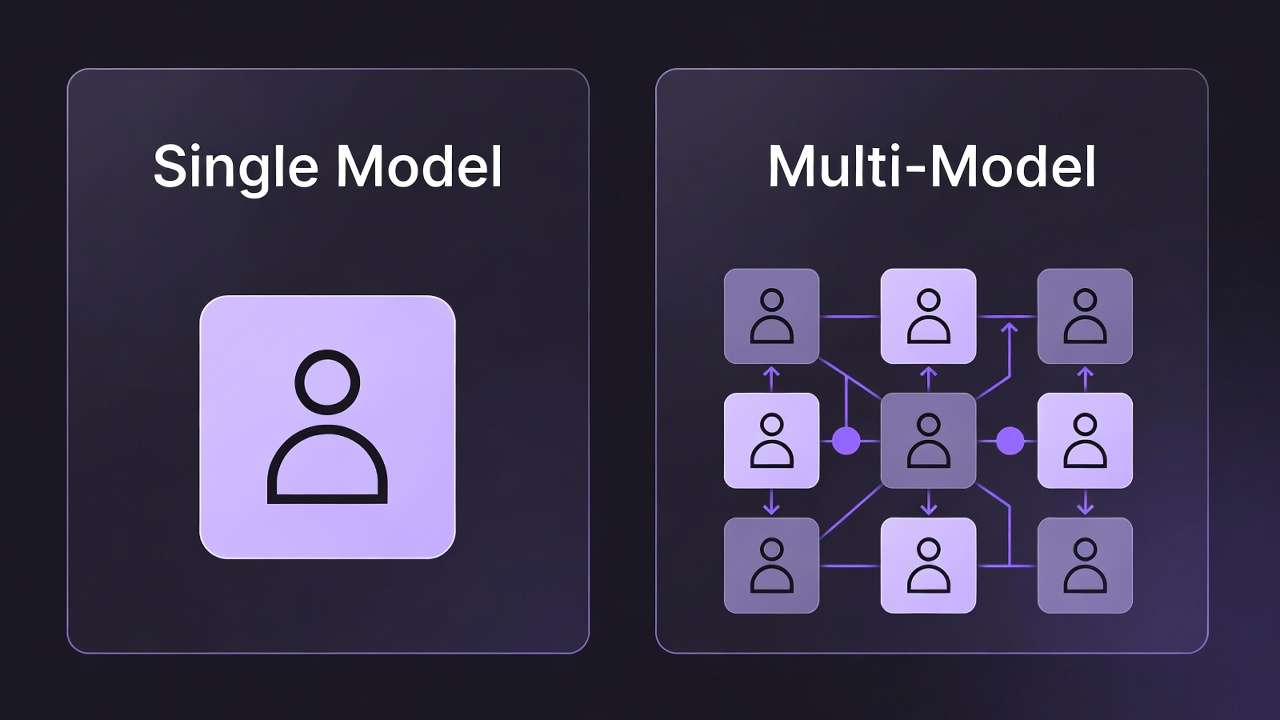
For the cost consolidation argument: Multi-Model Platforms vs Single-Tool Subscriptions and Cost Optimization: Maximize Credits in Multi-Model Platforms.
Making the Transition
If you decide to move from Runway to Cliprise for generation workflows, the practical steps are straightforward:
Keep your Runway Standard plan ($15/month) if you occasionally need the editing interface. Pair it with Cliprise for generation. The combined cost ($15 + $9.99) is still significantly below Runway Pro at $95/month, and you get access to far more generation models.
Build prompt reference sets. Runway Gen-4 Turbo prompting conventions carry over to Cliprise - the model is the same. Your existing prompt library works. For Kling 3.0 and Sora 2 prompting conventions: Kling 3.0 Prompts and Sora 2 Prompts.
Use Fast mode for drafts. On Cliprise, use lower-cost model variants for iteration and reserve premium model credits for finals. The Fast vs Quality decision guide covers this workflow.
For agency-scale workflows: Agency Video Scaling with AI and Marketing Agency Case Study: AI Content Cost Reduction.
Frequently Asked Questions
Does Cliprise have Runway Gen-4 Turbo? Yes - Runway Gen-4 Turbo is available on Cliprise as part of the model catalog. You generate through Cliprise's interface using Runway's model.
Is Cliprise cheaper than Runway? Significantly. Runway Pro is $95/month. Cliprise starts at $9.99/month. The credit structure differs, so compare based on your generation volume - see pricing details here.
Does Cliprise replace Runway's editing features? No. Cliprise is a generation platform. It does not have Runway's timeline editor, motion brush, or inpainting tools. If those features are important to your workflow, Runway is still necessary.
Can I use both Runway and Cliprise together? Yes - and for some workflows this makes sense. Use Runway Standard ($15/month) for editing-specific tasks and Cliprise for generation across multiple models.
What is the best free Runway alternative? Most generation platforms have free tiers with limited credits. Cliprise has a free tier. The honest answer: free tiers across all platforms provide limited generation capacity. For professional use, a paid plan is required regardless of which platform you choose.
Related Articles
- Runway Gen-4 Turbo: Professional Video Editing Workflows
- Sora 2 vs Runway Gen-4 Turbo Comparison 2026
- Kling 3.0 vs Runway Gen-4 Turbo Comparison
- Cliprise vs Runway: Video Generation Platforms Compared
- Multi-Model AI Platforms vs Single-Tool Subscriptions
- Sora 2 vs Kling 3.0 vs Veo 3.1: Three-Way Comparison
Conclusion
Runway is excellent software - for editing-native video workflows that combine AI generation with professional editing tools. That is a specific use case, and for that use case, Runway deserves its place.
For creators who use Runway primarily as an AI video generation engine - not for timeline editing, motion brush, or inpainting - the $95/month price is difficult to justify when Runway's own model (Runway Gen-4 Turbo) is accessible on Cliprise alongside 46 other models from $9.99/month.
The right answer depends on your workflow. If editing is central: keep Runway. If generation breadth and cost efficiency matter more: Cliprise is the comparison that ends the search.