Introduction
Quick answer: Use Flux 2 when photoreal structure, product detail, and literal prompt adherence matter. Use Midjourney natively when the brief needs its external aesthetic engine. Inside Cliprise, compare Flux 2 with Google Imagen 4, Nano Banana Pro, and AI art generator workflows before spending credits on final assets.
Golden hour portrait tests reveal how Flux 2 Pro's physics-based lighting can nail subsurface scattering on cheeks, while Midjourney leans into warmer perceptual tones that clients may read as "more alive." Neither model dominates every scenario. The photorealism battle hinges on architectural differences most creators overlook in their first 100 generations.
Photorealism from an AI image generator refers to outputs that mimic real-world photography through precise replication of visual elements like depth of field, specular highlights, and material properties. Multi-model workflows expose these nuances when users compare a literal model such as Flux 2 with external Midjourney references in iterative workflows. A creator might generate a portrait with Flux 2 for structural adherence, then compare that result against a Midjourney benchmark for stylistic warmth. That mood-led direction maps cleanly to Cliprise's AI art generator when you deliberately want warmth over literal camera fidelity.
This article dissects these dynamics through structured analysis. We begin by defining photorealism's core components and how models like Flux 2 Pro and Midjourney approach them. Next, we address common misconceptions that lead creators astray, drawing from observed patterns in community-shared outputs. Deep dives into each model's capabilities follow, grounded in documented parameter controls and user-reported behaviors. A head-to-head comparison, including a detailed table, evaluates key metrics across creator types. Real-world use cases illustrate application differences, while sections on workflow sequencing and limitations provide balanced perspectives. Finally, we explore industry trends.
Understanding these subtleties matters now because photorealism demands are rising in e-commerce, advertising, and architectural visualization, where clients expect outputs close to stock photography. Misjudging model strengths can increase iteration cycles per asset. Cliprise supports Flux 2 and Midjourney-style alternatives in a broader image stack, while Midjourney itself remains an external benchmark. Readers mastering this comparison gain tools to select models per project phase: Flux for foundational realism, AI art workflows for expressive tweaks, and external Midjourney only when that specific aesthetic is required.
What Photorealism Means in Modern AI Image Generators
Photorealism emerges when AI models balance probabilistic diffusion with deterministic controls to produce images that withstand scrutiny under magnification, akin to DSLR captures. Core components include lighting simulation, where ray-tracing approximations handle caustics and god rays; texture rendering, capturing micro-details like fabric weaves or leather cracks; anatomical accuracy, ensuring proportional limbs and expressive micro-movements; and environmental coherence, integrating foreground subjects with backgrounds via consistent atmospheric perspective.
Lighting Dynamics in Diffusion Models
Lighting forms photorealism's backbone because human vision prioritizes it for depth cues. Flux 2 Pro, developed by Black Forest Labs, leverages advanced latent diffusion to model light propagation, observed in outputs where shadows cast softly on curved surfaces like human shoulders during simulated dusk. Midjourney, evolved through community feedback loops, incorporates perceptual loss functions that emphasize mood over physics, yielding warmer tones in indoor scenes. Inside Cliprise, users can test Flux 2 against other available image models and compare the results with external Midjourney references for golden hour briefs. Why does this matter? Inaccurate lighting breaks immersion-e.g., harsh edges on metallic objects signal synthetic origins, costing revisions in commercial visuals.
Texture and Material Fidelity
Texture rendering tests training data diversity. Flux 2 Pro excels in high-frequency details, such as pore distributions on skin or rust patinas on machinery, due to its rectified flow transformers that preserve fine gradients. Midjourney counters with style-conditioned diffusion, blending photoreal textures with painterly influences for hybrid outputs. Observed patterns show Flux maintaining edge sharpness in macro shots, while external Midjourney examples often soften transitions for lifelike blur. Creators using tools such as Cliprise note that negative prompts refine available models-e.g., "blurry textures" excluded yields crisper foliage in landscapes.
Anatomical and Proportional Accuracy
Human figures challenge models due to pose variability. Anatomical photorealism requires joint constraints and muscle topology awareness. Flux 2 Pro's architecture handles full-body coherence better in static poses, with hands showing fewer fusion artifacts when seeds are fixed. Midjourney relies on remix chains, while CFG scale and seed controls guide available Cliprise models in different ways. Parameter controls amplify adherence: values around 7-9 in Flux promote precision, while Midjourney's stylize parameter (50-100) tempers exaggeration on its own platform. In Cliprise workflows, repeatable seeds can reduce anatomical drift across batches where the selected model supports them.
Environmental Coherence and Scene Integration
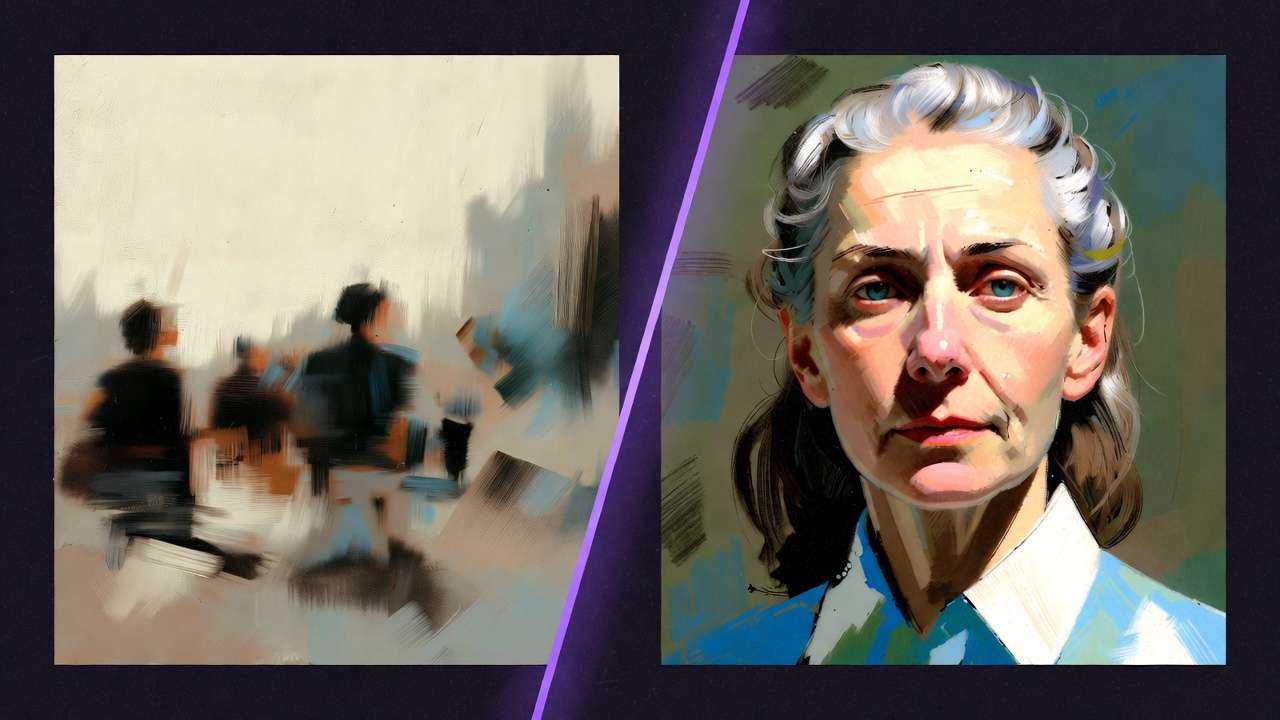
Coherence ties elements via scale, occlusion, and reflection. Diffusion processes unroll noise conditioned on holistic prompts, but training biases surface-e.g., urban vs rural datasets. Flux 2 Pro integrates objects seamlessly in product environments, observed in e-commerce mocks where reflections match material indices. Midjourney shines in architectural interiors on its own platform, with chaos parameters introducing plausible clutter. Multi-model workflows on Cliprise should use Flux for base layers and available art or edit models for atmosphere, while keeping Midjourney as an external reference.
Parameter Controls and Their Influence
CFG scale guides prompt fidelity versus creativity; seeds ensure reproducibility where supported. Negative prompts exclude artifacts like "deformed limbs." Aspect ratios dictate composition-16:9 for landscapes favors Flux's wide-field stability. Observed in platforms offering both, Flux responds predictably to seeds in iterative portrait series, while Midjourney variations evolve stylistically. Training data influences persist: Flux's focus on scientific imagery aids technical renders, Midjourney's artistic corpus enhances narrative scenes.
Patterns Across Aggregating Platforms
When using solutions like Cliprise, creators can observe Flux 2 Pro's edge in controlled lighting, such as studio portraits with even illumination, and then compare those outputs against external Midjourney examples for dynamic setups like candid street photography. Diffusion iterations balance quality and coherence, but queue dynamics vary. This foundational understanding reveals photorealism as emergent from interplay, not isolated features-empowering workflows that leverage strengths sequentially.
What Most Creators Get Wrong About Photorealism in Flux 2 Pro and Midjourney
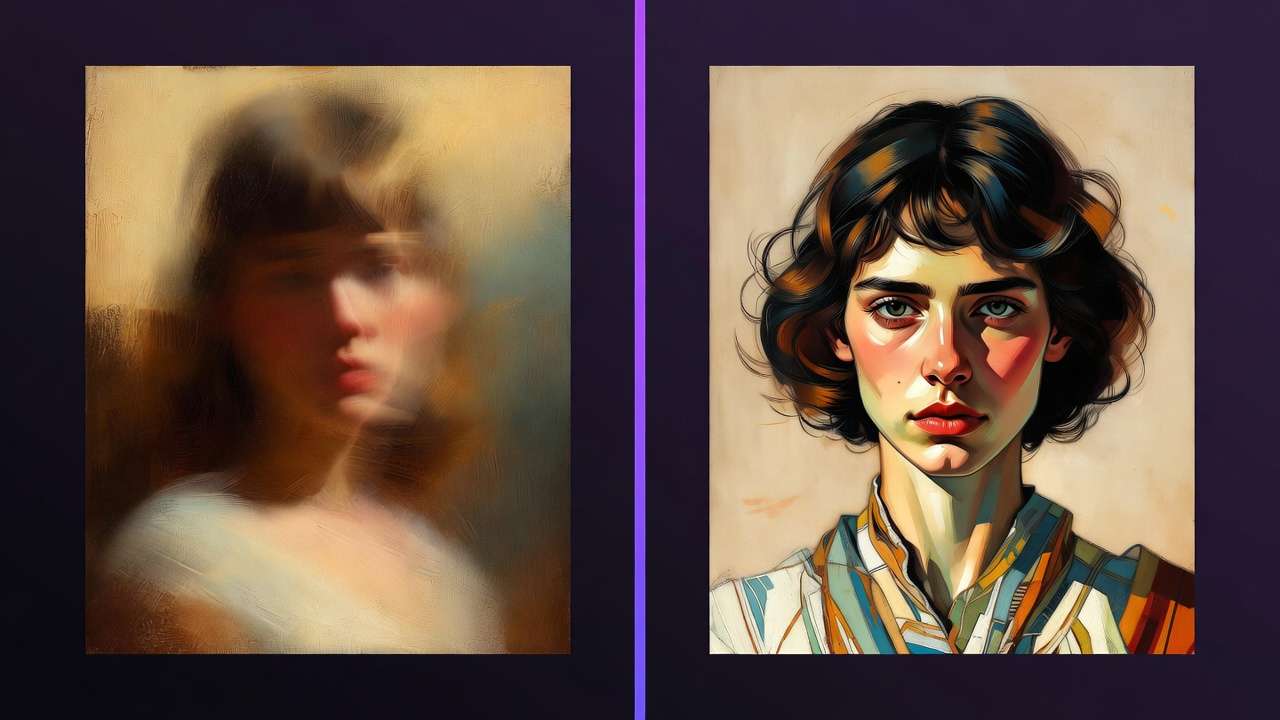
Many creators assume higher resolution guarantees photorealism, yet low-light scenarios expose failures like noise amplification in shadows. Flux 2 Pro at 1024x1024 may render crisp daylight fabrics, but underexposed skin loses subsurface scattering, appearing plastic. Midjourney upscales via variations, yet grain persists without stylize tweaks. Why? Resolution inflates artifacts without proportional denoising. In Cliprise sessions, beginners upscale prematurely, yielding muddy outputs; experts downsample first for clean bases. This misconception wastes credits on unrecoverable gens, extending freelance timelines noticeably per asset.
Over-relying on lengthy prompts ignores model-specific parsing. Complex scenes-"elderly fisherman mending nets at dawn on weathered dock, volumetric fog, cinematic depth"-fragment in Flux 2 Pro into disjoint elements, prioritizing structure over mood. Midjourney interprets narratively on its own platform, fusing details cohesively but drifting anatomically. Cliprise testing highlights the native side of this contrast: Flux adheres literally, with detailed dock planks and secondary faces, while available art-oriented alternatives can emphasize emotion. Tutorials miss weighting-e.g., (fisherman:1.2) in Midjourney stabilizes focus externally. Creators pasting generic prompts across models face higher rejection rates, as Flux demands concise descriptors, while Midjourney thrives on poetic layers.
Ignoring seed reproducibility hampers iteration. Flux 2 Pro supports robust seeds, yielding near-identical outputs for A/B testing lighting variants. Midjourney's partial seed reliance via --seed leads to drifts in upscale chains on Midjourney itself. In real workflows on tools such as Cliprise, solos regenerate full sets without seeds, multiplying queue times; agencies lock seeds for client proofs where the selected model supports them. Why the gap? Flux's transformer preserves noise patterns; Midjourney's perceptual tweaks introduce variance. Beginners overlook this, treating gens as one-offs; experts sequence seeds progressively, cutting revisions.
Treating models interchangeably for humans ignores training biases. Flux 2 Pro handles diverse ethnicities evenly in neutral poses but stumbles on dynamic gestures due to dataset gaps. Midjourney, tuned on artistic portraits, excels in expressions yet biases toward stylized features. In Cliprise-native testing, full-body prompts reveal Flux's proportional stability against other available image models; external Midjourney references remain useful for judging facial charisma. Freelancers undervalue this, producing inconsistent series; agencies audit datasets pre-project.
These errors stem from surface testing, not depth. Experts on platforms including Cliprise sequence models-Flux for anatomy, available art-oriented alternatives for polish-achieving notable efficiency gains.
Deep Dive: Flux 2 Pro Capabilities and Workflows
Flux 2 Pro, from Black Forest Labs, builds on rectified flow models for superior prompt adherence and detail retention. Its architecture processes latents with guidance flows, enabling high-fidelity textures in photoreal scenes like machined parts or foliage veins. Observed strengths include natural lighting gradients-e.g., rim light on hair strands without haloing.
Key controls shape outputs: aspect ratios from 1:1 to 16:9 suit portraits to panoramas; negative prompts exclude "overexposed, blurry" for cleaner renders; seeds lock variations, vital for batch consistency. In workflows on platforms like Cliprise, creators start with base prompts, iterate seeds for poses, then upscale. Beginners use defaults (CFG 3.5), yielding solid starters; experts tune CFG to 7 for precision, negative prompts for artifact suppression.
Performance in photorealism shines in product scenes: a watch on velvet renders metallic sheen and fabric nap accurately, with reflections coherent. Portraits show anatomical solidity-hands with vein details, eyes with catchlights. User patterns on multi-model tools reveal Flux's stability in static compositions, less variance in 10-gen series versus competitors. For e-commerce freelancers, this means reliable mocks; solos appreciate quick seeds for personal branding.
Workflows emphasize sequencing: prompt → seed fix → negative refine → upscale. Cliprise integrations streamline this, avoiding re-uploads. Challenges include motion hints (e.g., "wind-swept hair") softening details, better for stills.
Deep Dive: Midjourney Capabilities and Workflows
Midjourney advances via API-accessible diffusion with remix and variation engines, evolving from prior versions' coherence gains. Strengths lie in artistic photorealism-style transfer infuses photo refs with painterly depth, ideal for emotive portraits.
Parameters drive realism: stylize (0-1000) balances literal vs interpretive; chaos (0-100) introduces diversity; --ar for ratios, --v activates latest. Remix reinterprets selections, refining anomalies. On Cliprise, users should blend available native models and compare finished directions against Midjourney externally when that aesthetic is part of the brief.
Photorealism patterns: architectural renders maintain perspective lines in cathedrals; dynamic motion like crowds shows plausible blur. Chaos aids variations-low for consistency, high for ideation. Freelancers leverage quick gens for concepts; agencies chain remixes for feedback loops.
Workflows: broad prompt → vary → remix → stylize adjust. Community refinements via Discord patterns inform prompts. Cliprise users note interpretive flexibility suits narratives, though reproducibility lags without strict seeds.
Head-to-Head Comparison: Flux 2 Pro vs Midjourney for Photorealism
Direct tests across metrics reveal tradeoffs. Detail fidelity measures micro-textures; coherence assesses scene unity; speed factors queues. Freelancers prioritize quick batches, agencies deliverables, solos exploration. Cliprise enables side-by-side tests across available native models; Midjourney remains a separate external reference for expressiveness.
| Aspect | Flux 2 Pro | Midjourney | When Flux Wins (Scenario) | When Midjourney Wins (Scenario) |
|---|---|---|---|---|
| Texture Detail (e.g., skin pores) | High fidelity in close-ups, preserves micro-patterns like fabric threads | Strong with stylize 200-400 adjustments for blended realism | Product photography (static objects, batch gens) | Portrait sessions (expressive faces, variations) |
| Lighting Realism (e.g., golden hour) | Natural gradients in many observed outdoor gens | Dynamic via chaos 20-50 for varied intensities | Outdoor landscapes (consistent light over exposures) | Indoor mixed lighting (variations in remix cycles) |
| Anatomical Accuracy (e.g., hands) | Improved with seeds in many cases | Remix refines in steps from base | Full-body figures (seed control in solo projects) | Group scenes (community remixing in agency reviews) |
| Speed/Queue (reported patterns) | Faster in low-load multi-platforms | Varies by server load | High-volume freelance batches | Iterative agency feedback loops |
| Prompt Adherence | Precise with CFG 4-8, literal parsing | Interpretive with weights like (element:1.3) | Technical descriptions (e.g., engineering diagrams) | Creative narratives (story-driven scenes) |
| Reproducibility (seed use) | Strong support, high match across runs | Partial via upscale variations, moderate consistency | Production consistency needs (client proofs) | Exploratory ideation (style brainstorming) |
Table insights: Flux leads in controlled scenarios due to seed strength, reducing regenerations; Midjourney leads in creative remixing on its own platform, suiting feedback-heavy work. Surprising: Flux's speed can help batch testing inside Cliprise, while Midjourney's chaos controls can accelerate external ideation.
Real-World Use Cases: Applying Flux 2 Pro and Midjourney
E-commerce visuals favor Flux: prompt "stainless steel watch on marble, studio lit," seeds variants for angles-coherent reflections suit Shopify mocks. Freelancers on Cliprise batch efficiently for mocks.
Advertising portraits lean Midjourney: "confident executive in office, golden rim light," remix expressions-stylize 300 adds charisma for billboards. Agencies iterate more efficiently.
Architectural viz hybrids: Flux bases ("modern lobby interior, daylight"), Midjourney overlays chaos for occupancy. Solos save hours.
Patterns: freelancers Flux for volume, agencies Midjourney polish.
When Photorealism Tools Like Flux 2 Pro or Midjourney Don't Help
Extreme abstractions like surreal composites fail-Flux rigidifies, Midjourney stylizes excessively. Motion-heavy (e.g., running crowds) distorts anatomically.
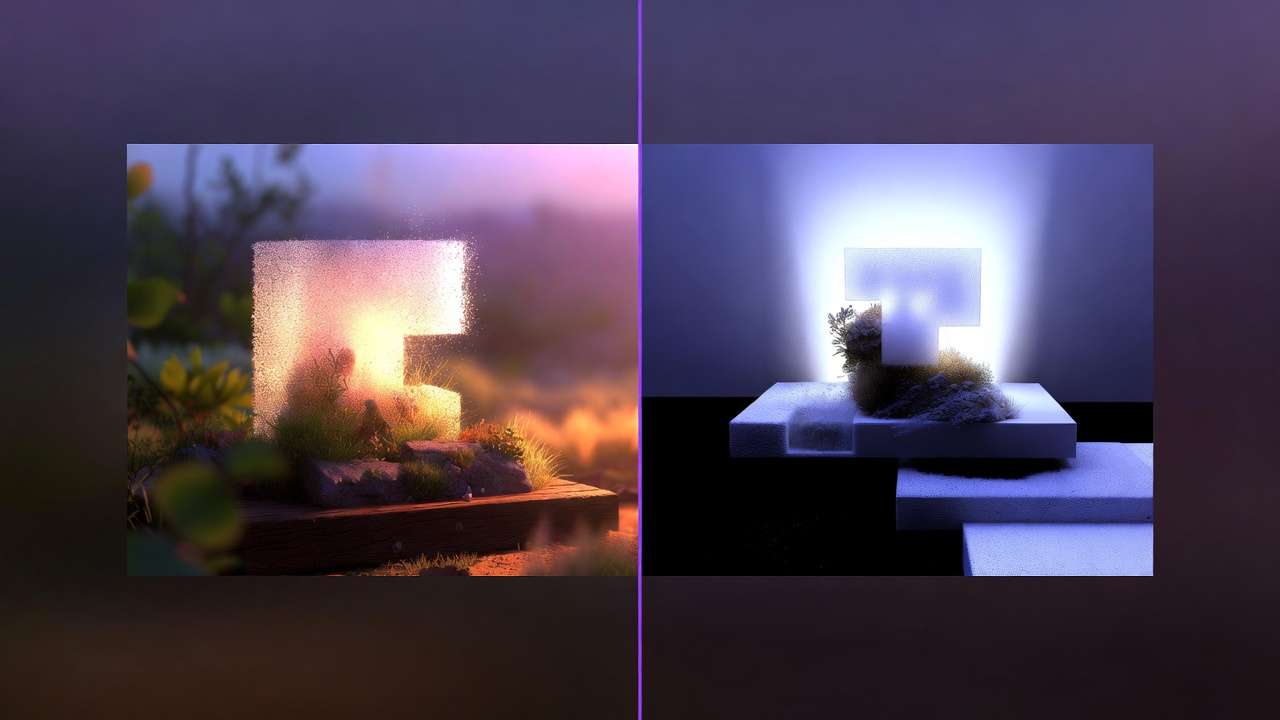
Beginners sans prompting basics produce noise; high-volume print needs variability.
Queues peak, credits interrupt on platforms. Variability persists despite seeds; free tiers publicize outputs.
Unsolved: perfect hand dynamics, bias mitigation.
Why Order and Sequencing Matter in Photorealism Workflows
Starting complex skips bases, amplifying errors. Image-first prototypes fast.
Context switching costs 5-10min/logins. Multi-model like Cliprise minimizes.
Image→video for extension; video→image rare. Patterns: iteration reduces load.
Seed before upscale.
Industry Patterns and Future Directions in Photorealism AI
Adoption rises in commercial sectors, with multi-model platforms gaining traction. Changing: seed enhancements.
6-12 months: hybrid coherence. Prepare: test aggregators like Cliprise.
Related Articles
- AI Image Generation: The Complete Guide 2026
- AI Prompt Engineering: The Complete Guide 2026
- Flux 2 vs Google Imagen 4: Photorealism Test
- Midjourney vs Flux 2: Image Quality Showdown
- Best Image Generators on Cliprise
Conclusion
Takeaways: Flux precision, Midjourney-style alternatives for expressiveness, and external Midjourney references when that exact look is required. Sequence wisely and test available Cliprise models before final delivery.