In 2026, professional AI content creation requires multiple models. The best AI image generation model is not the same as the best AI video model. The best model for photorealism is not the best model for text rendering. The best model for atmospheric storytelling is not the best model for product demos.
This creates a choice: manage separate subscriptions for each model, or access all of them on a single multi-model platform.
Quick answer: A multi-model AI platform aggregates access to dozens of AI models - video, image, voice, and editing - under one subscription and one credit system. Cliprise is the platform built specifically for this: 47+ models including Kling 3.0, Sora 2, Veo 3.1, Flux 2, Google Imagen 4, Ideogram v3, Seedream, and ElevenLabs, from $9.99/month. The alternative - separate subscriptions for each - costs $150-300+/month for equivalent coverage.
What "Multi-Model AI Platform" Actually Means
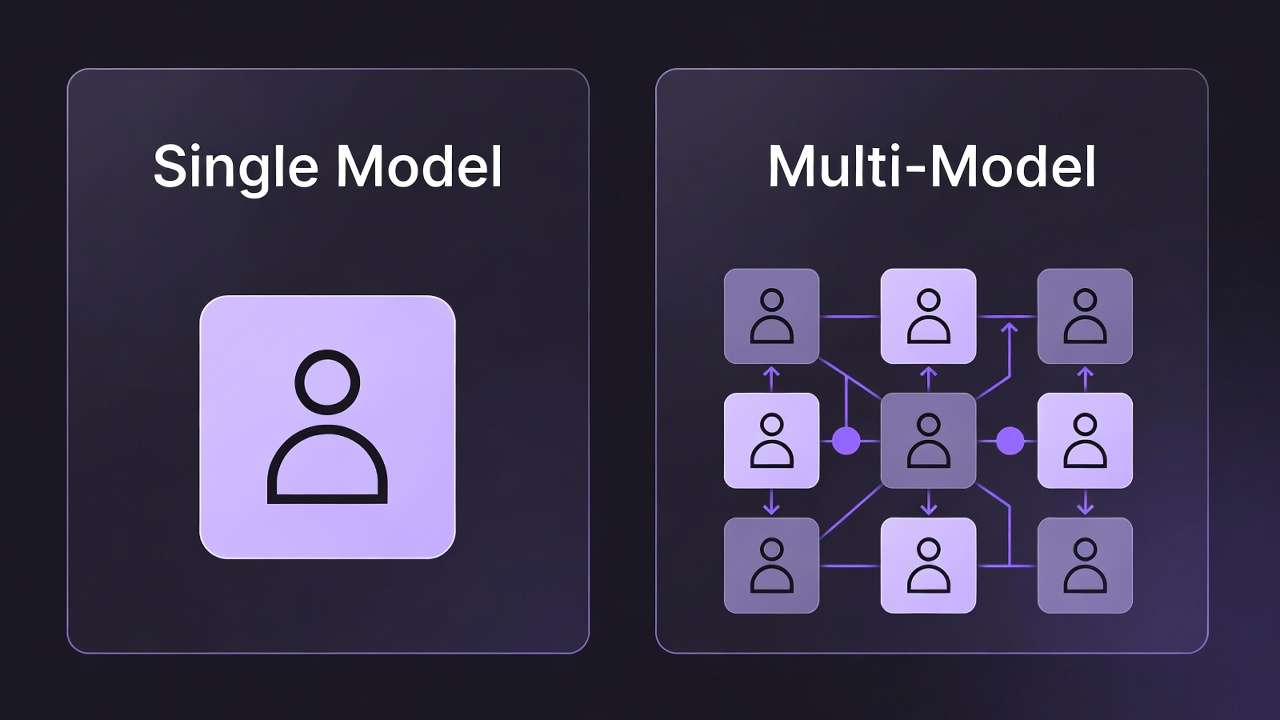
A multi-model AI platform does three things that separate it from both single-model tools and general AI assistants:
1. Aggregated model access. Instead of stitching together separate image, video, and audio tools, you access Cliprise-native available models through one account, one interface, and one billing relationship.
2. Unified credit economy. Credits purchase from one pool apply across all models. You do not manage separate credit balances for each tool. If you use more video this month and less image generation, your credits follow your actual usage rather than being siloed per-platform.
3. Seamless model switching. Testing the same prompt across Kling 3.0 and Veo 3.1 to compare outputs takes seconds on a multi-model platform. On separate platforms it requires re-uploading the prompt, logging into a different account, and reconciling outputs across different interfaces.
Cliprise is built around this architecture: 47+ models across video generation, image generation, voice synthesis, and editing tools, accessible from one account on web, iOS, and Android.
The Problem with Single-Model Subscriptions at Scale
The single-model subscription model made sense when AI generation tools were novelties. In 2026, it creates compounding problems:
Cost multiplication. Adding one model at a time to your stack adds one subscription at a time. The professional creator stack - one video model, one image model, voice synthesis, editing tools - runs $75-150/month in separate subscriptions before you start adding premium tiers.
Context switching. Moving between platforms is not just inconvenient - it interrupts creative flow. Testing whether Kling 3.0 or Veo 3.1 produces better results for a specific brief requires logging into two platforms, replicating the prompt, comparing outputs across different interfaces.
Credit waste. Single-model subscriptions reset monthly whether you used them or not. A creator who generates heavily in image generation one month and video the next loses unused credits from the underused subscription every billing cycle.
Prompt context loss. Each platform maintains its own generation history. There is no unified view of what you created across models, which makes iterative multi-model workflows difficult to manage.
Billing overhead. Managing five separate AI tool subscriptions means five renewal dates, five credit balance checks, five customer support relationships, and five points of potential billing failure.
The Real Cost: Single-Model Stack vs Multi-Model Platform
Building a professional AI content stack from separate subscriptions in 2026:
| Tool | Model(s) | Cost |
|---|---|---|
| Kling AI Pro | Kling 3.0, Kling 2.6 | $25.99/month (Pro) |
| OpenAI Plus | Sora 2 (limited) | $20/month |
| Runway Standard | Runway Gen-4 Turbo | ~$15/month (monthly) |
| Midjourney Standard | Midjourney | $30/month |
| ElevenLabs Creator | TTS, Sound Effect | $22/month |
| Ideogram Plus | Ideogram v3 | $20/month |
| Flux (Replicate/API) | Flux 2 | Pay-per-use (no fixed subscription) |
| Total | 7 models | ~$132/month |
Cliprise entry plan: $9.99/month for all of the above plus 40+ additional models.
The comparison at professional tier (higher credit volumes) narrows but remains significant. The multi-model value case does not depend on the lowest possible comparison - it holds at every tier.
Which Models Are on Cliprise
Being specific is more useful than being general. The 47+ models on Cliprise fall into four categories:
Video Generation: Kling 3.0 (4K/60fps photorealistic), Kling 2.6, Kling 2.5 Turbo, Sora 2 (20-second duration, creative range), Sora 2 Turbo, Sora 2 Pro Storyboard, Veo 3.1 Quality (spatial audio), Veo 3.1 Fast, Runway Gen-4 Turbo, Hailuo 02, Wan 2.6, Seedance v1
Image Generation: Midjourney, Flux 2, Google Imagen 4, Ideogram v3, Ideogram Character, Seedream 4.5, Seedream 4.0, Seedream 3.0, Grok Imagine, 4o-Image, Nano Banana Pro, Qwen Image, Flux Kontext
Voice and Audio: ElevenLabs TTS, ElevenLabs Sound Effect v2, ElevenLabs Audio Isolation, ElevenLabs Speech-to-Text
Editing and Enhancement: Topaz Video Upscaler, Recraft Remove BG, Recraft Crisp Upscale, Luma Modify, Qwen Image Edit
Full catalog: All Models on Cliprise.
How Multi-Model Workflows Actually Work
The practical value of multi-model access shows up in specific workflows:
The brief-to-publish workflow for social media video:
- Generate thumbnail concepts with Midjourney (artistic quality) - compare 3-4 options
- Regenerate chosen concept with Ideogram v3 if thumbnail includes text
- Generate b-roll clips with Veo 3.1 Fast (draft) then Kling 3.0 (final)
- Generate narration with ElevenLabs TTS
- Upscale final video with Topaz Video Upscaler
All five steps in one platform, one credit pool, one interface.
The model comparison workflow: Before committing quality credits to a final, generate the same prompt with Kling 3.0 and Veo 3.1 Fast side-by-side. Select the better output. Regenerate the winner at full quality. This comparison workflow - worth doing for every production piece - is frictionless on a multi-model platform and impractical across separate accounts.
The client-brief matching workflow: Different clients have different aesthetic needs. A DTC e-commerce client needs Flux 2 photorealism and Kling 3.0 product video. A B2B SaaS client needs Sora 2 conceptual video and Midjourney editorial imagery. A wellness brand needs Veo 3.1 Quality atmospheric content. One Cliprise subscription serves all three.
For multi-model workflow guides: Multi-Model Workflows on Cliprise, How to Chain AI Image, Video, and Upscaling in One Workflow, and High-Output Creator Systems.
Who Benefits Most from Multi-Model Platforms
Content agencies and studios running multiple client accounts with varied creative requirements. The ability to match the right model to each brief without managing separate subscriptions per model is a structural efficiency advantage.
YouTube and social media creators who need video (b-roll), images (thumbnails), and voice (narration) as a standard production package. Three content types from one platform.
Freelancers billing clients for AI content production. The input cost per project matters. Multi-model access at $9.99/month vs ~$132/month changes the margin calculation significantly for freelancers billing time plus expenses.
Product-led businesses and e-commerce brands generating ongoing visual content - product photography, social ads, video demos - at scale. Volume generation across multiple content types is more efficient under a unified credit system.
Researchers and creators exploring AI generation. Multi-model access enables genuine comparison across models for the same prompt - which is the most reliable way to understand each model's actual strengths.
For segment-specific guides: Best AI Platform for YouTube Creators 2026, Best AI Platform for Marketing Agencies 2026, and Cheap AI Video Generator: Complete Guide for Budget Creators 2026.
When Single-Model Platforms Are Still the Right Choice
A multi-model platform does not make sense for everyone. Single-model platforms remain the better choice when:
You have one highly specific workflow. A creator who exclusively makes Midjourney editorial art and has no need for video, voice, or other models gets no value from 46 additional models they will never use.
You need platform-specific editing tools. Runway's native editing interface - timeline, motion brush, inpainting - is not replicated in multi-model platforms. If that specific editing environment is central to your workflow, Runway's native platform is necessary.
Volume at extreme scale. For agencies or teams generating thousands of pieces per month from a single model, negotiating direct API pricing or enterprise plans with a specific model provider may be more cost-efficient than multi-model platform credits.
Community and ecosystem value. Midjourney's community features - remixing, style references, Niji community - exist only on Midjourney's native platform. For creators who value community as much as generation, the native platform has non-replicable value.
Frequently Asked Questions
What is a multi-model AI platform? A platform that aggregates access to multiple AI models - typically across different content types (video, image, voice) - under one subscription, one account, and one unified credit system. Cliprise is an example with 47+ models.
How many AI models does Cliprise have? 47+ models across video generation, image generation, voice synthesis, and editing tools. See the full list at Cliprise Models.
Is it cheaper to use a multi-model platform or separate subscriptions? Significantly cheaper for multi-model use. Separate professional-tier subscriptions for 7 major models cost approximately ~$132/month. Cliprise entry plan: $9.99/month. At higher credit volume tiers, the ratio narrows but multi-model platforms remain more cost-efficient than equivalent separate subscriptions.
Do multi-model platforms have the same quality as native platforms? For generation: yes. Cliprise accesses models via API - when you generate with Cliprise alternatives, you are using Cliprise-native available models, not Midjourney alternatives directly. For platform-specific editing features (Runway's timeline, Midjourney's community): these are not replicated in multi-model generation platforms.
Can I switch between models on the same prompt? Yes - this is one of the primary workflow advantages of multi-model platforms. Testing the same prompt across Kling 3.0, Veo 3.1, and Sora 2 takes seconds on Cliprise. See How to Choose Between Video Models.
Related Articles
- Cheap AI Video Generator: Real Cost Comparison 2026
- Best AI Video Models on Cliprise 2026
- Best Image Generators on Cliprise Complete Guide
- Sora 2 vs Kling 3.0 vs Veo 3.1: Three-Way Comparison
- Multi-Model Workflows on Cliprise
- Cost Optimization: Maximize Credits in Multi-Model Platforms
Conclusion
The professional AI content stack in 2026 requires multiple models. Assembling that stack from separate subscriptions costs $75-132/month and creates ongoing overhead in platform management, context switching, and credit waste.
A multi-model AI platform consolidates access under one subscription, one credit system, and one interface. Cliprise provides this for 47+ models - video, image, voice, and editing - from $9.99/month.
For creators currently managing three or more separate AI tool subscriptions, the consolidation case is direct. See the full model catalog here and compare pricing here.