Google DeepMind released Veo 3.1 on January 14, 2026 - the third iteration of their video generation model and a significant step up from Veo 3.0 on the dimensions that matter most for production use. The release extends DeepMind's lead in physics simulation while adding capabilities (multi-reference ingredients-to-video, 60+ second extension, spatial audio) that expand the model's production applicability.
The model reinforces DeepMind's positioning at the frontier of physics simulation in AI video: best-in-class fluid dynamics, material behavior, and crowd motion, now delivered at 4K resolution with spatially coherent native audio that responds to visual events in the frame. For nature content, environmental footage, and any brief where physical realism matters, Veo 3.1 is the category leader. The Veo 3.1 complete tutorial covers ingredients-to-video and advanced settings.
What's New in Veo 3.1
Ingredients-to-video upgraded to 3 references. Veo 3.0 allowed one reference image as visual input. Veo 3.1 accepts up to three reference images simultaneously - character, environment, and style reference can all be provided in a single generation. This expands the model's practical use for brand photography, product content, and character-consistent narrative work. A creator can now anchor a product shot (reference 1), a brand environment (reference 2), and a lighting/style reference (reference 3) in one generation - reducing the trial-and-error that single-reference systems require. Seedance 2.0 extends reference flexibility further with up to 12 @tag inputs; Veo 3.1's three-reference system is the midpoint between single-reference models and Seedance's full multimodal approach.
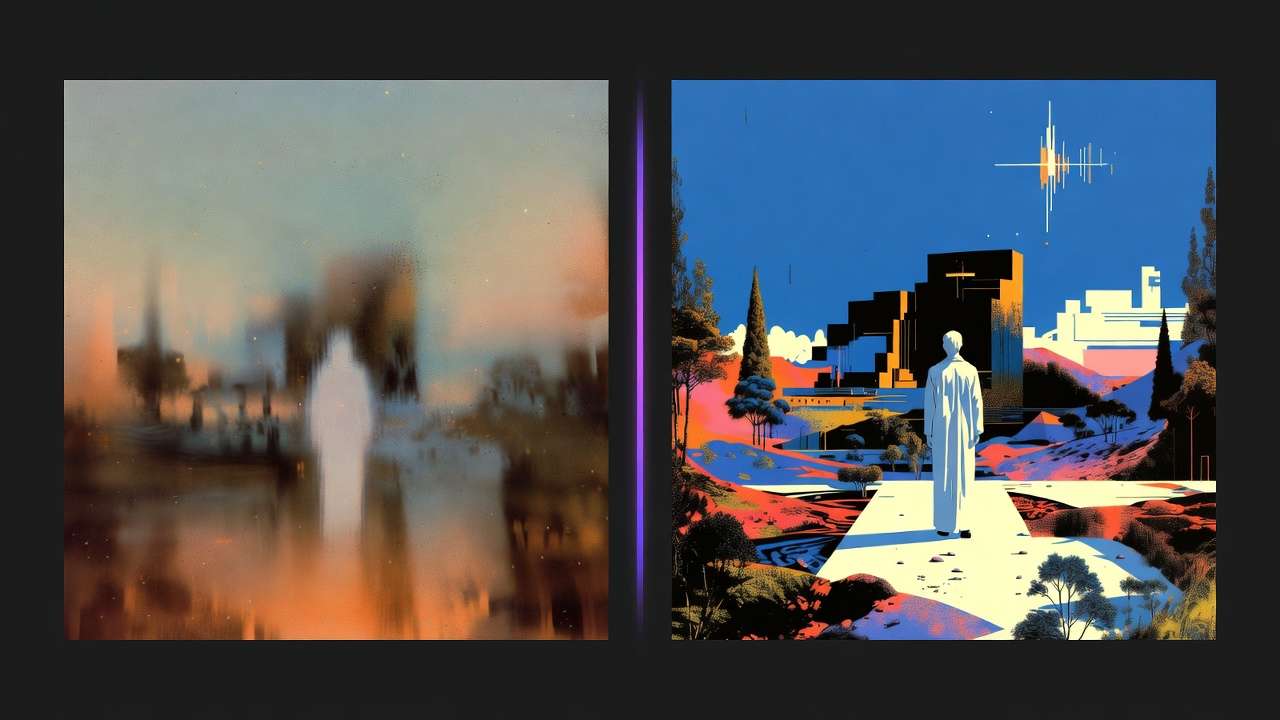
Improved native audio-visual sync. Veo 3.1's audio generation responds to the specific visual events in frame with greater precision than 3.0. Water sounds correspond to the visible intensity of water in the scene. Crowd noise scales to the visible crowd density and distance. This spatial audio coherence is a result of DeepMind's co-generation approach - audio and video trained together rather than independently. For environmental content (ocean waves, rain, wind through trees), the audio-visual alignment is noticeably more natural than models that add audio in post. The AI video resolution guide explains when 4K matters for delivery; Veo 3.1's 4K output suits broadcast and premium web delivery.
Scene extension to 60+ seconds. Veo 3.0 had limited extension capability. Veo 3.1 supports scene extension in multiple steps, enabling sequences that reach 60 seconds or more while maintaining visual consistency with the base clip. For documentary, travel, and narrative content that requires longer runtimes, 60+ second generation eliminates the need to stitch multiple shorter clips. Sora 2 offers 20 seconds per generation; Kling 3.0 has multi-shot storyboards. Veo 3.1's extension approach is distinct - extend an existing clip rather than generate multiple beats - and suits continuous environmental sequences.
Character consistency improvements. Improved face and clothing consistency in close-up and medium-shot human content. Particularly relevant for brand spokesperson content and narrative work with sustained human subjects. Veo 3.1 doesn't match Sora 2's character consistency for narrative; it complements Sora 2 for environmental and lifestyle content where human subjects are present but not the primary focus.
4K resolution standard on production tiers. Veo 3.1 delivers 4K as the standard output for production-tier access. This makes it one of two models at the 4K native threshold alongside Kling 3.0 - with different content type strengths between them. Kling 3.0 leads on 4K/60fps throughput for product and commercial content; Veo 3.1 leads on physics and environmental realism at 4K. The Sora 2 vs Veo 3.1 comparison details when to choose each.
Access Paths
Veo 3.1 is available through:
Google Flow - Google's creator-facing platform. The most feature-complete interface for video production workflows. Requires Google account and regional availability.
Gemini Advanced ($19.99/mo) - Access via the Gemini conversational interface. More limited interface than Google Flow but lower entry cost.
Vertex AI - API access for developer integration. Usage-based billing via Google Cloud. Requires Google Cloud account setup and billing configuration.
Cliprise - Multi-model platform access starting at $9.99/mo. Full Veo 3.1 capability - ingredients-to-video, scene extension, 4K output, native audio - within the unified Cliprise platform alongside Sora 2, Kling 3.0, Seedance 2.0, and 43 other models. No Google Cloud or Vertex AI account required; no regional restrictions.
For most creators, Cliprise provides the most accessible path to Veo 3.1 without requiring Google Cloud setup or a Vertex AI billing account. The Sora vs Kling vs Veo ultimate comparison maps the full frontier model landscape.
Where Veo 3.1 Leads in 2026
The frontier AI video model landscape in early 2026 has clear category leaders:
Cinematic narrative: Sora 2
Resolution/throughput (4K/60fps): Kling 3.0
Physics simulation and environmental content: Veo 3.1
Multimodal reference system: Seedance 2.0
Veo 3.1's advantages - physics accuracy, native spatial audio, 60+ second generation - make it the right model for nature and documentary content, environmental brand storytelling, travel and tourism video, and any brief where the physical behavior of the environment is a quality differentiator. For image-to-video workflows with environmental reference images, Veo 3.1's ingredients-to-video excels. For multi-model workflows, Veo 3.1 fills the environmental/physics niche while other models handle narrative, product, and reference-heavy content.
Ingredients-to-Video Best Practices
Veo 3.1's three-reference ingredients-to-video works best when references are complementary rather than redundant. Use reference 1 for the primary subject (product, character), reference 2 for environment or setting, reference 3 for style or lighting direction. Overlapping references (e.g., two character images) can confuse the model. The image reference upload guide covers reference selection patterns; Veo 3.1's multi-reference support extends those patterns with more compositional control than single-reference models.
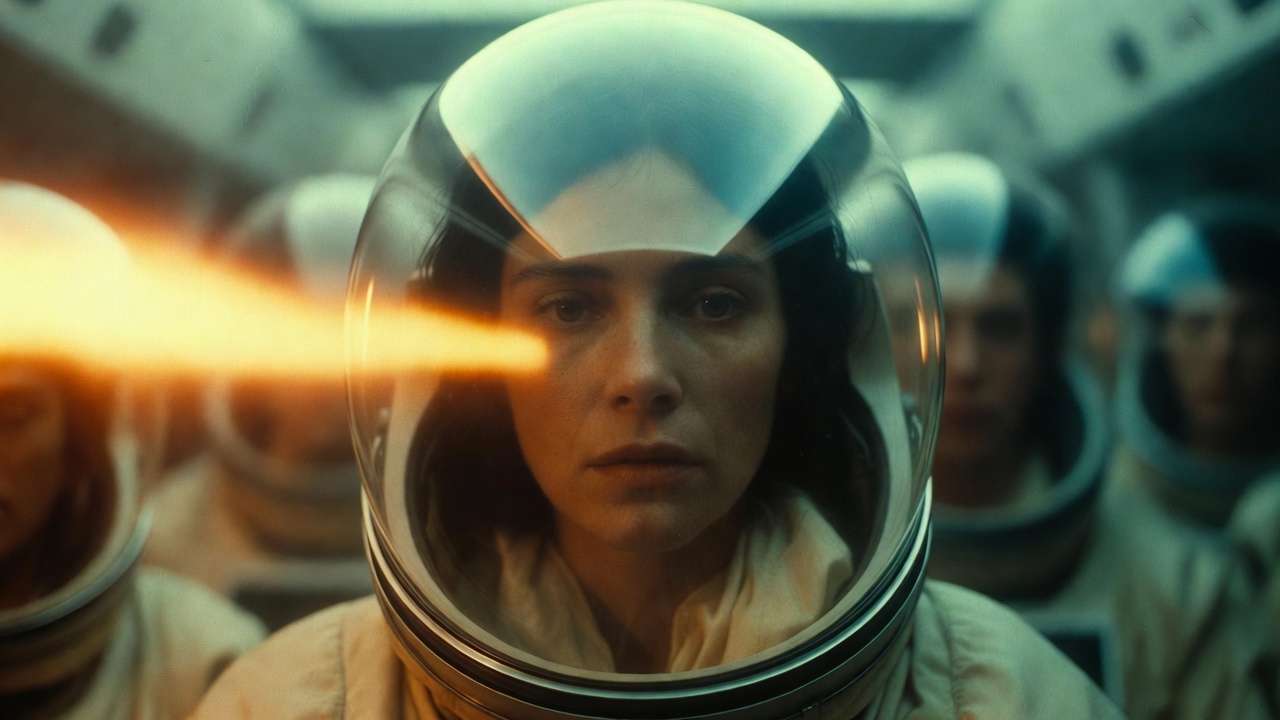
Scene extension to 60+ seconds works best when the base clip has clear visual continuity - extending a calm environmental sequence is more reliable than extending fast-paced action. The model maintains consistency by building on the last frames of the previous segment; abrupt subject or scene changes can introduce artifacts. For documentary and travel content, plan extension points at natural transitions (camera movement, cut points) rather than mid-action. Veo 3.1's spatial audio - sound that corresponds to visible events - is particularly effective for nature and environmental content. The Veo 3.1 Fast tier offers faster generation for iteration-heavy workflows when ultimate quality can be traded for speed.
Access paths matter: Google Flow and Vertex AI require Google account setup and have regional constraints; Cliprise provides Veo 3.1 API access without Google Cloud configuration and without geographic restrictions. For creators already using Sora 2 and Kling 3.0 via Cliprise, Veo 3.1 draws from the same credit pool - no additional subscription. The Sora vs Kling vs Veo ultimate comparison maps the full frontier model landscape. Veo 3.1's 60+ second extension capability is unique among frontier models; for documentary and travel content requiring longer runtimes, it's the primary option.
Related reading
Quick Links
- Veo 3.1 complete tutorial →
- Sora 2 vs Veo 3.1 comparison →
- Sora vs Kling vs Veo ultimate comparison →
- Access Veo 3.1 on Cliprise →
Veo 3.1 is available on Cliprise alongside Sora 2, Kling 3.0, and 44 other models.