AI Fashion Photography: Create Editorial Lookbooks Without a Studio
The creative brief for an editorial lookbook hasn't changed: create photographs that make the clothing look aspirational, the wearer look compelling, and the brand feel worth the price. The logistics and cost of fulfilling that brief have changed fundamentally.
A traditional lookbook for a 10-piece collection - photographer, model, location permits, stylists, post-production - costs $8,000-40,000 depending on market and production ambition. The AI equivalent, produced on Cliprise with Flux 2 and Midjourney alternatives, costs $100-400 in credits over a 2-3 day production window. The output quality, at standard lookbook display sizes (web, social, print catalog), is commercially viable for most independent brand budgets.
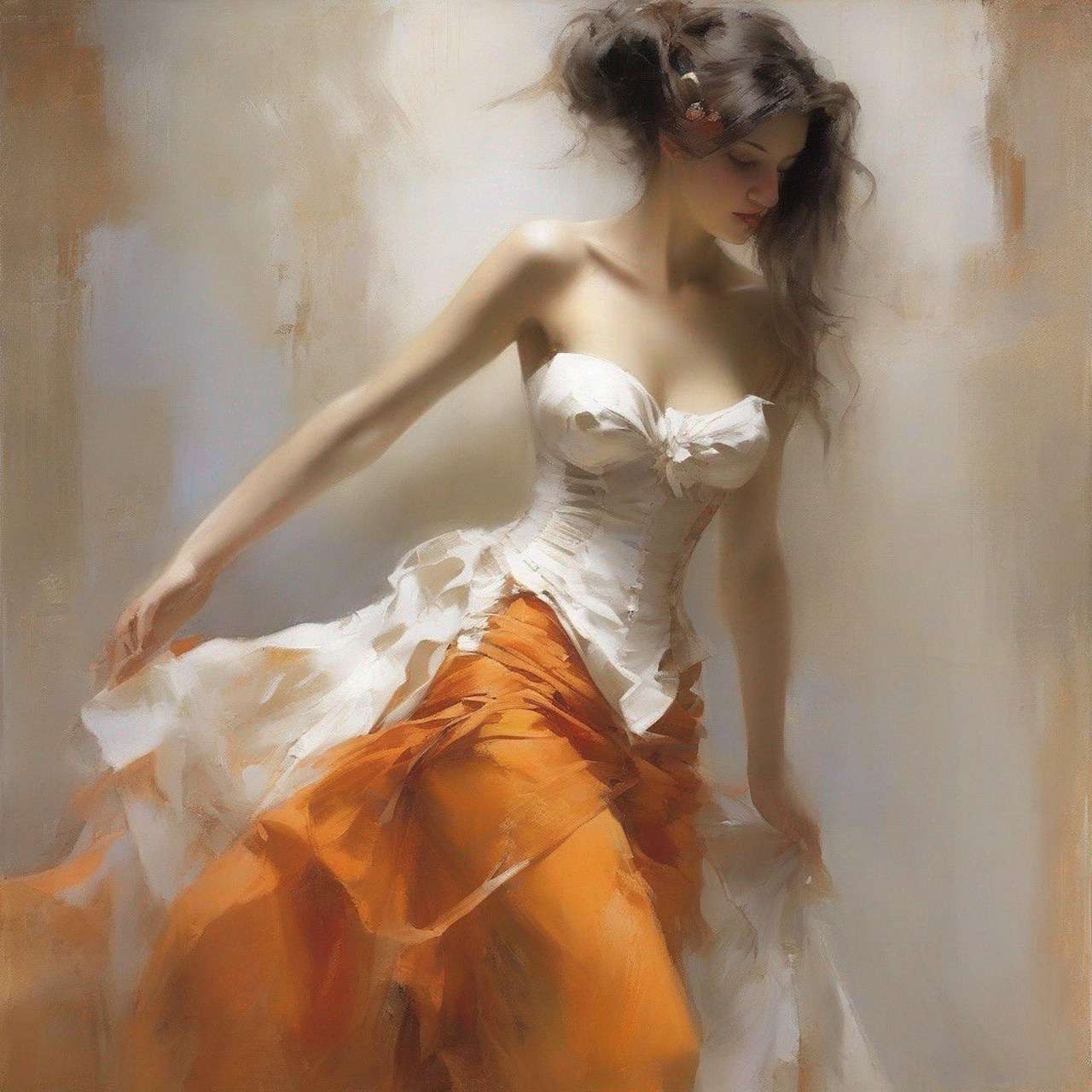
This guide covers the complete editorial lookbook workflow - from brief development through final image delivery.
Quick takeaway
Model routing: Flux 2 Pro for photorealistic editorial. Midjourney alternatives for stylized/artistic aesthetic. Nano Banana 2 for multi-image character consistency. All on Cliprise - produce a complete 20-image lookbook in one production day.
The Editorial Lookbook Brief: What You're Building
Before opening any generation tool, define the brief. Editorial lookbook photography has specific creative parameters that determine every generation decision.
The Five Brief Parameters
1. Brand aesthetic What is the visual world of this brand? Describe it in terms of: contrast level (high/low), color temperature (warm/cool/neutral), atmosphere (minimal/maximalist/editorial/commercial), and cultural reference (Scandinavian clean, Southern European warmth, Japanese minimalism, American casualness).
2. Model direction Who is the model? Age range, demographic, styling. What is the model's energy in the imagery - confident, contemplative, joyful, effortless? What relationship does the model have to the environment - occupying it naturally, performing in it, discovering it?
3. Environment suite What locations does the lookbook use? A cohesive lookbook uses 2-4 environments that feel like they belong to the same world, not a random collection of backgrounds. The environments should reinforce the brand aesthetic.
4. Lighting language What is the dominant lighting character? Natural light (golden hour, overcast, midday harsh), studio (soft box, Rembrandt, high-key), or mixed (interior ambient with window natural light). Consistent lighting language ties multiple images into a cohesive collection.
5. Garment presentation priority What is the lookbook trying to communicate - styling/aspiration (emphasis on how the whole look feels) or product accuracy (emphasis on showing the garment's construction details clearly)? This affects pose direction and shot distance.
Document these five parameters before generation. They become your prompt framework for the entire session.
Phase 1: Brand Model Reference Creation
The first generation in any lookbook session is not a garment image - it's the model reference.
Creating Your Brand Model with Flux 2
Editorial fashion model, [age range, e.g. "late 20s"],
[demographic and appearance description for your brand],
[distinctive feature if desired: freckles / strong brow /
natural hair / athletic build],
neutral expression, slight confidence,
clean white studio background for reference,
fashion photography, soft frontal lighting,
three-quarter to camera, face and shoulders visible,
ultra-high resolution portrait
Generate 6-8 variants. You're looking for:
- A face that's interesting but not distracting - the model should complement the clothing, not compete with it
- Natural skin texture at full resolution (Flux 2 Pro's strength - verify at 100% zoom)
- An expression register that matches your brand's energy
- Proportions appropriate to your garment category (fitted tailoring shows differently on different proportions)
Save the selected model reference image. This image is referenced in every subsequent generation in the session.
Establishing the Character Reference Protocol
Every subsequent generation prompt includes:
Using the model from the reference image -
maintain face, features, hair, and skin tone exactly.
[Continue with garment and environment direction]
For lookbooks requiring multiple models (ensemble shoots, size-inclusive casting), generate a separate reference for each model and label them clearly: brand-model-A.png, brand-model-B.png. Nano Banana 2 handles up to 5 simultaneous character references if you need to generate scenes with multiple specific models.
Phase 2: Environment Development
Lookbook environments are not backgrounds - they're the world the brand inhabits. Developing a consistent environment suite before generating garment images ensures cohesion across the full lookbook.
Environment Selection for Your Brand Aesthetic
Minimalist / contemporary brand:
- Architectural concrete interiors with filtered natural light
- Clean urban streetscapes with graphic shadow patterns
- White studio with intentional shadow and negative space
- Coastal environments with clear, directional light
Heritage / artisan brand:
- European market streets and piazzas
- Workshop and studio interiors (raw wood, stone, craft tools)
- Rural pastoral environments (fields, orchards, stone walls)
- Classic editorial hotel and residential interiors
Streetwear / urban contemporary:
- Industrial rooftop and urban infrastructure
- Skateparks and urban leisure spaces
- Neon-lit urban night environments
- Underground and tunnel architecture
Luxury / premium brand:
- Gallery and museum interiors with high ceilings
- Architectural modernist buildings and gardens
- International urban environments (Paris, Tokyo, NYC - specific neighborhoods)
- Yacht, private transport, exclusive hospitality contexts
Environment Prompt Construction
The specificity of your environment description is the primary variable in environment quality:
Generic (poor output): urban street
Specific (strong output):
Cobblestone pedestrian street in an Italian hill town,
terracotta and warm stone architecture, afternoon October light
casting long shadows between buildings, slightly hazy atmosphere,
textured walls with peeling paint and ivy, depth with street curving
away into soft focus. Photographic, natural, authentic.
Develop 2-4 environment descriptions for your brand aesthetic before the garment generation session. Generate test shots (without the model/garment) to validate the environment renderings before committing them to the full lookbook.
Phase 3: Garment Photography Generation
With model reference and environment suite established, garment photography generation follows a systematic process.
Shot List Development
For each garment, plan a 3-5 image shot list before generating:
| Shot type | Distance | Pose focus | Purpose |
|---|---|---|---|
| Hero/cover shot | Full body | Confident, aspirational | Primary campaign image |
| Three-quarter | Waist up | Natural, slightly candid | Social media primary |
| Detail shot | Garment specific | Still or minimal movement | E-commerce secondary |
| Lifestyle action | Variable | Natural movement in environment | Campaign storytelling |
| Back/alternative angle | Full body | 3/4 rear or side | Full garment showcase |
Five shots per garment × 10 garments = 50 images. A full seasonal lookbook.
The Generation Prompt Formula
[Model reference instruction].

[Model wearing: garment type, specific color,
key design details - collar, sleeves, fit, distinctive elements].

[Pose and body language: specific description of
what the model is doing, how they hold their body,
their relationship to the environment].

[Environment: specific description from your environment suite].

[Lighting: specific description matching your lookbook's light language].

[Photography style: editorial fashion photography,
specific camera style if relevant,
e.g. "35mm film look" / "large format editorial" /
"contemporary digital commercial"].

[Any additional technical notes:
aspect ratio direction, depth of field preference].
Working Example: Silk Midi Dress, Heritage Brand
Hero shot:
Using the model from the reference image - maintain face, hair, and
features exactly.

Model wearing a fluid silk midi dress in deep forest green,
subtle bias cut, thin spaghetti straps, gentle cowl neckline.
The fabric drapes naturally, slight movement suggesting a light breeze.

Model standing with relaxed confidence in a Tuscan courtyard,
one hand loosely touching the stone wall beside her,
weight slightly on one hip, gaze toward camera with quiet confidence.

Warm late afternoon golden light from the right side,
long shadows across the courtyard stone, soft ambient fill from
the white plaster walls. Architecture partially visible in background,
soft focus, ancient stone and terracotta.

Large format editorial fashion photography, rich film-like color,
sharp on model's face and dress detail, environment in medium soft focus.
Phase 4: Lighting Consistency
The single most visible inconsistency in AI-generated lookbooks is lighting - images generated with different lighting descriptions look like they were shot on different days, even if the model and environment are consistent.
Defining Your Lookbook Light
Choose one of these lighting frameworks and apply it consistently across all 50 images:
Golden hour natural: warm afternoon directional light from [left/right], long soft shadows, golden color temperature, slight lens flare in distant background
Overcast editorial: diffused overcast light, soft even shadows, cool neutral color temperature, slight cloud texture in sky, no harsh highlights
Studio soft: large softbox from [left/right], clean fill from opposite side, slight shadow for depth, neutral-to-warm color temperature, controlled highlights
High-key commercial: bright even studio lighting, minimal shadows, clean white or near-white background, high-key fashion commercial aesthetic
Add your chosen light description as a fixed element at the end of every prompt in the session. This single addition dramatically improves cross-image consistency.
Post-Processing for Cohesion
Even with consistent lighting prompts, subtle variation across 50 AI-generated images is normal. A 10-minute Lightroom or LUTify pass that applies a consistent LUT (look-up table) across all images unifies the final set. The LUT compensates for any generation-to-generation color temperature variation.
Alternatively, use Cliprise's Color Grading guide → methodology applied to still images.
Phase 5: Image Delivery and Platform Sizing
A finished lookbook needs to be sized for multiple delivery contexts simultaneously.
Standard Lookbook Delivery Formats
| Context | Size | Aspect ratio | Notes |
|---|---|---|---|
| E-commerce product page | 2000×2500px | 4:5 | Primary product image |
| Instagram feed | 1080×1350px | 4:5 | Direct from 4:5 generation |
| Instagram Reels / Stories | 1080×1920px | 9:16 | Crop from generation |
| 1000×1500px | 2:3 | Direct from portrait generation | |
| Website banner | 2400×900px | 8:3 | Crop horizontal band from generation |
| Print lookbook | 300 DPI equivalent | Variable | Upscale with Recraft Crisp Upscale |
Generation aspect ratios that cover the most formats: Generate at 4:5 (portrait, 1024×1280px output) - this covers Instagram feed, e-commerce product page, and Pinterest natively, with room to crop for Stories/Reels. For website banners, generate a separate horizontal crop at 16:9 or 3:1 for the hero banner format.
Upscale all finals with Recraft Crisp Upscale before delivery - the 4x upscale takes 1024px to 4096px, meeting all digital display requirements and most print requirements at standard lookbook sizes.
Lookbook Production Timeline
A complete 30-image lookbook on Cliprise follows this production schedule:
Day 1 (4 hours) - Brief and model development:
- Brief documentation (30 min)
- Brand model reference generation and selection (45 min)
- Environment test generation and selection (60 min)
- Prompt library development for all garments (60 min)
- First 10 garment generations (45 min)
Day 2 (5 hours) - Full generation:
- Remaining 20 garment generations across shot list (3 hours)
- Variant selection from all generations (1 hour)
- Background removal and basic prep on all finals (1 hour)
Day 3 (2 hours) - Post-processing and delivery:
- Upscaling all 30 finals (45 min)
- LUT application for cohesion (30 min)
- Resize for platform-specific delivery formats (30 min)
- Final export and file organization (15 min)
Total production: 11 hours across 3 days. Traditional equivalent: 3-5 shoot days + 2 weeks post-production.
Note
Flux 2 Pro, Midjourney alternatives, Nano Banana 2, and Recraft - all on Cliprise. Produce a complete 30-image fashion lookbook from one subscription. 10 free credits daily to start. Try Cliprise Free →
Related Articles
Pillar guide:
Fashion workflow series:
- AI Fashion Video Pricing: Freelancer Rate Card →
- Wedding Photographer: AI Post-Processing Workflow →
- AI Clothing Visualization: Products on Models →
- Style Consistency in AI Fashion Images →
- AI Fashion Photography Workflows →
- Fashion Brand Lookbooks: AI Video & Image Pipeline →
Production guides:
- AI Product Photography Complete Guide →
- Lighting Prompt Engineering →
- Image Reference Upload for Consistency →
- AI Image Upscaling: 4K to 8K →
Model comparisons:
Models on Cliprise:
Workflow tested on Cliprise with Flux 2 Pro, Midjourney v6.1, and Nano Banana 2.