For professional video workflows, explore our professional video production guide. For model selection strategies, see AI video model selection guide.
Introduction: The Quiet Shift Experts Are Seeing in Classrooms and YouTube Channels
Veteran educators report a measurable change: Videos from an ai video maker now outperform hand-recorded lessons in viewer retention during A/B tests on YouTube. A high school physics teacher found students watched AI clips with dynamic simulations longer than static whiteboard versions.

Educational content production accelerates through an AI Video Generator, shifting creator focus from technical filming toward pedagogical refinement. Dynamic visual simulations replace time-intensive traditional recording workflows, enabling rapid iteration cycles that match platform algorithm preferences for novel visual presentation formats.
This analysis draws from creator workflows across platforms, revealing pitfalls like poor voice integration, workflow variations by scale, and image-first strategies that reduce rework. It examines scenarios from tutors to YouTubers, noting AI shortfalls in accuracy and trends in audio sync, to help creators build effective strategies.
The Freelance Tutor's Wake-Up Call: From Late-Night Edits to AI-Powered Breakthroughs
Sarah, a freelance math tutor, once spent weekends scripting, filming, and editing quadratic equation videos. Views were modest, but retention fell due to repetitive voiceovers and static visuals. Testing AI video generation, she prompted a step-by-step graph animation, producing a 15-second clip with smooth transitions and labeled axes in minutes using a fast model.
AI's iteration speed drove this: tweak prompts-like adding a "pencil sketching effect"-to generate variants without refilming. She used seeds for consistent elements across clips, starting simple and refining over time.
Early attempts distorted equations, highlighting the need for specific prompts in education. She adopted hybrid checks: generate, review, annotate manually. This freed time for sessions while enabling tests like interactive geometry visuals.
To replicate: Craft prompts detailing visuals, motion, and labels. Test 5-10 second clips with fast models, use seeds for consistency, review for accuracy, and add annotations. This builds reliable clips efficiently.
What Most Creators Get Wrong About AI Video for Education (And Why It Costs Them Viewers)
Many treat AI video as a "magic button," using vague prompts that yield misaligned visuals. A "Newton's laws" prompt might show cartoonish collisions ignoring physics, eroding trust as viewers spot errors against textbooks.
Voice integration often fails next: robotic synthesis lacks enthusiasm for nuanced lessons, dropping retention. Custom TTS with lip-sync improves this, yet many skip it.
Pure AI produces generics ignoring audience levels-overloading beginners with unlabeled details. Hybrid edits adjust for this.
Platform mismatches compound issues: wrong aspect ratios (9:16 for shorts) or durations lead to poor cropping.
CFG scales help: higher for prompt adherence in diagrams, lower for intro variety. Unrefined outputs create inconsistencies, costing subscribers.
Checklist to fix: (1) Specify aspect ratio, duration, fixing AI mistakes with negatives; (2) Sync with TTS; (3) Preview and edit for audience; (4) Match platforms. Test iteratively.
Freelancer vs Agency vs Solo YouTuber: Real-World Workflows Compared
Workflows differ by scale: freelancers prioritize speed, agencies polish, YouTubers blend for series.
Freelancers use fast models for vertical dialogue scenes, enabling quick revisions.
Agencies layer edits for clarity in training series, using upscalers.
YouTubers start with image-to-video for branded avatars.
| Workflow Type | Primary Tools | Time Patterns | Suited For | Drawbacks |
|---|---|---|---|---|
| Freelancer | Fast models like Kling variants | Rapid drafts | Shorts, pitches | Less polish |
| Agency | Edit tools like Runway variants | Layered production | Series, trainings | Coordination needs |
| Solo YouTuber | Image-to-video chains | Iterative series | Channels | Seed dependency |
Language tutors animate flashcards from static images. Science channels extend experiments with narration. Trainers upscale prototypes.
Freelancers use concurrency for queues; agencies automate batches; YouTubers curate inspirations. Adapt by scale: fast models for solos, edits for teams, chains for series. Track iterations.
When AI Video Generation Falls Short for Educational Content (The Honest Limitations)
AI struggles with technical precision, like medical animations with wrong organelle shapes, requiring human fixes.
No live interactivity limits adaptive tutoring.
Beginners or proprietary niches face unreliable outputs from general training.
Peak queues, non-seeded variability, and audio sync issues (e.g., in some models) persist.
Hybrid validation is key for accuracy.
Mitigate: Verify facts, use seeds, edit manually, pair with external quizzes.
The Critical Sequencing Mistake: Why Image-First Pipelines Win for Educational Videos
Direct video prompts often require rework. Image-first-static via image models, then video-isolates refinements.
A history teacher prototypes portraits, tweaks, animates once. Image tools offer control video lacks.
Use for consistency; video-first for simple motion.
Steps: (1) Key frame images; (2) Edit; (3) Animate; (4) Audio. Handles complexity.
Mini Case Study: The YouTuber's Pivot - From Burnout to Frequent Output
Alex, a science YouTuber, spent 80% of time editing manually. Switching to AI base clips with TTS, he fixed lip-sync via negative prompts and upscaling. Views rose, uploads increased.
Follow: Generate base, negative prompts, upscale, sync voice. Refine via feedback.
Advanced Tactics: Layering AI Tools for Deeper Educational Impact
Start with background removal, generate assets, edit images, animate, add audio. Multi-model access matches styles: realism for biology, abstracts for theory.
For math: Diagram images, animate, TTS. Layers compensate weaknesses.
Progress layers by content type.
Industry Patterns Emerging: What's Shifting in AI Educational Video (2025 Outlook)
Synchronized audio advances, mobile PWAs grow for K-12. Extensions and APIs scale.
Master seeds, CFG; test providers. Monitor updates.
Mini Case Study: Agency Scale-Up - From Prototype to Production
An agency batched prototypes, using concurrency and community feeds. Automates storyboards.
Scale: Batch with concurrency, curate trends, validate publicly.
Tying It All Together: Crafting Your AI Video Educational Strategy
Cases show: Refine prompts, image-first, hybrids. Platforms like Cliprise provide multi-model access for experimentation. Fuse storytelling and AI for personalized education.
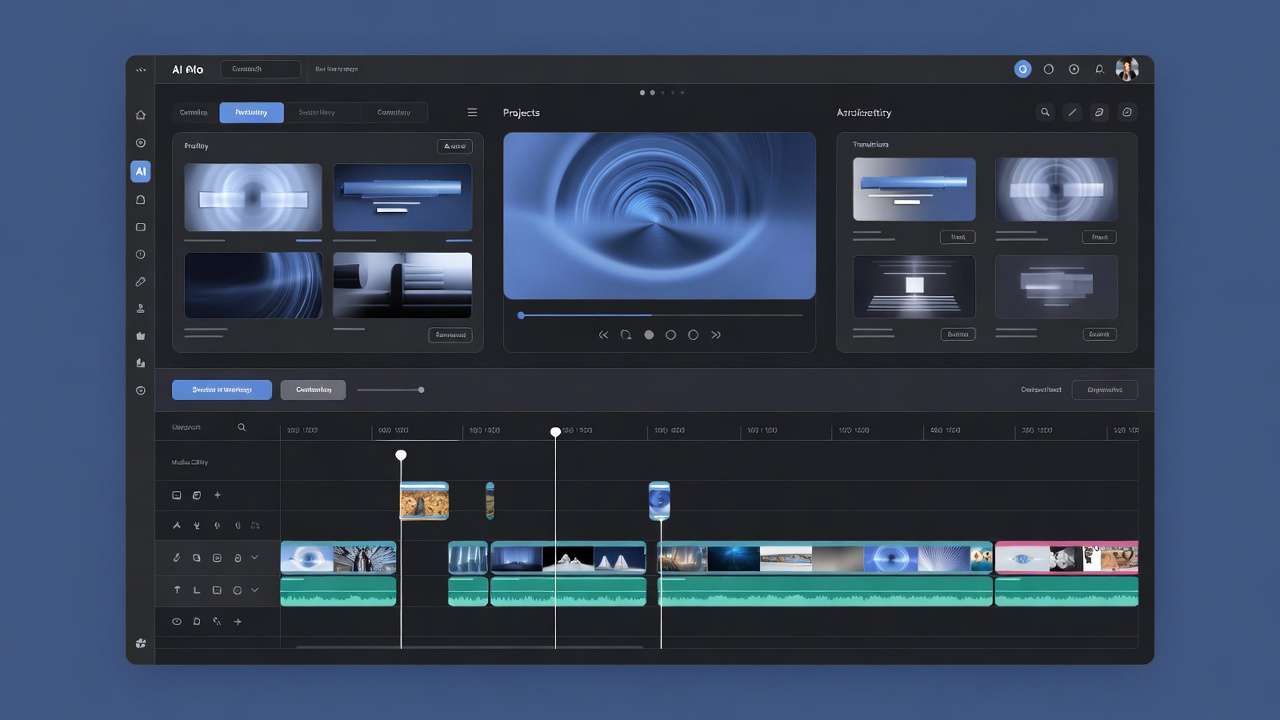
Strategy: Set goals (shorts/series), select by type, sequence image-to-video, iterate.
Related Articles
Related News: