OpenAI's image generation models have iterated through DALL-E 2, DALL-E 3, GPT Image 1, and now GPT Image 1.5 - each generation addressing specific weaknesses of the previous. GPT Image 1.5, released December 16, 2025, represents the clearest step forward in the series: generation up to 4x faster, editing that does not destroy your composition, and text rendering that is actually usable for professional work.
This guide covers what GPT Image 1.5 does, where it excels, and where other models on Cliprise still have advantages.
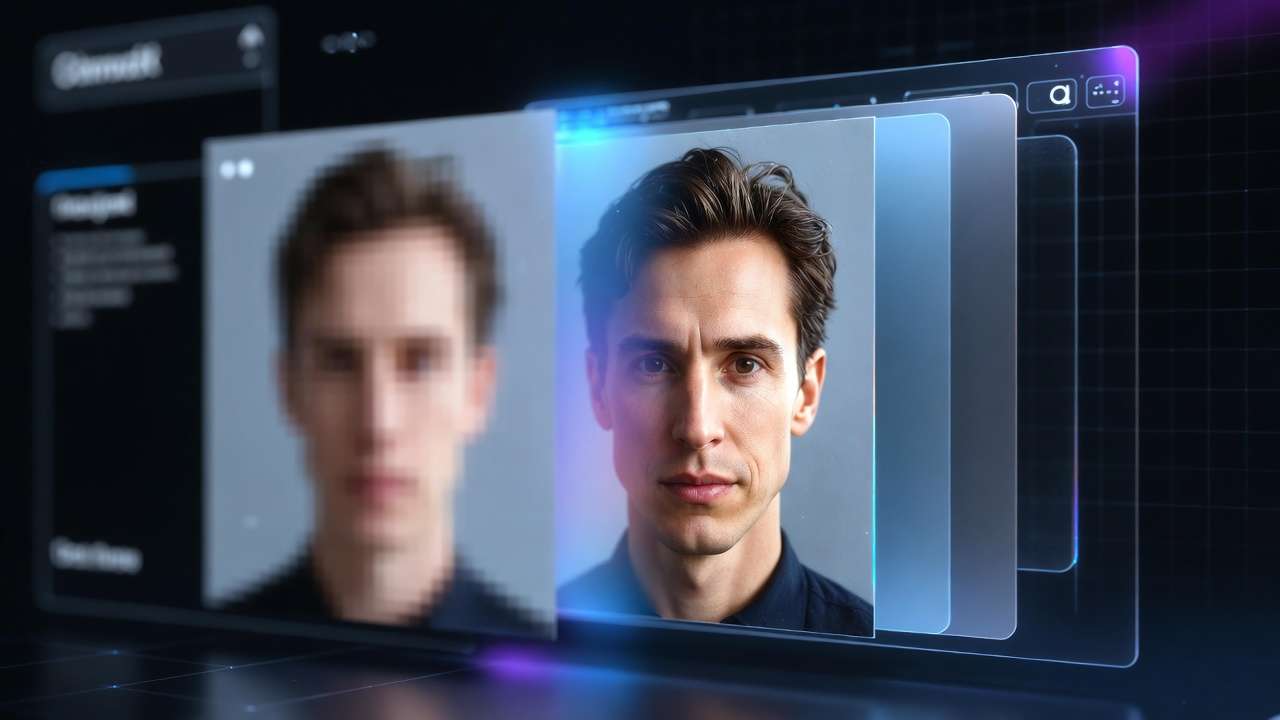
What GPT Image 1.5 Is
GPT Image 1.5 is OpenAI's current flagship image generation model. It uses a native multimodal architecture - image generation happens inside the same neural network that processes text, rather than through a separate diffusion system connected to a language model. This unified processing produces better understanding of what you want: spatial relationships, contextual meaning, intent behind edits.
What changed from earlier OpenAI image models:
Generation speed is up to 4x faster than DALL-E 3. This is not just a convenience improvement - faster generation changes how you work. Testing 20 prompt variations takes minutes instead of an hour. Iteration becomes a realistic part of the workflow.
Instruction following is more precise. Prompts that describe specific compositions, specific arrangements, specific lighting conditions - GPT Image 1.5 executes them more accurately than its predecessors.
Editing preserves unchanged elements. The most significant practical improvement. Ask to change one thing; only that thing changes. Earlier models would frequently reinterpret the full composition when given an edit instruction.
Output specifications:
- Sizes: 1024x1024 (square), 1024x1536 (portrait), 1536x1024 (landscape)
- Quality tiers: Low, Medium, High
- Supports text-to-image generation and image-to-image editing
What GPT Image 1.5 Does Particularly Well
Surgical Image Editing
This is GPT Image 1.5's most distinctive capability relative to the rest of the image model lineup on Cliprise. Most image models are primarily generation tools - they create new images from prompts. GPT Image 1.5 also works as a precision editing tool, and it handles this differently from Flux Kontext.
The workflow:
Upload an existing image. Describe the specific change you want. The model modifies exactly that element while preserving everything else - lighting, composition, identity, background, style.
Practical editing applications:
Changing product packaging design while preserving the product's physical form and studio lighting.
Swapping clothing or accessories on a portrait while keeping the person's face, expression, and background identical.
Translating text in a marketing image from English to another language while preserving the original layout, typography style, and visual hierarchy.
Adjusting the color of a specific object - a car color, a product color, a background color - without changing anything else in the frame.
Applying a different artistic style treatment to an image while preserving the subject's identity and composition.
The key distinction from Flux Kontext: Both support natural language image editing. GPT Image 1.5 is built into OpenAI's ecosystem and maintains particularly strong performance on text element changes and identity-preserving edits. Flux Kontext handles spatial transformations and background changes well. Testing both on your specific editing task is the practical approach.
Text Rendering in Images
GPT Image 1.5 ranks among the strongest models on Cliprise for generating readable text within images. The architecture's understanding of language extends to producing grammatically and typographically correct text within visual compositions.
What it handles reliably:
- Product labels and packaging copy
- Infographics with dense text and data labels
- Marketing visuals with headlines and body copy integrated
- Poster designs with multiple text elements at different scales
- Multi-panel compositions where each panel has its own text
- Signage and environmental text in scenes
What it does less reliably:
- Very small text at sizes below approximately 8px equivalent in the output
- Complex multi-column layouts with precise spacing requirements
- Highly specialized typography that would require exact font matching
For text rendering, GPT Image 1.5 and Ideogram v3 are both strong on Cliprise. Ideogram v3 is the specialist - if text rendering is the primary requirement, start there. For images where text is one important element among several, GPT Image 1.5's broader capabilities make it the more versatile choice.
Infographic and Structured Visual Content
The combination of strong instruction following, text rendering, and layout understanding makes GPT Image 1.5 particularly useful for structured visual content that most image models handle poorly.
Infographics, explainer diagrams, timeline visualizations, comparison charts with visual elements - GPT Image 1.5 can generate these from detailed text descriptions better than models optimized for photorealistic or artistic output.
Example prompt for an infographic:
Create a clean, professional infographic explaining [topic],
[number] steps arranged vertically with numbered icons,
clear headline at top, brief explanatory text under each icon,
color palette: [specific colors], white background,
sans-serif typography, professional business presentation quality
Use High quality tier for infographic generation - the text clarity improvement at High versus Medium is most visible in structured content with small labels.
Quality Tiers: Which to Use When
Low quality - rough drafts and prompt direction testing. Fastest generation. When you are testing 10-20 variations of a prompt to find what works, Low quality gets you through the tests without waiting. The output is usable for checking composition, color, and general approach.
Medium quality - most production deliverables. The default for social media content, web imagery, presentation visuals, and most marketing use cases. Significantly faster than High, with quality that is entirely sufficient for digital delivery.
High quality - final production assets for print, large-scale display, professional photography replacement, and any context where fine detail matters. Infographics with small text, portraits for professional use, product images for e-commerce at high zoom. The additional processing time is worth it when the output is the final deliverable.
Where GPT Image 1.5 Fits on Cliprise
| Use case | Best model | Why |
|---|---|---|
| Surgical editing of existing images | GPT Image 1.5 or Flux Kontext | Both handle natural language editing well |
| Text-in-image generation | Ideogram v3 or GPT Image 1.5 | Ideogram specialist; GPT Image strong generalist |
| Infographics and structured visuals | GPT Image 1.5 | Best layout + text rendering combination |
| Maximum photorealism, skin texture | Flux 2 | Naturalistic photorealism specialist |
| Artistically distinctive output | Midjourney | Interpretive aesthetic strength |
| Character consistency across many images | Ideogram Character or Seedream 4.5 | Dedicated character consistency |
| Color-accurate commercial photography | Google Imagen 4 | Color accuracy strength |
GPT Image 1.5 is most valuable when your workflow combines generation with iterative editing - starting with a generated image and refining it through specific text-instructed edits. For pure generation without editing, other models may produce more distinctive or precisely photorealistic results depending on the content type.
Note
GPT Image 1.5 is on Cliprise. Start from the GPT Image 1.5 model page to compare it with Flux 2, Ideogram v3, and Midjourney alternatives before checking current pricing.
Related Articles
OpenAI image model context:
Image model comparisons:
Image editing:
Text rendering specialists:
Image generation guides:
- AI Image Generation 2026: Complete Guide →
- How to Create AI Images: Step-by-Step →
- AI Prompt Engineering 2026 →
Models on Cliprise: