Kling 2.6 Motion Control is now available on Cliprise, adding directorial precision to Kuaishou's Kling video generation family. For production teams that need specific shots - not probabilistic interpretations of text descriptions - this model changes what is possible with AI video.
What Motion Control Changes
Standard AI video generation models interpret motion from text. "Camera pushes in slowly" produces a push-in, but the exact speed, trajectory arc, and framing behavior are determined by the model's creative interpretation, not by the director. For exploratory creative work, this is acceptable. For production workflows with specific cinematographic requirements, it is a fundamental limitation.
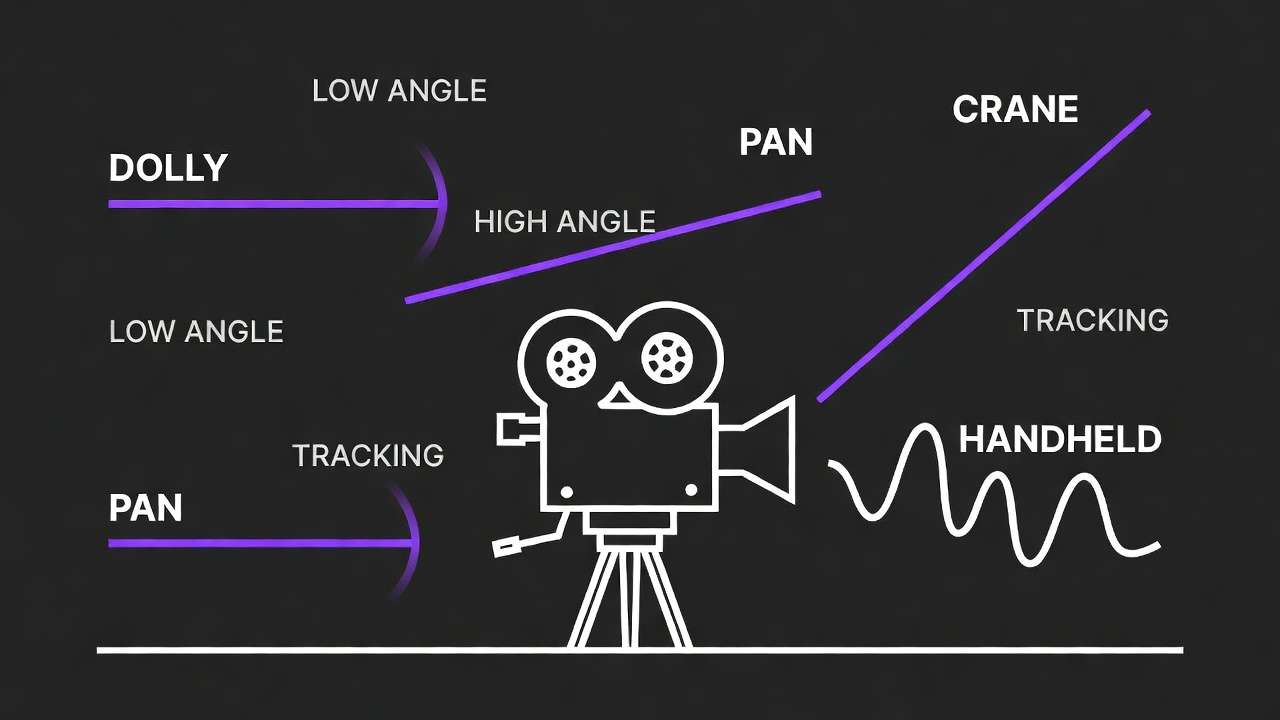
Kling 2.6 Motion Control adds explicit parameter control over:
- Camera trajectory type: pan left/right, tilt up/down, dolly in/out, crane up/down, orbit (360° arc options)
- Movement speed and magnitude: slow/medium/fast, angular specifications for orbit and arc movements
- Subject motion vectors: explicit movement direction and speed assignment for detected subjects
This is parameter-level directorial control - the difference between describing a shot and specifying it.
Production Applications
The motion control capability unlocks specific production use cases that text-prompted generation handles unreliably:
Product orbit shots. Specify a 180° or 360° orbit around a product at a defined speed. Execute the same orbit across a product range with consistent camera behavior - something text prompting cannot deliver reliably.
Architectural walkthrough. Define dolly paths through AI-generated architectural spaces with controlled trajectory and speed, producing visualization video that matches a pre-planned camera path.
Campaign consistency. Reuse defined motion parameters across a video campaign series to maintain consistent camera behavior - a signature reveal move, a defined push-in, a standard establishing pan - applied reliably across all clips.
Storyboard execution. Directors working from pre-defined storyboards can specify the camera behavior for each shot directly, rather than hoping text descriptions produce the intended motion.
Recommended Production Workflow
| Stage | Model | Purpose |
|---|---|---|
| Concept | Kling 3.0 | Explore visual directions, identify what works |
| Production | Kling 2.6 Motion Control | Execute defined shots with specified camera behavior |
| Final | Kling 3.0 or Motion Control | Depends on whether shot requires creative variation or precise repeatability |
Use Kling 3.0 for creative exploration - find the right composition, subject placement, and lighting. Once the shot is defined, switch to Motion Control for production runs where consistent camera behavior across multiple clips matters. The Kling 2.6 Motion Control tutorial covers parameter syntax and shot template patterns. For product catalogs, specify one orbit configuration and apply it to the full range - each product gets identical camera behavior without manual iteration.
Kling Motion Control vs Kling 3.0
Kling 2.6 Motion Control and Kling 3.0 serve different production stages:
- Kling 3.0 delivers maximum visual quality for creative generation and exploration
- Kling 2.6 Motion Control delivers precise shot execution for defined production requirements
The recommended workflow is to use Kling 3.0 for concept exploration and Kling 2.6 Motion Control for final shot production once camera behavior has been specified. See the full comparison: Kling 2.6 Motion Control vs Kling 3.0.
Available Now
Kling 2.6 Motion Control is available immediately in the video generation section through the Kling 2.6 Motion Control model page. API access uses the kling-2-6-motion-control model identifier. Pricing at Cliprise pricing.
Quick Links
- Kling 2.6 Motion Control complete tutorial →
- Kling 2.6 Motion Control vs Kling 3.0 comparison →
- Kling 3.0 complete guide →
- Access Kling 2.6 Motion Control on Cliprise →
Kling 2.6 Motion Control is available on Cliprise alongside Kling 3.0, Sora 2, and 46 other models.