Related hubs: Multi-model workflows, AI comparisons hub, Models routing hub.
Introduction
Part of the AI image generation series. For the complete guide, see AI Image Generation: Complete Guide 2026.
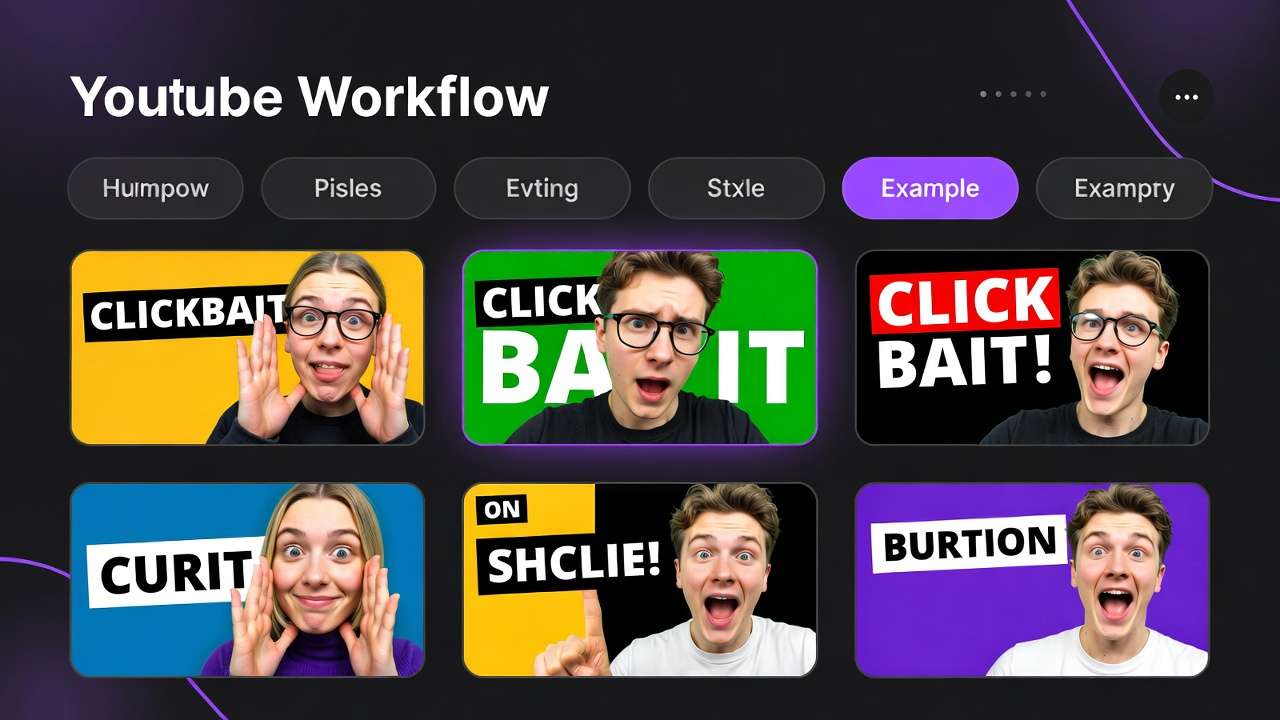
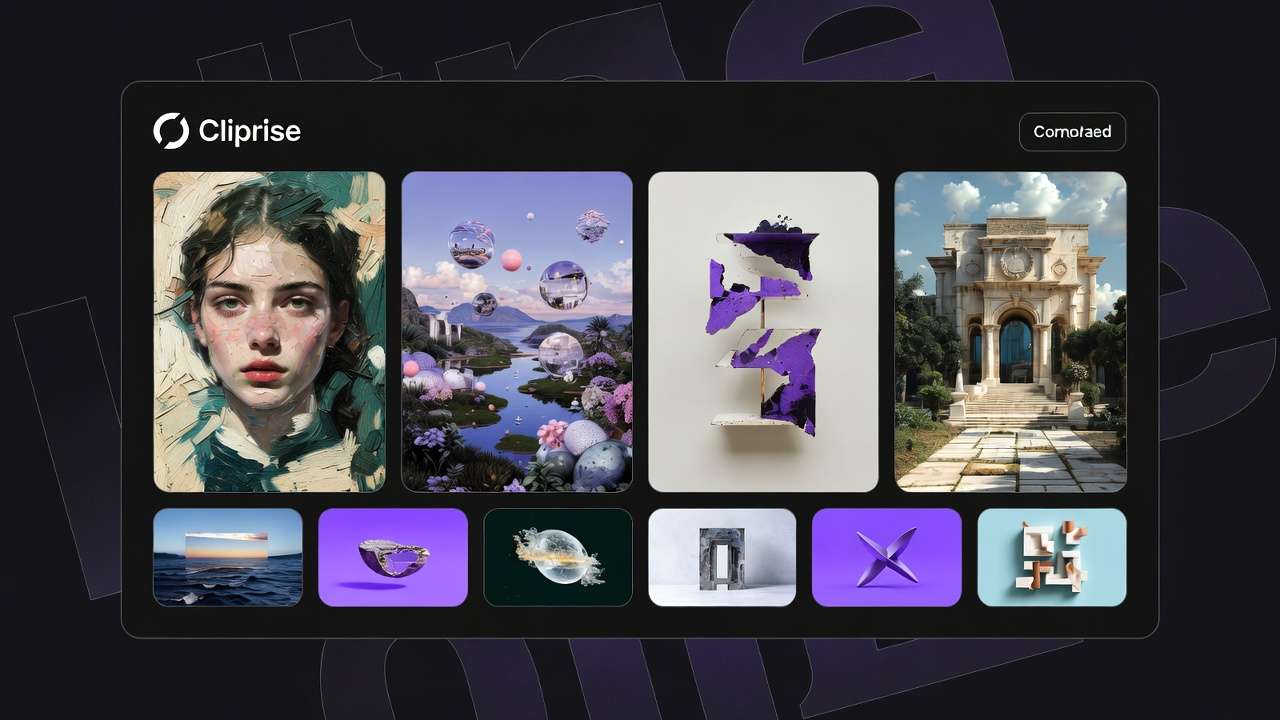
AI art access feels democratized because anyone with a web browser can generate ai generated pictures from a text prompt, but this overlooks the deeper friction: creators still navigate fragmented tools, varying interfaces, and mismatched capabilities that favor those with technical savvy or deep pockets. The reality is that true equalization hasn't arrived-most platforms remain siloed by provider, login walls, and specialized knowledge, leaving beginners and mid-level creators stalled in trial-and-error loops while experts chain models seamlessly.
This gap persists even as model counts swell to 47 or more across aggregators. Democratization, in a practical sense, means pulling third-party models-like those from Google DeepMind's Veo series, OpenAI's Sora variants, Kling from Kuaishou, Flux from Black Forest Labs, and others such as Imagen, Midjourney, and ElevenLabs-into a single interface. This aggregation eliminates the need for multiple accounts, API keys, or payment methods, replacing them with streamlined selection from a categorized index: video generation, image generation, editing tools, and voice options. Platforms like Cliprise exemplify this by offering a model landing page for each, complete with specs, use cases, and a direct launch into generation workflows.
The core thesis here centers on workflows as the true barrier-lowering mechanism. Progress shows in unified credit systems that span models, allowing a creator to switch from Flux for images to Kling for video extensions without resetting context. Yet, lowering barriers demands grasping patterns: how queue dynamics affect iteration, why seed parameters enable repeatability in models like Veo 3, and the pitfalls of ignoring verification steps. Without this, aggregation alone creates illusionary access-tools sit unused amid failed jobs or mismatched outputs.
Why does this matter now? Creator economies expand, with freelancers producing social graphics daily, agencies scaling ad campaigns, and solo YouTubers needing thumbnails alongside intros. Missteps in multi-model workflows amplify costs in time and resources, turning potential efficiency into frustration. Readers who internalize these insights gain an edge: they sequence generations effectively, anticipate limitations like varying repeatability across models, and build pipelines that scale from hobbyist experiments to client deliverables.
Consider the stakes. Platforms such as Cliprise, with their model indexes and launch CTAs redirecting to unified apps, hint at the potential, but without workflow literacy, users cycle through prompts fruitlessly. This article unpacks the mechanics, common errors, real-world applications across creator types, sequencing strategies, edge cases where democratization falters, and emerging patterns. By the end, you'll see beyond surface access to the disciplined approaches that actually empower creation, whether prototyping logos with Imagen 4 or extending clips via Wan models. In an industry racing toward more integrated solutions, understanding these lowers not just technical hurdles but creative ones too, enabling outputs that align with intent rather than chance.
What AI Art Democratization Actually Means
Shifting from Silos to Unified Access
AI art democratization moves beyond single-model sites toward platforms that integrate dozens of third-party providers into one dashboard. This means a user browses a model index-categorized by video generation (Veo 3.1 Quality, Sora 2, Kling 2.5 Turbo), image generation (Flux 2 Pro, Midjourney, Google Imagen 4), editing (Runway Aleph, Luma Modify), and voice (ElevenLabs TTS)-without juggling tabs or credentials. Why does this matter? Siloed access forces context switches: generating an image in Flux, then manually exporting to prompt a video in Kling, risks losing nuances like aspect ratios or seeds. Unified interfaces preserve momentum, letting creators refine prompts across models.
In practice, the workflow unfolds step-by-step. First, select from the index; each model page details features, such as Veo 3's support for synchronized audio or Flux's style transfer capabilities. Launching initiates generation with controls like prompt text, aspect ratio options, duration for videos (such as 5s, 10s, or 15s where supported), seed for repeatability, negative prompts, and CFG scale for adherence. Outputs consume credits from a shared pool, enabling seamless transitions-say, upscale a Flux image with Topaz before feeding it into Sora 2.
Key Components and Their Roles
Central to this is the unified credit system, which standardizes costs across providers. A creator might allocate resources to low-consumption image jobs before tackling video, avoiding depletion mid-pipeline. Prompt controls add precision: seeds ensure models like Veo reproduce results, vital for client revisions, while negative prompts exclude unwanted elements. Platforms like Cliprise structure this via categorized pages, making discovery intuitive-video gen first for motion-heavy needs, image gen for static prototypes.
For beginners, presets simplify entry: default aspects and CFG scales yield usable outputs quickly. Experts layer fine-tuning, using multi-image references (supported in some models) or video extensions. This duality lowers barriers variably-novices generate without coding, pros iterate commercially.
How It Works in Step-by-Step Workflows
Take a social media graphic pipeline. Step 1: Browse image gen models; choose Flux 2 for vector-like logos. Enter prompt, set seed, generate. Step 2: Edit with Qwen or Recraft for background removal. Step 3: Upscale via Grok or Topaz to higher resolutions. Platforms such as Cliprise facilitate this by linking model pages to app workflows, reducing upload friction.
Another example: video intros. Start with Kling 2.5 Turbo for quick 5s clips, add ElevenLabs TTS for voiceover, then extend with Wan Animate. Why sequence this way? Each model specializes-Kling excels in turbo speed for tests, ElevenLabs in audio isolation-unified access reveals synergies without tool-hopping.
Mental Models for Retention
Visualize it as a toolbox: single-model sites offer one hammer; aggregators provide hammers, saws, sanders under one bench. The bench (unified interface) saves setup time. Observed in creator communities: those using multi-model platforms report smoother ideation, as model specs guide choices-e.g., Imagen 4 Fast for rapid prototypes versus Veo 3.1 Quality for finals.
When using tools like Cliprise, the categorized index acts as a map, directing to Seedream for dreamlike art or Ideogram V3 for character consistency. This aggregation doesn't invent models but democratizes their combination, turning isolated capabilities into pipelines. For instance, a freelancer might chain Midjourney for concepts to Runway Gen4 Turbo for motion, all under one credit flow.
Nuances emerge: not all models support every control-some lack seeds, introducing variability. Yet, this setup empowers experimentation. Platforms integrating 47+ options, such as those featuring Hailuo 02 or ByteDance Omni Human, allow testing without commitment, fostering discovery. In essence, democratization equips creators with breadth and depth, provided they navigate the components wisely.
What Most Creators Get Wrong About AI Art Democratization
Misconception 1: Expecting Seamless Free Access for All Workflows
Many assume aggregated platforms provide boundless free generations, mirroring open-source ideals. This falters because free tiers impose daily credit resets and generation caps, interrupting production flows. A creator prototyping a week's social posts hits blocks mid-batch, forcing paid upgrades or delays. Why? Resources fund third-party models, so limits preserve sustainability. Beginners overlook this, starting ambitious video projects only to stall after initial jobs. Experts preempt by testing small-scale first. Platforms like Cliprise reflect this with tiered access, where free suits exploration but not volume.

Misconception 2: Using Models Interchangeably Without Specs
Creators often prompt video models like Kling 2.5 Turbo identically to image ones like Flux 2, ignoring specializations. Kling suits quick iterations with turbo modes, while Veo 3.1 Quality prioritizes polish at higher resource use. Swapping yields suboptimal results-e.g., a motion-heavy prompt in Imagen 4 produces static mismatches. This fails commercially, as clients demand model-aligned outputs. When using Cliprise's model pages, specs clarify: duration options for video, aspect for images. Novices copy-paste prompts; pros adapt per category, saving revisions.
Misconception 3: Neglecting Queue and Concurrency Realities
Treating queues as minor leads to frustration: free users experience queuing during peaks, processing tests sequentially. An iterative designer waits for variants, impacting momentum. Paid tiers support team workflows. Why overlooked? Tutorials gloss over backend dynamics. In practice, a solo creator using Sora 2 might queue a 10s clip, only to pivot delayed by prior jobs. Solutions like Cliprise's workflows highlight this via status indicators, urging strategic timing.
Misconception 4: Skipping Verification and Account Maintenance
Unverified emails or inactive accounts block generations outright, a hurdle many dismiss until jobs fail silently. Email confirmation gates access, while inactivity risks credit expiration. This trips new users mid-flow, especially on mobile PWAs. Experts verify upfront and stay active. Hidden nuance: repeatability varies - seed-supported models like Veo 3 align outputs reliably for commerce, but others introduce drift, undermining trust in demos. Platforms such as Cliprise enforce this for security, but it underscores preparation's role.
These errors compound: a freelancer ignoring queues and models wastes days. Community reports show workflow-savvy users iterate more efficiently. The missed insight? Democratization amplifies disciplined use, not casual prompting.
Real-World Comparisons: Creator Types and Use Cases
Different creators leverage multi-model aggregation based on volume, deadlines, and outputs. Freelancers favor quick image gens for mocks, agencies build video pipelines, solo YouTubers blend thumbnails with intros, enterprises upscale products, and hobbyists experiment stylistically. Platforms like Cliprise support this via categorized indexes, enabling tailored selections.
To compare effectively, consider these criteria across approaches:
| Creator Type | Preferred Models | Workflow Strength | Potential Pitfall |
|---|---|---|---|
| Freelancer (e.g., social graphics) | Flux 2 Pro, Imagen 4 Standard | Fast iterations using seed for client proofs; suitable for multiple daily assets | Single concurrent job delays during peaks, extending batch processing |
| Agency (e.g., ad videos) | Veo 3.1 Quality, Sora 2 Turbo | High-res clips with multi-image refs; supports parallel processing where available | Resource drain on test runs (multiple 5-10s extensions), potentially halting mid-campaign without reserves |
| Solo YouTuber (e.g., thumbnails + intros) | Kling 2.5 Turbo, ElevenLabs TTS | Turbo 5s previews with audio sync; easy thumbnail-to-intro pivot | Short clip options may require multiple extensions for 15s+ content |
| Enterprise (e.g., product visuals) | Topaz 8K Upscale, Luma Modify | Post-gen edits like masking/layers on 2K-8K assets; batch consistency | Locked advanced access (e.g., no API below certain tiers), complicating integrations |
| Hobbyist (e.g., art experiments) | Midjourney, Ideogram V3 | Style transfers and character sheets; seed for series replication | Outputs visible publicly by default initially, risking unintended shares in communities |
As the table illustrates, freelancers gain from low-friction images, while agencies trade speed for quality. Surprising insight: YouTubers' hybrid strength shines in audio-video sync, but pitfalls like clip lengths force workarounds.
Use Case 1: Logo Creation Workflows
For logos, start with Flux 2 Pro for clean vectors: prompt "minimalist tech logo, blue tones," set square aspect, seed for variants. Refine realism via Imagen 4, remove backgrounds with Recraft. A freelancer using Cliprise might generate multiple options in a streamlined process, presenting client-ready mocks. Agencies extend to animated versions with Kling, adding motion. This chain leverages aggregation, cutting design time versus manual tools.
Use Case 2: Background Removal Pipelines
Precision matters here: Recraft handles speed for e-commerce shots, isolating subjects quickly. For complex scenes, Qwen Edit offers inpainting. A solo creator processes product images-upload, generate clean plates, upscale with Grok-in a streamlined flow. Platforms like Cliprise integrate this post-image gen, streamlining from raw uploads.
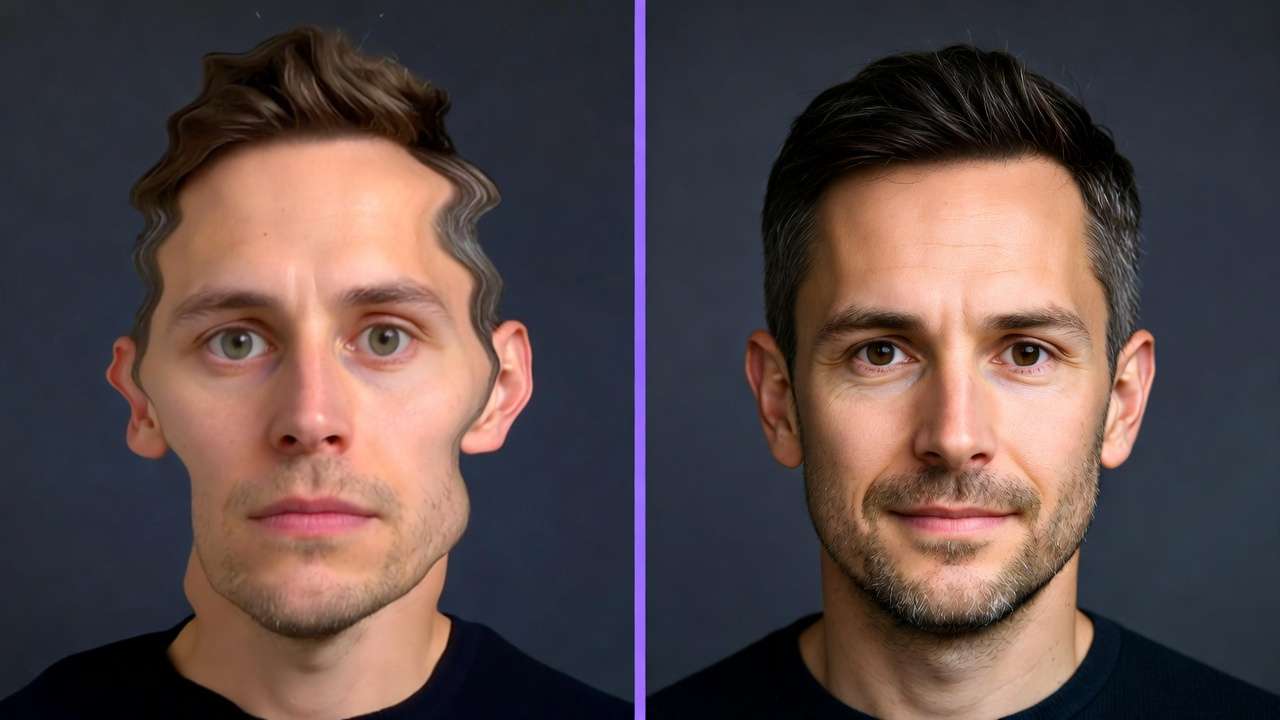
Use Case 3: Video Extension Scenarios
Extend 5s Kling Turbo clips to 15s with Wan 2.5 or Hailuo 02: reference image inputs ensure continuity. YouTubers add ElevenLabs voiceovers, syncing in one flow. When working in environments like Cliprise, creators queue extensions parallelly where supported, producing intros efficiently versus siloed retries.
These patterns reveal: image-first suits most, video for motion-primary. Community shares show notable ideation savings via indexes.
Why Sequencing Matters: Building Effective Pipelines
Most creators dive straight into video generation, drawn by end-goal glamour, but this skips cheaper prototyping. Video jobs like Veo 3.1 Fast demand higher queues and resources, with 10s clips involving processing plus waits. Image-first-Flux or Midjourney-yields visuals for composition testing before animating. Platforms like Cliprise categorize this logically, guiding users. Result: fewer failed high-cost runs, as images validate prompts early. Freelancers report smoother client alignments this way.
Context switching spikes errors: exporting images, re-prompting videos loses fidelity-colors shift, poses alter. Unified platforms reduce this by single-dashboard continuity, preserving seeds across steps. A designer jumping tools spends time reformatting; staying integrated cuts it. Mental overhead compounds in iterations: recall exact phrasing mid-chain fatigues, leading to inconsistencies. When using Cliprise's workflows, model switches maintain context, minimizing fatigue.
Image-to-video suits static-to-motion needs (thumbnails to reels), leveraging image consistency for extensions-Kling or Sora references visuals reliably. Video-first fits pure motion (dance clips), but rarer. Experts sequence per goal: prototypes image, refine video. Hybrid for experiments.
Patterns from creator reports: image-led pipelines iterate more efficiently, as low-stakes tests refine before commitment. Mobile PWAs amplify this portability. Sequencing isn't rigid-adapt per model strengths-but ignoring it wastes potential.
When AI Art Democratization Doesn't Lower Barriers
Edge Case 1: High-Volume Production Demands
In high-volume output-like sustained asset production-credit resets without carry-over disrupt, as monthly cycles drop unused balances. No top-ups on base tiers force pauses, halting agency campaigns. Queues exacerbate: processing during peaks extends batch times. A creator mid-series faces blocks, reverting to manual edits. Platforms like Cliprise tier for this, but volume users hit walls without scaling.
Edge Case 2: Account and Verification Friction
Unverified emails prevent any generation; inactivity expires resources. Mobile users forget steps, stalling flows. Experimental audio sync (e.g., Veo 3.1's variability) adds unreliability. When using Cliprise, geo-consent or verification gates newcomers, turning access promises hollow.
Who Should Approach Cautiously
Beginners seeking instant pro results struggle with non-seed models' variability; enterprises needing API or white-label find locks on higher tiers. Those in queue-heavy peaks or without verification habits face amplified friction.
Limitations persist: prompt caps vary, no native desktop yet, public defaults on initial outputs. AI prioritizes generation capabilities while introducing queue and credit dynamics.
Unsolved: full repeatability across all models, seamless admin tools.
Industry Patterns and Future Directions
Adoption trends favor aggregators with 47+ models: mobile iOS/Android PWAs lead accessibility, per Firebase streams. Creators using unified indexes like Cliprise's report streamlined discovery, reducing tool research time. Video-edit combos rise, with upscaling (Topaz 8K) post-gen common.
Shifts include voice integration (ElevenLabs expansions), multi-ref support growth. Platforms evolve PWA stability, addressing mobile sharing quirks.
In 6-12 months: more seed universality, desktop maturation, queue optimizations. Experimental like Omni Human may standardize.
Prepare by mastering seeds/CFG, testing tiers, sequencing images-first. Track model specs for synergies.
Conclusion
Democratization advances through model aggregation and unified systems, but barriers lower only with workflow insight-sequencing, model specs, limits awareness. Key takeaways: start image-first for efficiency, respect queues/verification, specialize per creator type as tables show.
Next: audit pipelines-prototype images before video, verify accounts, explore indexes. Platforms like Cliprise offer practical entry, with categories revealing patterns.
As models like Sora 2 evolve, adapters lead: those grasping nuances scale creatively.