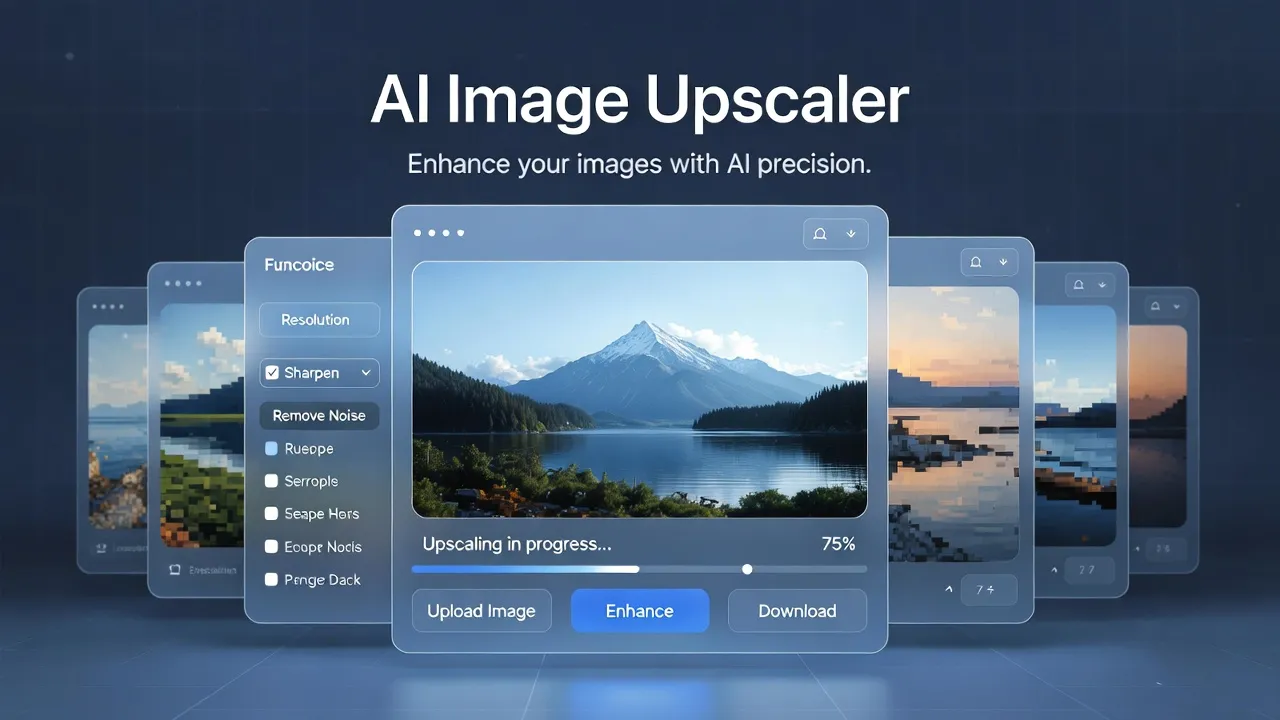
AI Image Upscaler
Upscale images 2× or 4× with a small neural model (~2 MB) - runs in your browser. No signup. Your files stay on your device.
Upload your image
100% client-side•Your data never leaves your device
Want more? Create full AI videos with Cliprise
How It Works
Upload
Drag and drop a photo. We resize only if needed so the output never exceeds 4096px on the long side.
Upscale
A compact SPAN-style 2× model runs locally via ONNX Runtime Web (WebGPU when available, otherwise WASM).
Download
Save as WebP (smaller files) or PNG (maximum compatibility with design tools).
Upscale image without losing quality (in your browser)
Most "free upscalers" upload your photo to a server. This tool is different: inference runs on your device with ONNX Runtime Web and a small super-resolution model (~2 MB by default). Choose 2× for a single pass, or 4× for two passes (each pass is 2×). Quality is a tradeoff: lighter models load faster than huge ones, but may recover less detail than heavyweight Real-ESRGAN-class models.
After upscaling, use our image resizer for exact social sizes, or image compressor before publishing. For maximum resolution and batch workflows in-product, see Universal Upscaler and Cliprise.
Frequently Asked Questions
Is my image uploaded to your server?
No. Processing happens in your browser. Your image does not leave your device.
What does 4× mean?
The ONNX model performs 2× super-resolution per run. For 4× we apply it twice in sequence.
What is the maximum output size?
The longer side of the result is limited to 4096 pixels. If your photo would exceed that after scaling, we downscale the working copy before AI upscaling.
Why is the first upscale slow?
The browser downloads the model on first use (about 2 MB with the default compact model) and caches it. Upscaling speed also depends on CPU/GPU and image size.
WebP vs PNG?
WebP is smaller. PNG is safer for tools that do not accept WebP.
Explore More Free Tools
Resize, compress, and prep images for social - all in one place.
View All Tools