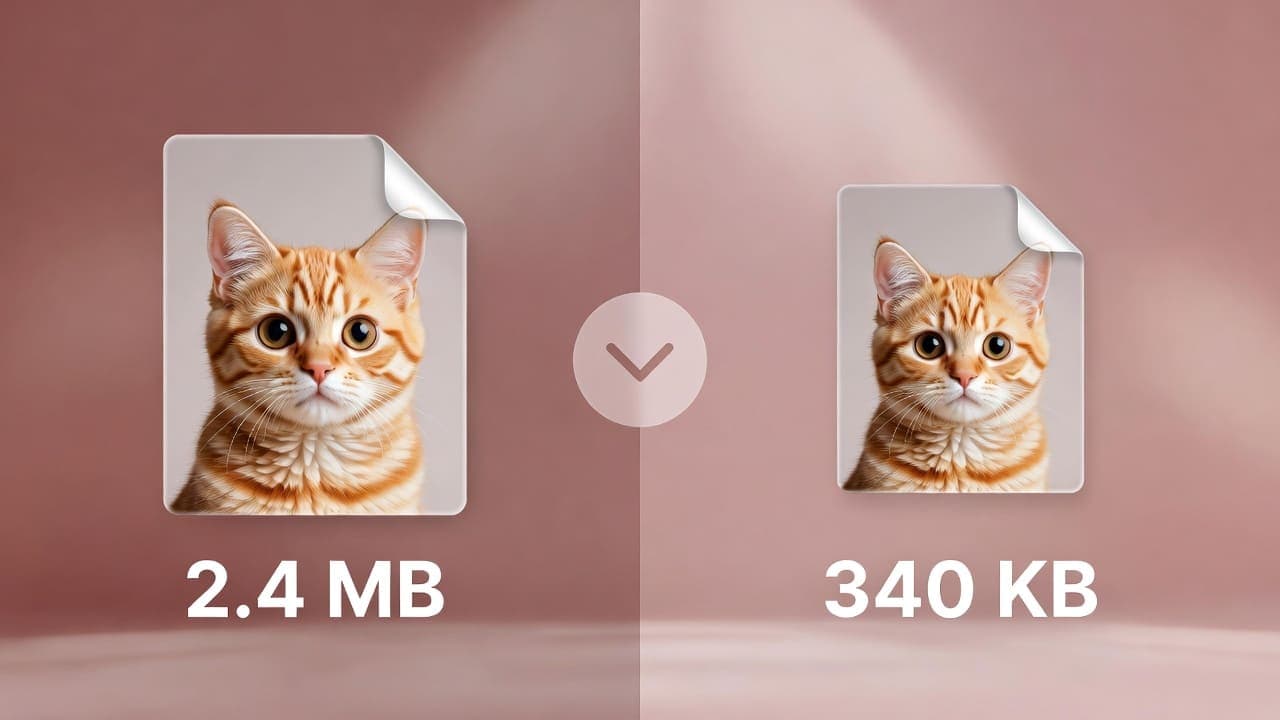
Image Compressor
Reduce image file size without losing quality. Compress JPEG, PNG, WebP for faster websites and smaller emails.
100% client-side•Your data never leaves your device
Want more? Create full AI videos with Cliprise
How It Works
Upload Image
Drag and drop or click to upload. Supports JPEG, PNG, WebP, GIF up to 10MB
Adjust Quality
Choose format (JPEG, PNG, WebP) and quality level. Lower quality means smaller file size
Download
Download your compressed image. Use for websites, emails, or social media
Free Image Compression for Faster Websites
Large images slow down websites and hurt Core Web Vitals, which affects SEO and user experience. Our free image compressor reduces file size without sending your files anywhere. Upload any image, choose JPEG, PNG, or WebP, adjust the quality slider, and download a smaller file. All processing happens in your browser - your images never leave your device.
Use compressed images for blog posts, product photos, email newsletters, and social media. Smaller files mean faster load times, better mobile experience, and lower bandwidth costs. No signup, no watermarks, no limits on how many images you compress.
Pair this with our image resizer to resize and compress in one workflow. Need visuals for your content? Use the stock photo finder or create AI images and videos with Cliprise. For conversion-ready image workflows, start withAI Image Generator, then apply targeted edits in Pro Image Editor, and upscale final outputs with Universal Upscaler.
Frequently Asked Questions
What is image compression?
Image compression reduces file size by removing redundant data. For JPEG and WebP, lowering quality reduces size. Smaller files mean faster website loading and better Core Web Vitals for SEO.
What formats can I compress?
You can compress JPEG, PNG, and WebP. Input supports JPEG, PNG, WebP, GIF. For JPEG and WebP, use the quality slider to control compression. PNG uses lossless compression.
Where is my image processed?
All processing happens 100% in your browser. Your images are never uploaded to any server. Your data never leaves your device.
What is the maximum file size?
Maximum input file size is 10MB for optimal performance. There is no limit on how many images you can compress.
Can I use compressed images commercially?
Yes. You own the images you upload. Compressed output is yours to use for any purpose, including commercial.
Explore More Free Tools
Check out our other free tools to enhance your content creation
View All Tools