Your YouTube video's click-through rate is determined in 0.3 seconds. That's how long a viewer spends evaluating whether to click a thumbnail in a crowded feed. The thumbnail is not a design afterthought - it's the first conversion event in the entire watch funnel, and it happens before a single frame of your video plays.
AI image generation has become the dominant production tool for high-performing YouTube thumbnails in 2026. The combination of speed (minutes vs. hours), cost (negligible vs. a designer's hourly rate for every video), and visual quality (frontier models now produce photorealistic output) has made AI thumbnail generation the standard workflow for channels that post consistently.
This guide covers which AI tools actually produce the best thumbnails, what separates high-CTR thumbnail design from generic AI imagery, the complete production workflow, and the specific model strengths that match different thumbnail styles.
When the layout is already close but in-image copy needs a precise swap (word change, spelling fix, bilingual line), use Qwen Image Edit after your first generation pass instead of re-rolling the whole comp.
What Makes a High-CTR YouTube Thumbnail
Before tools, the design principles. AI generates what you brief - a model that doesn't understand high-CTR thumbnail design will produce technically beautiful images that don't drive clicks.
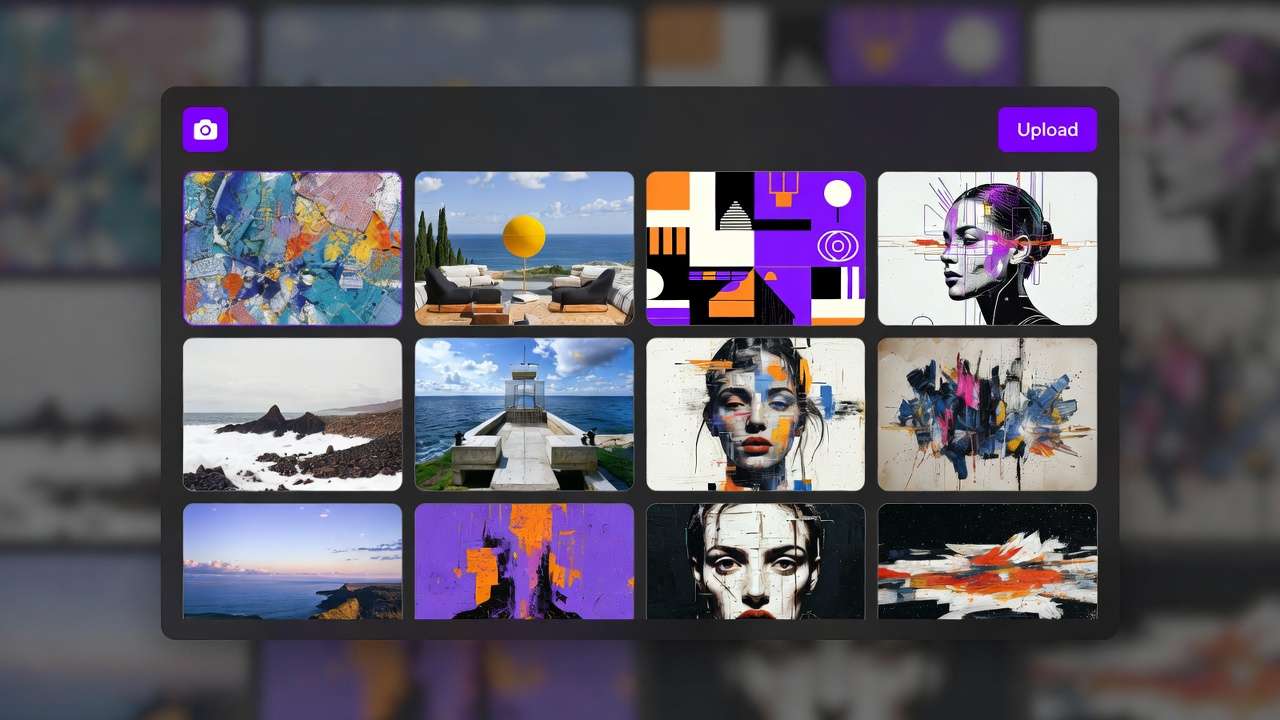
The five elements of a high-CTR thumbnail:
1. Pattern interrupt at a glance. Your thumbnail competes against 8-12 other thumbnails in a viewer's feed. Visual distinctiveness - unusual composition, unexpected color contrast, or a facial expression that reads strong at small sizes - is the first filter. If the thumbnail doesn't interrupt the feed's visual pattern, it doesn't get evaluated.
2. Face with readable emotion. Thumbnails with human faces consistently outperform thumbnails without them across most YouTube categories. More specifically: faces with exaggerated, clearly readable emotion at thumbnail size (surprise, excitement, distress, joy - states that read clearly at 300px wide) outperform neutral expressions. AI face generation in prompts should specify emotional state explicitly.
3. Text that adds context, not caption. The best thumbnail text is 3-7 words that create curiosity or state a specific outcome - not a description of what the video is. "They told me it was impossible" creates more curiosity than "Testing the new iPhone." Legible at small sizes means large, high-contrast, simple fonts.
4. Color contrast that commands attention. YouTube's interface is predominantly white/light grey. Thumbnails with high saturation and strong contrast against a light background stand out. Bright colors on dark backgrounds, or dark subjects on light backgrounds, perform better than mid-tone palettes.
5. Compositional clarity. One clear subject, one clear message. Thumbnails that try to show everything show nothing. The best thumbnails are almost uncomfortable in their simplicity - one face, one emotion, one supporting element.
Best AI Tools for YouTube Thumbnails
1. Ideogram v3 - Best for Thumbnails with Text
Ideogram v3 is the clear category leader for any thumbnail requiring legible, styled text as part of the image. The model's text rendering capability - a historic weakness across all AI image generators - is now production-ready in v3.
For thumbnails where the text IS the hook (common in educational, tech, and commentary channels), Ideogram v3 can generate the full composite - styled text integrated into the background image - without the need for manual text addition in Photoshop or Canva.
Best use: Faceless channels, educational content, list-format videos, any thumbnail where text is the primary visual element
Limitation: Portrait quality for face-forward thumbnails is below Flux 2. For thumbnails requiring both high-quality faces AND in-image text, a two-model workflow (Flux 2 for the base image, Ideogram for text compositing, or both available via Cliprise) is more reliable than either model alone.
2. Flux 2 - Best for Face-Forward Photorealistic Thumbnails
Flux 2 is the photorealism benchmark - which translates directly to face-forward thumbnails where the creator's face (or a compelling human subject) is the primary visual element. The model's skin texture rendering, lighting accuracy, and expression clarity at portrait scale are the strongest available in 2026.
For YouTube niches where thumbnail performance depends on face-based emotional connection - vlogging, lifestyle, challenge content, reaction channels - Flux 2 produces the highest-quality face generation of any model on this list.
Best use: Creator face thumbnails, high-emotion reaction thumbnails, photorealistic composite scenarios
Limitation: Text rendering requires post-production in external tools. Pure text-first thumbnails should use Ideogram v3.
3. Midjourney v7 - Best for Stylized and Artistic Thumbnails
Midjourney's distinctive compositional aesthetic - high contrast, deliberate color treatment, strong visual character - makes it the right model for thumbnails in creative and entertainment niches where visual distinctiveness is the primary differentiator.
Gaming, fantasy, cinematic analysis, and creative channels often benefit from a thumbnail aesthetic that reads as designed rather than photographed. Midjourney v7's output has a recognizable quality that translates well to channels with distinctive visual brand identities.
Best use: Gaming thumbnails, fantasy/sci-fi content, cinematic analysis channels, channels with established visual brand
Limitation: Not ideal for photorealistic faces or text-heavy thumbnails.
4. Canva AI (Magic Media)
Canva's AI image generation is optimized for fast iteration within a design context - generate an image, immediately add text, adjust composition, export. For creators who want a single tool for both generation and graphic design, Canva AI's integrated workflow removes friction.
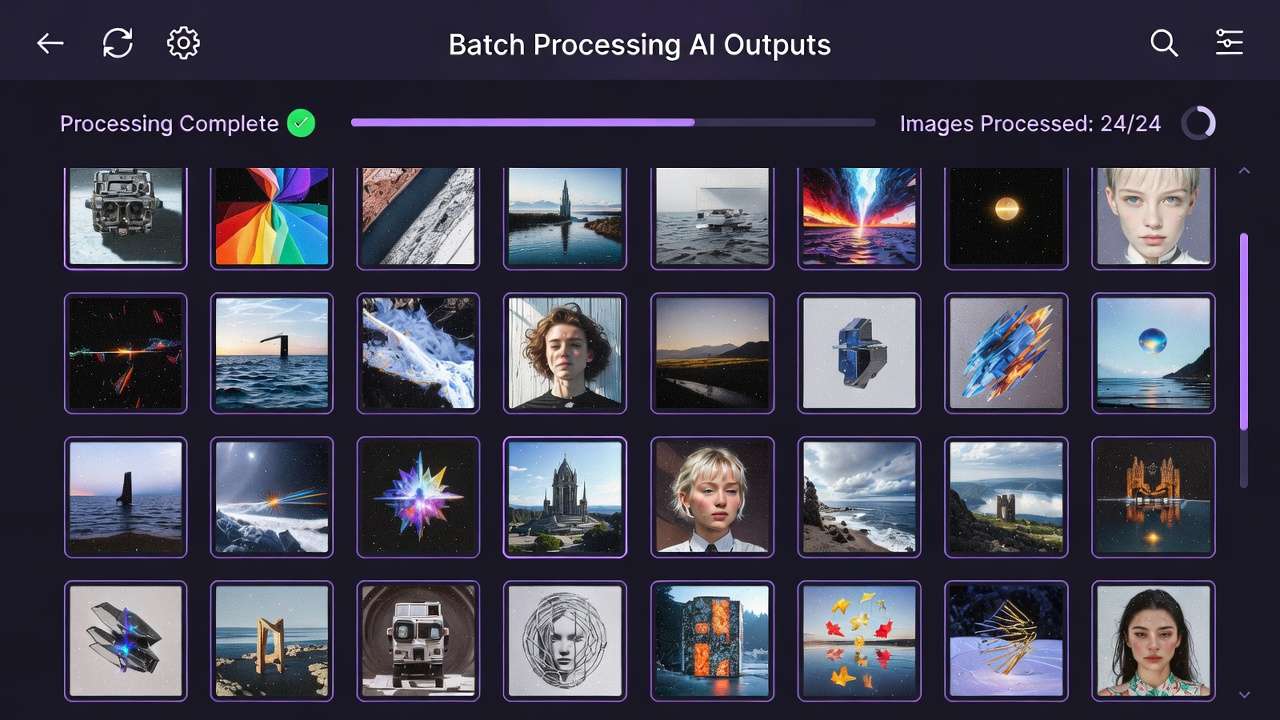
Output quality is below Flux 2, Ideogram, and Midjourney. The advantage is workflow integration, not model quality. Suitable for creators who prioritize speed and simplicity over maximum visual quality.
5. Adobe Firefly (via Photoshop)
Adobe's Firefly model - accessible via Photoshop's Generative Fill and Generative Expand features - is the right choice for creators already working in Photoshop who want AI generation integrated into their existing editing environment.
Firefly's commercial licensing clarity (trained on licensed content) is relevant for creators monetizing YouTube content who need provable licensing lineage. Output quality is competitive but not category-leading on photorealism or text rendering.
6. Cliprise (Multi-Model Access)
Cliprise provides access to Flux 2, Ideogram v3, Midjourney alternatives, and DALL-E 3 under one subscription and credit system. For channels that produce content across multiple niches - or creators who want to test different thumbnail aesthetics without maintaining multiple separate subscriptions - the multi-model access is the workflow-efficient option.
Compare outputs from Flux 2 and Ideogram v3 side-by-side for a single thumbnail brief. Select the strongest without switching platforms.
Access: cliprise.app/features/ai-image-generator
Comparison Table
| Tool | Face Quality | Text Rendering | Artistic Style | Speed | Workflow |
|---|---|---|---|---|---|
| Ideogram v3 | ★★★☆☆ | ★★★★★ | ★★★☆☆ | Fast | Standalone |
| Flux 2 | ★★★★★ | ★★★☆☆ | ★★★☆☆ | Fast | API/Platform |
| Midjourney v7 | ★★★☆☆ | ★★☆☆☆ | ★★★★★ | Medium | Discord/API |
| Canva AI | ★★★☆☆ | ★★★☆☆ | ★★★☆☆ | Fast | Integrated design |
| Adobe Firefly | ★★★☆☆ | ★★★☆☆ | ★★★☆☆ | Fast | Photoshop |
| Cliprise (multi) | ★★★★★ | ★★★★★ | ★★★★★ | Fast | Unified platform |
The Thumbnail Production Workflow
Step 1: Brief the Thumbnail
Before opening any AI tool, define:
- What emotion do you want to trigger in a viewer?
- What is the single hook (face/text/scenario) that communicates that emotion?
- What 3-5 words will be in the thumbnail (if text is part of the design)?
- What is your channel's visual signature (colors, style)?
Step 2: Select the Right Model
| Thumbnail Type | Primary Model | Supplementary |
|---|---|---|
| Creator face + emotion | Flux 2 | Add text in Canva or PS |
| Text-driven hook | Ideogram v3 | - |
| Stylized/cinematic concept | Midjourney v7 | - |
| Face + integrated text | Cliprise (Flux 2 + Ideogram) | - |
Step 3: Prompt for CTR, Not Beauty
The prompting goal for thumbnails is different from standard AI image prompting. You're not prompting for the most beautiful image - you're prompting for the image with the highest probability of a click in a competitive feed.
High-CTR thumbnail prompt structure:
[Subject description with specific emotional state].
[Background: high contrast, simple, color that pops in YouTube feed].
[Composition: subject takes up 60-70% of frame, centered or slightly off-center].
[Lighting: dramatic, face clearly lit, strong shadows for depth].
[Mood/Expression: SPECIFY EXPLICITLY - surprised, shocked, excited, determined].
Thumbnail format: 1280x720px. No text (or: with text "[EXACT TEXT]" in [position]).
Example prompt (face-forward, Flux 2):
A man in his late 30s, surprised/shocked expression - eyes wide, mouth slightly open.
Dark studio background, single dramatic key light from upper left.
Subject occupies 65% of frame, slight 3/4 angle.
High contrast, bold - thumbnail visible at 300px wide.
Photorealistic, 1280x720px output. No text in image.
Example prompt (text-driven, Ideogram v3):
Background: dark gradient, navy to black, subtle texture.
Bold white text centered: "THE METHOD THEY DON'T TEACH" - large, impactful sans-serif.
Small accent: orange underline beneath text, geometric.
1280x720px thumbnail. No faces. Clean, bold, high contrast.
Step 4: Generate Multiple Variants
Produce 3-5 variants per thumbnail brief. Thumbnail A/B testing on YouTube consistently shows high variance in CTR between visual approaches - the first generation is rarely the strongest performer. Generate variants with:
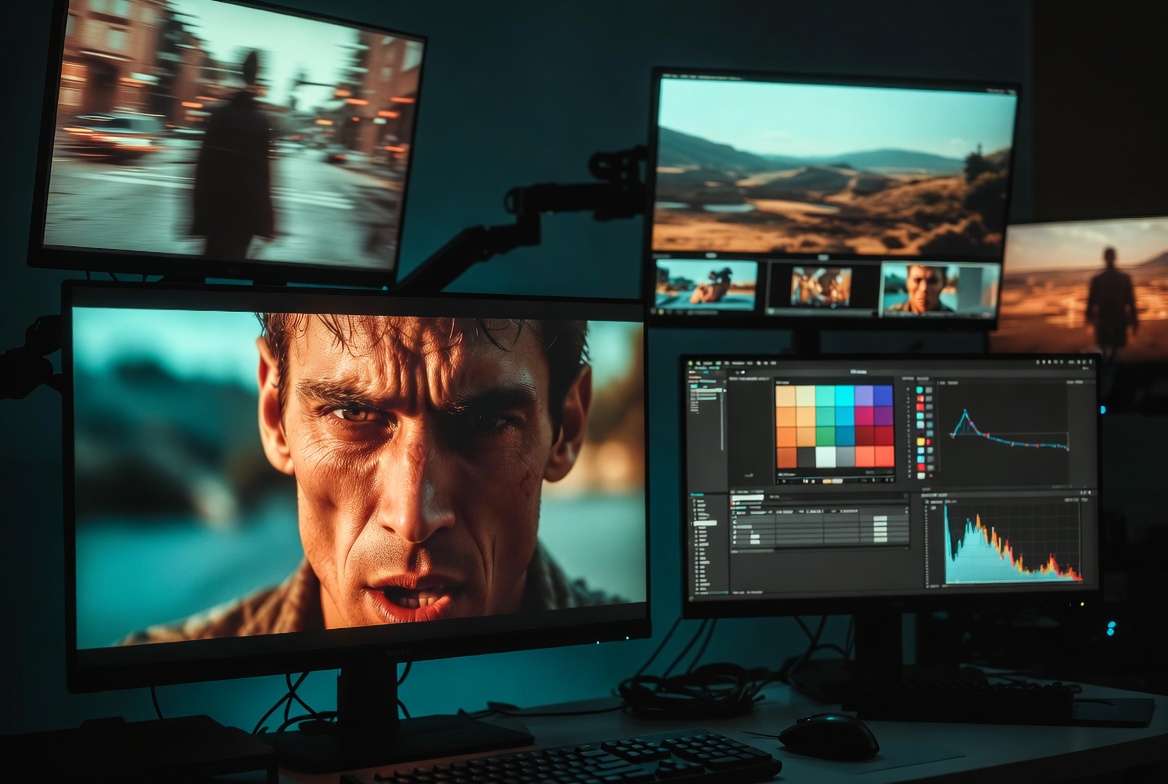
- Different emotional expressions (same subject, different emotion)
- Different background treatments (same subject, different color/depth)
- Different text placement (if text is part of the design)
Step 5: Test and Learn
YouTube Studio provides CTR data at the video level. For channels posting consistently, enable impression-based A/B testing where possible. Track which thumbnail styles - emotion type, color palette, text vs. no text - correlate with above-average CTR. Build a channel-specific learning document.
After 20-30 thumbnails with CTR data, you'll have a clear picture of what works for your specific audience. AI generation makes producing variants for testing fast enough that the learning curve compresses from months to weeks.
Thumbnail Best Practices
Design for 300px width. Open your generated thumbnail at thumbnail size (300px wide) before finalizing. If the key element - face, text, main object - isn't immediately legible, it won't perform in the feed.
Maintain channel visual consistency. Viewers who've clicked your thumbnails before recognize your visual style before reading the title. Brand consistency (consistent color treatment, consistent font style if text is used) builds a click reflex over time.
Don't match the video's thumbnail to its title too literally. The thumbnail and title should create curiosity together, not duplicate the same information. "I quit my job" as a thumbnail scenario works with "What happened next changed everything" as a title. The two together create more curiosity than either alone.
High contrast always. Low-contrast thumbnails are invisible in YouTube's light-colored interface. If the thumbnail looks slightly extreme in isolation, it's probably calibrated correctly for feed visibility.
Frequently Asked Questions
What is the best AI thumbnail generator for YouTube? Depends on thumbnail type. Ideogram v3 for text-integrated thumbnails. Flux 2 for photorealistic face-forward thumbnails. Midjourney v7 for stylized/artistic channels. For access to all three from one platform, Cliprise covers the full range.

Can AI generate YouTube thumbnails with text? Yes - Ideogram v3 handles in-image text reliably, producing legible, styled text integrated into the thumbnail background. Other models (Flux 2, Midjourney) require manual text addition in post-production tools. For full in-image text without manual editing, Ideogram v3 is the current benchmark.
What is the correct YouTube thumbnail size? 1280x720px, 16:9 aspect ratio, under 2MB file size. JPG format preferred for YouTube's compression algorithm.
How many thumbnail variants should I test? 3-5 variants per video for active channels with sufficient impressions to generate statistically significant CTR data. For smaller channels with fewer impressions per video, focus on 2-3 variants and accumulate data over more videos rather than per-video testing.
Does thumbnail quality actually affect video performance? Yes - significantly. YouTube's internal data consistently shows thumbnail CTR as one of the highest-correlation metrics with long-term channel growth. A 2% CTR improvement (e.g., from 4% to 6%) translates to 50% more views from the same impression volume.
Can I use AI thumbnails for monetized YouTube channels? Yes. AI-generated images are permitted for use in YouTube thumbnails on monetized channels as of 2026. Ensure the AI tool you use grants commercial use rights on your plan tier - most platforms restrict commercial use to paid plans.
How do I make AI thumbnails look more natural? Add light film grain or texture in post. Adjust the color slightly toward your channel's visual signature. Ensure the lighting is motivated (has a clear directional source) rather than flat. If using a face, make sure the emotional expression is physically plausible and not AI-uncanny.
Conclusion
Thumbnails are the highest-leverage single design element in YouTube growth - and AI generation has made A/B testing at scale financially viable for every creator regardless of budget.
The model routing is clear: Ideogram v3 for text-integrated thumbnails, Flux 2 for photorealistic faces, Midjourney alternatives for stylized brand aesthetics. Ideogram v3 and Flux 2 are accessible via Cliprise's AI image generator, with one credit system and side-by-side comparison. Use Midjourney natively for Midjourney-specific output.
For final thumbnail polish after generation, use Pro Image Editor. If you need sharper exports for large displays or repurposed assets, use Universal Upscaler.
Produce more variants. Test more approaches. The CTR data compounds into channel growth faster than any other single optimization.
Start generating thumbnails with AI → cliprise.app/features/ai-image-generator
Related Articles:
- Best AI for YouTube Thumbnails 2026 - Ideogram v3, Flux 2, Midjourney compared for the "best ai for youtube thumbnails" keyword
- Best AI Image Generator 2026
- Mastering AI Models for YouTube Thumbnails & Video Content
- AI Video Ads
- Cliprise pricing
- AI Podcast Thumbnail Guide 2026 →