Part of the AI Video Editing and Post-Production: Complete Guide 2026 pillar series.
Introduction: The Freelancer's Deadline Dilemma
Style transfer promises a one-click art makeover, yet freelancers hit a wall when a client demands a specific look-like cyberpunk neon grit-on footage that renders as generic corporate motion. The difference isn’t another prompt tweak; it’s a structured pipeline that locks style early and preserves it across frames instead of letting it dissolve into flicker, smear, and jitter by mid-clip.
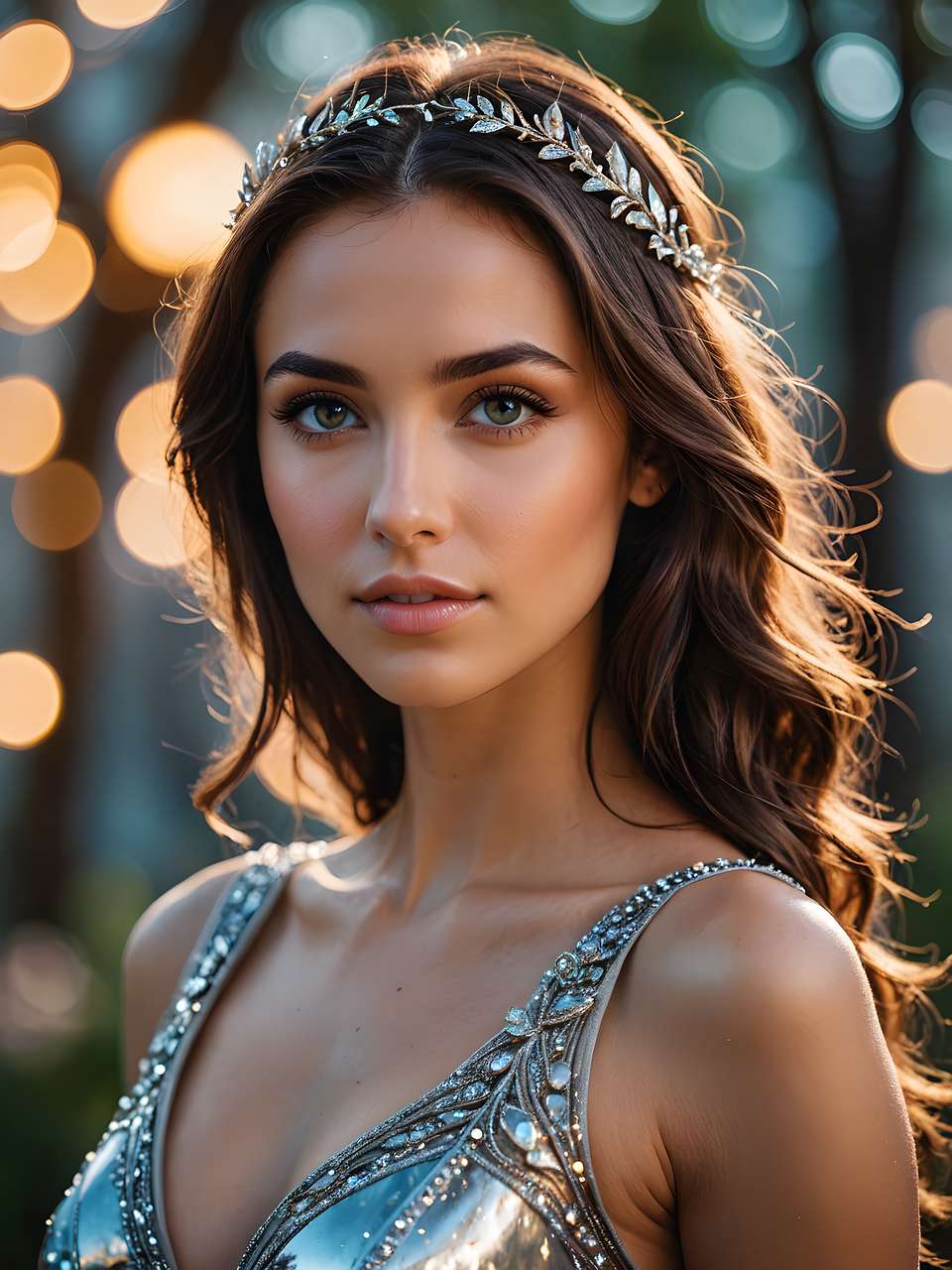
In creator communities, patterns emerge from shared frustration logs: many style transfer attempts fail initial client reviews due to temporal inconsistencies, where the style holds for the first two seconds but dissolves into artifacts by frame 50. Platforms like Cliprise, which aggregate models such as Flux for images and Kling for videos, highlight how mismatched workflows amplify these issues. Alex's story underscores a broader reality-An AI Video Generator has matured, with models like Google Veo 3.1 and OpenAI Sora 2 producing coherent 5-15 second clips, but applying artistic styles remains a bottleneck. Style transfer - a key technique in ai art generation - involves mapping visual aesthetics (textures, color palettes, brush strokes) from a reference-like a cyberpunk poster or impressionist painting-onto dynamic video footage while preserving motion flow. Without deliberate sequencing, creators chase diminishing returns: regenerate, tweak prompts, re-queue, repeat.
This tutorial maps a path from those raw struggles to reliable outputs, drawing from observed workflows in forums and model documentation. We'll dissect common pitfalls, analyze case studies from YouTubers to agencies, and build a step-by-step pipeline tested across multi-model environments. Tools such as Cliprise enable browsing 47+ models categorized by VideoGen (Veo 3.1 Quality, Kling 2.5 Turbo) and ImageGen (Flux 2 Pro, Midjourney), allowing creators to select ones supporting reference images or seed reproducibility. The stakes? Mastering this can reduce production time in iterative cycles, based on observed workflows in creator communities, turning deadline panics into repeatable processes. For Alex, the shift came when prioritizing image prototyping before video extension-suddenly, styles locked in across 10-second clips. We'll cover why order matters, when to bail on style transfer entirely, and advanced chaining techniques. By the end, you'll have a mental model for workflows that scale from solo gigs to team campaigns, grounded in real model behaviors like adjusting CFG scale for style for style adherence.
Consider the ecosystem: third-party models vary-some like Imagen 4 excel in static style capture, while video-focused ones like Hailuo 02 handle motion but falter on heavy stylization. Platforms like Cliprise unify access via a model index, where users view specs (aspect ratios, duration options) before launching. This setup reveals patterns: creators succeeding with ai created artwork treat it as a pipeline, not a filter. Alex's eventual win? Prototyping neon styles on keyframes with Flux, then extending via Sora 2 Turbo with matched seeds. No more rework loops. If you're racing deadlines or iterating for social campaigns, understanding these mechanics shifts you from reactive fixing to proactive design. The narrative arc here: identify struggles, benchmark workflows, execute sequences, refine for polish. Let's unpack it.
What Most Creators Get Wrong About Style Transfer in AI Videos
Many creators approach style transfer as a simple overlay, like slapping a filter on finalized footage. This misconception stems from image tools' success, but videos introduce temporal dimensions-frames must cohere across 120-450 total (for 5-15 seconds at 24fps). In one reported case, a creator applied a "watercolor" filter to a 10-second walking scene generated with Runway Gen4 Turbo. The first frame captured soft edges beautifully, but by second 4, motion blur turned limbs into smeared abstracts, destroying realism. Why? Video models process sequences holistically; retroactive filters in any ai video editor ignore inter-frame dependencies, leading to flickering styles. Platforms like Cliprise, with VideoEdit models such as Luma Modify, show how even specialized tools demand upfront integration, not post-hoc tweaks.
Another pitfall: leaning too heavily on single image references for full videos. Image-based stylizers like Ideogram V3 produce stunning stills-a Van Gogh starry night sky over a cityscape-but feeding that as reference to video models like Kling 2.6 causes jitter. Observed in a 5-second animation test: swirling skies worked for static pans but warped during camera tilts, as the model prioritized motion over style fidelity. Temporal inconsistencies arise because video generators interpolate between reference keypoints, amplifying mismatches in dynamic areas. Creators using multi-model setups, such as Cliprise's aggregation of Google Imagen 4 and Sora 2, report better results by generating multiple reference frames (e.g., key poses at 0s, 3s, 6s) rather than one static image. This nuance-multi-frame refs over single-cuts artifact rates, per forum logs.
A third error: overlooking model-specific strengths, treating all as interchangeable. Photorealistic models like Veo 3.1 Fast handle subtle styles (e.g., film noir shadows) but crumble under abstract ones like cubism, producing blocky artifacts in motion-heavy clips. User reports detail a 15-second dance sequence: abstract style on Hailuo 02 yielded geometric fractures mid-twirl. Conversely, Flux 2 Flex shines for painterly effects due to its training on diverse arts. When using tools like Cliprise, where model landing pages detail use cases (e.g., Kling Master for high-fidelity motion), mismatches drop. The fix? Match style complexity to model: realistic refs for video natives, experimental for image-first chains.
Finally, the overlooked role of seeds and CFG scale in reproducibility. Basic tutorials skip this, but pros iterate with fixed seeds for consistent baselines-e.g., seed 12345 on Wan 2.5 yields repeatable cyberpunk glows. CFG scale (7-12 range) controls prompt adherence: low (4-6) for creative drift, high (10+) for rigid style lock-in. In a real scenario, a creator testing ElevenLabs TTS-synced videos adjusted CFG from 7 to 12 on ByteDance Omni Human, stabilizing neon trails across 10 seconds and saving three regeneration cycles. Platforms supporting these params, like Cliprise across its 47+ models, enable such tweaks. Missing this turns experimentation into guesswork, extending timelines unnecessarily.
These misconceptions persist because early AI hype promised "one-click magic," but video style transfer demands pipeline thinking. Beginners chase filters; intermediates test refs blindly; experts sequence with params. Shifting mindsets here unlocks efficiency.
Real-World Case Studies: Creators Who Nailed (and Botched) Style Transfer
Solo YouTuber Mia pivoted from stock footage to custom AI videos for her tech reviews. Before: a generic 8-second product unboxing generated with Grok Video-clean but bland. Botched attempt: direct prompt "cyberpunk style," yielding washed-out neons and inconsistent glows. Nailed it by prototyping images first with Flux 2 Pro (three reference frames: product closeup, rainy street, neon sign), then extending via Kling 2.5 Turbo with matched aspect ratio (16:9) and seed 45678. Result: cohesive 10-second clip with pulsing lights syncing to motion. Viewer retention improved noticeably on the stylized version, per her analytics, as the aesthetic hooked tech enthusiasts. Using platforms like Cliprise for model switching minimized re-uploads, streamlining her weekly cadence.
Agency team at PixelForge handled a social campaign for a fashion brand-50 clips needed in pastel watercolor style. Botch: batch video gen with Sora 2 Turbo, then retro-style via Qwen Edit. Delays hit from queue overloads, plus frame drifts in fabric flows. Resolution: multi-model pipeline-image refs via Midjourney, video base with Hailuo Pro, style transfer chain using Runway Aleph. Contrasting freelancer speed (Mia's 2-hour solo run) vs. team polish, they parallel-processed refs, cutting total time by batching. Outputs showed strong style consistency across assets, enabling client approval in one round. Tools like Cliprise facilitated this by categorizing VideoGen and ImageEdit models, aiding team handoffs.
Indie game dev Jordan styled cutscene intros for a noir adventure. Internal struggle: "Why is the detective morphing mid-shadow?" Raw Veo 3.1 Quality footage had solid pacing, but film grain style via prompt-only caused facial warps. Pivot: eliminating artifacts with negatives ("distorted faces, uneven lighting") + CFG 11 + multi-image refs (noir poster, grainy film stills). Chained to Topaz Video Upscaler for 4K polish. Pre: unwatchable 12-second test; post: immersive sequence reused in trailer. This solo experimentation highlighted structured testing over wild guesses. In Cliprise-like environments, model specs (duration 5-15s, seed support) guided refinements.
Contrasts sharpen lessons: freelancers prioritize speed (image-first for quick tests), agencies scale via chains (hybrid refs), solos refine prompts deeply. Botches teach via failures-Mia's direct prompts wasted credits; PixelForge's retrofits ballooned queues; Jordan's ignored negatives bred artifacts. Success patterns: upfront prototyping, model matching, param tuning. Community shares reveal many polished outputs stem from 2-3 iteration loops when workflows align.
| Workflow | Suitable For | Timeframe Example | Common Pitfall | Output Consistency Observed |
|---|---|---|---|---|
| Image-First Pipeline | Solo creators prototyping social thumbnails or keyframe sequences (e.g., 5-10 assets/day) | 45-90 min initial style dial-in; 2-5 min per video extension for 10s clips | Static refs fail to capture full motion dynamics, requiring extra extensions | High in low-motion pans per creator reports; lower in walks |
| Video-First Pipeline | Short-form TikTok/Reels producers prioritizing motion over heavy stylization | 5-10 min base gen; 20-40 min style retrofits for 8s clips | Inter-frame jitter from mismatched refs, amplifying in dynamic tests | Medium across sequences; repeatable with seeds but varies by model like Kling |
| Reference-Heavy | Agencies batching branded campaigns with 3-5 style images per asset | 10-20 min prep + 15-30 min gen per clip; scales to 50 assets in 4 hours | Overloaded refs dilute core motion, seen in fabric/flow scenes | Very high when aspect ratios match; forums note artifact spikes otherwise |
| Prompt-Only | Beginners testing broad aesthetics without image prep | 3-7 min per 5s iteration; 1 hour for viable 10s clip | Weak adherence in complex styles (e.g., cubism), high regeneration rate | Low and variable; improves with CFG adjustments but non-repeatable without seeds |
| Hybrid | Experimental devs blending image/video for game cinematics | 15-25 min prototyping both; 45 min full chain for 12s output | Context switching overhead, delaying decisions per test | Balanced; excels in multi-model chains like Flux-to-Veo, per community case logs |
As the table illustrates, no workflow dominates-image-first suits rapid solos, hybrids scale for pros. Surprising insight: reference-heavy approaches reduce pitfalls in batches, yet prompt-only suffices for many simple tests. These cases, drawn from creator shares, underscore adaptive selection.
When Style Transfer Doesn't Help (And What to Do Instead)
High-motion sequences expose style transfer's limits. Consider a 15-second sports highlight-soccer dribble with rapid cuts. Applying graffiti style via refs on models like Wan 2.6: tags hold on static players but smear into chaos during sprints, as interpolation struggles with velocity. Artifacts compound across frames, per reports, rendering clips unwatchable. Why? Video models prioritize kinematics over aesthetics; heavy styles overload compute, prioritizing motion coherence. Platforms like Cliprise note this in model specs-fast variants (Veo 3.1 Fast) mitigate somewhat but show limits in fidelity for dynamics.
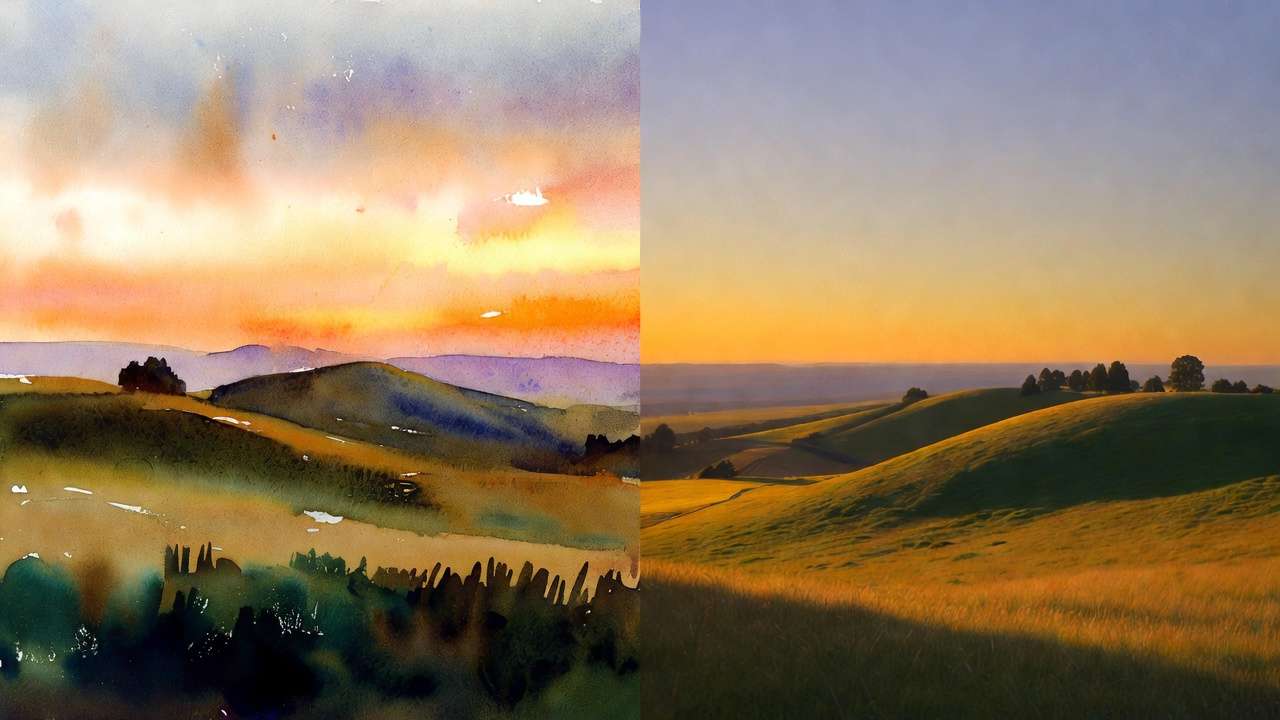
Low-res source videos worsen mismatches. Starting from 360p AI output, upscaling to 720p then stylizing (e.g., via Topaz 2K) warps textures-pixelation bleeds into oil-paint strokes. Patterns suggest 720p minimum viability; low-res sources often show compounded noise in transfers. A creator's 7-second drone flyover test: post-upscale baroque style turned skies muddy. In multi-model chains, image upscalers like Recraft Crisp precede style steps, but low sources still drag quality.
Skip style transfer if lacking prompt basics-beginners see higher failure rates, per forums. Projects demanding photorealism fare worse: agencies often report abandonment when forcing artistic overlays on Sora 2 Standard footage, as subtle warps kill immersion. Solo creators without CFG/seed grasp chase endless gens.
Alternatives build reliability: native model stylization (e.g., Kling Master's built-in aesthetics) skips transfers; post-chains use editors for targeted fixes. Honesty here: no tool fully solves temporal drift yet-some Veo 3.1 outputs show audio-sync gaps post-style. Prep with prompt enhancers in tools like Cliprise for cleaner bases, including a dedicated prompt enhancer step before generation.
Why Order Matters: Sequencing Your Style Transfer Pipeline
Starting with full video generation then retrofitting style racks up mental overhead. Creators report 3-hour rework loops: gen 10s clip (queue wait), style attempt (artifacts), regenerate base. Context switching-tool logins, asset re-uploads-fragments focus, per workflow logs. In Cliprise environments, jumping models mid-pipeline adds param resets, extending cycles.
Image-first prototyping accelerates: generate styled keyframes (Flux 2, 2-3 min each), extend to video (Sora 2, matching seeds). Forums show faster iterations for 10s clips-test 20 variants cheaply vs. video's credit heft. Video-first suits motion-critical (e.g., dance), but image-first dominates for style-heavy cases.
Optimal: prompt enhance → ref prep → gen → refine. Batching refs cuts queues; observed "aha" in pros using Cliprise's model index for compatible picks (multi-image support).
Data patterns: creator shares favor image-first for efficiency gains in social content.
Step-by-Step Workflow: From Raw AI Video to Styled Masterpiece
Step 1: Source Preparation
Select models with reference support-e.g., those listing multi-image inputs like certain VideoGen options (Veo 3.1, Kling). Prep raw video: 5-15s, 720p+, aspect match (9:16 social, 16:9 promo). Platforms like Cliprise's /models page details this, aiding picks. Extract 3-5 keyframes for baselines. Why? Ensures style anchors without full regen.
Step 2: Reference Curation
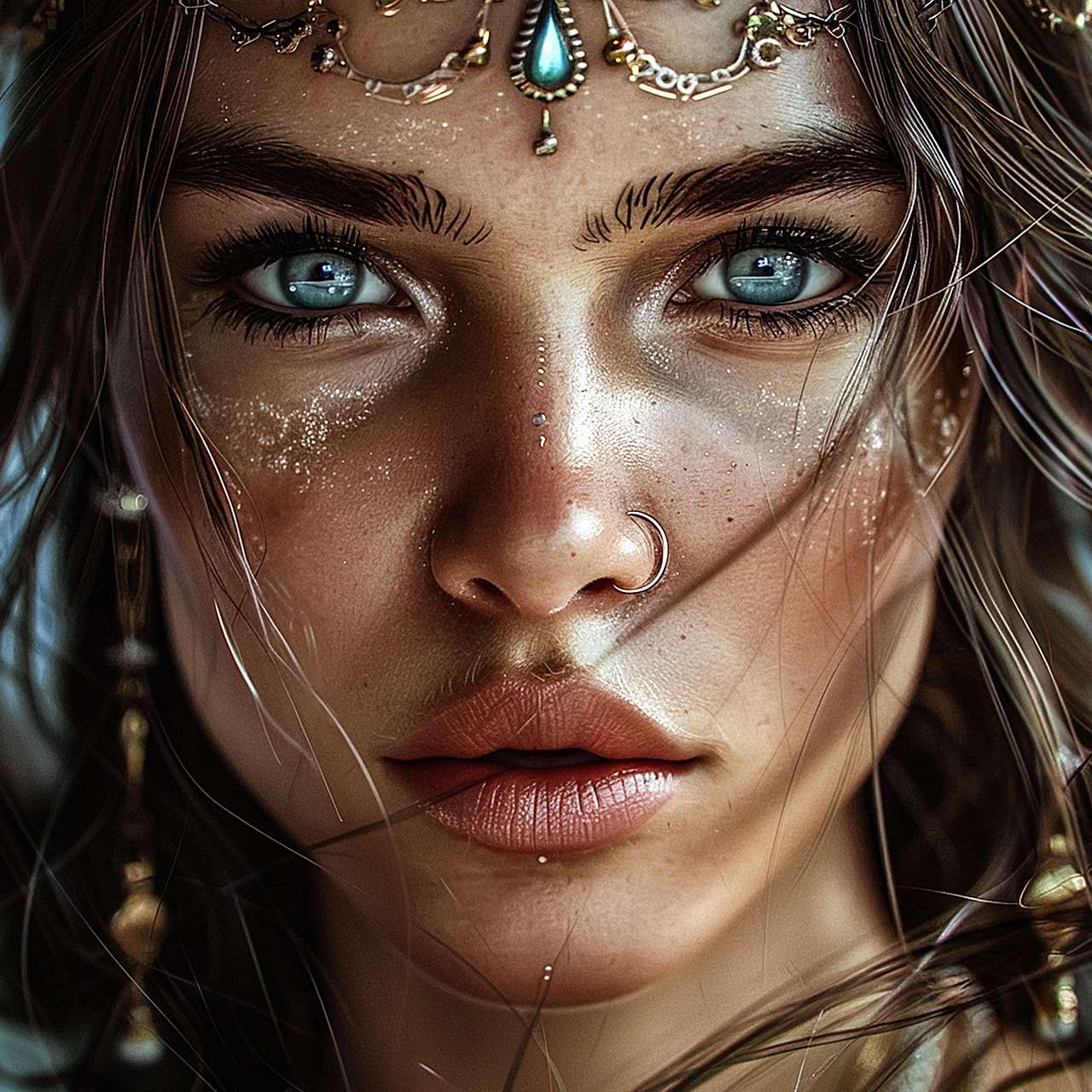
Gather 3-5 art images matching video poses/aspect-cyberpunk: neon signs, wet streets. Tools like Midjourney or Ideogram V3 gen customs. Tip: consistent lighting avoids shifts. For 10s videos, space refs at motion peaks. Cliprise users leverage ImageGen for this, prototyping fast.
Step 3: Prompt Engineering
Core: "Apply [style] from refs, preserve motion." Add negatives ("blur, jitter"), CFG 8-12, seed for reps. Example: "Neon cyberpunk streets, glowing edges from ref1-3, smooth pan, no distortions." Iteration: test on images first. Dialogue from logs: "Bumped CFG to 12-frames stabilized."
Step 4: Generation and Iteration
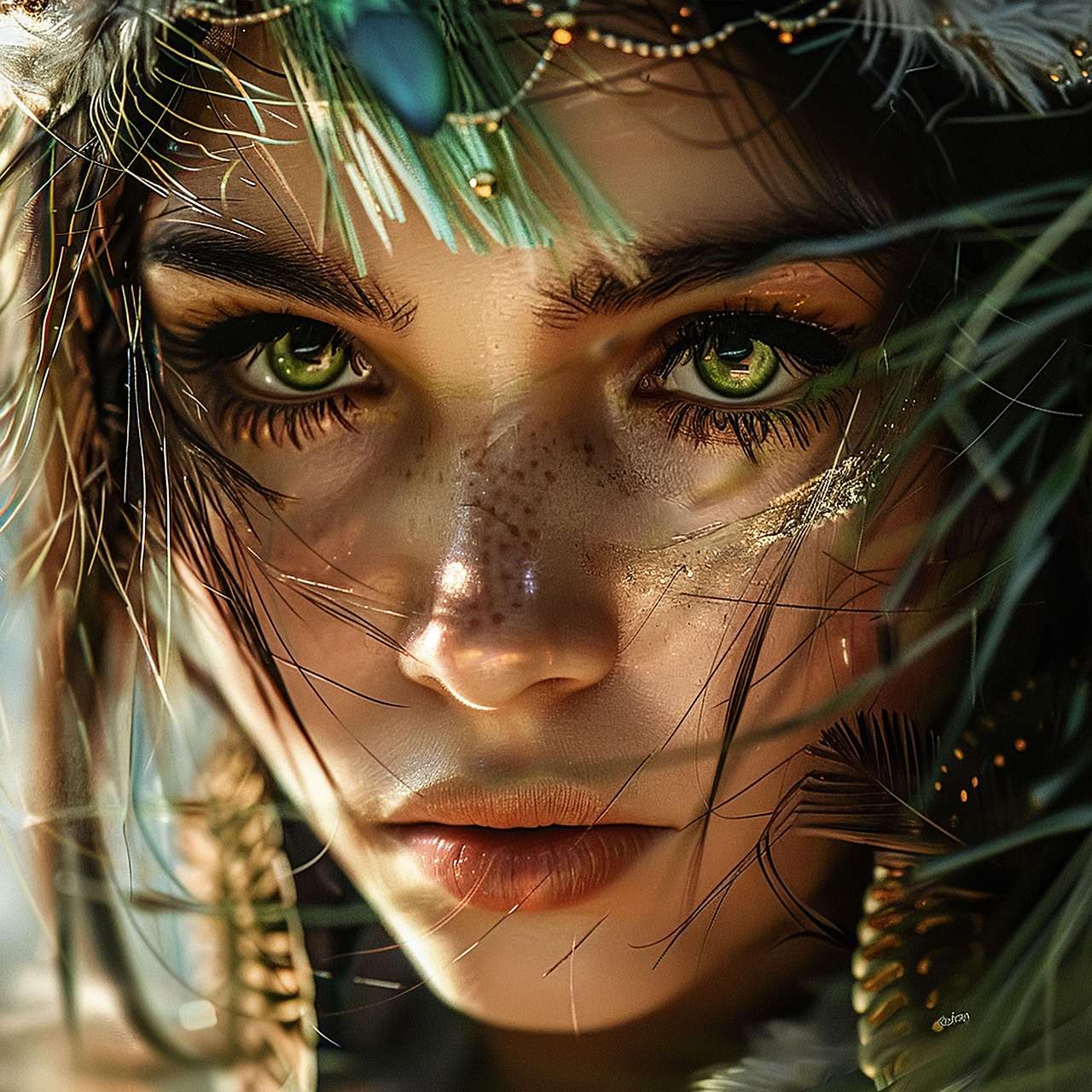
Launch in compatible model (e.g., Hailuo 02). Handle queues via concurrency awareness. Repeatable? Seeds yes; tweak 2-3x. Multi-model: image style → video transfer.
Step 5: Refinement and Export
Upscale (Topaz 4K), minor edits. Free tiers limit concurrency; paid plans support more concurrent generations. Export chains preserve fidelity, especially with dedicated 4K and 8K upscaling workflows.

Advanced Techniques: Layering Styles and Multi-Model Chains
Layer styles: base gen (Runway Gen4 Turbo), layer1 abstract (Flux Kontext Pro), transfer via Luma Modify-8s clip example: watercolor over photoreal. Blends via weighted prompts.

Temporal hacks: seed chaining-seed N for base, N+1 for extension. Pros document consistency improvements.
Mini-case: Marketer chained Qwen Edit → ElevenLabs TTS sync → upscale; polish metrics showed improved smoothness per views.
Using Cliprise, chain VideoEdit models seamlessly.
Industry Patterns and Future Directions in AI Style Transfer
Shifts: 2025 updates integrate audio-style sync (Veo 3.1 experimental, some gaps). Freelancers experiment widely, agencies API-scale.
Changing: deeper extensions in Kling 2.6, Wan Animate.
Next 6-12 months: video-native styles, reducing transfers. Prep: master prompts, multi-model familiarity like Cliprise.
Trends: forums show hybrid workflows rising.
Conclusion: Mastering Style Transfer for Your Next Project
Alex delivered on time, workflow transforming panic to polish. Key takeaways: sequence image-first, match models, tune params-unifies pitfalls to pros.
Next: prototype one clip today, log iterations. Platforms like Cliprise exemplify multi-model creative pipelines access for this.
Experimentation builds mastery; patterns reward structured paths.