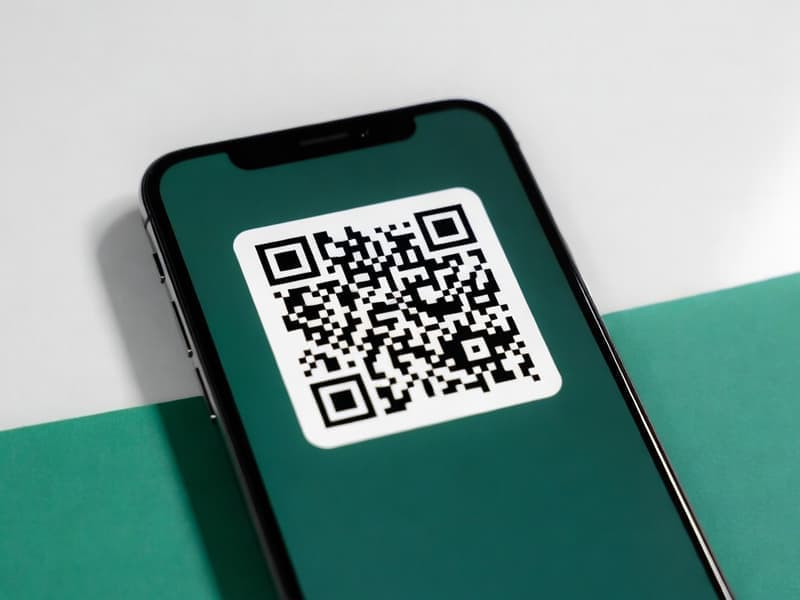
QR Code Generator
Create QR codes for URLs, text, or contact info. Customize colors and size. Download as PNG or SVG instantly.
Preview
100% client-side•Your data never leaves your device
Want more? Create full AI videos with Cliprise
How It Works
Enter Content
Paste a URL, type text, or add contact info. The QR code updates in real-time
Customize
Choose size, foreground and background colors. Adjust error correction for durability
Download
Download as PNG for web/print or SVG for scalable vector graphics
Create QR Codes for URLs, Text & More
QR codes make it easy for people to access your website, menu, or contact info with a quick scan. Our free QR code generator creates custom QR codes in seconds. Paste a URL, type text, or add contact details - the QR updates in real time. Customize size (128-512px), foreground and background colors, and error correction level. Download as PNG for web and print, or SVG for scalable vector graphics. No signup, no limits.
Use QR codes for marketing materials, business cards, product packaging, restaurant menus, event tickets, or any place you want to bridge physical and digital. Higher error correction (L, M, Q, H) lets the code stay readable even if partially damaged. All generation happens in your browser, your data never leaves your device.
Add QR codes to visuals from our thumbnail maker or image resizer. Create AI videos and images with Cliprise.
Frequently Asked Questions
What can I encode in a QR code?
You can encode URLs, plain text, email addresses, phone numbers, or any string of characters. QR codes are most commonly used for website URLs.
Can I use QR codes commercially?
Yes! QR codes themselves are not copyrighted. You can generate and use them for business, marketing, packaging, or any commercial purpose.
What is error correction level?
Error correction allows the QR code to still be readable if partially damaged or obscured. Levels: L (7%), M (15%), Q (25%), H (30%). Higher levels add more redundancy but increase QR code density.
Is my data sent to a server?
No. This tool runs 100% in your browser. Your text or URL is never uploaded. The QR code is generated locally on your device.
What formats can I download?
You can download your QR code as PNG (raster image, good for web and print) or SVG (vector, scales infinitely without quality loss).
Explore More Free Tools
Check out our other free tools to enhance your content creation
View All Tools