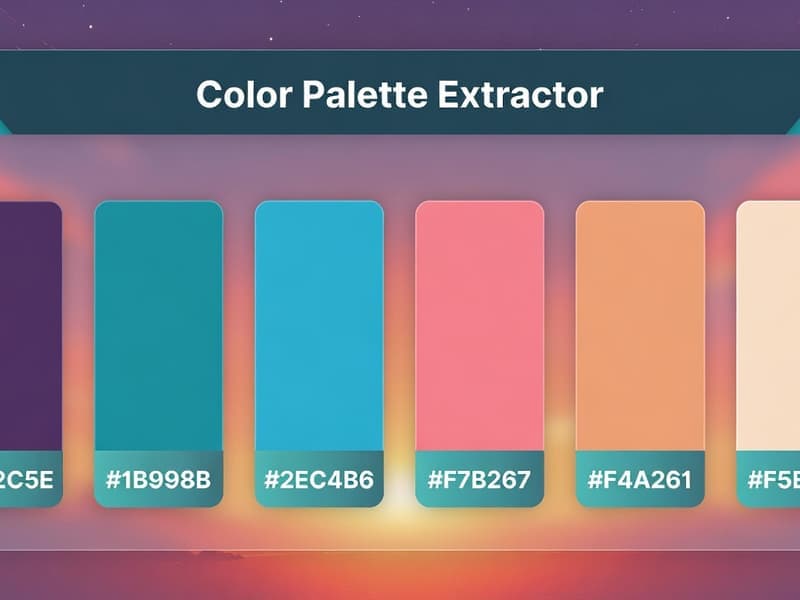
Color Palette Generator
Extract dominant colors from any image or generate harmonious palettes from a single hex color. Get hex, RGB, and HSL values instantly.
100% client-side•Your data never leaves your device
Want more? Create full AI videos with Cliprise
How It Works
Upload or Enter Color
Upload an image to extract colors, or enter a hex color to generate a palette
Get Your Palette
View dominant colors with hex, RGB, and HSL values. Choose complementary or analogous schemes
Copy & Use
Copy any color in hex, RGB, or CSS format. Use in Figma, design tools, or code
Extract Colors & Generate Palettes Instantly
A color palette generator is essential for designers, developers, and content creators. Our free tool does two things: extract dominant colors from any image, or generate harmonious palettes from a single hex color. Get hex, RGB, and HSL values for every color-copy with one click. All processing runs in your browser; your images never leave your device.
Choose from complementary, analogous, triadic, tetradic, or monochromatic schemes. Perfect for brand colors, web design, social graphics, and video thumbnails. Use the color picker or upload a photo-our algorithm finds the most representative colors and presents them in a clean, usable format.
Use extracted colors in our thumbnail maker for consistent branding. Find imagery with the stock photo finder, then create AI videos and images with Cliprise. If you want direct conversion pages, useAI Image Generator, finish key visuals with Pro Image Editor, and upscale outputs using Universal Upscaler.
Frequently Asked Questions
How do I extract colors from an image?
Upload your image and our tool analyzes the pixels to extract the dominant colors. All processing happens in your browser - your image is never uploaded to any server.
What is a complementary color?
Complementary colors are opposite each other on the color wheel (e.g., red and cyan). They create high contrast and visual impact when used together.
Is my image uploaded to a server?
No. This tool runs 100% in your browser. Your images are processed locally and never leave your device. We do not store or transmit any of your data.
Can I use these colors commercially?
Yes! The colors you extract or generate are not copyrighted. You can use them freely in your designs, websites, brands, and commercial projects.
What color formats are supported?
We display colors in hex (#RRGGBB), RGB (red, green, blue), and HSL (hue, saturation, lightness). You can copy any format to use in your design tools.
Explore More Free Tools
Check out our other free tools to enhance your content creation
View All Tools