Related hubs: AI video editing pillar, Compare AI models, Models routing hub.
Part of the AI Video Editing and Post-Production: Complete Guide 2026 pillar series.
Introduction
Pixel-by-pixel matching sounds like the holy grail for video-to-video style transfer-take a source clip from any ai video maker, overlay a desired aesthetic, and watch the magic unfold frame after frame. Yet in practice, this approach often leads to desynchronized motion and visible artifacts, particularly in clips with any camera movement or subject dynamics, as seen in early tests with models such as Runway Gen4 Turbo or Runway Aleph.
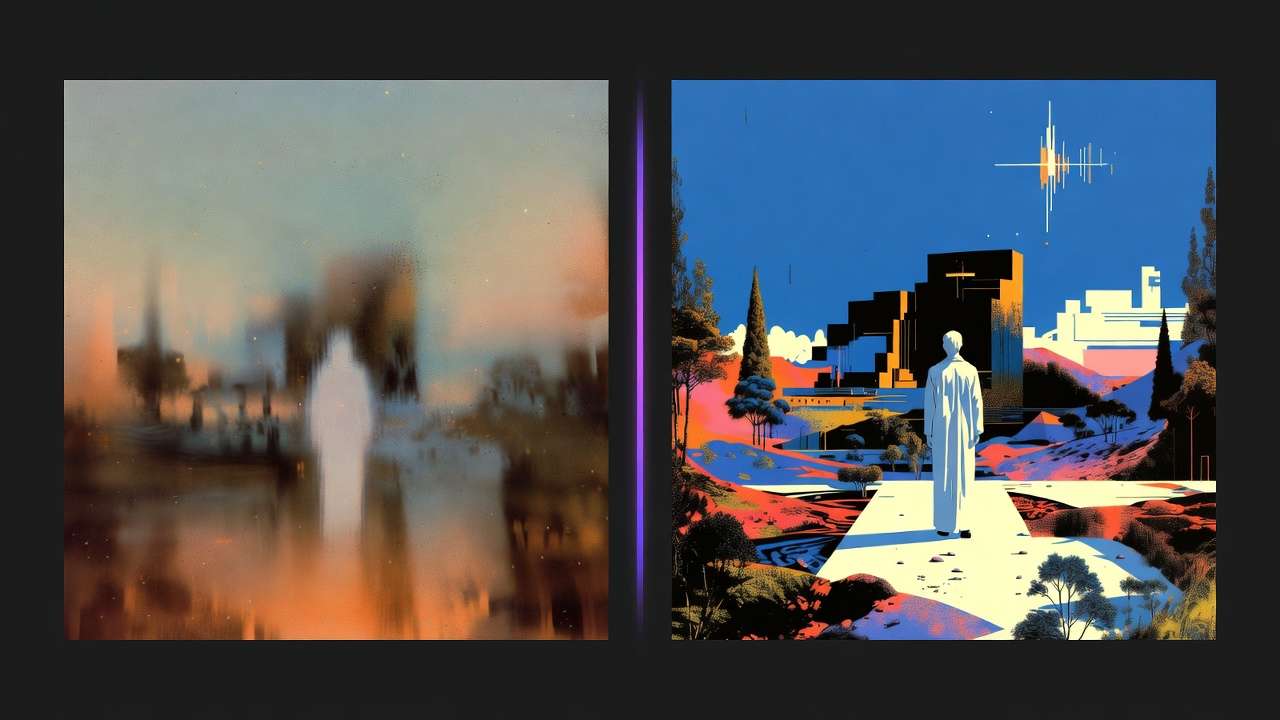
The core issue stems from how AI models process temporal data: ai video editing software prioritizes spatial stylization over vector preservation, causing drift that accumulates over even short durations like 5-10 seconds. Data from creator workflows across platforms integrating third-party models reveals that strategies emphasizing reference frames-selecting key moments from the source and pairing them with style references-outperform full-clip inputs in maintaining visual coherence. This approach pairs well with cross-model prompt engineering and understanding Runway vs Luma editing capabilities, particularly for travel marketing campaigns and restaurant social media content. This isn't a minor tweak; it's a foundational shift that can reduce regeneration cycles by focusing compute on critical elements rather than exhaustive processing.
Why does this matter now, amid the rapid expansion of text-to-video AI tools? With over 47 models available through aggregators like those offering Veo 3.1, Sora 2, and Kling integrations, creators face an overload of options without clear guidance on style transfer specifics. Platforms such as Cliprise provide access to these via unified interfaces, but without understanding reference-based methods, users waste time on mismatched art made by ai outputs. For freelancers churning social content, agencies polishing client deliverables, or solo experimenters building loops, grasping this distinction separates viable production pipelines from endless trial-and-error.
This article dissects the pitfalls of conventional pixel-matching, unpacks the mechanics of effective transfer in models supporting partial style capabilities (such as those in VideoEdit categories with Runway Aleph or Luma Modify), and outlines workflows backed by parameter controls like seeds, durations (5s, 10s, 15s options), and CFG scales. We'll compare real-world applications across user types, highlight when transfer falls short, and reveal sequencing errors that inflate costs. By the end, readers will recognize why keyframe prioritization, often overlooked in beginner tutorials, aligns with observed patterns in tools handling Flux Kontext or Ideogram integrations.
Stakes are high: AI video generation evolves quickly, with queue optimizations and multi-model chaining becoming standard. Creators ignoring reference strategies risk obsolescence as hybrid edit-gen workflows dominate. Consider a product demo clip: applying style via full-video input might yield flickering edges, while extracting three keyframes for targeted transfer preserves motion fidelity. Platforms like Cliprise, with their model indexes, enable testing such approaches without tool-switching friction. This foundational understanding equips users to leverage capabilities in Google Veo variants, OpenAI Sora modes, or Kuaishou Kling Turbo, turning potential frustration into repeatable results. In an ecosystem where experimental features like synchronized audio in Veo 3.1 appear in select outputs, mastering transfer nuances positions creators ahead of the curve.
What Most Creators Get Wrong About Video-to-Video Style Transfer
Many creators approach video-to-video style transfer as an extension of static image stylization, uploading entire source clips and expecting uniform aesthetic application. This misconception fails because video models must reconcile motion vectors across frames-unlike images, where pixel remapping suffices. In workflows using early Runway Gen4 Turbo tests or similar, desynchronization leads to artifacts commonly observed in clips with panning or zooms, as motion data conflicts with style imposition. Beginners see glossy demos but miss how frame-by-frame recalculation amplifies inconsistencies, forcing multiple regenerations.
A second common error involves over-relying on full-video inputs as the primary source. Platforms integrating Kling or Luma Modify observe that this balloons queue times-sometimes notably longer in high-demand scenarios-and drains resources without matching quality uplift. Why? Models process holistic context, but excess temporal data introduces noise, diluting style adherence. Creators often report more iterations on full clips versus segmented references, a pattern evident when comparing VideoGen models like Hailuo 02 against edit-focused ones.
Third, neglecting seed reproducibility undermines consistency across sessions. Models supporting seeds, such as Veo 3 or Sora 2, allow exact recreation with fixed parameters, yet many skip this, yielding non-deterministic results. In dynamic scenes, regenerated outputs vary in lighting or pose, wasting compute on unaligned variants. User patterns from model landing pages highlight this: without seeds, series production (e.g., ad variants) requires full re-prompting.
Fourth, omitting negative prompts exacerbates artifacts like flickering in motion-heavy footage. Freelance ad edits versus agency motion graphics reveal compounded issues-blur or distortion creeps in without explicit exclusions. Real scenarios show dynamic talking-head transfers suffering edge warping, resolvable by negatives like "flicker, desync."
A nuance often overlooked in guides: model-specific CFG scales (typically 7-12 range) control transfer fidelity. Low values permit creative drift for artistic effects, high ones enforce rigid matching but risk over-saturation. Platforms like Cliprise expose these in model specs, yet tutorials generalize. Instead, prioritize keyframe references: extract 3-5 pivotal frames, generate style matches via ImageGen (Flux 2 or Imagen 4), then apply in VideoEdit. This reduces input complexity, aligning with partial multi-image support in some models. Experts sequence this way, cutting iterations; beginners chase pixel perfection and plateau.
When using tools such as Cliprise for Kling 2.5 Turbo, starting with references preserves motion better than bulk uploads. This shift, drawn from aggregated reports, transforms transfer from gamble to pipeline staple.
The Mechanics Under the Hood: How Style Transfer Actually Works in Modern AI Models
Prompt Engineering as the Foundation
At its core, video-to-video style transfer in modern AI relies on structured prompts combining descriptive text, aspect ratios, and references. Text descriptors outline desired aesthetics-"cyberpunk neon glow on urban street"-while aspect ratios (e.g., 16:9 for widescreen) constrain output geometry. Why this matters: prompts guide latent space interpolation, bridging source content to target style without pure pixel replication. In platforms aggregating models like those from Google DeepMind or OpenAI, mismatched prompts lead to thematic drift, observable in Veo 3.1 outputs.
Reference handling elevates this: some models, such as Flux Kontext variants, support multi-image inputs for style anchoring. A creator uploads source keyframes alongside style images (generated via Midjourney or Seedream), enabling contextual fusion. Parameters layer on top-durations limited to 5s, 10s, or 15s options prevent overextension; seeds ensure reproducibility where supported. Negative prompts exclude artifacts ("motion blur, color shift"), and CFG scale tunes adherence (lower for flexibility, higher for precision).
Motion Coherence: The Temporal Challenge
Motion coherence distinguishes viable transfers: models preserve vector fields (direction/speed of elements) rather than recalcitrating per frame. Pixel-by-pixel fails here, as spatial stylization ignores inter-frame relationships, causing flicker in pans or rotations. Veo 3.1 Fast suits quick transfers in static camera setups, minimizing artifacts through efficient vector mapping. Kling 2.5 Turbo excels in dynamic retention, handling subject movement via advanced flow estimation.
Consider a talking-head clip: Runway Aleph integrations report improved lip-sync when isolating audio channels, as platforms like Cliprise route ElevenLabs TTS separately. This aha-audio as orthogonal input-avoids desync, crucial for influencer content.
Parameter Interplay and Model Variations
Parameters interact non-linearly: high CFG with long durations amplifies drift; seeds mitigate via fixed noise initialization. Repeatability varies - seed-supported models (Veo 3, Sora 2) yield consistent series; others introduce variability. Platforms enable CAN controls: prompt text, aspect, duration, seed, negatives, CFG. Cannot: exact outputs or internals.
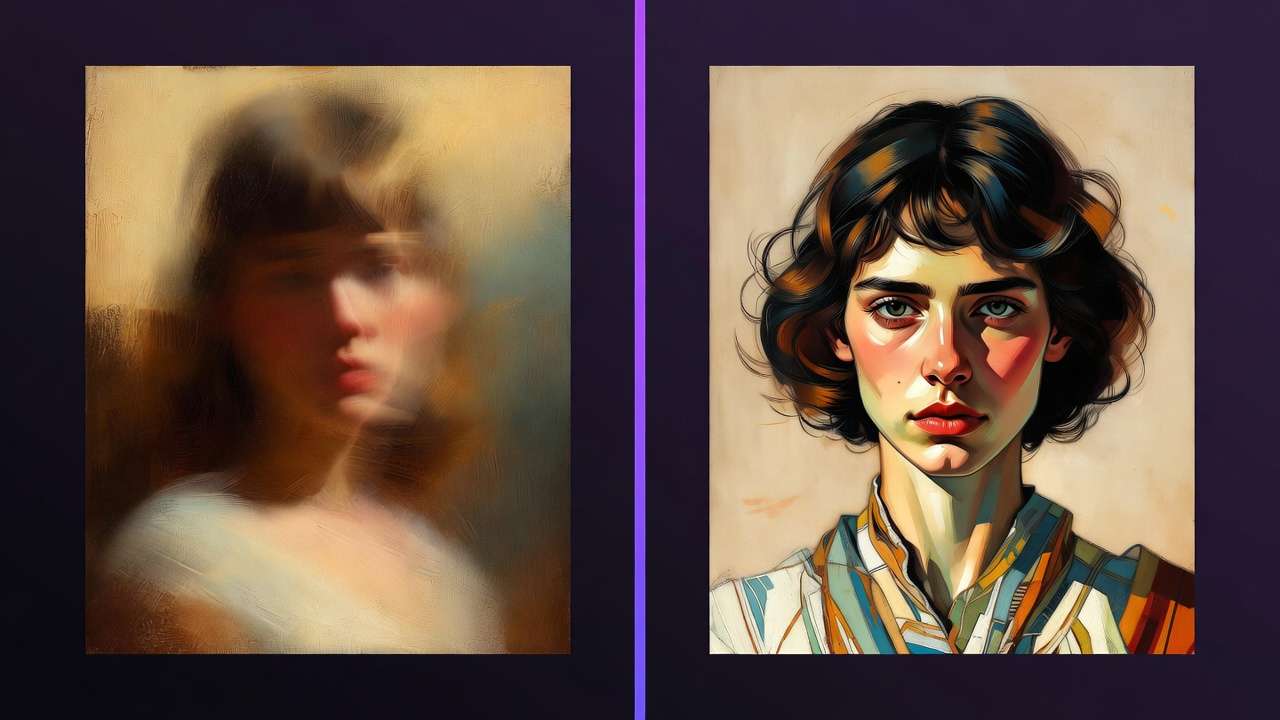
Examples illustrate: For a product walkthrough, start with Imagen 4 for style refs (low credit image gen), transfer via Luma Modify (video extension partial). Static cam? Veo 3.1 Fast (quick queue). High motion? Wan 2.5 Turbo. In Cliprise-like environments, model toggles streamline testing.
Mental Model: Reference Pyramid
Visualize a pyramid: base (keyframes from source), middle (style refs via ImageGen), apex (transfer execution). This hierarchy offloads compute, preserving fidelity. Without it, flat pixel matching collapses under motion weight.
When creators use multi-model solutions such as Cliprise, chaining ImageGen to VideoEdit reveals fewer iterations. Hailuo 02 for fast social drafts; Sora 2 Turbo for nuanced lighting. ByteDance Omni Human adds experimental flair.
This depth-prompts, motion vectors, params-explains why reference strategies dominate in observed workflows.
Real-World Comparisons: Freelancers vs. Agencies vs. Solo Creators
Freelancers prioritize speed for 5s social clips, favoring fast models like Hailuo 02 or Veo 3.1 Fast-turnarounds suitable for drafts in high-volume output suit daily Reels production. Agencies target 15s branded sequences, using quality modes (Veo 3.1 Quality, Sora 2 Turbo) for revision-proof polish. Solo creators experiment with loops, blending Luma Modify and upscalers (Topaz Video) for iterative refinement.
Low-cost models suffice for simple stylization; premium ones shine in lighting nuance. Platforms like Cliprise facilitate switching, e.g., Flux 2 for initial styles, Kling for motion.
Comparison Table: Style Transfer Capabilities Across Model Categories
| Model Category | Example Models | Credit Cost (Example Tier) | Supported Durations (s) | Suitable Scenarios |
|---|---|---|---|---|
| Fast Turbo | Kling 2.5 Turbo, Veo 3.1 Fast | 76-152 credits (Kling 2.5 Turbo per clip), 108 credits (Veo 3.1 Fast per video) | 5/10/15 | Social media reels (quick drafts with duration options) |
| Quality Pro | Sora 2 Turbo, Veo 3.1 Quality | Tiered (e.g. Sora 2 Turbo 270-1134), 720 credits (Veo 3.1 Quality per video) | 5/10/15 | Agency ads (seed reproducibility where supported) |
| Edit-Focused | Runway Aleph, Luma Modify | Varies by edit type (e.g., Topaz 2K: 37 credits) | 5/10/15 | Product demos (multi-ref refinement with 5s tests) |
| Upscale Hybrid | Topaz Video Upscaler, Grok Upscale | 73 credits (Topaz 8K), 19 credits (Grok Upscale) | Post-transfer application | YouTube thumbnails to full vids (2K-8K polish workflows) |
| Audio-Synced | ElevenLabs TTS + Wan Speech2Video | 49 credits / 5K chars (ElevenLabs TTS), 22-44 credits/s (Wan Speech2Video) | 5/10/15 | Talking heads (influencer clips with isolated channels) |
| Experimental | Omni Human, Hailuo Pro | 12 credits (ByteDance), 21 credits (Hailuo Pro) | 5/10/15 | Viral TikTok trends (15s loops with CFG tweaking) |
Data sourced from model specifications on platforms like Cliprise. Note the Fast Turbo row's credit efficiency for freelancers versus Quality Pro's higher allocation for agencies.
Surprising insight: Edit-Focused models bridge gaps in color drift via partial video extension, ideal for solos. Use case 1: Freelancer transforms raw phone footage into neon promo-Hailuo 02 keyframes (3 extracts), transfer in suitable processing for IG (total workflow aligned with credit use). Case 2: Agency refines corporate testimonial-Sora 2 Turbo with ElevenLabs sync, iterations suited for board approval. Case 3: Solo builds glitch art loop-Omni Human experimental, Luma Modify refine, Topaz 4K (experimentation within model parameters).
Community patterns: Freelancers log more fast-model runs; agencies favor seeds for compliance. When using Cliprise, unified access cuts tool hops. Another scenario: Influencer talking-head-Wan Speech2Video post-transfer, reducing desync in 10s clips.
These comparisons reveal tailored fits: speed for volume, precision for stakes.
When Video-to-Video Style Transfer Doesn't Help (And What to Use Instead)
High-motion sports footage poses a classic edge case: desync shows significantly in Kling or similar runs, as rapid vectors overwhelm style mapping. Frames jitter, subjects warp-observed in 10s action clips where ball trajectories fragment. Why? Models prioritize average motion, failing extremes; preprocessing (slow-mo extracts) rarely compensates fully.
Low-res inputs under 720p trigger cascade errors: noise amplification during stylization yields muddy outputs commonly in Hailuo or Runway attempts. Textureless subjects like fur or fabrics falter too-Kling reports challenges in non-human dynamics, styles bleeding unnaturally.
Photorealistic editors needing frame-perfect control should skip: traditional NLEs like After Effects offer precise keyframing without AI variability. Honest limits include queue considerations, non-repeatable non-seed outputs, partial multi-ref. Platforms like Cliprise note creations may appear public by default in free scenarios.
In many workflows, direct prompt generation outperforms transfer for pure stylization-e.g., "cyberpunk street scene" via Veo bypasses source flaws. Layered compositing in pro editors remains king for control.
Alternatives: FFmpeg for keyframe proxies, then gen-from-scratch.
Why Order Matters: The Fatal Mistake in Most Pipelines (Sequencing Hard Truth)
Most pipelines start with full video upload, triggering broad processing overhead-significantly more compute versus targeted inputs. Why fatal? Models ingest unnecessary frames, inflating queues and diluting focus; observed in Kling workflows where 15s clips queue longer than 5s equivalents.
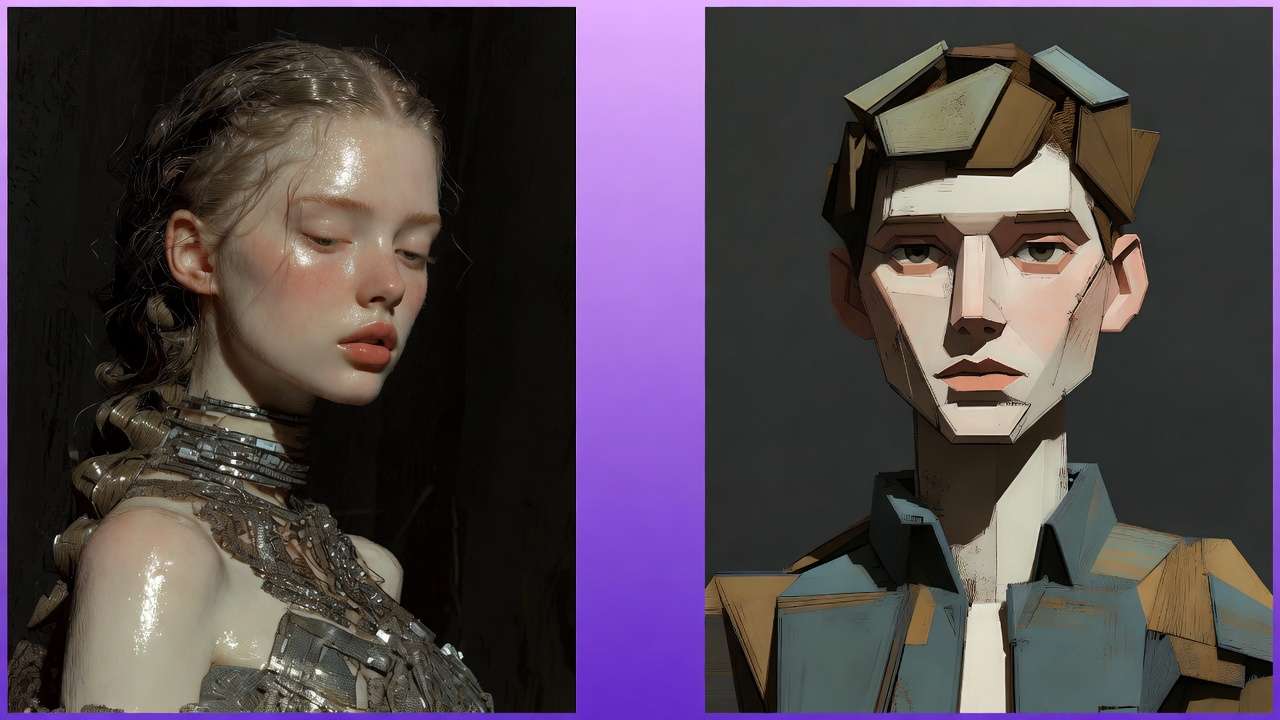
Mental overhead compounds: context switching between upload, prompt tweak, regenerate increases errors notably. Creators juggle tabs, lose prompt history-freelancers report more iterations from disjoint steps.
Image-first (keyframes to style gen) suits static-heavy: Flux 2 refs reduce video compute notably, per logs. Video-first for motion-primary, but risks early lock-in. Patterns: n8n-like enhancers first cut iterations substantially.
Enforced order: Prep (extract), Gen (refs), Transfer, Polish (upscale).
In Cliprise environments, this sequencing leverages model categories seamlessly.
Advanced Tweaks: Parameters That Separate Amateurs from Pros
CFG scale dictates balance: 7-9 for drift in creative transfers (Veo artistic), 10-12 for rigid (Sora precise). Negatives target flicker-"distortion, warp"-essential in dynamic Kling.
Seed chaining: Fix for series, varying slightly for variants. Aspect tweaks: 9:16 mobile vs 16:9 web.
Freelance speed: Low CFG quick tests. Agency precision: High + seeds.
Duration: 5s tests prevent overburn.
Platforms like Cliprise expose these per model.
Industry Patterns: What's Shifting in AI Video Style Transfer
Hybrid edit-gen adoption rises notably post-Veo 3.1, with Runway Aleph + upscalers standard. Model growth to 47+ integrations shortens queues through optimized access.
Shifts: Audio-native (ElevenLabs + Wan). Future: Full refs in upcoming Kling evolutions.
Prep: Seed mastery, as many tools standardize.
Cliprise-like aggregators accelerate testing.
Step-by-Step Workflow: Production-Ready Video-to-Video Style Transfer
-
Prep: FFmpeg extract 3-5 keyframes.
-
Style: Imagen 4/Flux 2 refs.
-
Transfer: Luma Modify, params set.
-
Iterate: Seed/negative.
-
Polish: Topaz, ElevenLabs.
Scenario: Product to cyberpunk (workflow aligned with durations). Cliprise streamlines.
Common Pitfalls and Debugging: Real Creator Fixes
Flicker: Lower CFG. Desync: Shorten. Fidelity: Multi-refs.
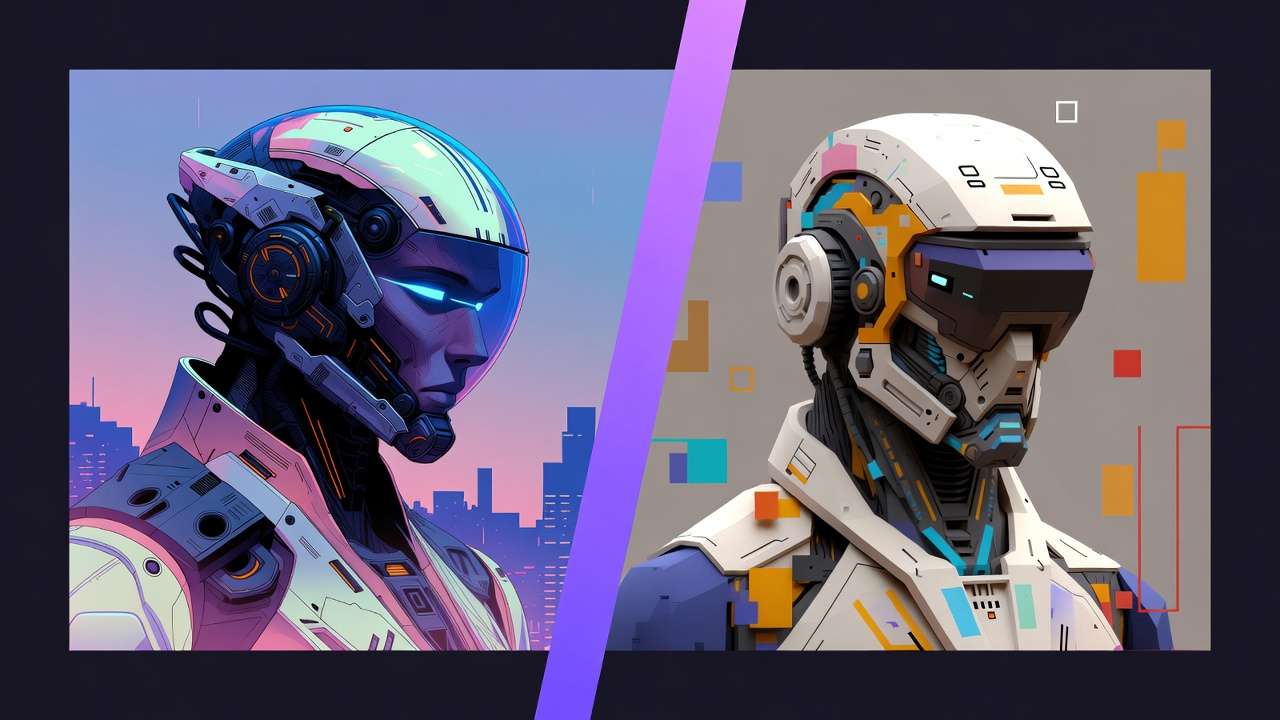
Many from prompts. Cliprise users tweak via index.
Related Articles
Master advanced video techniques with these expert resources:
- AI Video Resolution Explained: 720p vs 1080p vs 4K Quality Guide
- Anime & Cartoon Style Guide: Models for Animation Stylesze style transfer prompts
- Travel Agency Marketing - Apply transfer to destination footage
- Restaurant Social Media - Style transfer for food videos
Conclusion: Master Transfer or Stay Stuck in Basics
Recap: References over pixels. Forward: Audio fusion.
Next: Test sequences daily. Solutions like Cliprise aid multi-model.