Kling AI Avatar API is now available on Cliprise, bringing talking-head and avatar video generation to the platform's Kling video toolkit. The model animates portrait images to produce lip-synced, naturally moving video from audio or text input - enabling AI presenter and character video production without recording studios or on-camera talent.
How It Works
The Kling AI Avatar API accepts two inputs:
- A reference image - a portrait photograph, an AI-generated character, or an illustrated avatar
- Audio or text - an audio file (WAV/MP3) for direct lip-sync, or text that the model converts to speech internally before animating
The output is a video clip of the reference image animated with accurate lip synchronization, natural head movement, blinking, and subtle expression changes - characteristics that distinguish modern avatar video from the rigid, mask-like animation of earlier generation tools.
What This Enables
E-learning and corporate training video. Course narration delivered by AI-animated instructor avatars generated from headshots or branded character assets, produced at a fraction of studio recording cost. Scripts can be updated and re-generated without re-recording sessions.
Marketing spokesperson content. Brand spokesperson video, product demonstration narration, and advertising with AI-animated brand characters - generated at scale from script templates.
Multilingual content production. A single portrait or character asset animated with different language audio tracks, maintaining visual character consistency across all localized versions without re-recording with different voice talent.
Customer support and interactive agents. Talking-head video agents for customer-facing applications where a human-like visual presence improves engagement quality.
Game character dialogue. Character portraits animated with dialogue lines - enabling richer character presentation in games or interactive media without full 3D character rigging.
Technical Specifications
- Input image types: Photographs, AI-generated portraits, illustrated characters, stylized avatars
- Input audio: WAV or MP3; text-to-speech conversion available for direct text input
- Max clip length: 3 minutes per generation
- Output resolution: Up to 1080p (high-quality mode)
- Generation time: 15-45 seconds depending on clip length
Integration with the Cliprise Audio Toolkit
The Kling AI Avatar API pairs naturally with ElevenLabs Text to Speech and ElevenLabs V3 Text to Dialogue for a complete text-to-talking-head pipeline within Cliprise:
- Write script text
- Generate voice audio with ElevenLabs TTS
- Animate portrait with Kling AI Avatar API
All three steps within a single credit system, without external tools. For multi-speaker scenarios (interviews, panel discussions), combine with ElevenLabs V3 Text to Dialogue - generate the conversation audio first, then animate a single host or moderator portrait with the Avatar API for visual framing.
Best Practices for Reference Images
The quality of avatar output depends on reference image quality. Use front-facing portraits with good lighting and neutral expressions - the model animates from a stable base. AI-generated portraits from Gemini 3 Pro or Imagen 4 work well when character consistency across a series is required. For brand spokespersons, use high-resolution headshots with consistent framing. Avoid profile angles, heavy shadows, or occluded faces - the model needs clear facial features for accurate lip sync. The image reference upload guide covers reference selection for video workflows.
Available Now
Kling AI Avatar API is available immediately in the video models section through the Kling AI Avatar API model page. API identifier: kling-ai-avatar-api. Pricing at Cliprise pricing.
Quick Links
- Access Kling AI Avatar API on Cliprise →
- ElevenLabs V3 Text to Dialogue for multi-speaker scripts →
- Kling 3.0 for creative video generation →
- Image-to-video workflow guide →
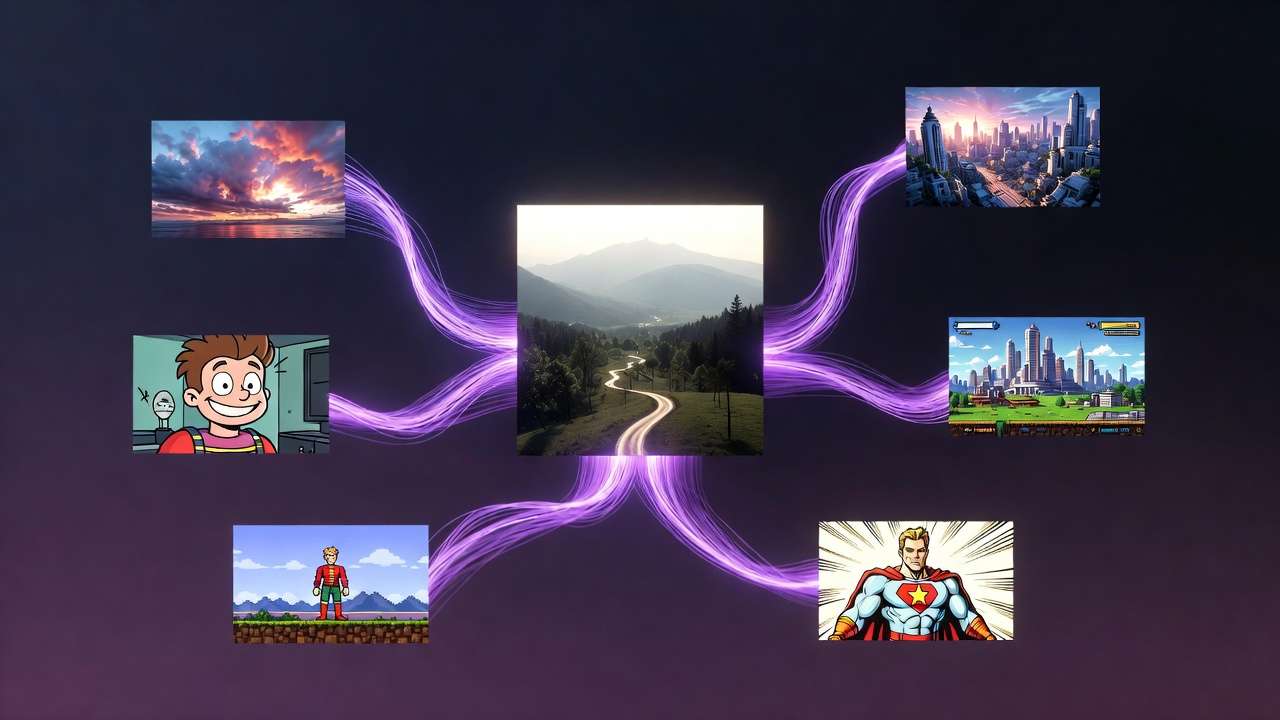
Kling AI Avatar API is available on Cliprise alongside the full Kling video suite.